

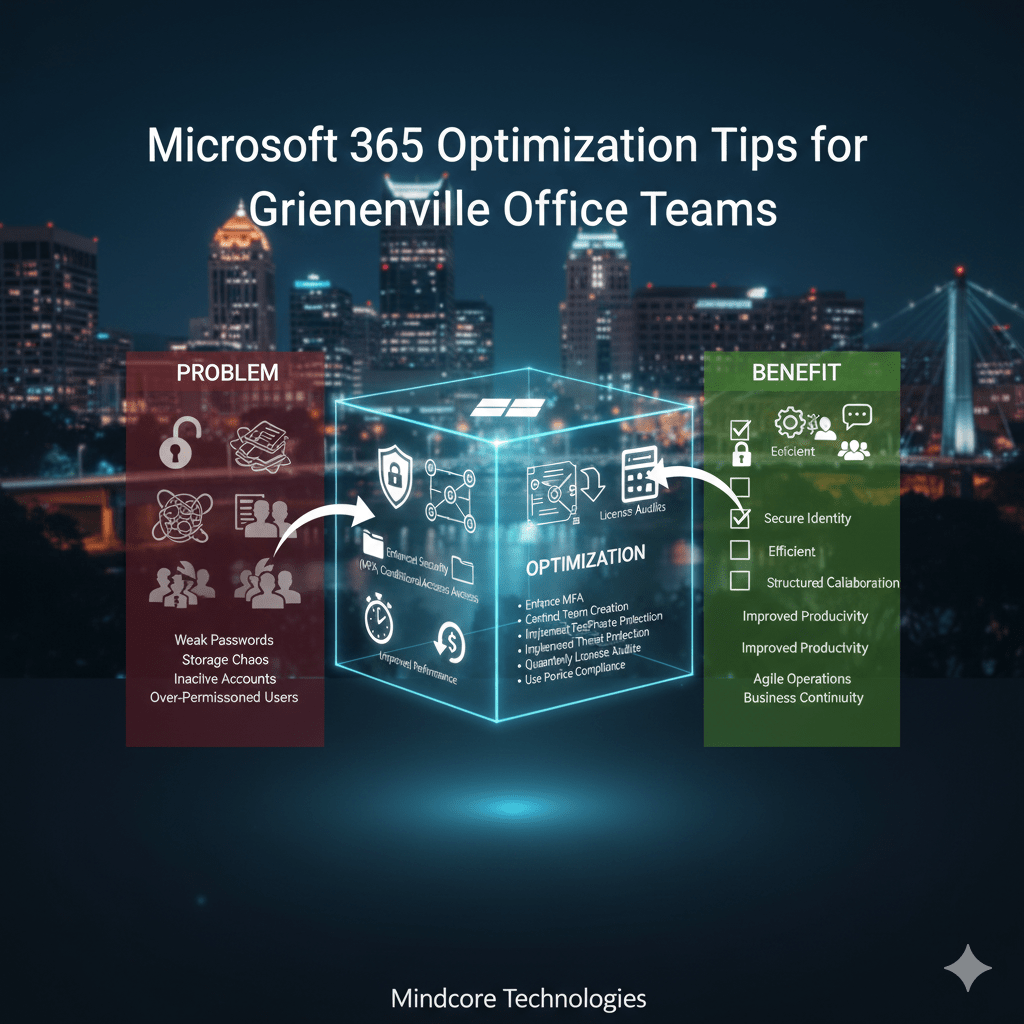
Most Greenville businesses are paying for Microsoft 365 but using only a fraction of its capabilities. The issue is not licensing. It is configuration, governance, and user adoption.
Poorly optimized Microsoft 365 environments lead to security gaps, storage chaos, performance bottlenecks, and frustrated teams.
At Mindcore Technologies, we routinely audit Microsoft 365 tenants and find misconfigured security policies, redundant storage, inactive accounts, and underutilized collaboration tools.
Below are practical, structured optimization steps Greenville office teams should implement.
1. Strengthen Identity And Access Controls
Microsoft 365 security begins with identity.
Common Problem
- Weak password-only authentication
Makes phishing attacks highly effective. - Excessive global admin accounts
Increases the blast radius of credential compromise. - Inactive user accounts left enabled
Creates unnecessary exposure points.
Optimization Tips
- Enforce Multi-Factor Authentication (MFA)
Adds an additional verification layer beyond passwords, reducing credential-based breaches. - Limit Global Administrator Roles
Assign admin privileges only where necessary to reduce risk exposure. - Implement Conditional Access Policies
Restrict access based on location, device health, or risk signals.
Identity governance is foundational to Microsoft 365 optimization.
2. Optimize Microsoft Teams For Performance And Governance
Microsoft Teams often becomes cluttered without structure.
Common Problem
- Uncontrolled team creation
Leads to duplicate groups and confusion. - Overlapping file storage across channels
Creates version control issues. - Excessive notifications
Reduces productivity.
Optimization Tips
- Control Team Creation Permissions
Limit who can create new teams to prevent sprawl. - Define Naming Conventions
Standardized naming improves searchability and governance. - Archive Inactive Teams Regularly
Reduces clutter and improves navigation. - Educate Users On Channel Organization
Prevents file duplication and unnecessary complexity.
Governance reduces digital noise.
3. Clean Up And Structure SharePoint And OneDrive
Storage chaos impacts productivity and compliance.
Common Problem
- Files stored in personal drives instead of shared libraries
Creates data silos. - No retention or lifecycle policies
Increases storage costs and compliance risk. - Oversharing through public links
Exposes sensitive documents.
Optimization Tips
- Implement Retention Policies
Automatically manage file lifecycles and reduce compliance exposure. - Restrict Anonymous Sharing Links
Prevent unintended data leakage. - Structure Departmental SharePoint Sites Properly
Centralizes collaboration instead of fragmenting it.
Data governance improves operational clarity.
4. Improve Email Security And Performance
Email remains the primary attack vector.
Common Problem
- Basic spam filtering only
Leaves users vulnerable to sophisticated phishing. - Unmonitored mail flow rules
Creates blind spots in delivery and compliance. - No mailbox auditing enabled
Limits breach investigation capability.
Optimization Tips
- Enable Advanced Threat Protection Policies
Protects against malicious attachments and links. - Turn On Mailbox Auditing
Improves visibility into suspicious activity. - Implement Anti-Phishing Policies
Reduces impersonation and business email compromise risk.
Security configuration must go beyond defaults.
5. Reduce License Waste And Cost Sprawl
Many Greenville businesses overpay for unused features.
Common Problem
- Inactive accounts still licensed
Wastes monthly subscription costs. - Premium licenses assigned unnecessarily
Users pay for features they do not use. - Lack of usage analytics review
Leadership lacks cost visibility.
Optimization Tips
- Conduct Quarterly License Audits
Identify unused or redundant subscriptions. - Align License Type With Role Requirements
Match feature access to job function. - Monitor Adoption Metrics
Evaluate whether advanced tools are being utilized effectively.
Cost optimization requires consistent oversight.
6. Enhance Collaboration Efficiency
Microsoft 365 includes tools many teams never fully leverage.
Common Problem
- Overreliance on email threads
Slows collaboration. - No standardized document versioning practices
Creates duplication and confusion. - Lack of automation usage
Manual processes consume time.
Optimization Tips
- Encourage Teams-Based Collaboration
Move internal discussions away from email overload. - Use Version History And Co-Authoring
Prevents document conflicts. - Leverage Power Automate For Workflow Automation
Reduces repetitive manual tasks.
Productivity increases when tools are used strategically.
7. Secure Remote And Hybrid Access
Greenville office teams often operate in hybrid environments.
Common Problem
- Unmanaged personal device access
Increases exposure risk. - No device compliance policies enforced
Makes identity-based security incomplete. - Inconsistent endpoint protection standards
Weakens overall tenant security.
Optimization Tips
- Implement Device Compliance Policies Through Intune
Ensures only secure devices access corporate data. - Enforce Conditional Access For Remote Logins
Restricts risky sign-ins automatically. - Require Encrypted Storage On Managed Devices
Protects data if devices are lost or stolen.
Security must extend beyond the office network.
8. Monitor Activity And Usage Continuously
Optimization is ongoing.
Common Problem
- No review of Microsoft Secure Score
Security posture remains static. - Limited visibility into risky user behavior
Threat signals go unnoticed. - No periodic governance reviews
Policies degrade over time.
Optimization Tips
- Review Microsoft Secure Score Monthly
Identify actionable improvement areas. - Enable Alert Policies For Risky Activities
Detect suspicious login attempts and data access. - Conduct Quarterly Tenant Governance Reviews
Maintain alignment with growth and compliance needs.
Continuous improvement prevents drift.
How Mindcore Technologies Optimizes Microsoft 365 Environments
Mindcore helps Greenville office teams by:
- Performing Microsoft 365 security posture assessments.
- Implementing identity-driven access controls and conditional access policies.
- Designing structured SharePoint and Teams governance models.
- Reducing licensing waste through usage analysis.
- Strengthening email and collaboration security configurations.
- Developing ongoing optimization roadmaps aligned with growth objectives.
Optimization requires both technical configuration and operational governance.
Final Takeaway
Microsoft 365 optimization is not about activating more features. It is about securing identity, structuring collaboration, reducing cost waste, and improving operational visibility.
Greenville office teams that optimize Microsoft 365 intentionally improve productivity, reduce security exposure, and align technology with long-term growth.

