

When business PCs feel slow, overclocking often comes up as a tempting shortcut. Push the CPU harder, get more speed, problem solved. In reality, overclocking is one of the fastest ways to introduce instability, overheating, and unplanned downtime into a business environment.
At Mindcore Technologies, we are often called after overclocking attempts have caused crashes, corrupted data, or shortened hardware lifespan. The truth is simple. Overclocking is a consumer and enthusiast tactic. Professional optimization is how businesses improve performance safely.
This article explains the difference, why one is risky for business, and what IT professionals actually do instead.
What CPU Overclocking Really Does
Overclocking forces a CPU to run above its manufacturer-rated specifications by increasing clock speeds and often voltage.
What this means in practice:
- Higher heat output
- Increased power consumption
- Reduced stability margins
- Shortened component lifespan
- Voided warranties in many cases
Overclocking does not make the system more efficient. It makes it work harder, hotter, and closer to failure.
Why CPU Overclocking Is Unsafe for Business PCs
In controlled lab environments, overclocking can appear stable. Business environments are not controlled labs.
1. Business Workloads Are Sustained, Not Bursty
Business PCs run:
- Browsers all day
- Video calls
- Endpoint security
- Background sync
- Cloud applications
Sustained workloads expose thermal and stability limits quickly. Overclocked systems throttle or crash under this load.
2. Overclocking Breaks Thermal Design Assumptions
Business desktops and laptops are designed for specific heat output.
Overclocking:
- Overwhelms cooling systems
- Causes thermal throttling
- Increases fan wear
- Triggers random shutdowns
The result is often less usable performance, not more.
3. Stability Matters More Than Peak Speed
A crash during:
- A client meeting
- A financial close
- A healthcare workflow
- A production task
Costs far more than a small performance gain.
Professional IT prioritizes predictable performance, not peak benchmarks.
4. Overclocking Complicates Support and Compliance
Overclocked systems:
- Are harder to support
- Create inconsistent environments
- Complicate troubleshooting
- Violate many internal IT policies
In regulated industries, undocumented hardware modification is a serious risk.
What Professional Optimization Actually Means
Professional optimization improves performance without pushing hardware beyond safe limits. The goal is to reclaim wasted capacity, not force new capacity.
1. Removing Unnecessary CPU Load
Most CPUs are slow because they are busy with things that should not be running.
IT professionals:
- Audit background processes
- Disable unnecessary startup services
- Remove unused applications
- Eliminate sync loops and misbehaving agents
Reducing wasted CPU cycles often restores responsiveness immediately.
2. Fixing Browser-Induced CPU Drain
Browsers are the largest CPU consumers in modern business workflows.
Professional optimization includes:
- Removing unnecessary extensions
- Limiting persistent tabs
- Resetting corrupt browser profiles
- Standardizing approved browsers
This often produces larger gains than any overclock.
3. Correcting Power and Performance Policies
Many business systems are unintentionally throttled.
IT safely improves CPU performance by:
- Correcting power profiles
- Preventing aggressive throttling
- Ensuring consistent performance while plugged in
No heat increase. No instability.
4. Eliminating Thermal Throttling
Professional optimization focuses on cooling efficiency, not raw speed.
Steps include:
- Cleaning dust buildup
- Improving airflow
- Updating firmware and thermal drivers
- Monitoring temperature under load
A CPU that stays cool maintains higher sustained performance.
5. Tuning Security Tools Correctly
Endpoint security runs constantly and consumes CPU.
IT professionals:
- Remove redundant security agents
- Tune scan schedules
- Apply vendor-recommended exclusions
Security remains strong while CPU load drops.
6. Ensuring the System Is Properly Patched
Outdated systems waste CPU cycles due to inefficiencies and conflicts.
Professional optimization includes:
- OS updates
- Chipset and power driver updates
- Firmware updates
Patching improves both performance and reliability.
7. Measuring Performance Instead of Guessing
Overclocking guesses. Professional optimization measures.
IT monitors:
- CPU utilization trends
- Process-level consumption
- Thermal behavior
- Throttling events
- Crash and error logs
This ensures improvements are real and sustainable.
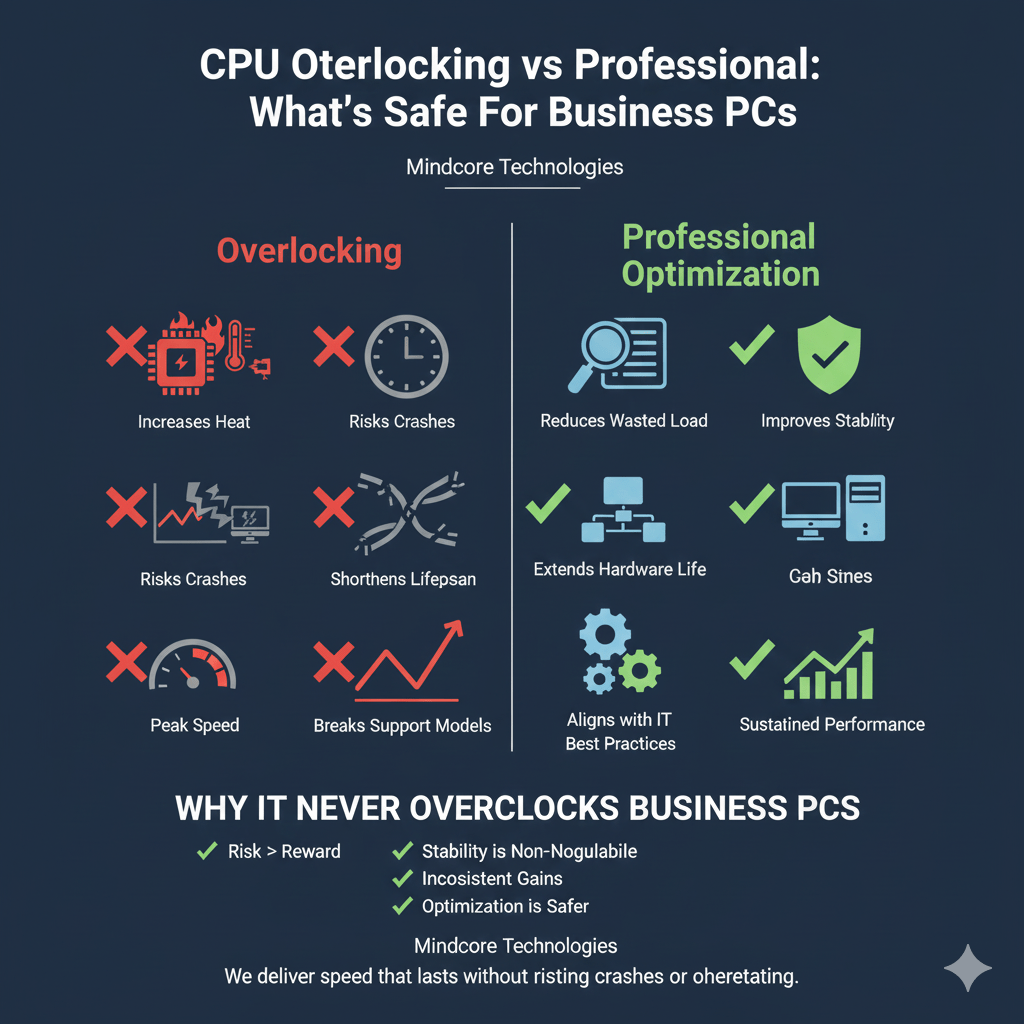
Overclocking vs Professional Optimization: The Business Reality
| Overclocking | Professional Optimization |
| Increases heat | Reduces wasted load |
| Risks crashes | Improves stability |
| Shortens lifespan | Extends hardware life |
| Breaks support models | Aligns with IT best practices |
| Chases peak speed | Delivers sustained performance |
Businesses do not need peak speed. They need reliable speed.
Why IT Never Overclocks Business PCs
Professional IT teams avoid overclocking because:
- The risk outweighs the reward
- Stability is non-negotiable
- Performance gains are inconsistent
- Failures are costly
- Optimization delivers better results safely
If overclocking were safe for business, vendors would ship systems that way. They do not.
How Mindcore Technologies Optimizes CPU Performance Safely
Mindcore improves CPU performance without overclocking through:
- Endpoint performance monitoring
- Background load reduction
- Browser and application optimization
- Power and thermal tuning
- Security tool optimization
- Patch and driver management
- Malware and infostealer removal
We deliver speed that lasts without risking crashes or overheating.
Final Takeaway
CPU overclocking is a shortcut that introduces risk, instability, and long-term cost. Professional optimization is the disciplined approach that businesses rely on to improve performance safely.
If a business PC feels slow, the solution is almost never to push the CPU harder. The solution is to remove what is holding it back.
