

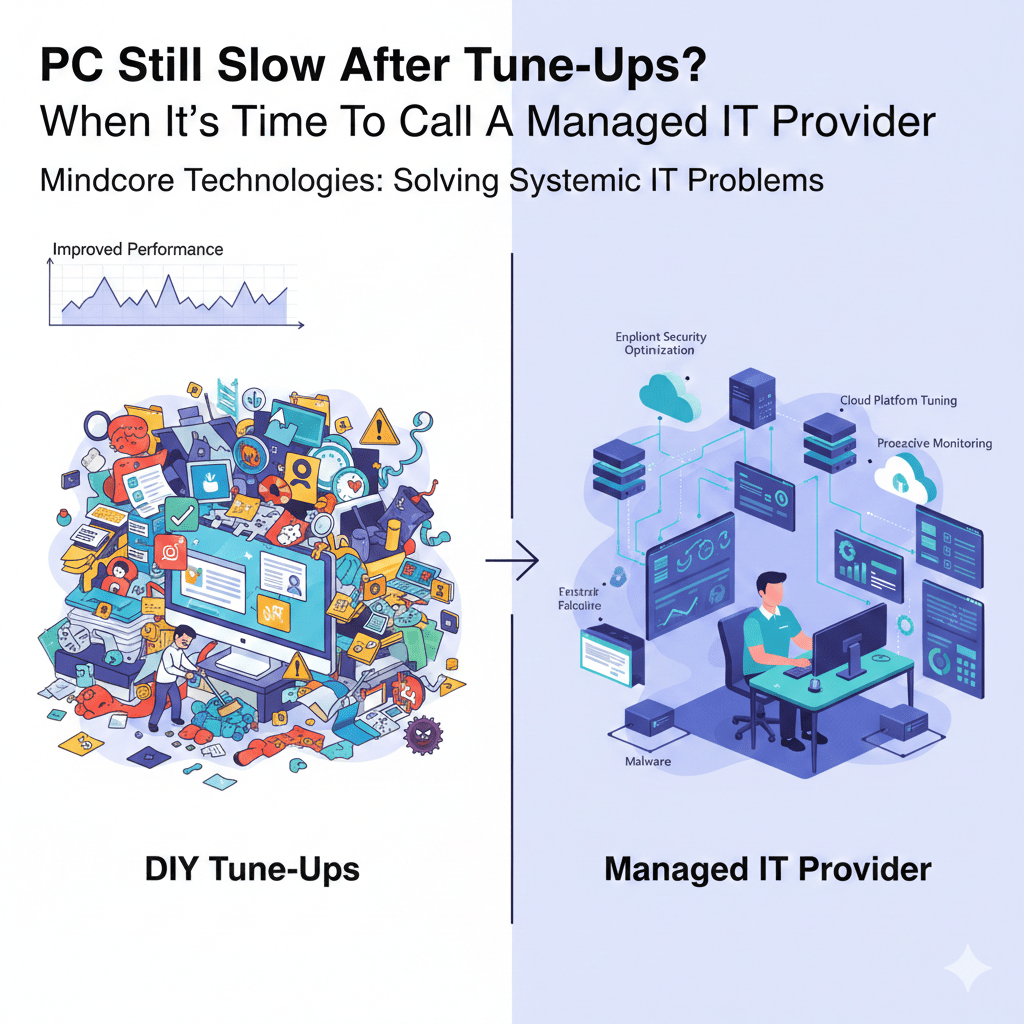
If your PC is still slow after cleanup tools, startup tweaks, disk cleanup, and basic optimization, the issue is no longer cosmetic. At that point, you are dealing with systemic problems that individual fixes cannot solve.
At Mindcore Technologies, we see this scenario constantly. Users run tune-ups, performance improves briefly, and then everything slows down again. That cycle is the warning sign. It means the slowdown is rooted in infrastructure, security configuration, or operational debt, not clutter.
This is where DIY optimization ends and managed IT begins.
The Difference Between Tune-Ups and Real IT Problems
Tune-ups address surface-level inefficiencies:
- Too many startup programs
- Temporary files
- Browser clutter
- Basic malware
Managed IT addresses environment-level causes:
- Identity and access issues
- Endpoint security overhead
- Network congestion
- Patch failures
- Cloud platform misconfiguration
- Aging or failing infrastructure
If tune-ups did not hold, the problem is deeper.
Clear Signs It’s Time to Call a Managed IT Provider
1. Performance Improves Briefly, Then Declines Again
This pattern is the most common red flag.
What it indicates:
- Background services reintroducing load
- Cloud sync loops
- Security agents misconfigured
- Malware or infostealers persisting
- Updates failing silently
Short-lived improvement means the root cause was never eliminated.
2. Multiple Users Are Experiencing Slowness
When more than one person complains about:
- Slow logins
- Lagging cloud apps
- Delayed file access
The issue is not the individual PC.
Common causes include:
- Network bottlenecks
- VPN or firewall issues
- Cloud tenant problems
- Centralized security misconfiguration
These are not user problems. They are IT problems.
3. Security Tools Are Hurting Performance
Modern endpoint security is resource-intensive when not tuned correctly.
Symptoms:
- Constant disk activity
- High CPU usage across systems
- Slow application launches
- Long login times
DIY fixes cannot safely adjust security tooling. Managed IT is required to tune protection without weakening it.
4. Cloud Applications Are the Main Bottleneck
If local apps run fine but:
- Email lags
- File sync stalls
- CRM or ERP feels slow
- Video calls freeze
The issue typically lives in:
- Network quality
- DNS or routing
- Identity authentication latency
- Cloud configuration
A managed IT provider evaluates all of this together.
5. Updates and Patches Never Fully Complete
Systems that fail to update consistently will never stay fast.
Red flags:
- Repeated Windows update failures
- Driver conflicts
- Firmware never updated
- Security tools partially installed
Patch debt compounds performance and security problems over time.
6. You’re Troubleshooting Blind
If performance troubleshooting relies on:
- Guessing
- One-off fixes
- Random tools
You are already past the tune-up stage.
Managed IT uses:
- Performance telemetry
- Resource utilization trends
- Error logs
- Security signals
- Network analytics
Measurement replaces guesswork.
What Managed IT Does That Tune-Ups Cannot
1. Root-Cause Analysis Across the Entire Environment
Managed IT looks beyond the device:
- Endpoints
- Network
- Identity
- Cloud services
- Security stack
Performance is evaluated as a system, not a symptom.
2. Proactive Monitoring Instead of Reactive Fixes
Instead of waiting for slowness:
- Issues are detected early
- Resource spikes are identified
- Failures are prevented
This creates consistent performance, not temporary relief.
3. Security and Performance Are Tuned Together
DIY optimization often breaks security.
Managed IT:
- Tunes EDR without weakening protection
- Eliminates redundant agents
- Balances encryption and performance
Security should not be the reason systems crawl.
4. Network and Cloud Optimization
Many performance issues live off the device.
Managed IT optimizes:
- Wi-Fi and switching
- VPN behavior
- Cloud tenant configuration
- DNS and routing
Users never see this work, but they feel the results.
5. Hardware Decisions Are Data-Driven
Instead of replacing PCs blindly:
- Actual utilization is measured
- Upgrade vs replace decisions are justified
- Hardware lifecycles are planned
This avoids wasted spend and unnecessary downtime.
Why Waiting Too Long Costs More
Organizations that delay managed IT support experience:
- Repeated productivity loss
- Escalating security exposure
- Emergency replacements
- Higher long-term costs
- Frustrated employees
Performance debt compounds just like technical debt.
How Mindcore Technologies Solves Persistent Performance Issues
Mindcore resolves “unfixable” slow PCs by addressing the entire environment:
- Endpoint performance monitoring
- Malware and infostealer removal
- Security tool optimization
- Patch and update enforcement
- Network performance analysis
- Cloud platform tuning
- Hardware lifecycle planning
- Proactive monitoring and response
We stop the cycle instead of chasing symptoms.
The Decision Rule IT Professionals Use
Call a managed IT provider when:
- Tune-ups do not last
- More than one system is affected
- Security tools slow systems down
- Cloud apps are the main bottleneck
- Updates repeatedly fail
- Troubleshooting relies on guessing
That is the inflection point.
Final Takeaway
If your PC is still slow after tune-ups, the problem is not the user and not the device. It is the environment supporting it. Managed IT exists to solve problems that individual fixes cannot reach.
When performance issues become persistent, systemic, or widespread, calling a managed IT provider is not an escalation. It is the correct next step.
