

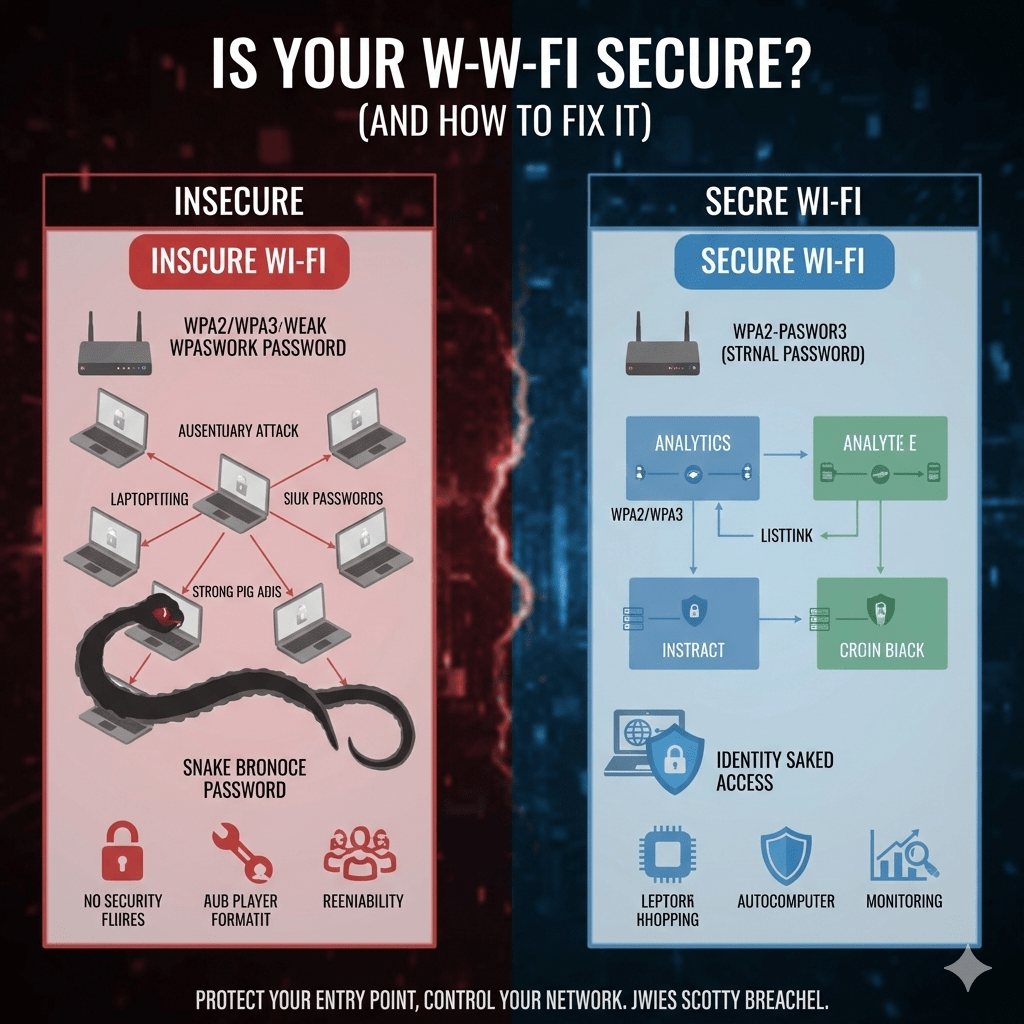
Most Wi-Fi breaches do not look like attacks. They look like normal activity on a network that trusts the wrong things. If your wireless network is misconfigured, attackers do not need to “break in.” They simply connect and blend in.
At Mindcore Technologies, we regularly trace ransomware, credential theft, and internal network compromise back to weak Wi-Fi security. In many cases, the organization believed its Wi-Fi was secure because it had a password. That assumption is what attackers rely on.
This guide explains how to tell if your Wi-Fi is secure, the specific signs that it is not, and the exact steps to fix it properly.
Why Wi-Fi Security Is a High-Risk Blind Spot
Wi-Fi is often treated as convenience infrastructure. In reality, it is:
- A direct entry point into your network
- A trusted path to internal systems
- A bridge to cloud accounts and identity
If Wi-Fi is weak, attackers bypass many other controls simply by joining the network.
Clear Signs Your Wi-Fi Is Not Secure
1. You Don’t Know What Security Type You’re Using
If you are unsure whether your Wi-Fi uses:
- WPA3
- WPA2
- WPA
- WEP
That alone is a red flag.
Anything other than WPA3 or WPA2-Enterprise is unsafe by modern standards.
2. Everyone Shares the Same Wi-Fi Password
Shared passwords create permanent risk.
This means:
- Former employees may still have access
- Passwords get reused or leaked
- Access cannot be revoked per user
At work, shared Wi-Fi passwords are a serious security gap.
3. Guest and Internal Devices Use the Same Network
If guests, contractors, or personal devices use the same Wi-Fi as:
- Employee laptops
- Servers
- Printers
- Business systems
Your network is exposed. One infected device can affect everything.
4. Your Router or Access Points Haven’t Been Updated
Outdated firmware is a common entry point.
If:
- Updates are never applied
- The hardware is several years old
- Default settings were never reviewed
Known vulnerabilities may already exist on your network.
5. WPS Is Enabled
Wi-Fi Protected Setup is designed for convenience, not security.
WPS:
- Is frequently abused
- Can allow unauthorized access
- Should be disabled in most environments
If WPS is on, your Wi-Fi is easier to compromise.
6. You Don’t Monitor Connected Devices
If you cannot quickly answer:
- How many devices are connected
- Which ones belong to employees
- Which ones are unknown
You lack visibility. Lack of visibility equals lack of control.
How Attackers Exploit Weak Wi-Fi
Attackers do not need advanced techniques.
They rely on:
- Weak or reused Wi-Fi passwords
- Legacy encryption standards
- Flat wireless networks
- Trusted internal access
Once connected, they scan, move laterally, and steal data using legitimate access paths.
How to Fix an Insecure Wi-Fi Network
1. Use the Correct Wi-Fi Security Standard
At Home
- Use WPA3-Personal
- Use a long, unique passphrase
- Avoid reusing work or cloud passwords
At Work
- Use WPA3-Enterprise when possible
- If not available, use WPA2-Enterprise with 802.1X
- Avoid WPA2-Personal and shared passwords
Encryption matters, but identity matters more.
2. Separate Guest and Internal Wi-Fi
Always create:
- An internal Wi-Fi network for employees
- A separate guest Wi-Fi network
Guest Wi-Fi should:
- Have no access to internal systems
- Be isolated by firewall rules
- Use bandwidth limits if needed
Guests should never be trusted by default.
3. Tie Wi-Fi Access to Identity at Work
Enterprise Wi-Fi should:
- Authenticate users individually
- Integrate with identity systems
- Allow access revocation per user
When someone leaves, their Wi-Fi access should end immediately.
4. Disable WPS and Default Settings
Secure configurations include:
- WPS disabled
- Default admin credentials changed
- Management interfaces restricted
Convenience features often become attack paths.
5. Keep Firmware and Hardware Current
Wi-Fi security depends on:
- Regular firmware updates
- Hardware that supports modern encryption
- Retiring end-of-life devices
If your equipment cannot support WPA3, it should be replaced.
6. Monitor Connected Devices
Secure Wi-Fi environments:
- Track connected devices
- Alert on unknown or rogue connections
- Review usage periodically
You should always know who and what is on your network.
7. Segment Wireless Traffic From Critical Systems
Wi-Fi should never provide unrestricted access.
Segmentation ensures:
- User devices cannot reach servers directly
- Compromised laptops do not expose infrastructure
- Incidents remain contained
Wireless is part of the network perimeter.
Common Wi-Fi Security Mistakes We See
- Treating Wi-Fi as “set it and forget it”
- Using home-grade routers in business environments
- Never rotating or revoking access
- Trusting devices once connected
- Ignoring wireless traffic entirely
These mistakes are routinely exploited.
How Wi-Fi Security Fits Into a Secure Network
Wi-Fi security supports:
- Network segmentation
- Identity-based access
- Zero Trust architectures
- Endpoint protection
Weak Wi-Fi undermines firewalls, monitoring, and access controls by creating a trusted foothold.
How Mindcore Technologies Secures Wi-Fi
Mindcore Technologies helps organizations secure wireless networks by focusing on:
- WPA3 and enterprise-grade Wi-Fi security
- Identity-based authentication
- Guest network isolation
- Wireless segmentation and policy enforcement
- Continuous monitoring and review
- Alignment with Zero Trust principles
We treat Wi-Fi as critical infrastructure, not a convenience feature.
A Simple Security Check
Your Wi-Fi is not secure if:
- You use WEP, WPA, or shared WPA2 passwords at work
- Guest and internal devices share access
- Firmware is outdated
- You do not know who is connected
- Wireless traffic is unrestricted internally
Attackers look for the easiest entry point. Wi-Fi often is.
Final Takeaway
Secure Wi-Fi is not about stronger passwords alone. It is about using modern encryption, enforcing identity-based access, isolating devices, and maintaining visibility. Weak Wi-Fi quietly undermines every other security investment you make.
Homes should use WPA3-Personal with strong passphrases. Businesses should use WPA3-Enterprise or WPA2-Enterprise with strict identity controls. Anything less creates unnecessary and avoidable risk.
