

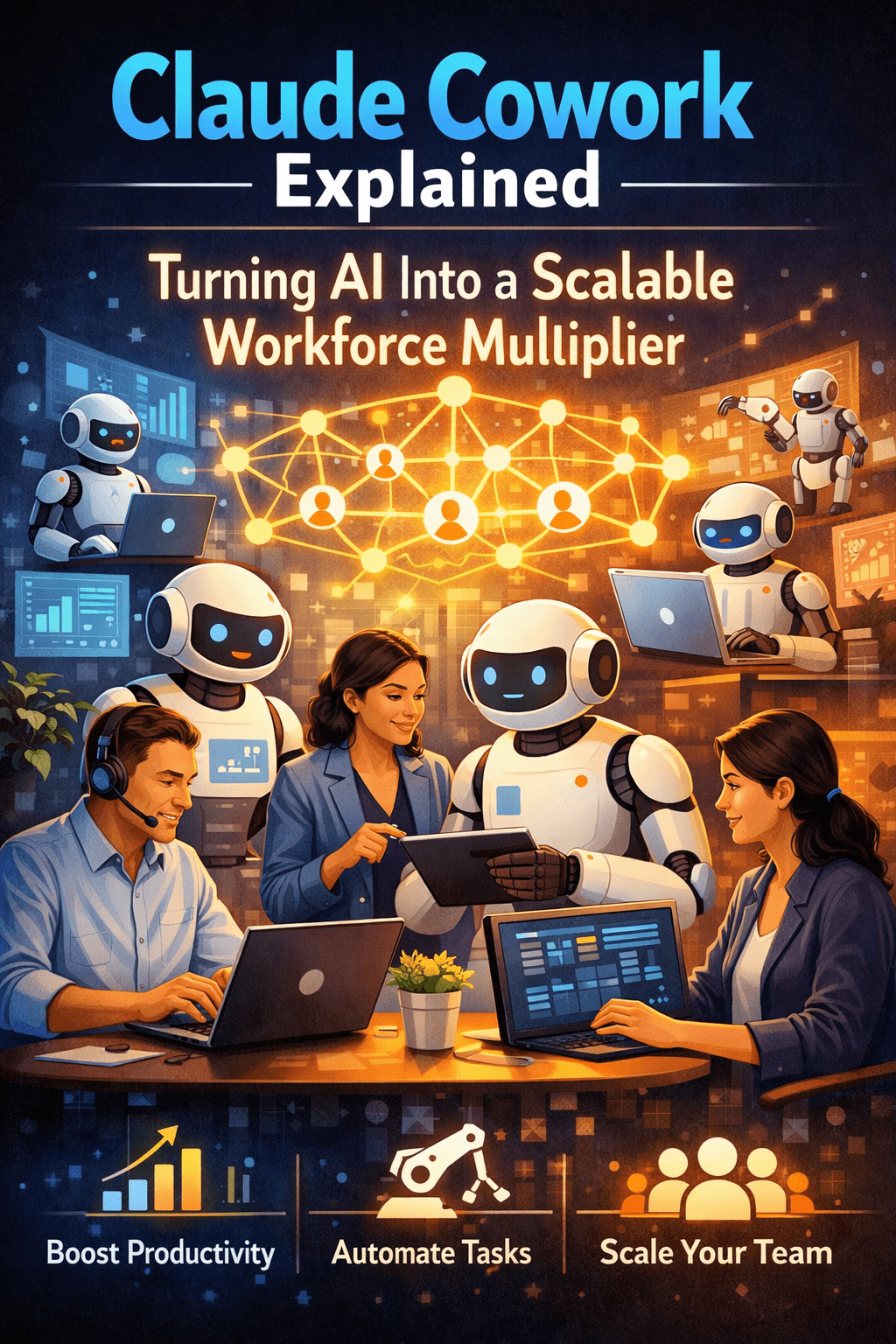
Hiring more people scales headcount. It does not scale judgment, speed, or execution consistency. That is the problem Claude Cowork solves.
Most enterprise growth strategies hit the same wall: operational volume increases faster than the team’s capacity to manage it. More files, more tasks, more coordination — handled manually by the same number of people. AI has been positioned as the solution to that problem for years. For most organizations, it has not delivered on that positioning because the deployment model was wrong.
Claude Cowork is a desktop agent that automates file management and task execution for non-technical staff — giving every operational employee the output capacity of a much larger team.
Overview
Workforce multiplication through AI is not a concept. It is a deployment decision. The tools capable of automating high-frequency operational work already exist. What has been missing is a product that puts those tools directly in the hands of the people who need them — without requiring developer configuration, IT support, or behavior change from employees.
- Claude Cowork operates as a desktop agent, not a chat interface or browser-based assistant
- It automates file management and task workflows for non-technical enterprise staff
- Workforce multiplication happens at the operational layer, not just the knowledge layer
- Deployment requires no coding, scripting, or engineering resources
- Every employee with Cowork handles the task volume that previously required manual coordination across multiple people
The 5 Why’s
- Why does enterprise operational capacity plateau even as AI investment increases? Because most AI tools are deployed at the knowledge layer — generation, research, summarization. The work that consumes the most operational time is file handling, task coordination, and repetitive execution. That layer has gone largely unautomated.
- Why can’t existing automation platforms fill this gap? They were built for technical users. Configuring workflows in platforms like Zapier, Power Automate, or custom scripts requires skills that operational staff do not have and should not need to acquire to do their jobs.
- Why does workforce multiplication require a desktop agent specifically? Browser-based tools cannot interact with local file systems, trigger system-level actions, or maintain context across sessions. Meaningful automation of file and task workflows requires system-level access — which only a desktop agent provides.
- Why is non-technical accessibility the defining requirement? Automation that requires an IT request to deploy will always reach a fraction of the workforce. Cowork’s plain-language configuration means every operational employee can set up and modify workflows independently — scaling adoption without a technical bottleneck.
- Why does this matter more now than it did three years ago? Operational volume per employee has increased. Headcount growth has slowed. The gap between what teams need to execute and what they can execute manually is widening — and it will continue to widen until the automation layer catches up.
What “Workforce Multiplier” Actually Means in Practice
Workforce multiplier is not a marketing phrase. It has a specific operational meaning: one employee, using Cowork, handles the file and task volume that previously required multiple manual touchpoints — without working longer hours or changing how they approach their role.
The multiplication happens in three places:
- Execution speed — automated workflows complete file and task actions in the time it takes a person to recognize the need for them
- Consistency — every automated workflow runs identically, eliminating the variation that accumulates when manual handling scales across teams
- Attention preservation — employees stop spending cognitive capacity on low-complexity, high-frequency tasks and redirect it toward work that requires judgment
That last point is the most underestimated one. The cost of repetitive manual work is not just the time it takes. It is the attention it consumes — attention that is no longer available for decisions, problems, and work that actually requires a person.
How Cowork Multiplies Output Without Adding Headcount
The traditional response to increasing operational volume is hiring. That approach has compounding costs: recruitment, onboarding, management overhead, and the ramp time before a new employee reaches full productivity. It also does not solve the underlying problem — it just distributes it across more people.
Cowork addresses the volume problem at the source. File organization, task updates, coordination handoffs, and repetitive execution tasks are automated at the desktop level. The existing team handles more without the delays, costs, or inconsistencies that come with scaling through headcount alone.
Why Operational Staff Are the Multiplier Target
AI workforce multiplication has been concentrated at the knowledge worker layer — writers, analysts, developers. These are not the employees who face the highest volume of repetitive, automatable work. Project coordinators, operations managers, administrative staff, and team leads spend significant portions of their day on tasks that are high-frequency and low-complexity. They are also the employees who have received the least direct benefit from enterprise AI investment.
Cowork reverses that priority. The interface is designed for immediate use without technical configuration. Automation logic is expressed in plain language. The result is AI deployment at the point of highest operational volume — not just the point of highest technical capability.
Why Consistency Is as Valuable as Speed
Speed is the obvious benefit of automation. Consistency is the more durable one. Manual execution at scale introduces variation — files named differently, tasks updated inconsistently, handoffs that depend on who is handling them on a given day. That variation is not visible in any single instance. It accumulates into coordination overhead, error correction, and audit gaps that organizations absorb as background noise.
Automated workflows eliminate that variation by design. Every execution follows the same logic, produces the same output format, and generates the same audit trail. At scale, that consistency is not a minor operational improvement. It is a structural advantage.
What Claude Cowork Automates
- File organization and management — sorting, renaming, moving, and archiving files based on content, type, date, or defined rules — without manual review
- Task creation and updates — generating, assigning, and updating tasks across workflows without platform switching or manual entry
- Coordination handoffs — routing outputs, notifications, and follow-up actions automatically when defined conditions are met
- Repetitive execution sequences — multi-step workflows that previously required manual triggering at each stage run end-to-end without intervention
- Audit trail generation — every automated action is logged, attributable, and reviewable without additional configuration
Where Cowork Fits in the Enterprise AI Stack
- Handles the desktop and file layer — where Claude in Excel, PowerPoint, and Chrome handle specific content types within their environments, Cowork operates across the broader desktop and file system
- Built for operational staff, not developers — Claude Code handles agentic coding workflows for engineering teams; Cowork is purpose-built for the employees managing operational volume
- No platform migration required — Cowork works on top of existing file structures and task systems; it does not require replacing the platforms already in use
- Scales without IT dependency — each employee configures and manages their own workflows without requiring engineering support at each step
A Simple Workforce Capacity Check
Your organization is leaving AI workforce multiplication on the table if:
- Operational staff spend significant time daily on file organization, renaming, and manual sorting
- Task updates and coordination handoffs require manual follow-up to complete
- Workflow automation requires an IT or engineering request to build or modify
- AI tools are in use but only for generation tasks, not operational execution
- Headcount requests are driven by volume growth that automation could absorb
These are capacity gaps that Cowork is built to close.
Final Takeaway
Workforce multiplication through AI has been a promise longer than it has been a product. The gap between that promise and enterprise reality is not a capability problem — the models are capable. It is a deployment problem. AI that requires technical configuration to set up, a separate interface to access, and manual effort to integrate into work cannot multiply anything. It can only assist.
Claude Cowork is built differently. A desktop agent that operates inside the work environment, automates file and task execution at the system level, and gives non-technical operational staff direct access to the automation layer that has been out of reach for most of the enterprise AI era.
Every organization has a ceiling on what its current team can execute manually. Cowork raises that ceiling — without adding headcount, without adding friction, and without requiring a developer to make it work.
Scale Your Team’s Output With Mindcore Technologies
Mindcore Technologies helps enterprises deploy Claude Cowork and the broader Claude AI suite into real operational workflows — identifying where workforce multiplication is possible, configuring deployments for non-technical teams, and ensuring adoption produces measurable output gains from day one.
Talk to Mindcore Technologies About Scaling With Claude Cowork →
Contact our team to find out where your current operational capacity is capped — and what it takes to move that ceiling.

