

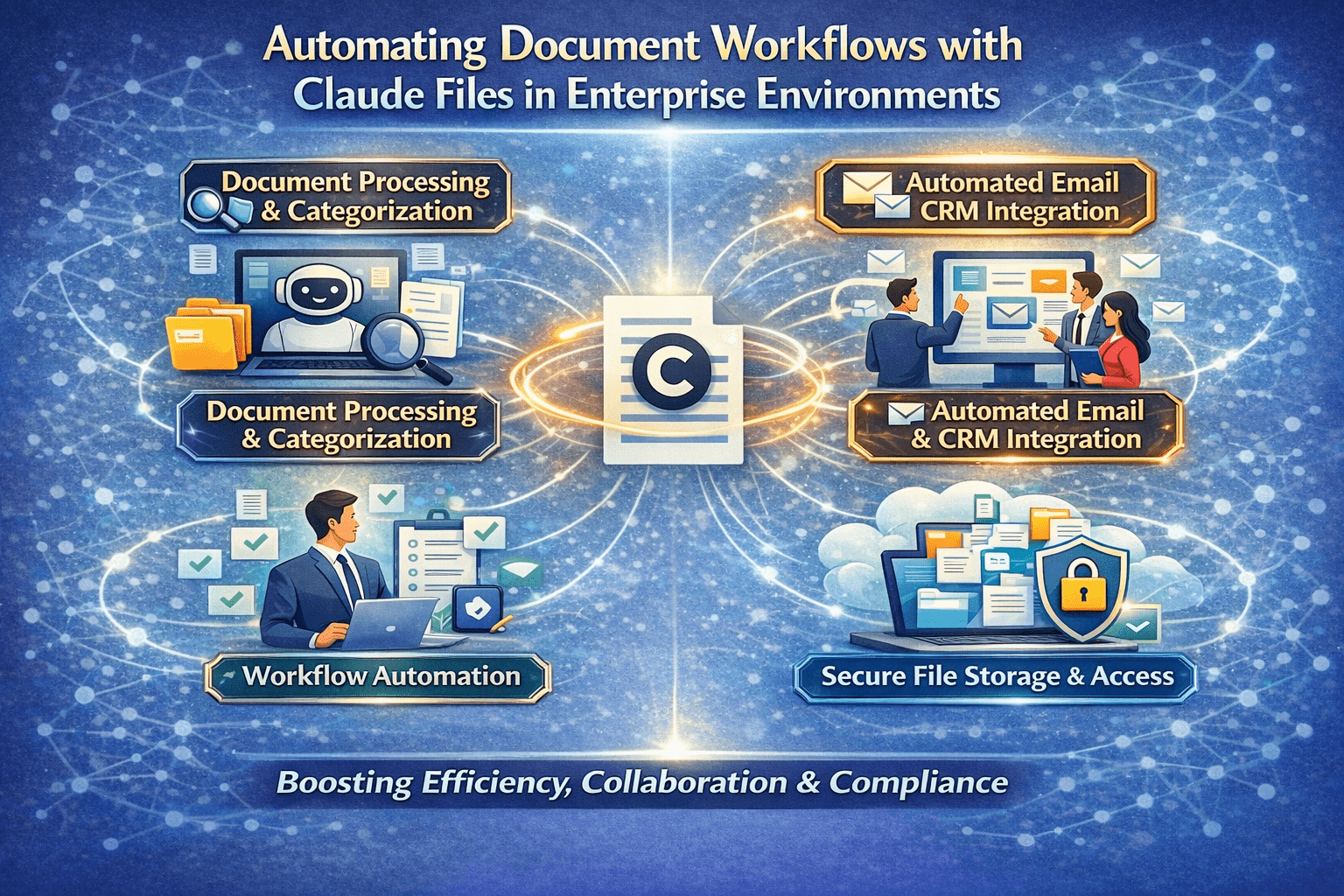
Document workflows are among the most labor-intensive operations in enterprise environments. A document arrives. Someone reviews it to determine what it is. Someone extracts the relevant information. Someone routes it to the right process. Someone follows up on what the document requires. At high volume, each of those steps consumes significant employee time — not because the steps require expert judgment, but because they have never had a tool that handles them automatically.
Claude Files automates the document workflow from intake through action — handling the classification, extraction, routing, and follow-up steps that currently require manual attention, and routing to human review only the cases where the documents themselves require judgment rather than just processing.
Overview
Automated document workflows with Claude Files replace the manual execution steps that have historically defined document processing — reading to classify, extracting to populate records, deciding where to route, triggering what comes next. Those steps run automatically for documents that meet defined processing criteria. Documents that fall outside defined criteria route to human review with structured processing attempts logged for efficient manual handling. The volume handled without manual intervention increases. The time humans spend on document processing concentrates on the cases that genuinely require it.
- Document intake classification runs automatically — documents are categorized and routed without manual review
- Field extraction populates downstream records without manual data entry
- Routing logic applies defined business rules to analysis outputs without manual decision-making at each document
- Follow-up action triggering converts document analysis findings into system actions automatically
- Exception handling routes unusual documents to human review with structured analysis outputs that reduce manual handling time
The 5 Why’s
- Why does document workflow automation require AI analysis rather than rule-based automation? Rule-based automation handles documents that match defined rules — consistent formats, predictable content, expected field locations. Enterprise document intake encounters documents that vary in format, contain irregular content, and arrive from sources that do not conform to internal standards. AI analysis handles that variability; rule-based automation either fails on it or requires rules maintenance that scales with every new variation encountered.
- Why is the classification step the highest-leverage automation target in document workflows? Classification determines everything downstream — what extraction logic applies, what routing rules govern, what action triggers fire. Accurate classification that runs automatically at intake enables every subsequent automation step to operate correctly. Manual classification that is inconsistent or delayed bottlenecks every downstream step that depends on it.
- Why does automated field extraction need validation before it triggers downstream system updates? Extraction errors that reach downstream systems — incorrect values in CRM records, wrong amounts in financial systems, inaccurate data in compliance records — create correction work that is more expensive than the time saved by automation. Validation layers between extraction and downstream action are not optional — they are the control that makes automation reliably net-positive.
- Why does exception routing design determine the reliability of automated document workflows in production? Every document workflow encounters documents that fall outside the defined processing criteria — unusual formats, incomplete content, ambiguous classification. Automated workflows without explicit exception handling fail silently on those documents — they disappear into the automation without being processed and without human awareness. Defined exception routing ensures every document is accounted for, whether processed automatically or routed for manual handling.
- Why does action triggering from document analysis results produce the highest operational return? Analysis that produces a structured output for a human to act on manually is partial automation. Analysis that triggers the appropriate system action directly — creating the record, sending the notification, initiating the workflow — is complete automation. The operational return from complete automation is proportionally higher because the manual execution step that partial automation still requires is eliminated.
The Automated Document Workflow Architecture
Stage 1: Intake and Classification
Documents arrive at the intake point — email attachment, upload portal, scan, API delivery — and enter the automated processing pipeline:
- Document type is classified from content analysis
- Classification label determines which processing path applies
- Documents that cannot be classified with defined confidence route to a classification exception queue for manual review
- Successfully classified documents proceed to extraction with the appropriate extraction schema loaded
Stage 2: Extraction and Validation
Classification-appropriate extraction logic runs on each document:
- Defined fields are extracted using the schema for that document type
- Extracted values are validated against format expectations and cross-field consistency rules
- Extractions that pass validation proceed to the routing stage
- Extractions that fail validation route to an extraction exception queue with the failed extraction attempt logged for efficient manual correction
Stage 3: Routing and Record Population
Validated extractions trigger the routing and record population actions:
- Downstream system records are populated with extracted field values
- Routing decisions are applied based on extracted content and defined business rules
- Notifications are generated for human review queues or stakeholder alerts as defined by routing logic
- Routing exceptions — documents where the extracted content triggers unusual routing conditions — are flagged for supervisor review
Stage 4: Action Triggering
Analysis findings from the document trigger the appropriate downstream actions:
- Contract documents with upcoming expiration dates trigger renewal workflow initiation
- Compliance documents with flagged conditions trigger compliance review assignments
- Financial documents with unusual characteristics trigger fraud review escalations
- Application documents with complete and qualifying information trigger approval processing initiation
Document Workflow Automation by Function
- Accounts payable — invoice receipt, field extraction, GL coding, approval routing, and payment scheduling automated from invoice document intake
- Human resources — onboarding document intake, field extraction, record population, and checklist tracking automated from employee documentation receipt
- Legal and compliance — contract intake, key provision extraction, obligation tracking entry, and renewal calendar population automated from executed agreement receipt
- Customer service — customer correspondence intake, inquiry classification, account context retrieval, and response queue routing automated from incoming communication receipt
A Simple Document Workflow Automation Readiness Check
Your document workflows are ready for Claude Files automation if:
- Specific document types have been identified with sufficient volume to justify automation design investment
- Classification criteria for each document type can be defined explicitly enough for automated classification with defined confidence thresholds
- Extraction schemas have been defined for each document type — the fields downstream systems require
- Routing logic has been documented — the rules that determine what happens to each document type based on its content
- Exception handling has been designed — what happens to documents that fail classification, fail extraction, or trigger unusual routing conditions
Final Takeaway
Document workflow automation with Claude Files is end-to-end automation of the manual execution steps that document processing has always required — from intake classification through extraction, routing, and action triggering. The documents that meet defined processing criteria are handled automatically. The documents that require judgment reach a human reviewer with the processing attempt already documented and the relevant context already assembled.
The enterprise that has designed this automation handles its document volume without the manual labor that volume currently requires — and the employees who previously spent their time on document processing steps concentrate their attention on the judgment and relationship work that documents inform but cannot replace.
Automate Your Document Workflows With Mindcore Technologies
Mindcore Technologies works with enterprise operations and IT teams to design and deploy end-to-end document workflow automation with Claude Files — classification design, extraction schema development, routing logic definition, action triggering architecture, and exception handling design that produces production-reliable automation from day one.
Talk to Mindcore Technologies About Document Workflow Automation →
Contact our team to map your document workflow volume and design the Claude Files automation that handles it.

