

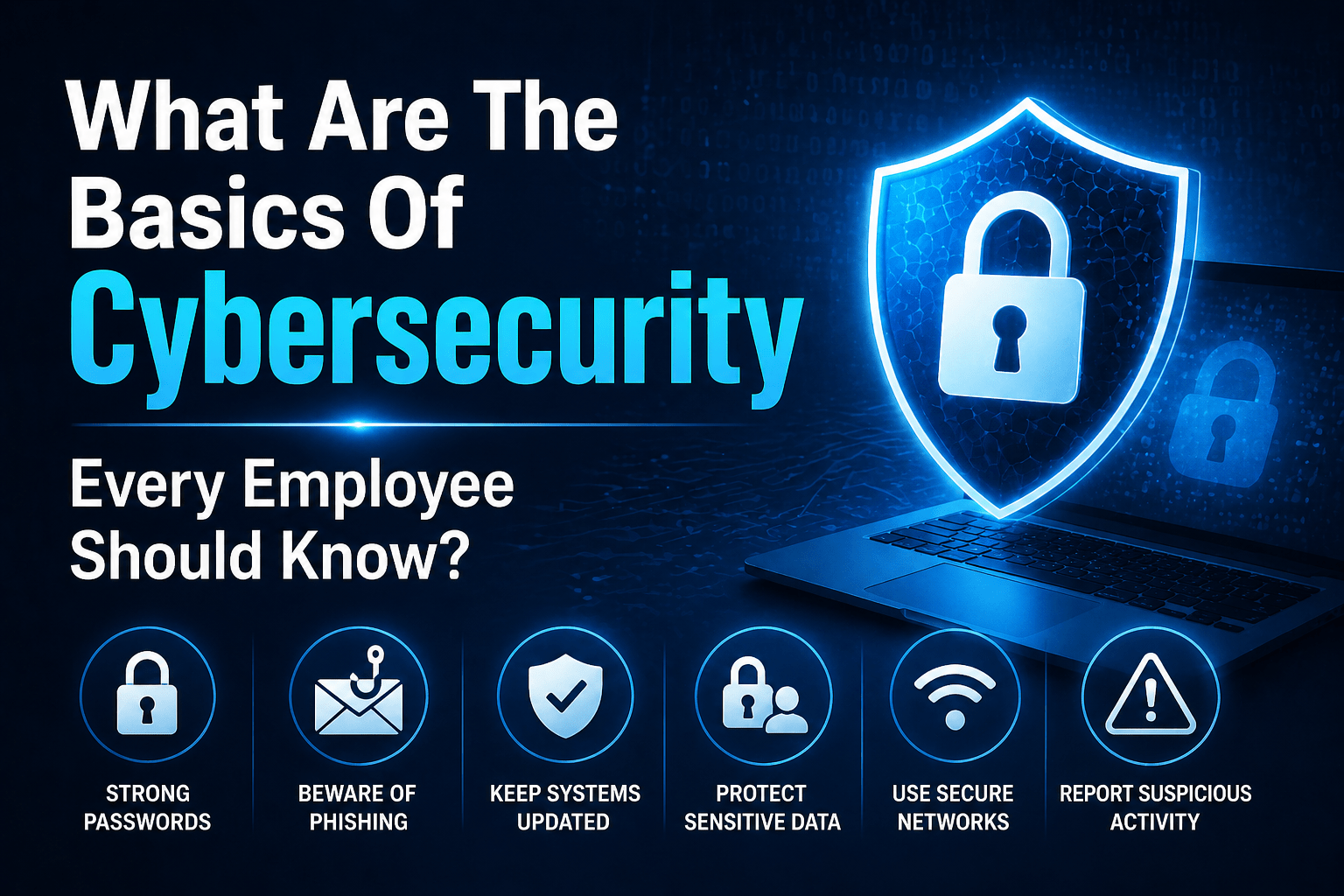
Cybersecurity is not a job function most employees were hired to perform. It is, however, a responsibility every employee shares whether they realize it or not. Every employee with a device, a login, or access to business data is part of the organization’s security posture. Their behavior — how they handle passwords, how they respond to suspicious emails, how they manage data — either strengthens or weakens that posture.
The basics below are not targeted at IT professionals. They are the foundational knowledge that every employee in every role should have — the minimum understanding of what threats exist, what they look like, and what to do about them that allows every team member to be a functional part of the organization’s security rather than an unmanaged vulnerability.
For businesses building security awareness training programs, this list represents the core curriculum that every employee should complete before expanding into role-specific training.
1. Phishing Emails Are the Most Common Attack Starting Point
The majority of cyberattacks begin with an email that tricks an employee into clicking something, downloading something, or entering credentials somewhere. These emails are increasingly convincing — they can look exactly like emails from Microsoft, your bank, your IT team, or your CEO.
What employees should know: check the actual sender domain (not just the display name), look for urgency and unusual requests as red flags, hover over links before clicking to see where they go, and never enter credentials on a page you reached through an email link without verifying the URL. When in doubt, report rather than delete.
2. Multi-Factor Authentication Is Non-Negotiable
MFA adds a second verification step — a code from an app or a text message — to your login. It means that even if someone has your password, they cannot log in to your account without that second step. Enable it on everything it is available on: email, business applications, cloud platforms.
What employees should know: MFA fatigue attacks exist — attackers repeatedly trigger MFA requests hoping you approve one out of frustration. Only approve MFA requests you initiated yourself. If you receive an unexpected MFA request, report it.
3. Passwords Should Be Unique and Never Reused
Using the same password across multiple services means a single breach anywhere exposes your accounts everywhere. Password databases from prior breaches are actively used to attempt access to business services — and they succeed when passwords are reused.
What employees should know: use the company-provided password manager to generate and store unique passwords for every service. Never share passwords. Report immediately if you believe a password has been compromised.
4. Sensitive Data Has Specific Handling Rules
Not all data is equal. Customer personal information, financial records, health data, and confidential business documents require handling that routine data does not. Where you store it, how you transmit it, and how you dispose of it are governed by the organization’s data handling policy.
What employees should know: know what data in your role is considered sensitive, where you are authorized to store it (approved platforms only), and how to handle requests to share it — verification before sharing, proper channels for transmission.
5. Unsolicited Requests for Information or Access Should Be Verified
Any request for credentials, access, sensitive information, or financial action — regardless of who it appears to come from — should be verified through a separate channel before complying. This is particularly true for unusual requests or requests delivered with urgency.
What employees should know: “I need your password” and “I need you to wire money urgently” from anyone are requests to verify — no matter who they appear to come from. Call back on a known number. Contact your manager. Never let urgency rush you past verification.
6. Reporting Suspicious Things Is Part of Your Job
The value of a trained employee is not just that they avoid falling for attacks — it is that they report suspicious activity so the organization can respond. Every suspected phishing email, every unexpected MFA request, every unusual access attempt that is reported gives the security team the ability to investigate and protect others.
What employees should know: use the reporting button in your email client for suspicious emails. Contact IT support for unusual device behavior, unexpected account activity, or suspicious requests. Reporting something that turns out to be benign is never the wrong call.
7. Devices Must Be Secured When Unattended
An unlocked device left unattended in an office or a public space is accessible to anyone who walks by. Lock screens should activate after a short idle period. Devices should never be left unattended in public environments without being secured.
What employees should know: lock your screen when you step away (Windows: Win+L; Mac: Control+Command+Q). Never leave a device unattended in a public environment. Report lost or stolen devices immediately.
8. Software Updates Are Security Requirements
Software updates frequently include patches for security vulnerabilities that attackers actively exploit. Delaying updates leaves known vulnerabilities in place. Update prompts should not be dismissed repeatedly — they should be scheduled and applied.
What employees should know: apply device updates when prompted or according to the schedule set by IT. Never click “remind me later” indefinitely. Report devices that cannot update to IT support.
9. Public Wi-Fi Requires a VPN
Public Wi-Fi networks in coffee shops, hotels, and airports are not private. Traffic on these networks can potentially be intercepted. Business work should be done over a VPN on public networks.
What employees should know: enable VPN before using public Wi-Fi for work. Know how to connect to the company VPN. Ask IT if uncertain about remote work network requirements.
10. If Something Feels Wrong, Say Something
Experienced security professionals frequently describe recognizing attacks through intuition — something about a request, a communication, or a situation felt off before they could articulate exactly why. That instinct is worth acting on.
What employees should know: if something feels wrong — a request seems unusual, a website looks slightly different, an email or call seems off — pause, verify, and report. You do not need to be certain it is an attack to report it. Let the security team make that determination.
Final Takeaway
Every employee shares responsibility for the organization’s security posture through their daily behavior. The ten basics above — phishing recognition, MFA, password management, data handling, verification, reporting, device security, updates, VPN, and trusting instincts — form the foundation that makes every technical security control more effective and every social engineering attack less likely to succeed.
Security Basics Training From Mindcore Technologies
Mindcore’s cybersecurity services include employee security basics training delivered through our security awareness programs. Our managed IT services enforce many of these basics at the technical level — ensuring MFA is deployed, devices are managed, and patches are applied — so employee training operates on a foundation of technical support.
Talk to Mindcore Technologies About Employee Security Basics Training

