A SonicWall SMA1000 vulnerability rated 10.0, the highest score on the CVSS scale, was patched on Tuesday, October 6, 2026, and by Friday attackers were exploiting it, according to BleepingComputer. The flaw, tracked as CVE-2026-102255, lets someone with no login send requests through the appliance and reach internal functions it was never meant to expose, as The Hacker News reported when SonicWall shipped hotfixes for four SMA1000 flaws. If your business runs an SMA1000 for remote access and the hotfix went on after exploitation began, installing it closed the door but told you nothing about who walked through it. This guide covers what to do in that gap: work out your exposure window, rebuild rather than repair, scope everything the appliance could reach, track every edge device with an owner, and set a retirement rule before the next advisory lands.
Overview: Five Principles for a Late Patch
These are the five principles our team applies whenever a remote-access appliance is exploited before a client patches it:
- The patch ends the exposure, not the incident. Code an attacker planted before the hotfix survives the hotfix.
- Exposure is measured in hours, not versions. What matters is how long the vulnerable portal faced the internet after exploitation started.
- A rebuilt appliance beats a cleaned one. SonicWall’s own guidance for a compromised SMA1000 is to re-image physical units or redeploy virtual ones.
- The appliance is a doorway, so scope the rooms behind it. A request-forgery flaw is dangerous because of what sits on the internal network.
- Decide your tolerance in advance. A rule written in a calm week, such as two pre-login critical flaws in twelve months triggers replacement, beats a debate held during the third emergency.
The reader we have in mind is an IT manager or owner at a 20 to 300 person firm, with one or two remote-access appliances and no dedicated security team.
Why a Patch Is Not the Finish Line for a SonicWall SMA1000 Vulnerability
A SonicWall SMA1000 vulnerability that is exploited within days of disclosure turns patching from a maintenance task into an incident response question, because any business that patched after exploitation began cannot assume its appliance is clean.
What Changed Between Tuesday and Friday
The timeline is the lesson here. When SonicWall published hotfixes on October 6, the company said it had no evidence any of the four flaws was being exploited, so a firm that slotted the update into its normal monthly window was making a reasonable call on Tuesday. By Friday that same call looked very different. Attackers routinely compare the patched and unpatched builds, work out what changed, and start scanning the internet for portals that still answer the old way.
One view holds that a three-day gap is simply bad luck and that patching within a week is still good hygiene. The other view is that for an internet-facing login portal, a week is now longer than the time attackers need. Both are fair. Our position is narrower: if your hotfix went on after October 9, treat the appliance as possibly touched and follow the steps below, whatever your normal patch rhythm says.
Why the Same Appliance Keeps Showing Up
This is not the first time in 2026 the SMA1000 line has carried a maximum-severity flaw. Earlier advisories this year also described an unauthenticated request-forgery flaw in the Work Place interface, the portal remote users log into, and those were exploited too. A repeat pattern does not mean the product is uniquely weak; VPN and remote-access gateways across the industry draw attackers because they sit on the internet and hold the keys to the internal network.
Still, repetition changes the math for a small business. Each emergency costs staff hours, after-hours change windows and the nagging question of whether the last one was fully cleaned up. We have seen clients absorb two or three of these a year without ever stepping back to ask whether the appliance still earns its place. Step 5 is where that question gets answered on purpose.
Step 1: Work Out Your Exposure Window
Your exposure window is the span between the moment exploitation began and the moment your hotfix took effect, and that number decides how much of the next four steps you need to do.
Reconstructing the Timeline
Start with three timestamps: when SonicWall published the advisory, when exploitation was first reported, and when your hotfix was installed and the appliance rebooted. Pull the last one from the appliance’s own management console and from your change record, not from memory. If the portal was patched before exploitation was public, your window is close to zero and the rest of this guide becomes a precaution. If it was patched days later, the window is real.
Then ask whether the Work Place portal was reachable from the internet during that span. Some firms restrict it to known IP ranges or put it behind another gateway, which shrinks exposure sharply. Most do not, because remote staff connect from home networks and hotels. Write the answer down; the post-incident report and any insurer conversation will need it.
When the Logs Are Gone
Many small businesses discover at this point that the appliance kept only a few days of logs, or that logs were never forwarded anywhere. That is common, and it is not a reason to stop. Missing logs mean you cannot prove the appliance was untouched, so the safe assumption is that it was.
One school of thought says to hire forensics before changing anything, so evidence is preserved. Another says rebuild immediately, because a compromised edge device is an active risk. For most SMBs we recommend a middle path: export whatever logs and configuration exist, take a snapshot if the appliance is virtual, then move to Step 2 the same day. A vulnerability assessment afterward confirms nothing else on the network was opened up.
Step 2: Rebuild the Appliance Instead of Repairing It
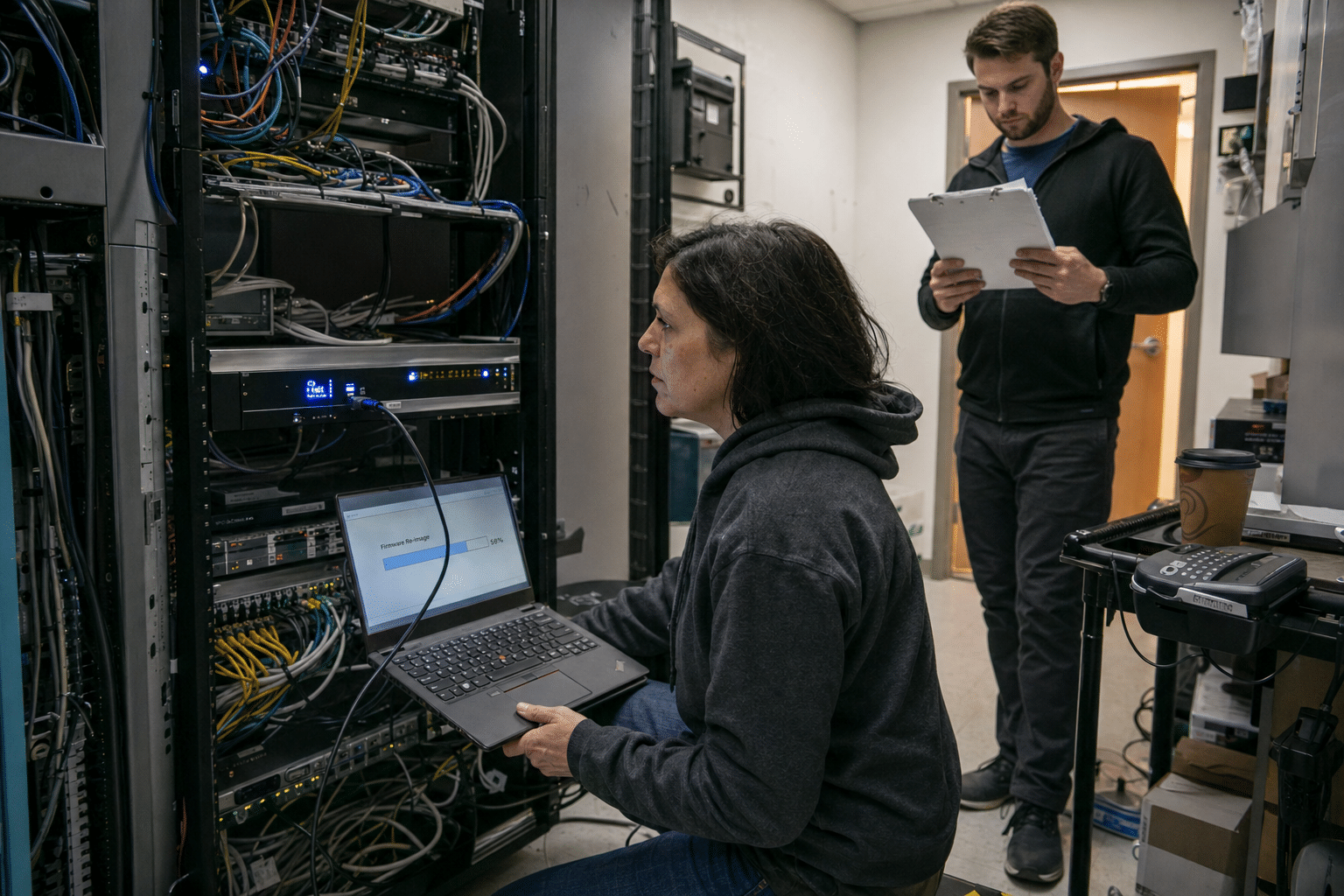
Rebuilding a possibly compromised SMA1000 means re-imaging the physical unit or redeploying the virtual one from a fresh image, then applying the current hotfix and a configuration you trust, because a hotfix fixes the flaw but does not remove anything an attacker left behind.
Why a Hotfix Does Not Evict an Intruder
A hotfix replaces vulnerable code. It does not inspect the appliance for new administrator accounts, altered startup scripts, implanted web shells or changed authentication settings. Attackers who reach an edge appliance often add exactly that kind of persistence, precisely because they expect a patch to follow.
Some administrators argue that a full rebuild is overkill when there is no sign of compromise. That argument is strongest when the exposure window is near zero and logs are intact. When the window is measured in days and the logs are thin, the rebuild is cheaper than the alternative, which is running a remote-access gateway you cannot vouch for. Plan for two to four hours of downtime and tell remote staff in advance.
Which Configuration Backup to Trust
After the fresh image, you need the appliance’s settings back, and the most recent backup is the wrong one to grab first. A configuration exported after exploitation began may carry an attacker’s changes, so pick an export dated before the exposure window opened.
If no such backup exists, rebuild the configuration by hand from documentation, and compare it line by line against the current export to spot anything unfamiliar: an extra local account, a new portal bookmark, a changed authentication server. That comparison is tedious, and it is also the step most likely to catch something. Going forward, schedule automatic weekly configuration exports to storage the appliance itself cannot write to.
Step 3: Treat Everything the Appliance Could Reach as Suspect
The danger of a request-forgery flaw in a remote-access appliance is not the appliance itself but the internal systems it can talk to, so the scope of your review is set by what sits behind the portal.
Mapping What Sits Behind the Portal
List every internal application, file share and server the SMA1000 publishes to remote users, plus anything on the same network segment. For a typical SMB that includes the line-of-business application, a file server, a remote desktop host and often the directory server used for login. Each of those was reachable through the flaw during your window.
Review sign-in records on those systems for the window, looking for logins from the appliance’s internal address at odd hours or for accounts that do not normally use remote access. Our guide to how to implement a vulnerability management process explains how to keep that system list current so the next review starts from a document rather than a whiteboard.
The Accounts the Appliance Holds
Remote-access appliances usually hold a service account that queries the directory, and sometimes saved credentials for single sign-on into internal applications. Rotate all of them after the rebuild, along with local administrator passwords on the appliance and any shared accounts remote users rely on.
There is a fair counterpoint that rotating credentials across a small company causes disruption for an event that may never have happened. We weigh that against the cost of an attacker holding a valid directory account for months. Overly broad permissions make that worse, which our post on insider threats hidden in your SMB access permissions covers, and vendors with standing remote access deserve the same scrutiny, as described in third-party vendor access risks.
Step 4: Put Every Edge Appliance on an Inventory With an Owner
An edge appliance inventory is a single list of every device that faces the internet, with its model, firmware version, support status and the named person who receives its security advisories, and without one a business learns about a critical flaw from the news instead of the vendor.
What the Inventory Must Record
For each SSL-VPN, firewall, remote-access gateway and phone system, record the model, serial number, current firmware or hotfix level, end-of-support date, who can log into its management console, and whose inbox receives the vendor’s security notices. That last field is where most small businesses fall down. Advisories often go to an address set up years ago by someone who has since left.
Add a column for how the device is exposed: open to the internet, restricted by IP range, or reachable only through another gateway. This one column tells you, on the morning an advisory drops, which devices need attention before lunch and which can wait for the evening.
A 72-Hour Patch Clock for Edge Devices
Most patch policies treat every system alike, often on a monthly cycle. For internet-facing appliances with a pre-login critical flaw, we recommend a separate clock of 72 hours from advisory to installed hotfix, with an emergency change approved in advance so nobody waits for a meeting.
Critics point out that rushing firmware onto a gateway risks breaking remote access for the whole company. That risk is real, which is why the clock should come with a tested rollback and a short maintenance notice template. The costs of running this properly are laid out in our breakdown of vulnerability management cost line items for SMBs.
Step 5: Set a Retirement Trigger for a SonicWall SMA1000 Before the Next Advisory
A retirement trigger is a written rule that says when a remote-access appliance gets replaced, based on how many critical pre-login flaws it has carried, its support dates and the response hours it has cost, so the decision is made on evidence rather than during an emergency.
Arguments for Keeping the Appliance
There are good reasons to keep an SMA1000 in service. It is already paid for, staff know how to use it, and replacing a remote-access gateway touches every remote worker, every vendor connection and every bookmark. A vendor that ships fixes quickly and publishes clear guidance is also doing its job. Switching platforms carries its own learning curve and its own future flaws.
If the appliance stays, harden it: restrict the Work Place portal to known IP ranges where you can, require phishing-resistant multi-factor authentication, forward logs to storage the appliance cannot alter, and keep the 72-hour clock from Step 4.
Arguments for Replacing It
The case for replacement rests on accumulated cost. Count the emergency change windows, after-hours staff time, rebuilds and credential rotations the appliance has caused this year. For a small IT team, three maximum-severity events in one product line within a year is a lot of unplanned work.
The alternative many firms are weighing is application-level access, where users reach a single approved application after identity checks rather than landing on the internal network through a VPN tunnel. Our article on secure remote access without VPN risk walks through that model, and the overview of technologies in secure workspace solutions, from virtual desks to zero trust access covers the options. A sample trigger: two pre-login critical flaws in twelve months, or support ending within eighteen months, starts a replacement project.
Frequently Asked Questions
Is the SonicWall SMA1000 vulnerability CVE-2026-102255 being exploited?
Yes, BleepingComputer reported on October 9, 2026 that attackers were exploiting the maximum-severity SMA1000 flaw patched three days earlier. Any business that installed the hotfix after that date should assume its appliance may have been reached and review it accordingly.
Does installing the SMA1000 hotfix remove an attacker who already got in?
No, a hotfix replaces the vulnerable code but does not remove accounts, scripts or files an attacker added beforehand. SonicWall advises re-imaging physical appliances or redeploying virtual ones when compromise is suspected.
How do we know if our SMA1000 was exposed?
Compare when exploitation was first reported with when your hotfix was installed, and check whether the Work Place portal was reachable from the internet during that span. If logs from the window are missing, treat the appliance as possibly compromised.
Which passwords should we change after an SMA1000 rebuild?
Rotate the directory service account the appliance uses, any saved single sign-on credentials, local administrator passwords on the appliance and shared accounts used by remote staff. Do it after the rebuild so new credentials never touch the old image.
Should a small business replace its SSL-VPN appliance after repeated flaws?
It depends on a rule you set in advance, such as two pre-login critical flaws in twelve months or approaching end of support. Replacement makes sense when emergency response hours start to outweigh the disruption of moving to a different access model.
Who Stands Behind This Guidance
Mindcore Technologies has spent years managing and securing remote-access gateways, firewalls and VPN appliances for small and mid-sized businesses across New Jersey, Florida and beyond. Our engineers have rebuilt edge devices after late patches, traced what an exposed portal could reach, and helped clients decide when an appliance had cost more than it was worth. The steps in this guide come from that work, written so an in-house IT lead can run them without waiting on anyone.
Matt Rosenthal, Mindcore’s CEO, focuses on helping SMB leaders turn security advisories into clear business decisions, so a headline about a 10.0 flaw becomes a short, owned plan rather than a week of uncertainty.
Get a Second Opinion on Your SonicWall SMA1000 Before the Next Flaw
A late patch on a SonicWall SMA1000 is survivable when you treat it as an incident: measure the exposure window, rebuild from a configuration dated before it, rotate everything the appliance could reach, and put every edge device on an inventory with a named owner and a 72-hour clock. The step most firms skip is the last one, writing down the rule that decides when an appliance has had its final emergency. If you want a second set of eyes on your exposure window, your rebuild plan or that retirement rule, book a free strategy call and we will work through it with you.