

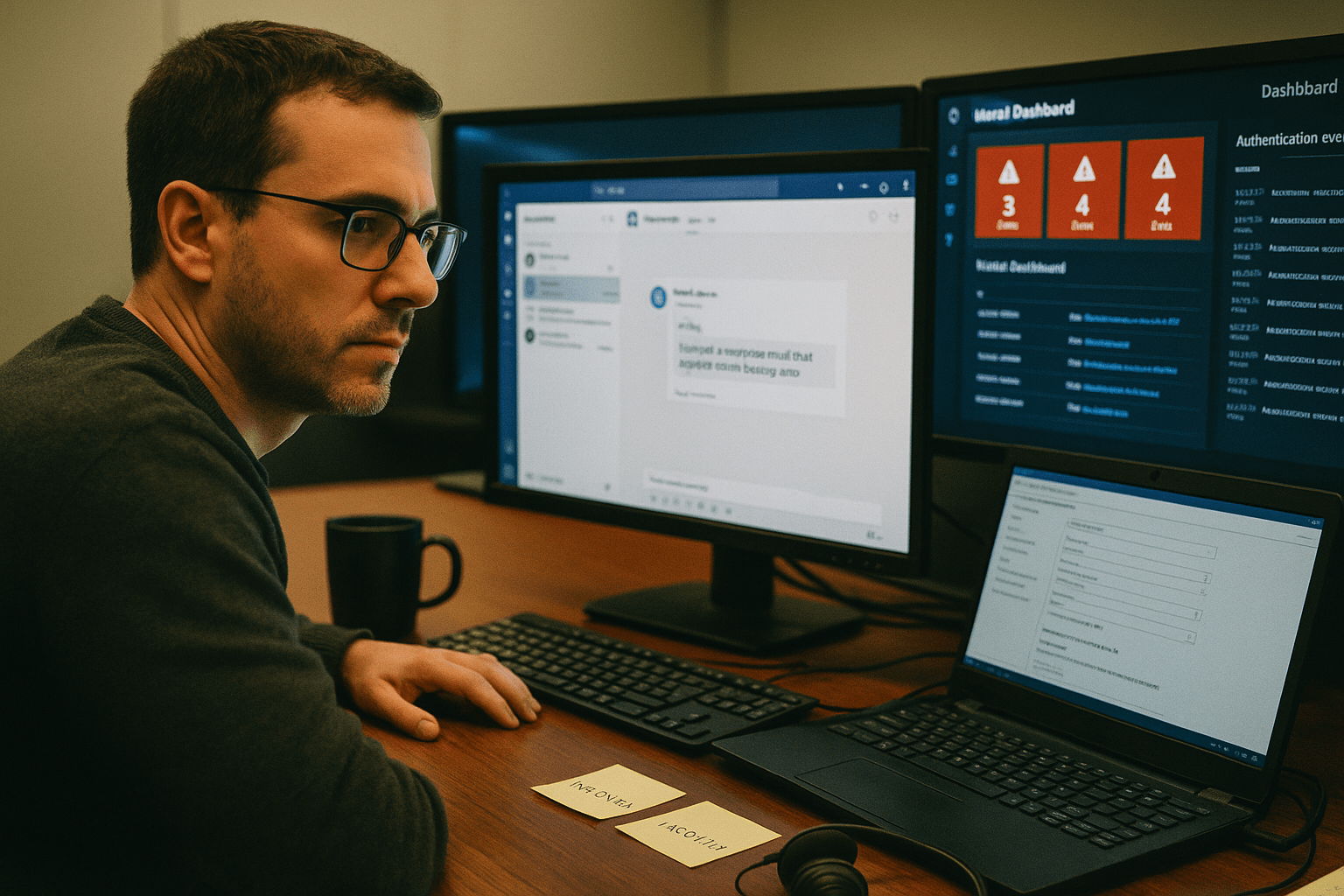
Organizations must be vigilant against Microsoft Phishing, as Microsoft Phishing attacks on Teams now resemble coordinated identity attacks targeting SMBs. Our team has watched the curve shift across Q1 2026: 77 percent of the Teams-based social engineering hits we have triaged this year landed on executives, managers, or directors, and the median time from first chat message to malicious script execution is now 12 minutes. The seven attack patterns below are the ones hitting our SMB client base most frequently in 2026. Each one exploits a default Microsoft 365 configuration that most SMBs have never reviewed.
The 5 Things SMBs Need to Know About Teams Phishing Right Now
Before we walk through the seven attack patterns, here is the shape of the threat as we see it from the field today:
- Teams is now a primary phishing channel, not a backup to email. The attackers we track in our incident response queue treat Teams as the warmer trust surface and use email only to bait the Teams call.
- Default settings expose users to Microsoft Phishing, making it crucial to configure tenant settings to block unnecessary external messages. The attackers know that, and they bank on it.
- Microsoft Phishing exploits like OAuth device code attacks can bypass MFA, highlighting that Microsoft Phishing requires procedural and configuration controls beyond standard authentication.
- Quick Assist, the built-in Windows remote support tool, has become the attacker’s preferred remote access vehicle because it is signed, trusted, and present on every Windows endpoint by default.
- The window between first contact and full compromise is collapsing. Twelve minutes is now median. If your security operations cadence is “review alerts each morning,” your detection is already too slow.
If those five facts feel uncomfortable, they should. The good news is that four of the seven attacks in this article are stopped by a single tenant configuration change that costs nothing and takes under an hour to deploy.
Why Microsoft Teams Phishing Bypasses Traditional Email Defenses
Microsoft Teams phishing bypasses traditional email defenses because the attack never touches the email security gateway, the email content filter, or the email-trained user awareness training your staff has been completing for years. Teams runs on a separate protocol surface, and the inbound message comes from an authenticated Microsoft 365 user inside an externally federated tenant the attacker controls. From the recipient’s Teams client, the inbound chat looks legitimate. The sender shows up with a real name, a real picture, and a real verified domain on the back end. There is no SPF check, no DMARC failure, no obvious red flag the user has been trained to look for. Microsoft’s own March 2026 threat report on a Teams support call compromise walks through one of these end to end. The attack worked not because Microsoft Teams is insecure but because the default trust posture on a Microsoft 365 tenant is open until an administrator closes it.
Attack 1: The Help Desk Impersonation Call
The first and most common attack pattern we see is the help desk impersonation. Helpdesk impersonation is a common Microsoft Phishing tactic where attackers create fake support tenants to trick users into granting access or sharing credentials. The opening message is calm and procedural: “We are seeing unusual sign-in activity on your account, can I walk you through a quick verification?” The follow-up moves to a Teams call within two minutes. By minute eight, the attacker has talked the target into launching Quick Assist and reading off the six-digit pairing code. Quick Assist starts a remote support session. The attacker is on the endpoint. From there, the path to credential theft or token harvest takes under four minutes in our IR data. The lift to stop this attack is small. Disable external chat for staff who do not need it, restrict Quick Assist outbound connections at the firewall, and brief executives that nobody from IT will ever call them through Teams from an outside tenant.
Attack 2: Email Bombing Followed by Teams Rescue
The second pattern uses email volume as the bait. The attacker subscribes the target’s mailbox to several thousand legitimate newsletters in five minutes, which floods the inbox with real messages from real senders. The target panics. Within an hour, a Teams chat arrives from someone claiming to be IT, offering to “clean up the email storm.” This pattern lands more reliably than cold help desk impersonation because the target has just lived through 90 minutes of inbox chaos and is grateful for help. Our team has seen this play out at firms with strong email security, because the email security stack is doing its job; the messages flooding the inbox are real newsletters. The defense is the same as Attack 1, plus an internal incident protocol that any sudden inbox flood gets reported and never gets a Teams-based remediation offer.
Attack 3: OAuth Device Code Token Phishing
The third attack class is the one keeping us up at night in 2026. The attacker uses a hacking platform called Kali365 to target Microsoft OAuth device code flows. The target receives a Teams message asking them to “verify access” by entering a device code at microsoft.com/devicelogin. The page is real. The device code is real. The verification is real. What the target does not realize is that the code is registering the attacker’s session, not the target’s, and once the user types the code into the real Microsoft page, the attacker holds a valid authentication token that bypasses Microsoft Phishing Attacks entirely. The token grants Mail, Files, and Teams access until it expires, and refresh tokens extend that window. MFA is not bypassed in the cryptographic sense; the user willingly authorized the attacker’s device. The defense is to block the device code grant flow tenant-wide unless a specific application genuinely needs it. CISA has flagged this attack pattern in its 2026 advisories, and Microsoft published guidance for blocking the flow at the conditional access layer.

Attack 4: Executive Impersonation From a Compromised Vendor Tenant
The fourth pattern is the one that lands hardest at finance teams. The attacker compromises a small vendor in your supply chain, takes over a finance contact’s Teams identity, and uses it to message your AP team with a request that looks like routine vendor correspondence. The message asks for an updated W-9 or a banking detail change. Because the chat comes from a real, recognized vendor identity, the AP team replies. The bank routing change is made. The next month’s vendor payment goes to the attacker. This attack class does not need any malware. It is pure identity abuse. The defense is procedural, not technical. Banking changes from any vendor get verified over the phone using a number from your CRM, not the number in the Teams message. We tell every SMB client we work with to put that single procedural rule in writing before they spend a dollar on new tooling.
Attack 5: External Federation Abuse via “Chat With Anyone”
The fifth pattern abuses the Microsoft Teams feature called “Chat with Anyone,” which lets external users initiate chats with your staff using just an email address. This is on by default in most tenants and creates the trust surface for Attacks 1 and 2 above. We list it as a separate attack because the underlying configuration is the single highest-leverage defensive change an SMB can make in 2026. Disabling external chat or restricting it to a allowlist of verified federated tenants eliminates the entry vector for the help desk impersonation, the email bomb rescue, and a large share of the executive impersonation variants. The configuration lives under Teams admin center, External Access, and takes under 15 minutes to set. We have walked clients through this change on a screenshare and watched their Teams-phishing report volume drop to zero within two weeks.
Attack 6: Malicious App Sideload via Teams Chat
The sixth pattern, less common but growing, is the malicious Teams app sideload. The attacker sends a chat that includes a custom Teams app manifest or a link to a third-party app store, with a pretext like “our team uses this for screen recording.” If the target installs the app, the app requests permissions like Files.Read.All and Mail.Read across the tenant. Some users grant the permissions because the consent prompt looks routine. The attacker now has Graph API access at the consent scope granted. The defense is to enforce admin consent on all third-party Teams apps, which means users cannot install apps that request anything beyond basic permissions without IT review. This setting also lives in the Teams admin center and is one toggle away.
Attack 7: Quick Assist Abuse for Persistent Remote Access
The seventh pattern is the persistence layer the other attacks lean on. Quick Assist is Microsoft’s built-in Windows remote support tool, present on every modern Windows endpoint, signed by Microsoft, and trusted by every endpoint security tool we have tested. Attackers love it because it lets them sit on an endpoint indefinitely without dropping any custom malware. Once a Quick Assist session is established through any of Attacks 1 through 6, the attacker can read credentials from memory, pull browser cookies, and stage further payloads using legitimate Windows binaries. Microsoft has published guidance on blocking Quick Assist for users who do not need it, and our recommendation for SMBs in 2026 is to block it entirely except for the IT team’s own administrative accounts. The NIST Cybersecurity Framework references this pattern as part of its identity and access management guidance, and the principle is the same as for any other admin tool: least privilege, least exposure.
Frequently Asked Questions
Can Microsoft Teams phishing bypass MFA?
Microsoft Teams phishing can bypass MFA when it uses the OAuth device code grant flow. The user authorizes the attacker’s device by typing a real code into a real Microsoft page, and the resulting token is valid against the tenant without ever prompting for a password or MFA challenge. Blocking the device code grant flow at the conditional access layer stops this class of attack.
What is the fastest fix for Microsoft Teams phishing attacks?
The single highest-leverage change is to disable external chat in Teams or restrict it to an allowlist of verified federated tenants. This blocks the entry vector for the help desk impersonation and email bomb rescue patterns that account for the majority of Teams phishing volume in our 2026 IR data.
Are Microsoft Teams phishing attacks targeting executives more than staff?
Yes. ReliaQuest reported that 77 percent of Teams-based attacks in March 2026 targeted executives, managers, and directors, up from 59 percent in January and February. Executives sit on financial authority and have less time to scrutinize Teams chats, which makes them the highest-value target.
Does Microsoft Defender block Microsoft Teams phishing?
Microsoft Defender for Office 365 blocks some Teams phishing patterns, including known malicious URLs in Teams messages, but it does not block the social engineering attack itself, the external chat trust surface, or the OAuth device code flow. Defender is necessary, not sufficient. Tenant configuration changes carry more weight than any single security product.
Should we train staff on Teams phishing specifically?
Yes, and the training has to be different from email phishing training. Staff need to know that Teams chats from outside the tenant carry the same risk as email from unknown senders, that nobody from IT will ever ask them to launch Quick Assist over a Teams call, and that banking change requests from vendors always get verified over the phone using a number from your CRM. Generic security awareness training does not cover these patterns.
Talk to Our Security Team Before the Next Teams Phishing Attempt
If your SMB runs Microsoft Teams, the attack patterns above are not hypothetical; they are landing in our incident response queue every week. The fix is not buying a new product. The fix is reviewing your Teams tenant configuration, blocking external chat for users who do not need it, disabling the OAuth device code grant flow at the conditional access layer, restricting Quick Assist to IT administrative accounts, and putting a procedural rule in writing for vendor banking changes. Our security team has run this configuration review for SMBs in finance, healthcare, professional services, and light manufacturing, and the median time from review to deployment is under two weeks. If you want a second read on your tenant posture, book a free strategy call with our security team. We will walk your Microsoft 365 configuration, your Teams external access policy, your conditional access rules, and your IR runbook, and we will tell you exactly which of the seven attacks above your tenant is open to today.
Microsoft 365 Security and Identity Protection Expertise from Matt Rosenthal
Matt Rosenthal, CEO of Mindcore Technologies, has extensive experience helping organizations strengthen Microsoft 365 security, identity governance, and cybersecurity resilience across modern collaboration environments. His expertise in zero-trust architecture, threat monitoring, access management, Microsoft cloud security, secure workspace design, and operational risk management helps businesses reduce attack surface while improving visibility and control across communication platforms. Matt’s leadership focuses on building proactive security frameworks that strengthen operational resilience, improve identity protection, reduce enterprise risk, and support long-term cybersecurity maturity.

