

On-premises infrastructure was the only option for decades — and it worked, within its limitations. Organizations bought servers, built data centers, and managed everything themselves. That model made sense when users were in offices, business change was slow, and software was installed locally.
The environment that model was built for has changed substantially. Users are distributed. Threats are continuous. Business requirements change faster than hardware refresh cycles. Software is delivered as a service. The question is no longer whether to move workloads to Azure — it is which workloads to move, on what timeline, and how to manage the transition.
Overview
The Azure vs on-premises comparison is not a symmetric debate where both sides have equal arguments. For most workloads and most organizations, Azure provides infrastructure that is more resilient, more secure, more scalable, and ultimately less expensive to operate than on-premises alternatives. The exceptions matter — some workloads have specific requirements that favor on-premises or hybrid deployments — but those exceptions should be identified based on actual requirements, not on attachment to the familiar.
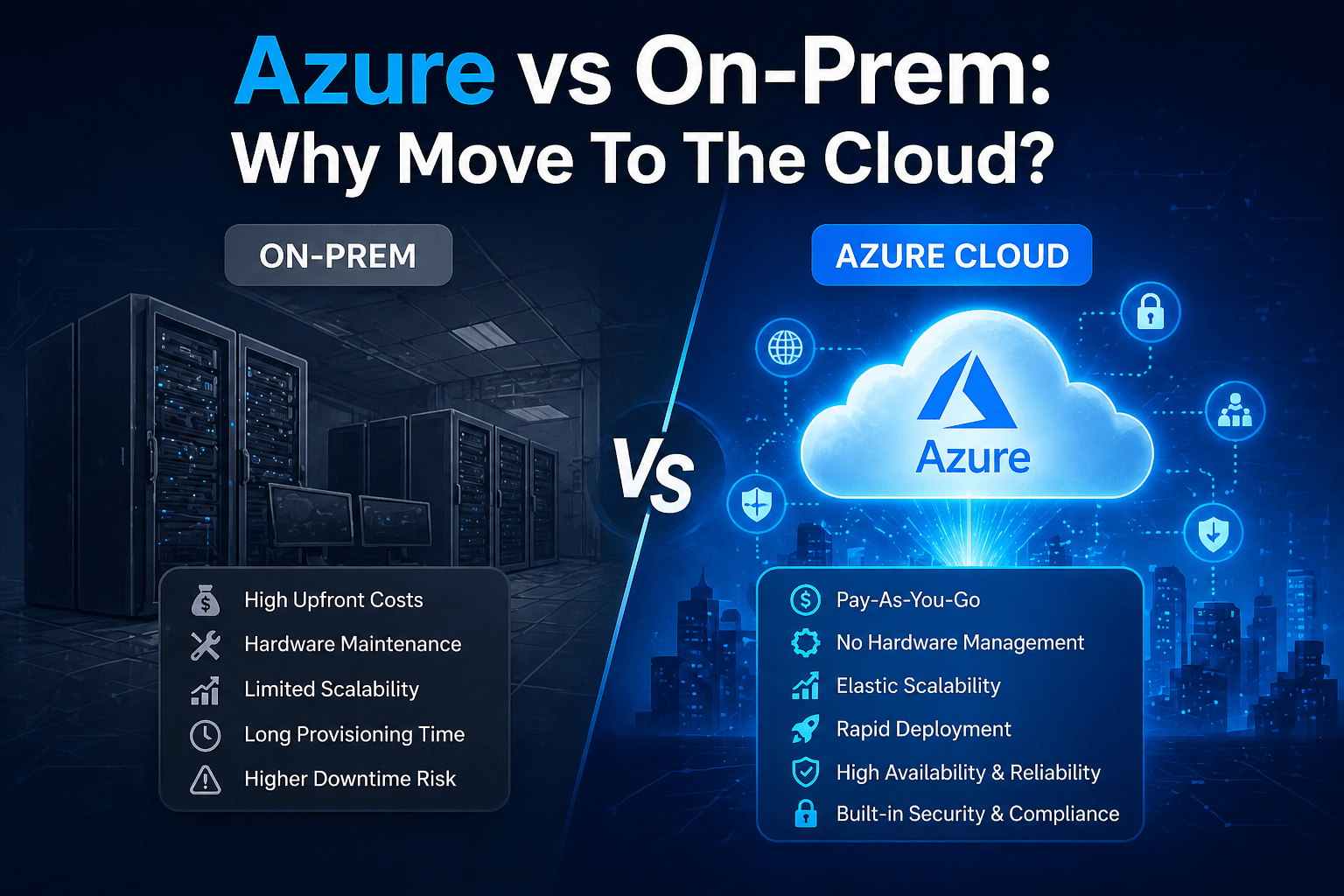
- Azure eliminates the capital expense, maintenance burden, and refresh cycles of on-premises hardware
- On-premises infrastructure retains some advantages for latency-sensitive workloads and specific regulatory contexts
- Hybrid environments — Azure plus retained on-premises — are the right answer for most organizations in transition
- Security is stronger in Azure for most organizations than in self-managed on-premises environments
- The operational model shifts from infrastructure management to service consumption, which is why understanding cloud computing and cloud services is important when deciding what Azure should manage and what your internal team should still control.
The 5 Why’s
- Why is on-premises infrastructure increasingly difficult to justify for standard business workloads? Standard business workloads — file storage, email, productivity applications, business applications — are all available as cloud services that Microsoft and others maintain, secure, and update. Running those workloads on-premises means accepting full responsibility for security, availability, updates, and hardware maintenance that cloud providers handle at scale for a fraction of the comparable cost.
- Why does the capital expense model of on-premises infrastructure specifically disadvantage growing businesses? On-premises infrastructure requires upfront investment in hardware that depreciates over 3-5 years and must then be replaced. Growing businesses must either over-provision for anticipated growth (wasting capital) or under-provision and face performance or capacity limitations. Azure scales with actual usage, eliminating both problems. Growing businesses do not need to predict infrastructure requirements years in advance.
- Why is security specifically stronger in Azure than in on-premises environments for most SMBs? SMBs typically cannot afford the security expertise, tooling, and 24/7 monitoring that enterprise-grade infrastructure security requires. Microsoft maintains that capability at cloud scale. Azure’s physical security, threat intelligence network, and infrastructure monitoring exceeds what most organizations can build independently. The customer’s security responsibility in Azure is significant but narrower than full on-premises security ownership.
- Why does on-premises infrastructure specifically create business continuity risk that Azure mitigates? On-premises infrastructure concentrates risk in a physical location. Power outages, hardware failures, natural disasters, and ransomware attacks can eliminate access to locally hosted systems. Azure’s geographically distributed infrastructure with built-in redundancy makes the same level of resilience available to organizations that cannot build a secondary data center.
- Why is the “we control everything” argument for on-premises less compelling than it appears? Control over infrastructure carries the full burden of that infrastructure — security, patching, hardware failure, capacity planning, and everything else that goes with it. For most business workloads, control is not valuable enough to justify the cost and risk of full ownership. The cases where on-premises control is genuinely necessary involve specific compliance contexts, latency requirements, or data sensitivity situations — not a general preference for ownership.
Direct Comparison: Azure vs On-Premises
Capital and Operating Costs
On-premises: high upfront capital expenditure for servers, storage, networking, and data center infrastructure. Ongoing maintenance, power, cooling, and hardware refresh costs. IT staff cost to manage infrastructure.
Azure: operational expenditure model — pay for what you use. No hardware acquisition or disposal. Reduced IT staff burden for infrastructure management. Microsoft handles data center operations. Businesses planning a migration should also understand how much Azure costs based on usage, services, storage, and configuration.
Advantage: Azure for most SMBs and mid-market organizations.
Scalability
On-premises: scaling up requires hardware procurement, delivery, and installation — measured in weeks or months. Over-provisioning is the typical response to anticipated growth.
Azure: resources scale up or down in minutes based on actual demand. No over-provisioning required. Seasonal and project-driven scaling does not require capital investment.
Advantage: Azure, clearly.
Security
On-premises: the organization owns the full security stack — physical security, network security, patch management, threat detection, incident response. Requires dedicated investment and expertise.
Azure: Microsoft secures infrastructure. Customer configures identity, access controls, encryption, and monitoring with Microsoft’s extensive security tooling available. Threat intelligence across the global Azure tenant informs threat detection.
Advantage: Azure for most organizations without large dedicated security teams.
Latency and Performance
On-premises: local infrastructure provides the lowest latency for applications accessed from the same physical location. Beneficial for specific manufacturing, trading, or real-time processing workloads.
Azure: regional data centers are close to most users. Azure regions in 60+ geographic locations provide performance competitive with on-premises for most workloads. Not optimal for applications requiring sub-millisecond latency to local systems.
Advantage: On-premises for specific ultra-low-latency requirements; Azure for general business workloads.
Business Continuity
On-premises: resilience requires investment in redundant hardware and potentially a secondary location. Geographic redundancy is expensive to build and maintain.
Azure: built-in redundancy within regions and cross-region replication options. Disaster recovery to Azure from on-premises (Azure Site Recovery) provides business continuity without secondary data center investment.
Advantage: Azure, significantly.
When On-Premises Still Makes Sense
- Ultra-low-latency requirements: manufacturing control systems, trading platforms, and real-time processing applications that require sub-millisecond response to local systems
- Specific regulatory contexts: some regulatory environments in specific jurisdictions prohibit certain data from residing on shared cloud infrastructure (though this is less common than often assumed, and Azure GovCloud addresses many government requirements)
- Legacy applications: applications that cannot be modified to function in a cloud environment and cannot be replaced on a practical timeline
Final Takeaway
Azure wins the comparison for most business workloads on most criteria that matter to most organizations. The transition from on-premises to Azure is not a question of whether it is the right direction — for most businesses, it clearly is. The questions worth answering are which workloads to move first, how to manage the transition without disruption, and how to build the hybrid environment that handles the workloads that should remain on-premises during the transition.
Plan Your Move to Azure With Mindcore Technologies
Mindcore Technologies assesses your current on-premises environment, identifies the optimal migration sequence, and executes Azure migrations that move workloads without downtime or data loss.
Talk to Mindcore Technologies About Moving to Azure →
Contact our team to assess your current infrastructure and design the Azure migration that makes the most sense for your specific workloads.

