

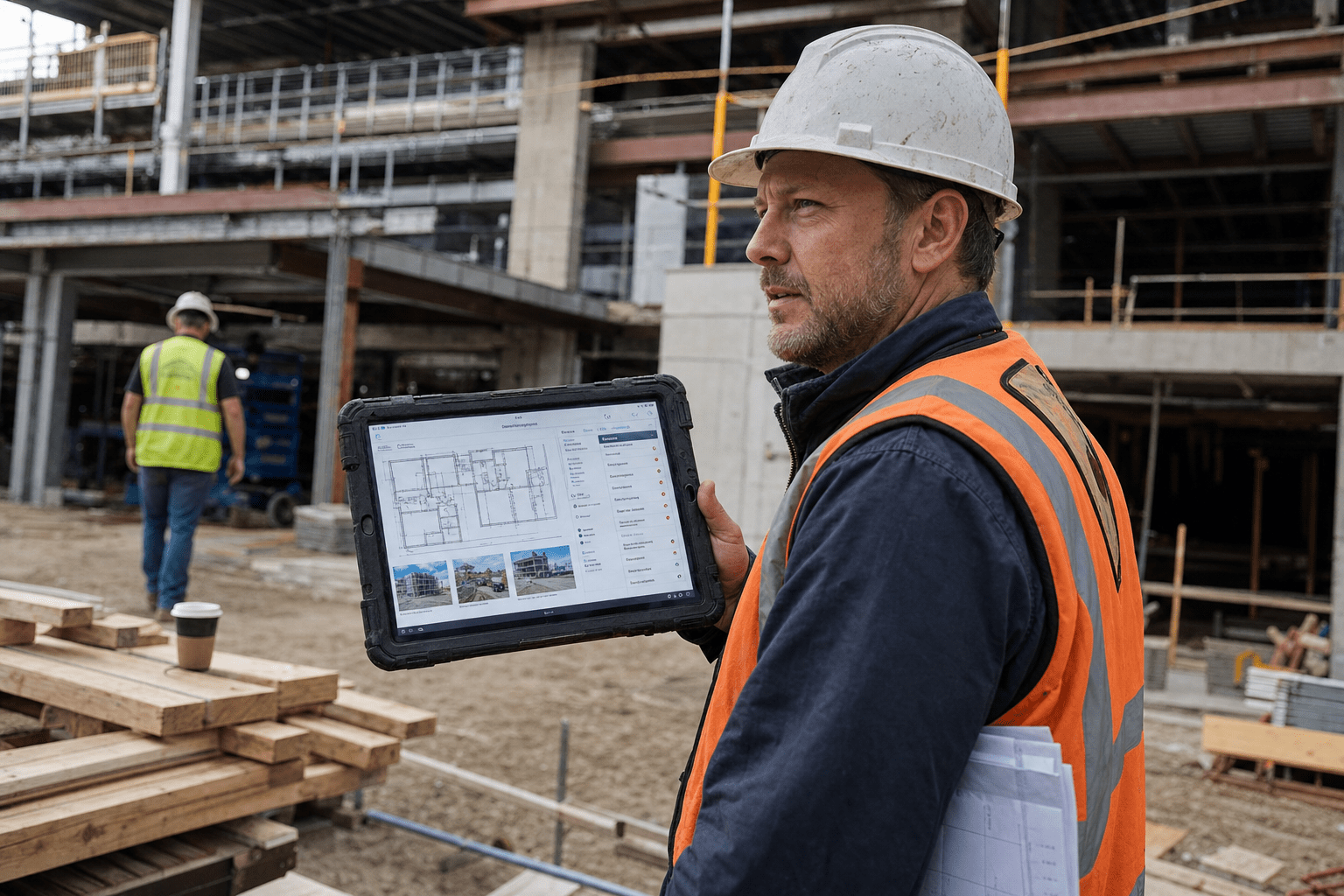
A superintendent walks a floor at 6:40 in the morning with a phone in one hand and a coffee in the other. He shoots forty photos. Cracked slab edge at grid C-4. A conduit run that does not match the drawing. Two guys on the deck without harnesses. By 7:15 the crew is working and those forty photos are sitting in a camera roll, and they will stay there until somebody sits down that evening and tries to remember which one was grid C-4.
That gap is the actual problem on most job sites. Not detection. Detection has gotten good. The gap is between seeing something and having it filed, dated, assigned, and defensible six months later when a subcontractor says the damage was already there.
AI vision tools are marketed as the fix. Most coverage ranks products against each other, which does not help the person who has to buy one and keep it running. This is a look at the categories instead, what each does to your inspection reporting, and the parts that break in the field.
Why construction inspection reporting breaks before AI touches it
Every general contractor already has an inspection process. It usually looks like this: somebody walks, somebody photographs, somebody types. The typing is where it falls apart.
The photo has no location attached, or it has GPS coordinates that are useless inside a structural steel frame. The observation lives in a text message. The punch item goes into a spreadsheet that only the project engineer maintains. The safety observation goes into a different system because the safety manager reports to a different person. Three records of the same morning, none of them talking to each other.
Then a claim comes in. Now you are reconstructing a Tuesday from eleven months ago out of a camera roll, a group chat, and somebody’s memory. This is the same fragmentation problem that shows up across operations work generally, and it is why automation in service delivery keeps landing on the same answer: the capture and the record have to be one action, not two.
AI vision does not fix a broken record chain. It generates more input for it. If your documentation was already scattered, a tool that produces four times the observations will scatter four times as much. Worth knowing before you sign anything.
What AI vision actually reads on a site
Strip the marketing and the underlying capability set is fairly narrow, which is good news, because it means you can check whether a tool has what your work needs.
Object presence and absence. Is there a guardrail on this edge. Is there a hard hat on this person. Is there a fire extinguisher within the required distance. This is the most reliable class and the one that has been in production the longest.
Geometric comparison. The camera pass gets aligned to a model or a set of drawings, and the tool reports what is installed against what was supposed to be installed by now. This is what drives progress tracking and as-built checking.
Surface condition. Cracking, spalling, staining, corrosion, finish defects. Accuracy here depends heavily on lighting and distance, which on a job site is not something you control.
Text and label extraction. Reading equipment tags, panel schedules, delivery tickets, and material labels out of a photo so the data lands in a field instead of a caption.
Every product on the market is some mix of those four, wrapped in a capture method and a reporting layer. When a vendor demo dazzles you, it is almost always the reporting layer doing the work, not the vision model.
Daily site reports: making the walk file itself
The daily report is the single highest-value target, because it is written every day whether or not anyone has time for it, and it is the first document pulled in any dispute.
The category that helps here is continuous capture. A 360 camera on a hard hat, or a phone in a mount, recording the whole walk instead of individual shots. The tool slices the recording, places each frame on the floor plan, and drafts the narrative: areas walked, trades present, work in place, conditions observed.
What changes is the superintendent’s evening. Instead of composing a report from memory, he is editing a draft that already has the photos attached to locations. Twenty minutes becomes five.
The check to make before buying: does the draft report come out in a format your existing project management workflow accepts, or does it live in the vendor’s portal only. A report you have to copy out by hand has moved the typing, not removed it. Teams already running structured IT project management practices tend to catch this early, because they are used to asking where the record of truth sits before adopting a tool.
Punch lists and the defect that gets found twice
Punch is where AI vision earns its keep on the finish end of a job, and also where it disappoints people who expected magic.
Surface defect detection will flag drywall damage, paint holidays, misaligned tile, and scratched glazing at a rate a person walking fast will not match. It will also flag things that are not defects, because it does not know that the mark on the column is a layout line the framers put there on purpose.
That false positive rate is not a reason to skip the category. It is a reason to treat the output as a candidate list rather than a punch list. The person still walks. The difference is that they walk with a map of where to look instead of scanning every surface.
The bigger win is the second half: linkage. When a flagged defect is captured with a location, a photo, a date, and an assigned trade in a single action, rework attribution stops being an argument. A subcontractor disputing a backcharge is disputing a timestamped image tied to a grid line, not somebody’s recollection.
Progress photos against the schedule
This is the category with the sharpest financial edge, because it feeds pay applications and delay claims rather than quality.
The mechanism is comparison. A capture pass produces the current state. The tool compares that against the model or the previous pass and reports quantities: linear feet of stud installed, number of fixtures set, percentage of a floor closed in. Some platforms then push that against the schedule and forecast which activities are trending late.
Two cautions worth carrying into the demo.
The first is that quantity accuracy degrades badly in congested areas. An open floor with clean lines of sight measures well. A mechanical room with overhead work stacked three deep does not, and the mechanical room is where your money is.
The second is that a progress number the field does not trust is a progress number the field will route around. If the tool says a floor is 62 percent complete and the superintendent says 75, and nobody can explain the difference, the tool becomes something the office looks at and the field ignores. Pick a platform that will show you what it counted, not just the percentage.
Safety observations and PPE checks
Automated PPE detection is the most mature application and the most sensitive one.
Technically it works. Hard hats, high-visibility vests, harness connection, and exclusion-zone presence are all detectable with reasonable reliability in decent light. Some platforms run this continuously against fixed cameras and generate observations without anyone initiating a walk.
The sensitivity is not technical. It is that you are now running an automated system that produces records about individual workers, on a site staffed largely by people who do not work for you. How those records are retained, who can pull them, whether they are used for coaching or discipline, and what happens when a subcontractor’s insurer subpoenas them are all questions that need answers before the first camera goes up, not after.
Most contractors who get this right make one decision early: the system reports conditions, not people. Faces get blurred at capture. The record says “unprotected edge, level 3 east” rather than naming the person standing next to it. It preserves the safety value and removes most of the friction, and it makes the retention question far easier to answer. That posture question sits alongside the broader device and endpoint controls you need anyway once field staff are capturing company records on personal phones.
As-built verification and subcontractor documentation
Closeout is the quiet cost center. Nobody budgets for the three weeks somebody spends assembling as-built documentation from a year of scattered records.
Vision-based capture changes the economics because the record was built continuously instead of reconstructed at the end. Every capture pass is a dated visual record of what was in the wall before it closed. When the owner asks where the isolation valve is behind the finished ceiling, the answer is a photo from the day before the ceiling went up, located on a plan.
For subcontractor documentation the value is similar and more immediate. Trade partners submit their own photo documentation of concealed work, and it is either accepted into the same locatable record or it is not. A platform that only ingests captures from its own hardware pushes your subs into a workflow they will not adopt, and you end up with two systems again.
Ask specifically what happens to a photo a plumber takes on his own phone. If the answer involves the plumber buying a license, plan for that to not happen.
Offline capture is the part nobody demos
Every demo happens on office wifi. Job sites are not office wifi.
A structure at the framing stage is a steel cage. Below grade there is no signal at all. A rural site may have no coverage at the property line. The tool that captured a full floor and then failed to sync has produced nothing, and the superintendent who lost a walk to a spinning upload icon is not going to run the second walk.
Three questions cover it. Does capture work with the radio off entirely, or does it need a connection to initiate. How much local storage does a full day of capture consume on a standard field device. And when the device does reach signal, does sync resume from where it stopped, or restart.
That third one catches people. A tool that restarts a failed 4 GB upload from zero on a truck-stop connection will never finish. This is ordinary network and connectivity planning applied to a job trailer, and it is the difference between a platform the field uses and one it works around.
Related to this: decide where captured media lives long term. A year of continuous 360 capture across four active jobs is a serious volume of data with a real retention obligation attached. Storage, backup, and access control for that is an IT decision, not a field decision, and it is worth settling before the first project rather than during the second. The same evaluation habits that apply to selecting operational software apply here, with the added weight that this data may be evidence.
The documentation chain is the thing you are buying
Every category above shares one dependency. The vision model finds something, and then the finding has to become a record that a human acts on and a system retains.
That chain has four links: capture, location, assignment, retention. A tool can be excellent at detection and weak at any one of the other three, and the weak link sets your ceiling. A platform that detects a crack beautifully but cannot assign it to a trade partner has produced a photograph, not an inspection finding.
So the useful question in a demo is not how accurate the detection is. It is: show me the finding becoming a filed, assigned, dated item that somebody outside this software can see. If the demo cannot do that in one continuous motion, you are buying a camera with opinions.
This is the same reasoning that applies whenever a team adds an AI capability to existing operations rather than replacing the operation. The intelligence is only worth what the workflow around it can absorb, which is also why AI assistants beat classic tools in some jobs and lose badly in others.
Working with Mindcore on the infrastructure underneath
Construction technology decisions get made by construction people, correctly. But the part that determines whether the tool survives contact with a job site is infrastructure: connectivity at the trailer, device management for field staff, storage and retention for captured media, and access control across a subcontractor base that changes every month.
Matt Rosenthal, CEO of Mindcore, has built the firm’s practice around exactly that division of labor. Construction leaders know their process. What they usually do not have is an internal team sized to evaluate how a capture platform will behave on a site with no coverage, or to answer an insurer’s question about who could access a year of safety imagery. Under his direction the team works alongside the people already running the projects rather than around them, which is the only version of this that holds up once the schedule gets tight.
Our work with builders tends to start at the same place: the connectivity and device layer that every one of these platforms silently assumes, and the retention posture that nobody asks about until they have to. Getting that right first means the platform evaluation is about the platform, not about the wifi. Teams weighing whether to run that internally or with support often start by comparing co-managed IT arrangements against a fully outsourced model, and either can work depending on what the internal team already covers. Firms who want a single accountable partner across the whole stack usually look at managed IT services as the starting point.
If you are evaluating AI vision for inspection reporting and want a clear read on what your current infrastructure will and will not support, book a free strategy call and we will walk it with you.
Frequently Asked Questions
Do AI vision tools replace site inspections?
No. They change what the inspection produces. A person still walks the site and still makes the judgment calls, because the model does not know your contract, your submittals, or which marks on a wall are intentional. What changes is that the walk produces a located, dated, assignable record automatically instead of an evening of typing.
How accurate is AI defect detection on a real job site?
Accurate enough to be a candidate list, not accurate enough to be a punch list. Detection quality drops in poor lighting, at distance, and in congested areas, and false positives are common because the model cannot tell a defect from an intentional mark. Treat the output as a map of where to look.
What happens to captures when the site has no signal?
That depends entirely on the platform, and it is the question most worth asking. Some tools capture fully offline and sync later with resumable uploads. Others need a connection to start a session, or restart a failed upload from the beginning. Test this on your worst-connected site before you commit, not on office wifi.
Who owns the imagery captured on our job site?
Read the agreement carefully. Ownership, retention period, and the vendor’s right to use captured data for model training vary widely between platforms. Since this imagery may become evidence in a claim and may contain identifiable workers, settle ownership and retention before the first capture rather than after.
Do subcontractors need their own licenses?
Sometimes, and it matters more than it sounds. If trade partners cannot contribute photo documentation without buying a seat, most of them will not, and you will run two documentation systems in parallel. Ask specifically how a photo taken on a subcontractor’s own phone enters the record.

