

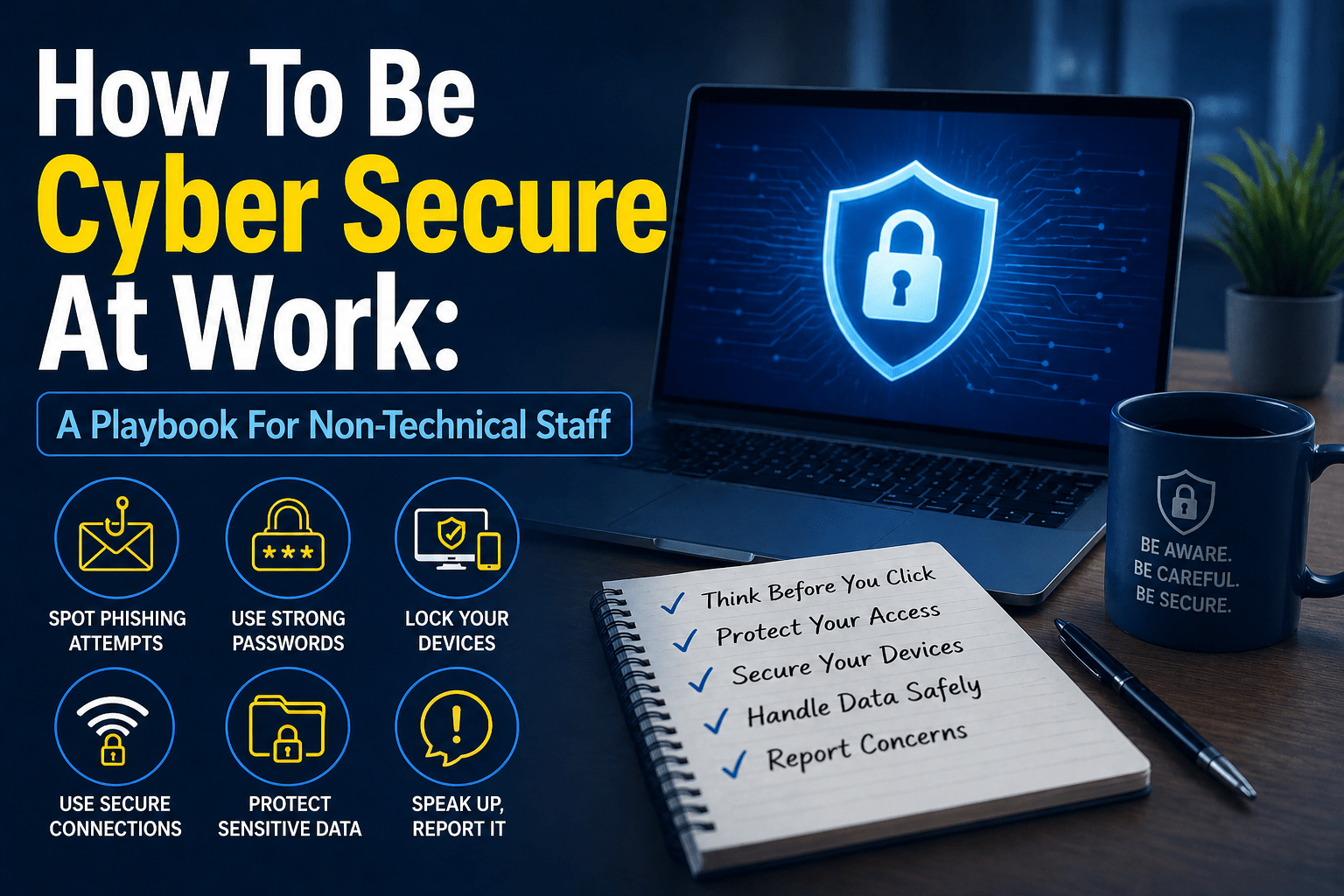
You do not need to understand how cyberattacks work technically to avoid falling for them. You need to know what suspicious looks like, what to do when something seems off, and where to go when you are not sure. That is it. The technical details are the IT team’s job — your job is to recognize the patterns and respond correctly.
This playbook is written for the people in your organization who are not in IT: the accountants, the sales team, the office managers, the healthcare staff, the legal assistants, the operations coordinators. It is the practical guidance that makes the difference between an organization where most employees are part of the security posture and one where most are an unmanaged vulnerability.
For businesses whose managed IT services provider handles the technical side of security, this playbook represents the human side that technology cannot replace.
Section 1: Your Email
Your work email is the most common way attacks will reach you. Here is what to do.
Before you click any link in an email: hover over it and look at where it actually goes. If the address looks unusual — a domain you do not recognize, slight misspellings of a company name, long strings of random characters — do not click it.
Before you open an attachment: ask whether you were expecting it. Unexpected attachments from any sender — including people you know — should be verified before opening. Attackers can compromise email accounts and send malicious attachments to that account’s contact list.
Before you respond to any urgent request: urgency is the most reliable sign that an email is trying to manipulate you. Requests that must be handled immediately, before you can verify, before your manager can approve, before you can call back — these are designed to rush you past your better judgment. Slow down.
When you receive a suspicious email: use the “Report Phishing” button in your email client. If you are not sure whether it is phishing, report it anyway. The security team would rather review ten non-threats than miss one real one.
Section 2: Your Passwords and Logins
Password security is not complicated when you have the right tool.
Use the password manager your company provides. It generates a unique, complex password for every service and fills it in automatically. You remember one password — the master password — and the manager handles everything else. This is not optional security theater: it closes one of the most commonly exploited vulnerabilities in business security.
Enable multi-factor authentication. When you log in from a new device or from an unusual location, MFA sends a code to your phone or authentication app. This means a stolen password is not enough to access your account. Enable it on everything that offers it.
Only approve MFA requests you initiated. If you receive an MFA approval request and you were not trying to log in, deny it and report it to IT immediately. This means someone else has your password and is trying to use it.
Never share your password with anyone. Not IT support (they do not need it), not a colleague covering for you, not your manager. If someone asks for your password, report that request to IT.
Section 3: Suspicious Requests
The most expensive cyberattacks often do not involve hacking at all — they involve convincing a person to take an action voluntarily.
Verify financial requests through a separate channel. Any request to wire money, change a vendor’s bank account, or process an unusual payment should be verified by calling the requester directly on a known number — not by replying to the email or calling a number provided in the request. This single procedure prevents the majority of business email compromise losses.
Verify unusual data requests the same way. If someone requests sensitive data — customer records, employee information, financial data — and the request is unusual, verify through a separate channel before complying. Even if the request appears to come from a supervisor or a known vendor.
Trust the feeling that something is off. Security professionals consistently report that instinct was the first indicator before they could articulate exactly what was wrong. If a request, a website, a call, or a situation feels wrong, pause. Verify. Report. You do not need certainty to ask a question or report a concern.
Section 4: Your Devices
Your work devices are gateways to your organization’s systems and data.
Lock your screen when you step away. Windows: Win+L. Mac: Control+Command+Q. This takes one second and prevents anyone who walks by from accessing your open applications, email, and files.
Apply software updates when IT notifies you. Updates fix security vulnerabilities that attackers actively exploit. “Remind me later” is not a security posture. Update on the schedule IT sets.
Do not connect unknown USB devices. A USB drive found in a parking lot or handed to you without explanation is a potential threat. Report it to IT; do not plug it in.
Report lost or stolen devices immediately. Every minute a device is missing unrepported is time an attacker may be using it. IT can remotely wipe most managed devices — but only if they know the device is missing.
Section 5: Working Remotely
Remote work is secure when you use the right tools and habits.
Use the company VPN on public Wi-Fi. Coffee shop, airport, hotel — any network you did not set up yourself should be treated as potentially observable by others. VPN encrypts your connection. Turn it on before working on any public network.
Secure your home workspace. Family members and visitors should not have access to work devices or documents. Work devices should be password-protected and locked when not in use.
Be more skeptical when working remotely. Social engineering attacks specifically target remote workers because the informal verification opportunities of being in an office — turning to ask a colleague, stopping by a manager’s desk — are not available. Formal verification through a phone call is more important, not less, when working remotely.
Section 6: When Something Goes Wrong
The faster a problem is reported, the smaller it stays. Here is what to do.
If you clicked something you should not have: do not wait to see what happens. Contact IT immediately and tell them what you clicked and when. The investigation and containment that follow are more effective — and the incident smaller — the earlier they begin.
If your account behaves unusually: unexpected password reset emails, emails you did not send, login alerts from unfamiliar locations. Report these immediately. These are the indicators of account compromise — the sooner they are investigated, the less damage is done.
If someone asks you for something that feels wrong: report it. You do not need to be certain it is an attack. Report the request and let the security team assess it. An employee who reports a concern that turns out to be benign has done their job correctly.
The reporting number and method: [Your organization should insert the specific reporting contact here — IT helpdesk number, reporting email address, or one-click reporting tool in the email client.]
The Short Version
The full playbook reduces to six habits:
- Check links before clicking
- Report suspicious emails
- Verify unusual requests by phone before complying
- Use your password manager and MFA
- Lock your screen and keep devices secure
- Report anything that feels wrong — immediately
These six habits, practiced consistently by every employee, constitute a human firewall that makes every technical security control more effective and every attack harder to execute.
Security Basics From Mindcore Technologies
Mindcore’s cybersecurity services include employee security training programs designed for non-technical staff — clear, practical, and focused on the behavioral changes that produce measurable security improvement. Our managed IT services handle the technical layer so that employee training operates on a foundation of proper tools and enforced security controls.
Talk to Mindcore Technologies About Security Training for Your Team

