

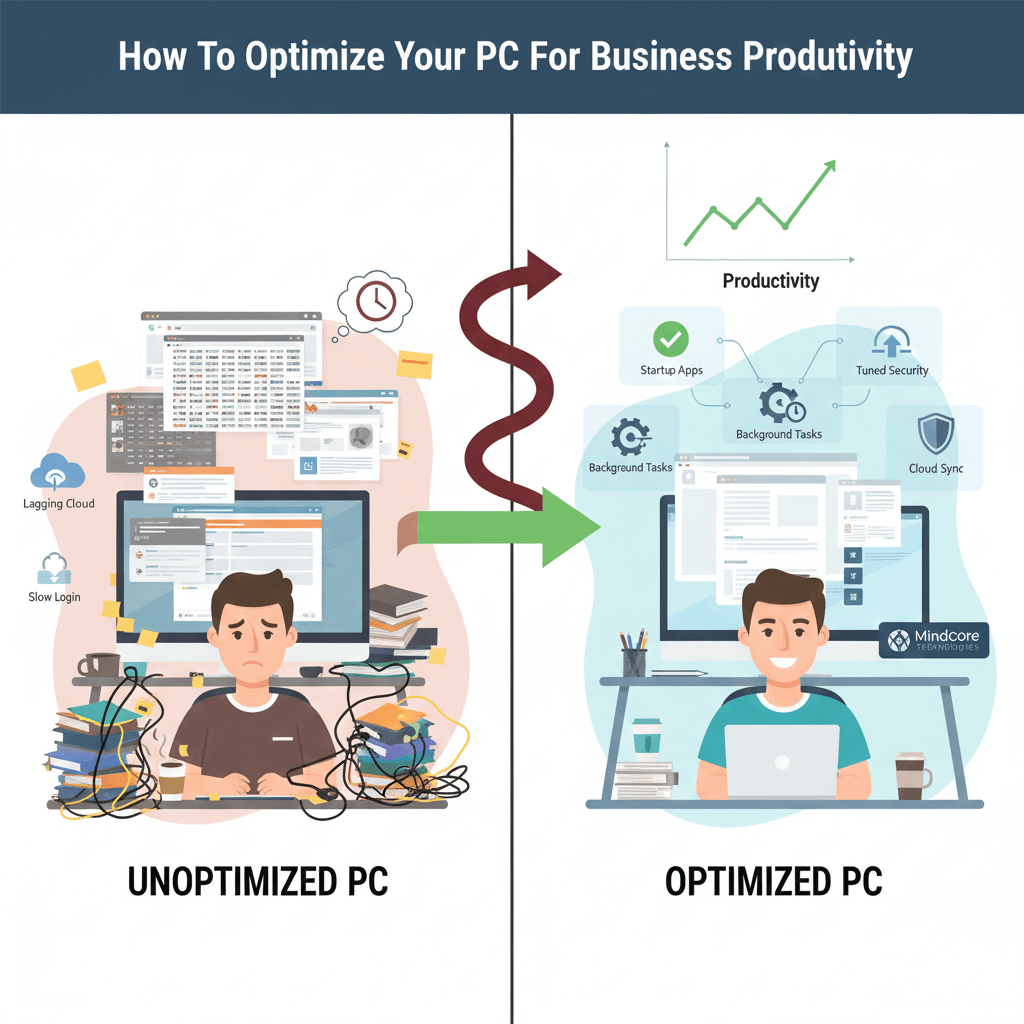
A PC can be technically “working” and still be terrible for productivity. Lag, slow logins, background noise, security friction, and unstable applications quietly drain hours every week. Productivity loss rarely comes from a single failure. It comes from small inefficiencies compounding across the workday.
At Mindcore Technologies, we optimize PCs not to win benchmarks, but to support real business workflows. That means faster task switching, fewer interruptions, stable security, and predictable performance from morning to evening.
This guide outlines the exact optimizations IT professionals use to turn ordinary PCs into reliable productivity tools.
Start With the Productivity Mindset
Optimizing for productivity is different from optimizing for raw speed.
A productive PC must:
- Stay responsive under multitasking
- Run security tools without lag
- Handle cloud apps and video calls simultaneously
- Avoid interruptions and crashes
- Remain stable over time
Speed that degrades after two weeks is not productivity.
1. Eliminate Startup Friction
Slow starts kill momentum before work even begins.
Common problems:
- Too many startup applications
- Auto-launching update agents
- Collaboration tools starting multiple services
What IT does:
- Disable non-essential startup programs
- Keep only security tools and core business apps
- Reboot and confirm faster login times
Fast starts set the tone for the entire day.
2. Reduce Background Noise That Steals Focus
Background processes quietly consume resources and attention.
Typical offenders:
- Cloud sync loops
- Indexing services scanning entire drives
- Backup agents running during business hours
Optimization steps:
- Limit sync scope to active work folders
- Schedule heavy background tasks after hours
- Reduce indexing to essential locations
Less background contention means smoother multitasking.
3. Optimize the Browser First
For most employees, the browser is the workstation.
Productivity killers:
- Dozens of open tabs
- Poorly written extensions
- Corrupt browser profiles
- Multiple browser instances
What IT optimizes:
- Remove unnecessary extensions
- Enforce tab discipline
- Reset or rebuild unstable browser profiles
- Standardize approved browsers
A clean browser often delivers the biggest productivity gain.
4. Ensure Storage Is Not a Bottleneck
Disk pressure slows everything down.
Warning signs:
- Disk usage above 85 percent
- Freezes during saves or sync
- Long application launch times
IT approach:
- Remove temp and cache files
- Archive inactive data
- Control oversized email data files
Free space equals faster response.
5. Tune Security Without Hurting Performance
Security is mandatory, but misconfiguration hurts productivity.
Problems we see:
- Overlapping security tools
- Aggressive scanning schedules
- Poorly tuned endpoint protection
What professionals do:
- Tune EDR policies
- Apply proper exclusions
- Eliminate redundant agents
Security should protect work, not slow it.
6. Keep the System Fully Patched and Stable
Unpatched systems behave unpredictably.
Issues include:
- Driver conflicts
- Application crashes
- Performance degradation over time
IT best practice:
- Enforce consistent OS updates
- Update drivers and firmware
- Remove unsupported software
Stability directly supports productivity.
7. Fix Power and Performance Throttling
Many PCs are slow simply because they are throttled.
Symptoms:
- Lag while multitasking
- Slow performance even when plugged in
What IT checks:
- Power profiles
- CPU throttling behavior
- Thermal limits
Balanced or performance modes often restore responsiveness instantly.
8. Remove Unused Software and Digital Clutter
Unused software creates friction.
Productivity impact:
- Longer searches
- More update prompts
- Higher background load
Cleanup focus:
- Uninstall unused applications
- Remove vendor bloatware
- Standardize approved tools
Fewer tools reduce distractions and conflicts.
9. Validate Network Performance
A productive PC feels slow on a bad network.
Symptoms:
- Lagging cloud apps
- Delayed uploads
- Choppy video calls
What IT evaluates:
- Wi-Fi signal quality
- Network congestion
- VPN behavior
- DNS performance
Network reliability is foundational to productivity.
10. Align the PC With the User’s Role
Not all roles need the same setup.
IT optimizes based on:
- Multitasking needs
- Data-heavy workloads
- Video and collaboration use
- Security sensitivity
Role-based optimization prevents overbuilding and underperformance.
Why Productivity Optimization Beats Hardware Replacement
Replacing hardware without optimization:
- Wastes budget
- Preserves bad habits
- Creates inconsistent environments
- Leads to repeat issues
Optimization extends device life and improves day-to-day output.
How Mindcore Technologies Optimizes PCs for Productivity
Mindcore helps organizations maximize productivity through:
- Endpoint performance optimization
- Browser and application standardization
- Security tuning
- Patch and update management
- Network performance analysis
- Hardware lifecycle planning
- Proactive monitoring and support
We focus on sustained productivity, not temporary speed boosts.
Final Takeaway
A productive PC is not defined by specs alone. It is the result of disciplined configuration, reduced friction, stable security, and alignment with real business workflows.
When PCs are optimized correctly:
- Employees stay focused
- Interruptions decrease
- Workflows remain smooth
- Productivity becomes predictable
