

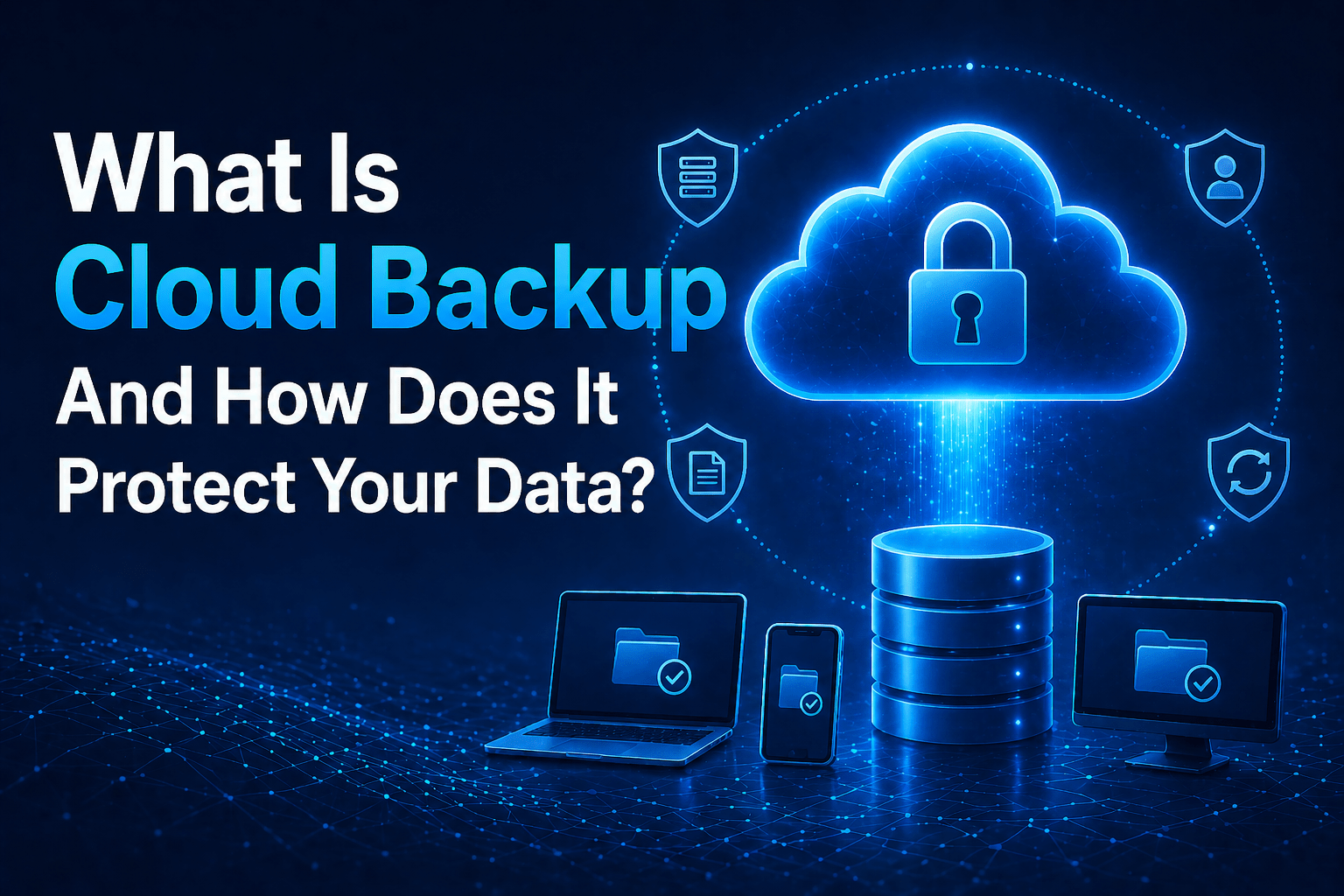
Cloud backup is the process of automatically copying data from its source location — on-premises servers, cloud-hosted systems, or endpoint devices — to cloud-based storage where it can be retained and recovered if the original data is lost, corrupted, or otherwise unavailable.
It is the same function that tape backup, disk-to-disk backup, and local backup appliances serve — but the destination is cloud storage rather than physical media or local hardware. That destination change is what produces the geographic separation, scalability, and accessibility characteristics that make cloud backup superior to local backup for most use cases.
Overview
Cloud backup works through backup software (an agent or cloud-native backup service) that monitors data sources for changes, replicates those changes to cloud storage on a defined schedule, and maintains a catalog of recovery points that allow data to be restored to any point in time within the retention period. The backup data in cloud storage is geographically separated from the source systems, making it survivable across the scenarios — hardware failure, ransomware, site disaster — that local backup cannot protect against.
- Backup agents or cloud-native services replicate data to cloud storage automatically on defined schedules
- Recovery points represent the state of backed-up data at specific times within the retention period
- Point-in-time recovery allows restoring data to any backed-up state, not just the most recent backup
- Cloud backup is geographically separated from source systems by design
- Retention policies define how long backup data is kept before it ages out
The 5 Why’s
- Why is automatic scheduling specifically important in cloud backup rather than manual backup processes? Manual backup processes fail when whoever is responsible forgets, is unavailable, or deprioritizes backup during busy periods. Automatic scheduling ensures backups execute on the defined cadence without human intervention. The backup you can rely on in a recovery scenario is the one that runs automatically and verifiably, not the one that depends on someone remembering.
- Why is point-in-time recovery specifically valuable beyond just having “a backup”? A single backup captures one moment. Point-in-time recovery allows choosing which moment to recover to — before a file was accidentally deleted, before data corruption occurred, or before ransomware began encrypting files. For ransomware specifically, point-in-time recovery allows recovering to a state before the infection, which may be days before the encryption event was detected. That flexibility is the difference between recovering cleanly and recovering to an already-infected state.
- Why does cloud backup specifically protect against ransomware better than local backup in most configurations? Ransomware that has access to on-premises backup storage encrypts it along with primary data. Cloud backup stored in isolated cloud storage with immutable backup options — where backup data cannot be modified or deleted for a defined retention period even by an administrator — is not reachable by ransomware that compromises the on-premises network. The isolation is the protection.
- Why is backup retention policy design specifically important rather than keeping all backups indefinitely? Retaining all backups indefinitely produces unlimited storage cost growth. Retention policies define how long different types of backups (daily, weekly, monthly, annual) are kept — enabling recovery from recent events with short-term backups while maintaining longer-term recovery points for compliance and historical recovery requirements. Retention policy design balances recovery capability requirements against storage cost.
- Why does backup monitoring specifically matter beyond just having backup configured? A configured backup that fails silently provides false confidence. You believe data is protected; it is not. Monitoring backup job status — confirming that scheduled backups are completing successfully, alerting on failures, and reviewing backup logs — is what converts backup configuration into backup assurance. Backup that is not monitored cannot be trusted.
What Cloud Backup Protects Against
Hardware failure: when a server, storage array, or disk fails, cloud backup provides recovery from the most recent backup point. Recovery time depends on data volume and network bandwidth but does not depend on acquiring replacement hardware first.
Accidental deletion: users and administrators delete data accidentally. Point-in-time recovery allows restoring deleted files or folders to any backed-up state within the retention period.
Ransomware: cloud backup stored in isolated, immutable storage provides a recovery path when ransomware encrypts primary data. Recovery to a pre-infection state depends on having backup data from before the infection period and the ability to identify when the infection began.
Data corruption: software bugs, failed updates, or database corruption can render data unusable without obvious deletion. Point-in-time recovery allows restoring to a state before the corruption occurred.
Site disaster: fire, flood, or power failure that destroys on-premises systems does not affect cloud backup stored in geographically separated cloud infrastructure.
What Cloud Backup Does Not Protect Against
It is not a sync: cloud backup maintains recovery points at backup intervals — it does not provide real-time synchronization. Data created or modified after the last backup is not recoverable from backup (though it may be recoverable from application logs or other sources).
It is not disaster recovery: backup provides data recovery; it does not automatically restore system configuration, application settings, or infrastructure. Full disaster recovery requires restoring not just data but the systems and configuration that use that data. This often takes significantly longer than the backup recovery itself.
It does not guarantee fast recovery: recovery speed depends on data volume, network bandwidth, and the complexity of restoring systems to operational state. Large data volumes recovered over typical internet connections can take hours to days. Recovery time objective (RTO) requirements should be tested against actual recovery conditions.
Azure Backup Key Features
- Instant restore for Azure VMs: recover individual files from Azure VM backups without full VM restoration
- Soft delete: deleted backup data is retained for 14 days before permanent deletion, protecting against accidental or malicious deletion of backup
- Immutable vaults: backup data in immutable vaults cannot be modified or deleted for the defined retention period
- Cross-region restore: restore Azure VM backups to a secondary region for disaster recovery scenarios
- Centralized management: Azure Backup Center provides unified visibility across all protected resources
Final Takeaway
Cloud backup protects data against the failure scenarios that on-premises backup cannot address: hardware failure that destroys local backup along with primary systems, ransomware that encrypts local backup alongside primary data, and site disasters that affect everything in a single physical location. Its protections are real and meaningful — and its limitations (recovery time, scope limited to backed-up data, not a substitute for full disaster recovery) are equally real and must be understood when designing recovery capability.
Implement Reliable Cloud Backup With Mindcore Technologies
Mindcore Technologies designs and deploys Azure Backup solutions — backup policy design, agent deployment, retention configuration, monitoring setup, and recovery testing that produces backup infrastructure you can verify works before you need it.
Talk to Mindcore Technologies About Cloud Backup →
Contact our team to assess your current backup posture and implement the cloud backup solution that matches your recovery requirements.

