

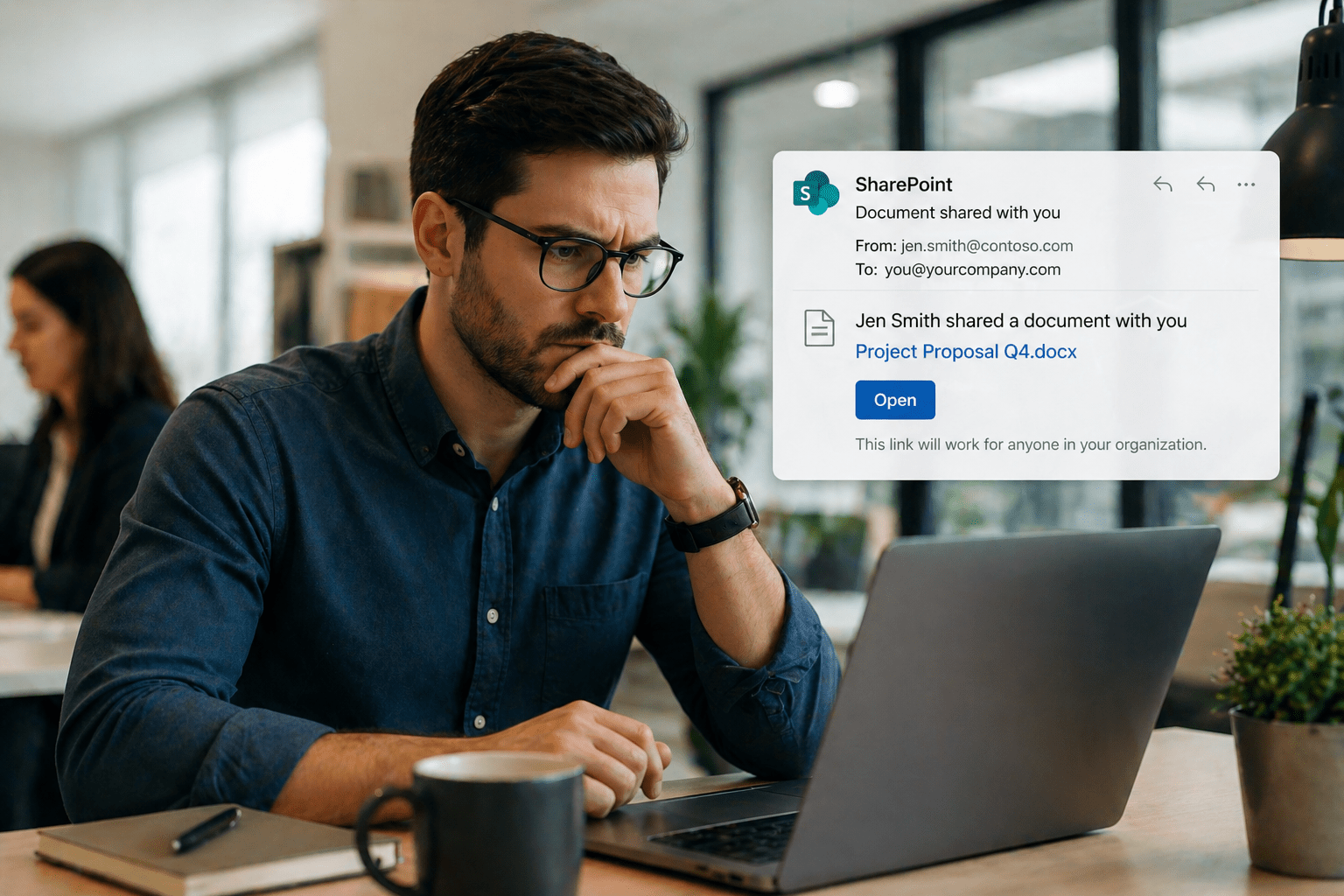
SharePoint document share notifications land in inboxes dozens of times a week at most organizations.
Most of them are exactly what they appear to be — a colleague sharing a file for review, a vendor sending a proposal, a project folder being opened up to a new team member. Some of them are not.
The problem is not that phishing emails have become indistinguishable from legitimate share notifications. The problem is that legitimate share notifications have become a reliable template for phishing — and most employees have not been trained to tell the difference.
Understanding who actually sends legitimate SharePoint share requests is the first step toward building that recognition.
For organizations using Microsoft 365 and Teams, this is not a theoretical risk. SharePoint phishing is one of the most common credential-harvesting methods targeting Microsoft 365 environments today.
Overview
Legitimate SharePoint document share requests originate from a narrow set of sources and follow predictable patterns.
Phishing attempts that impersonate those notifications exploit the fact that most recipients do not know what the legitimate pattern actually looks like.
Knowing the sources, format, and context of real share notifications makes the impersonations easier to identify.
- Internal colleagues are the most common source of legitimate share requests
- External collaborators — vendors, clients, partners — share documents through verified organizational accounts
- Microsoft 365 system notifications follow a specific format that differs from manually crafted phishing emails
- IT-initiated shares from administrators provisioning access have their own recognizable patterns
- Automated workflow notifications from approved business tools may trigger share-style alerts
The 5 Why’s
Why do attackers specifically target SharePoint share notifications as a phishing template?
SharePoint share notifications have high open rates, create urgency, and link to what appears to be a legitimate Microsoft environment.
Users are conditioned to click them quickly because acting on shared documents is a routine work task.
The combination of familiarity, urgency, and Microsoft branding makes SharePoint impersonation one of the highest-performing phishing templates in use.
Why does knowing the sender’s domain matter more than knowing their name?
Display names in email headers are freely editable.
An attacker can name their sending address “SharePoint” or “Microsoft Teams” without owning those domains.
The actual sending domain — visible in the email header or by hovering over the sender address — is the reliable indicator.
Legitimate Microsoft notifications come from microsoft.com domains. Legitimate internal shares come from your organization’s domain.
Why do legitimate share requests not ask for your password?
SharePoint access is granted by the sharing action itself.
When a legitimate share request arrives, clicking the link takes you directly to the document after Microsoft authenticates your existing session.
There is no scenario in which a legitimate SharePoint share notification asks you to enter your password to view a shared document.
Any notification that requires credential entry before revealing the document is not legitimate.
Why does the timing and context of a share request matter as much as the format?
Phishing share notifications frequently arrive without prior context — no preceding conversation, no email thread, no meeting that would logically produce a shared document.
Legitimate shares almost always occur within a recognizable work context.
A share notification that arrives without any relationship to current work activity should be treated with more scrutiny.
Why is multi-factor authentication not sufficient protection against SharePoint phishing on its own?
MFA protects the authentication event. It does not prevent a user from being tricked into voluntarily entering their credentials on a fake login page before MFA is triggered.
Adversary-in-the-middle phishing kits can also intercept MFA tokens in real time.
MFA raises the cost of credential theft but does not eliminate it. Employee recognition is required.
Sources of Legitimate SharePoint Share Requests
Internal Colleagues
The most frequent source of legitimate SharePoint share notifications is colleagues within your organization.
- Come from your organization’s verified domain
- Reference a specific document or folder tied to real work
- Arrive within an existing conversation or project context
- Do not request credentials
If unsure, confirm directly before clicking.
External Collaborators
Vendors, clients, and partners regularly share documents through SharePoint.
- Come from verified organizational domains
- Match real business relationships
- Can be confirmed through separate communication channels
Microsoft 365 System Notifications
These come from Microsoft domains and follow consistent formatting.
They link directly to your organization’s SharePoint environment — not generic login pages.
IT-Initiated Administrative Shares
IT teams may provision access during onboarding or project setup.
These typically follow prior communication such as a ticket or internal message.
Automated Workflow Notifications
Integrated business tools may trigger automated share-style alerts.
These should be documented and communicated during rollout.
Red Flags That a Share Request Is Not Legitimate
- Sender domain does not match the claimed organization
- The email asks for credentials before access
- Generic document names like “Important Document”
- Links do not point to your SharePoint environment
- No prior context or business relevance
- Display name looks correct but email address is unfamiliar
Final Takeaway
Legitimate SharePoint share requests follow a predictable pattern — and that pattern can be learned.
Once employees understand what normal looks like, deviations become easier to detect.
Building that recognition is not just a technical control. It is a training and awareness function.
Protect Your Microsoft 365 Environment With Mindcore
Mindcore Technologies helps organizations secure their Microsoft 365 environments, implement security awareness programs, and deploy monitoring that detects threats before they become incidents.
Our cybersecurity services cover the full threat surface — from email filtering to endpoint protection to incident response.
Talk to Mindcore About Microsoft 365 Security
Schedule your free strategy call
to assess your SharePoint and Microsoft 365 security posture.

