

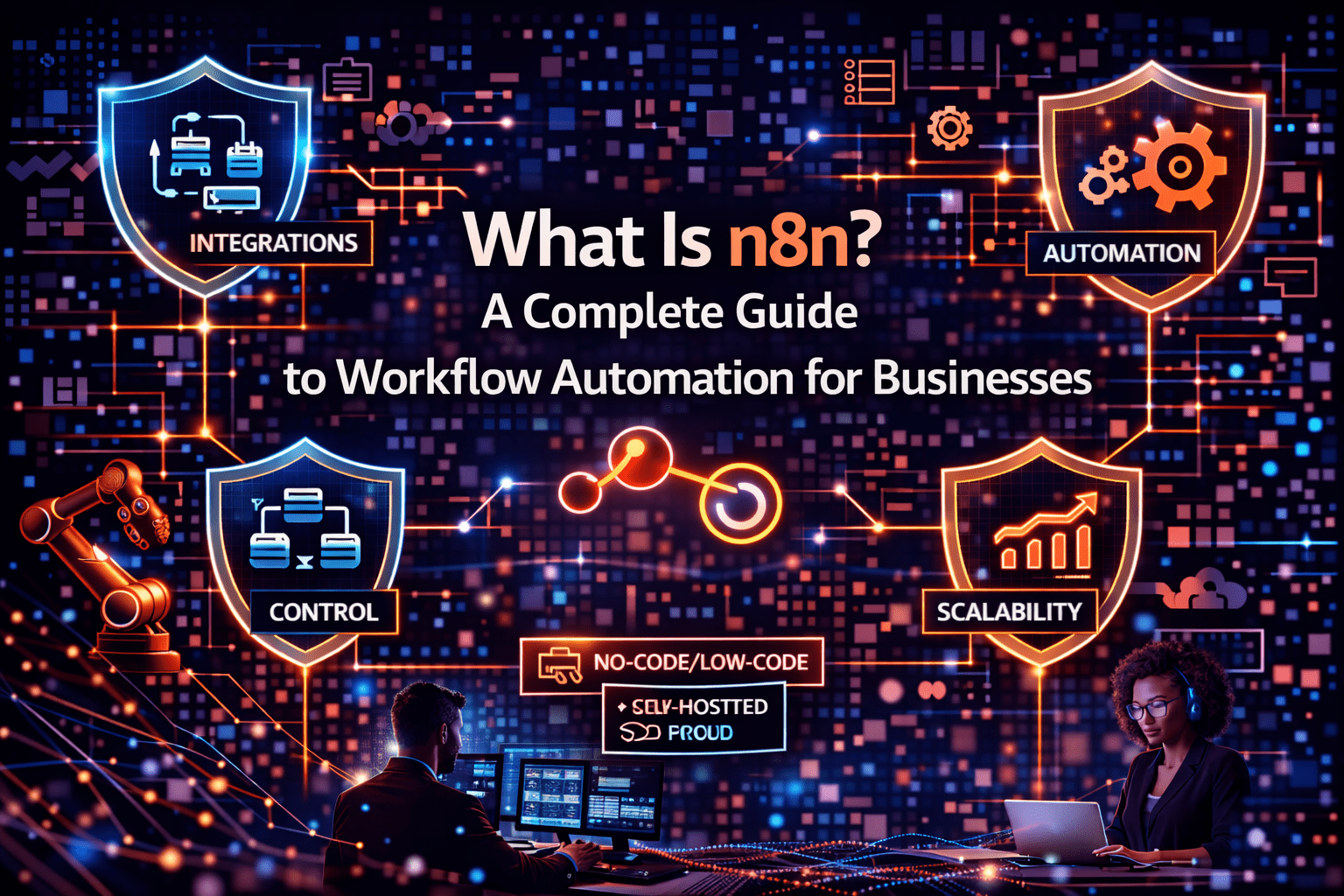
Every business runs on workflows — sequences of steps that move data, trigger actions, and connect the work one system does to the work another system needs to do. Most of those workflows have a problem: somewhere in the sequence, a human is manually executing a step that a computer could execute automatically.
n8n is the platform that eliminates those manual steps. It connects systems, triggers actions based on defined conditions, and moves data between applications without requiring a person to be in the middle. For businesses with dozens of systems that do not talk to each other automatically, n8n is the integration and automation layer that makes them work together.
This is the complete guide to understanding what n8n is, how it works, what it can connect to, and why growing businesses use it to replace manual workflow execution with automated processes that scale.
Overview
n8n is an open-source workflow automation platform that allows businesses to connect applications, automate data flows, and execute multi-step processes without writing code for the majority of use cases. It provides a visual workflow builder where users create automation workflows by connecting nodes — each node representing a trigger, an action, a data transformation, or a logic condition. Those connected nodes form workflows that execute automatically when defined conditions are met.
- n8n connects 400+ apps and services through pre-built integrations and supports custom API connections
- Workflows are built visually in a drag-and-drop interface without requiring developer involvement for most use cases
- n8n can be self-hosted for data control or run on n8n’s cloud infrastructure
- Workflows execute automatically based on triggers — scheduled times, webhook events, form submissions, system updates
- n8n supports code nodes for advanced logic when visual configuration is insufficient
This aligns with modern AI automation strategies and enterprise workflow optimization.
The 5 Why’s
Why do businesses need a dedicated workflow automation platform rather than building integrations directly between systems?
Direct integrations between systems are point-to-point — each connection requires development and maintenance, and each system update can break connections. n8n provides a managed integration layer that handles the connections centrally, so system updates affect one integration point rather than dozens. It also enables multi-step workflows that connect more than two systems — which direct integrations cannot easily handle.
Why does n8n’s open-source model matter for business users?
Open-source n8n allows self-hosting — organizations run n8n on their own infrastructure rather than sending workflow data through a third-party SaaS platform. For businesses handling sensitive customer data, financial records, or health information, that data sovereignty is a compliance requirement. For businesses with high automation volume, it also eliminates the per-task pricing that makes consumption-based automation platforms expensive at scale.
Why does the visual workflow builder specifically matter for business adoption?
Automation platforms that require developer resources for every workflow create a bottleneck — IT teams cannot keep up with the automation demand that business operations generate. n8n’s visual builder allows IT administrators, operations staff, and business analysts to build and maintain workflows without writing code for the majority of use cases. That accessibility is what makes automation a distributed organizational capability rather than a centralized IT function.
Why does n8n’s node-based architecture make it more flexible than simpler trigger-action platforms?
Simple trigger-action platforms (if this, then that) handle two-step workflows. n8n’s node architecture handles arbitrarily complex workflows: multiple triggers, branching logic, loops, error handling, data transformation, and conditional execution paths. Real business processes are rarely two steps; n8n handles the full complexity of actual operational workflows.
Why is n8n specifically well-suited for businesses that are outgrowing simple automation tools?
Businesses that started with simple trigger-action tools discover their limitations when workflow complexity increases — no support for loops, limited data transformation, no error handling, no conditional branching. n8n handles that complexity natively without requiring a move to a developer-built integration platform. It bridges the gap between simple consumer automation tools and custom development.
How n8n Works: The Core Concepts
Nodes
Nodes are the building blocks of n8n workflows. Each node represents a specific action or data source:
- Trigger nodes — start the workflow when a condition is met (webhook received, schedule reached, form submitted, database record updated)
- Action nodes — execute operations in connected systems (create a CRM record, send an email, update a spreadsheet, post to Slack)
- Logic nodes — control workflow flow (if/else conditions, switches, loops, merge operations)
- Data transformation nodes — manipulate data as it moves through the workflow (set values, extract fields, format strings, calculate values)
- Code nodes — execute custom JavaScript or Python for operations that cannot be handled through visual configuration
Workflows
Workflows are sequences of connected nodes that execute from trigger to completion. A workflow might:
- Receive a webhook from a form submission
- Extract the submitted data and clean it
- Check whether the contact already exists in the CRM
- Create a new CRM contact if it does not exist; update it if it does
- Send a welcome email through the email platform
- Add the contact to the appropriate marketing list
- Notify the sales team in Slack if the contact matches a high-value prospect profile
Each step would previously have required human execution. The n8n workflow executes it automatically every time.
Integrations
n8n connects to 400+ applications through pre-built nodes including:
- CRM platforms — Salesforce, HubSpot, Pipedrive
- Communication tools — Slack, Microsoft Teams, Gmail, Outlook
- Cloud storage — Google Drive, Dropbox, AWS S3
- Databases — PostgreSQL, MySQL, MongoDB, Redis
- Project management — Asana, Jira, Trello, Monday.com
- Finance and accounting — QuickBooks, Xero, Stripe
- Marketing platforms — Mailchimp, ActiveCampaign, Marketo
- Custom APIs — any system with a REST or GraphQL API connects through n8n’s HTTP request node
Common n8n Automation Use Cases
- Lead routing — form submissions trigger CRM record creation, scoring, and sales team notification
- Invoice processing — received invoices trigger extraction, approval routing, and payment scheduling
- Customer onboarding — new customer records trigger multi-step email sequences and internal team notifications
- Support ticket management — ticket creation triggers routing, SLA tracking, and escalation workflows
- Reporting automation — scheduled workflows aggregate data from multiple sources and generate reports
- IT alerting — monitoring system events trigger Slack alerts, ticket creation, and escalation procedures
Deployment Options
- n8n Cloud — managed hosting by n8n; faster setup; subject to n8n’s data handling policies
- Self-hosted — n8n deployed on your own servers, VMs, or cloud infrastructure; full data control; requires infrastructure management
For businesses with data sensitivity requirements, self-hosting is the correct deployment model. For businesses prioritizing speed and simplicity over data control, cloud deployment reduces setup time.
Final Takeaway
n8n is the integration and automation platform that connects the systems businesses already use, automates the manual steps those systems require humans to bridge, and scales with business volume without requiring proportional headcount growth. For businesses with multiple disconnected systems and significant manual workflow volume, n8n is the operational infrastructure that makes those systems work as a coherent whole.
Get Started With n8n Through Mindcore Technologies
Mindcore Technologies helps businesses design, build, and deploy n8n automation — from initial workflow assessment through integration architecture, workflow development, and ongoing optimization.
Schedule your free strategy call to map your workflows and identify automation opportunities.

