

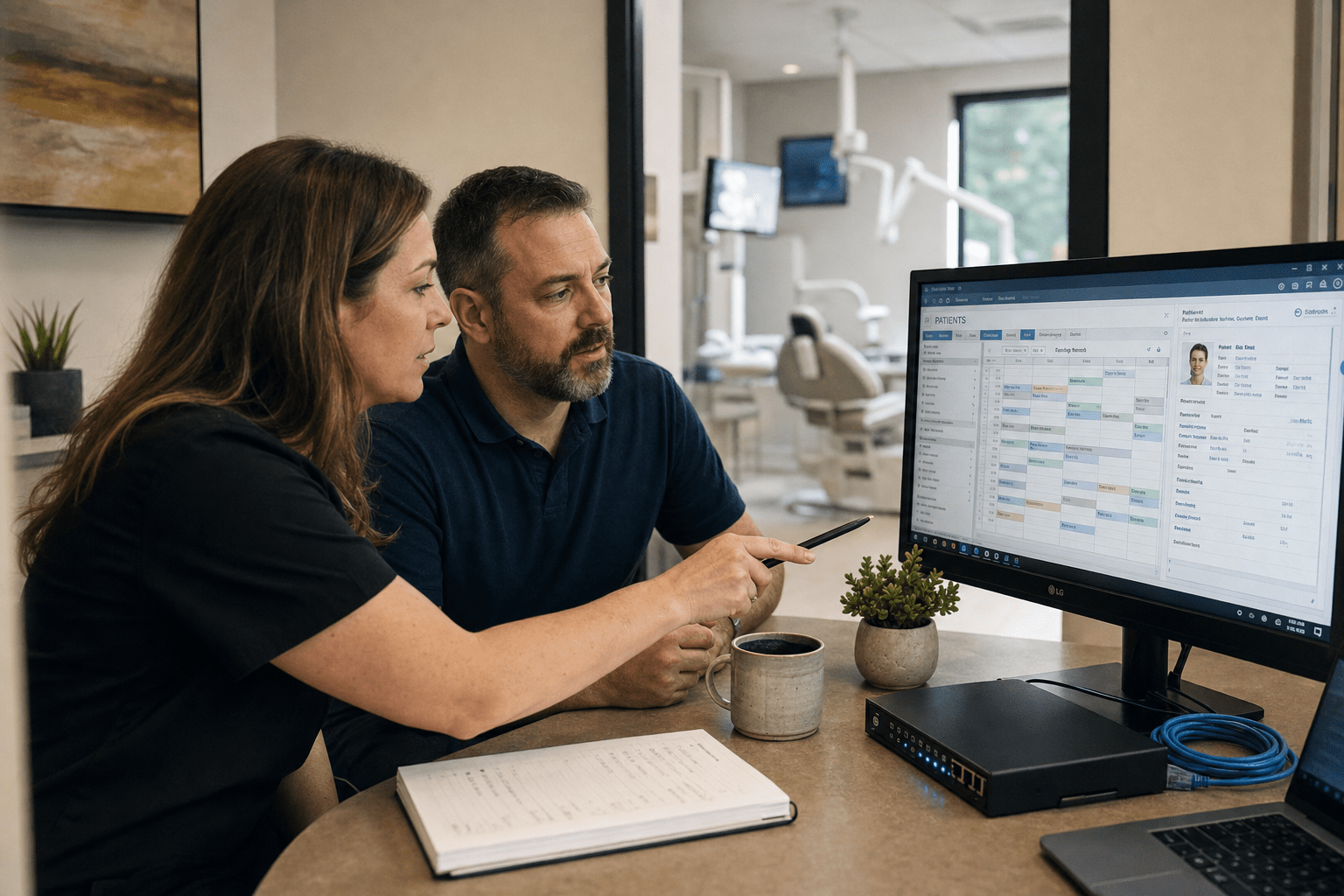
Dental Practice Cybersecurity is now essential, not optional, because even a single practice stores high-value patient identities, insurance information, payment data, and clinical records on small networks with minimal defenses. By 2026, Dental Practice Cybersecurity threats have evolved from general malware to targeted ransomware that can freeze your practice management system and demand payment before patient care resumes. Offices that integrate Dental Practice Cybersecurity into their clinical infrastructure continue operating during attacks, while those assuming their small size offers protection are forced to scramble.
The Five Things Every Dental Practice Should Know First
Before the details, here are the core principles this article covers, written for a practice owner or office manager who runs a two to fifteen operatory office and does not have a full-time IT staffer.
- Dental offices are targeted because of what they hold, not how big they are. Patient records sell for more than credit cards on criminal markets.
- Your biggest exposure is the practice management software chained to imaging hardware on older Windows machines that vendors will not let you patch.
- Phishing remains the primary entry point, making Dental Practice Cybersecurity training crucial; most breaches start with a single employee clicking a malicious email rather than sophisticated firewall attacks.
- HIPAA treats a ransomware event as a reportable breach by default, so a security failure becomes a compliance and legal failure in the same afternoon.
- Effective Dental Practice Cybersecurity relies on proven, cost-effective controls: multi-factor authentication, verified backups, endpoint detection, staff training, and segmented networks to prevent lateral spread.
Read this as a working brief. We wrote it for owners tired of vague “you should really get IT security” advice who want to know exactly where the risk lives.
Why Attackers Target Dental Practices Specifically
Attackers target dental practices because a small office stores high-value data behind low-value defenses, which is the best possible ratio for a criminal. A dental record is a complete identity package. It carries the patient’s name, birth date, address, Social Security number, insurance policy details, and payment information, often going back years. The American Dental Association has flagged this concentration of sensitive data as the reason dental offices see attack volume out of proportion to their size.
The economics that make you a target
Stolen dental and medical records sell for far more than a stolen credit card number because a card gets cancelled in hours while a medical identity stays useful for years. That price difference is what drives attackers toward healthcare providers of every size. A card can be reissued. A patient’s birth date and insurance history cannot.
The counterargument owners raise is fair: surely large hospital systems are the real prizes. Large systems do get hit, but they also fund dedicated security teams. A criminal weighing effort against payout often prefers ten under-defended dental offices over one hardened hospital. Both statements are true, and the honest conclusion is that size protects you far less than most owners assume.
Why “we’re too small to matter” is the costliest myth
The belief that a small practice flies under the radar assumes attackers pick targets by hand. They do not. Most attacks are automated scans that knock on every internet-connected door and walk through the ones left unlocked. Your practice is not chosen, it is discovered. Some owners point out, correctly, that they have never been attacked, which feels like evidence the risk is overstated. The uncomfortable reality is that many breaches go undetected for months, so “we have never had a problem” often means “we have never noticed one.” Both readings deserve weight, and the safe posture is to assume you are already being scanned.
The Hidden Attack Surface Generic IT Advice Misses
The most dangerous gap in most dental offices is the practice management software running on aging Windows workstations wired directly to imaging hardware. This is the risk almost no generic security checklist names, and in fifteen years of assessing provider networks it is the single finding I flag most often.
Why the practice management system is the crown jewel
Practice management platforms like the systems most offices run hold the clinical and financial heart of the business, so an attacker who reaches that server reaches everything at once. When ransomware encrypts that database, you lose scheduling, charting, billing, and imaging in one stroke. The optimistic view is that cloud-hosted practice management shifts this burden to the vendor, and for newer cloud platforms that is partly correct. The opposing reality is that a large share of offices still run on-premise servers, and even cloud platforms sync to local machines that stay vulnerable. Neither model is automatically safe, which is why the specific architecture of your office matters more than the marketing label on your software.
The imaging hardware that cannot be patched
X-ray sensors, intraoral cameras, and CBCT units frequently ship with locked-down Windows machines the manufacturer forbids you from updating, which leaves known vulnerabilities open for years. This is where I see the sharpest disagreement in the field. Vendors argue the devices are safe because they are “not really computers,” while security teams treat every one of them as an unpatched endpoint on the network. The resolution is not to rip the hardware out, it is to isolate it. We segment imaging devices onto their own network zone so a compromise of one machine cannot spread to the practice management server. Network segmentation, a technique that walls off systems into separate zones, turns an unpatchable device from a network-wide threat into a contained one.
The workstation-to-server chain reaction
A single infected front-desk workstation can reach the practice management server in seconds because most dental networks are flat, meaning every device can talk to every other device. That flat design is convenient for staff and catastrophic during an attack. Some IT providers defend flat networks as simpler to support, and for a five-person office that argument has real merit. The stronger position is that segmentation costs little and stops the exact lateral movement ransomware depends on. Our cybersecurity team treats the boundary between reception, clinical, and imaging systems as the first control we design, because that boundary is what decides whether a breach hits one PC or the whole office.
How Dental Breaches Actually Start
Most dental practice breaches start with phishing, not with a sophisticated technical exploit, which means your staff inbox is the real perimeter. The Cybersecurity and Infrastructure Security Agency consistently ranks phishing and stolen credentials as the leading entry points across small organizations, and dental offices are no exception.
Phishing and the busy front desk
The front desk is the most phished seat in the office because it processes email from insurers, labs, patients, and vendors all day and cannot afford to treat every message with suspicion. Attackers exploit that tempo with fake insurance claim notices and lab result attachments. The reasonable objection is that training cannot make a busy team perfect, and that is true. The counterweight is that trained teams report suspicious mail dramatically more often, turning staff from the weakest link into an early warning system. Both facts hold, so we pair training with technical filtering rather than relying on either alone.
Weak and reused passwords
Reused passwords let one leaked credential unlock multiple systems, and dental offices are prone to shared logins that make this worse. When the whole team signs into the practice management system with one password taped to a monitor, a single leak exposes every record. Multi-factor authentication, which requires a second proof of identity beyond the password, closes most of this gap. Some staff resist the extra step as friction during a packed schedule, a complaint worth taking seriously. The stronger case is that MFA blocks the overwhelming majority of credential attacks for a few seconds of effort per login, which is why we consider it non-negotiable.
Building Real Cybersecurity for Your Dental Practice
Effective cybersecurity for dental practices in 2026 rests on a short list of proven controls, deployed together, rather than any single product. The HHS HIPAA Security Rule and NIST SP 800-171 both point to the same layered approach, and our work with medical and dental practices follows it closely.
- Multi-factor authentication on everything, especially the practice management system, email, and remote access. This is the highest-impact control you can turn on this week.
- Endpoint detection and response on every workstation and server, so a threat gets caught and isolated instead of spreading quietly.
- Tested, offline backups of the practice management database. A backup you have never restored from is a hope, not a plan, so we verify restores on a schedule.
- Network segmentation separating reception, clinical, and imaging zones, so one infected device cannot reach the crown-jewel server.
- Ongoing staff training with simulated phishing, because the front desk is your live perimeter and needs practice, not a one-time slide deck.
We covered the broader version of this playbook in our simple security framework for SMBs, and the dental version simply adds the imaging-and-practice-management wrinkle on top.
Why Cybersecurity and HIPAA Compliance Are the Same Project
For a dental practice, a cybersecurity failure and a HIPAA violation are usually the same event, because HHS treats a ransomware incident as a presumed breach of protected health information. That means the technical attack triggers a legal and regulatory clock the moment it lands. Penalties for HIPAA violations climb steeply with negligence, and the reputational cost of notifying every patient that their records were exposed often outlasts the fine.
Some owners see compliance as paperwork separate from real security, and there is a grain of truth: you can pass a checklist and still be vulnerable. The stronger reality is that the safeguards HIPAA requires, access controls, audit logs, encryption, and risk analysis, are the same safeguards that stop the attack in the first place. We treat them as one program through our cybersecurity compliance work, because splitting them is how offices end up compliant on paper and breached in practice.
Frequently Asked Questions
How much does cybersecurity for a dental practice cost?
Cybersecurity for a small dental practice typically costs far less than a single breach response, and most offices can deploy the core controls for a predictable monthly managed fee. The largest expense in an attack is not the ransom, it is the downtime, the breach notification, and the lost patients. Layered protection is priced to sit well below that risk.
Do small dental practices really get targeted by hackers?
Yes, small dental practices are targeted heavily because most attacks are automated scans that find weak networks regardless of size. Your practice is discovered by software, not chosen by a person, and a small office with thin defenses is exactly what those scans look for.
Is HIPAA compliance enough to keep my practice secure?
HIPAA compliance is a strong foundation but not a complete security program on its own. The rule sets required safeguards, yet an office can satisfy the paperwork while leaving real gaps, so we treat compliance as the floor and active defense as the goal.
What is the single most important security step for a dental office?
Turning on multi-factor authentication across email and the practice management system is the highest-impact first step. It blocks the majority of credential-based attacks, which are one of the most common ways dental offices get breached, and it can be enabled quickly.
Can my imaging equipment really be a security risk?
Yes, imaging hardware is a common weak point because manufacturers often lock the underlying Windows machines and forbid updates, leaving known vulnerabilities open. The fix is to isolate those devices on a separate network zone so a compromise cannot spread to your patient records.
Talk to a Team That Knows Dental Networks
Cybersecurity for dental practices in 2026 comes down to protecting the specific systems your office runs every day: the practice management database, the imaging hardware, the staff inboxes, and the patient records that tie them together. The threats are real and automated, but the defenses are proven and affordable when deployed as one layered program rather than a pile of disconnected tools. The practices that stay open through an attack are the ones that mapped their real risk before the attack came, segmented their networks, tested their backups, and trained their people. You do not have to build that alone, and you do not have to become a security expert to get it right. Our team designs and runs these programs for provider offices every day, and we start by walking your actual network rather than handing you a generic checklist. Book a free strategy call and we will map where your practice is exposed and what to fix first.

