Two critical flaws in MikroTik RouterOS, tracked as CVE-2026-67276 and CVE-2026-86060 and nicknamed MikroTrick, can be chained to take over a router without any password. Both rate 9.2 on the CVSS scale and both live in the SSH login path. CERT Polska reports active exploitation since at least September 2, and the Shadowserver Foundation counted at least 122,500 vulnerable devices with SSH exposed to the internet on September 5. If your office, branch location or customer site runs a MikroTik router, check it today. A hijacked router sees and can redirect all the traffic behind it, and it is easy to forget because it sits quietly in a corner. This guide shows how to tell whether you are affected, what to look for and how to fix it.
Why a Small Router Can Be a Big Risk
A router is the front door of your network, and whoever controls it controls what comes in and goes out. A compromised router can copy traffic, redirect people to fake sites, open a path into your internal systems and serve as a launchpad for attacks on other companies. Because routers rarely get the attention that servers and laptops do, they often run old firmware for years.
Here is the short version for owners and IT managers:
- The two flaws chain together: one bypasses SSH authentication and the other grants administrator privileges, so an attacker needs no valid login.
- The attack requires SSH reachable from the internet, which makes exposed management services the main risk.
- Fixed RouterOS versions include 6.49.21, 7.23.4 and 7.24.2, with a few related flaws fixed in 7.23.6 and 7.24.3.
- Researchers report real attacks in the wild, so patching is urgent rather than routine.
- Closing SSH to the internet reduces risk immediately, even before you update.
This article is for the owner, operations director or IT lead at a company with branch offices, retail sites or remote locations where MikroTik hardware often appears. We are the guide and you are the one protecting the business, so the steps are written to be doable in an afternoon.
How the Two Flaws Work Together
The first flaw, CVE-2026-67276, comes from how RouterOS checks an SSH key. It compares part of an authorized user’s RSA key but not all of it, so an attacker who knows a valid public value can present a crafted key and forge a signature without the private key. The second flaw, CVE-2026-86060, involves SSH usernames that begin with a disallowed character, which can change the trusted permission mask and hand the session full administrative rights.
Chained, they turn an exposed SSH service into a full takeover. The attacker needs the router to answer on SSH from the internet and nothing else.
Why Router Flaws Go Unpatched
Few companies track router firmware the way they track Windows updates. The device was installed by a contractor years ago, nobody owns it and updates risk a short outage at a site with no IT staff. Those are fair reasons, and they are also exactly how a 9.2 flaw lingers. Ownership is the fix: name one person who is responsible for network devices and give them a calendar.
A regular scan finds this kind of gap before an attacker does, and our vulnerability assessment services cover network devices as well as servers. For the process behind it, read how to implement a vulnerability management process.
How Many Devices Are Exposed
Shadowserver’s September 5 count of at least 122,500 vulnerable devices shows how common exposed management access is. Many belong to small businesses and home offices that never intended SSH to face the internet. Convenience features and old default settings often leave it open without anyone choosing that.
How to Find Out Whether Your MikroTik Router Is Affected
Start by listing every MikroTik device you own, then check each one for its RouterOS version and whether SSH answers from outside. A short inventory takes less time than the cleanup that follows a missed device.
Build the Device List
Check your asset records, your internet provider handoff documents and the equipment at each branch. Look for the brand on the case, and ask site managers to send a photo of any unfamiliar network box. Include devices a vendor installed on your behalf, such as the router in a point-of-sale or camera system, because those are the ones nobody remembers.
Check the Version
Log in to each router, or ask your provider, and read the RouterOS version. Compare it to the fixed releases: 6.49.21 on the long-term 6 branch, 7.23.4 or 7.23.6 on the long-term 7 branch and 7.24.2 or 7.24.3 on the stable branch. One detail matters: 7.23.4 and 7.24.2 did not fully fix a related flaw, so move to 7.23.6 or 7.24.3 where you can.
Test Whether SSH Is Reachable From Outside
From a network that is not your own, such as a phone off your Wi-Fi, check whether the router’s public address answers on the SSH port. Your provider or a managed IT partner can run a proper external scan if you prefer. If SSH answers, the router is in the attackers’ scan range.
What to Do If You Cannot Update Today
Block SSH, web management and the bandwidth-test service on the internet-facing interface, and allow management only from a trusted address range or through a VPN. That step does not remove the flaws, but it removes the path the attack uses. Then schedule the update for the first possible window.
How to Tell Whether a Router Was Already Hijacked
Updating the firmware closes the hole and does not remove an attacker who already used it. Researchers published concrete signs worth checking on every router that was exposed in September.
The Log Entries and Accounts to Look For
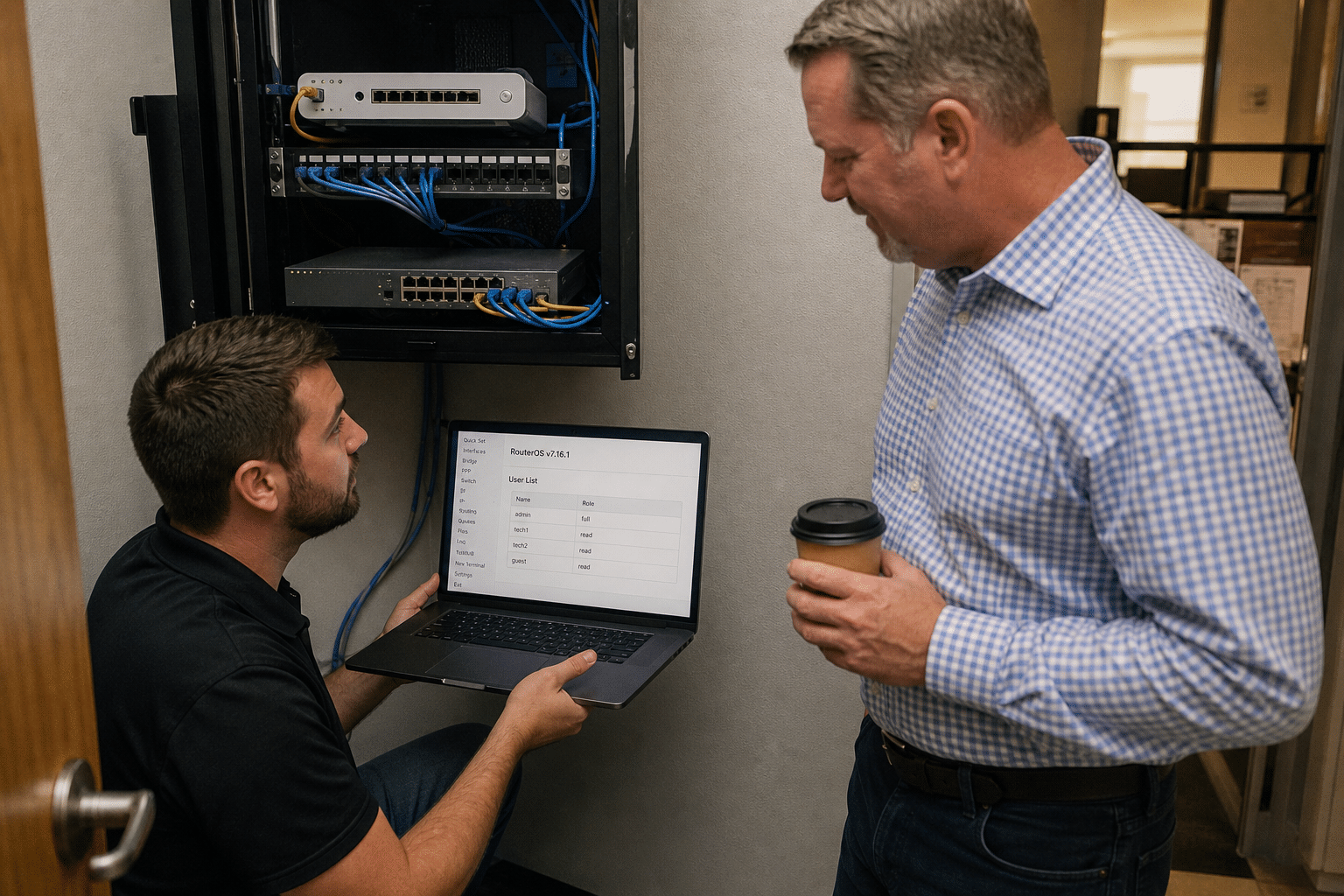
Search the router’s log for failed SSH logins under the username “-2” and for entries such as “user added by ssh:-2@”. Check the user list for accounts you did not create, including one named “ops”. Review scheduled scripts and any startup scripts for commands you do not recognize, since persistence often hides there.
Absence of these signs is encouraging and not proof. If logging was off or the device rebooted, the evidence may be gone. For a router that sat exposed and unpatched for days, treat a clean log as a good sign and not a clearance.
What a Hijacked Router Does Quietly
A compromised router may change DNS settings so that your staff reach look-alike sites, open extra ports, create tunnels to outside servers or copy traffic. Staff may notice nothing, which is why you check the configuration rather than waiting for symptoms. Compare the running configuration with your last known good copy if you have one.
If You Find Signs of Compromise
Do not simply delete the strange account and move on. Back up the configuration for evidence, reset the device to a clean state, install the patched firmware, rebuild the configuration by hand and set new credentials. Change passwords and keys that passed through the router, including VPN secrets and any Wi-Fi passphrase.
How to Harden the Router After You Patch
A patched router is safer, and a hardened one is much safer. Spend an extra hour on the settings below, because they limit the damage from the next flaw.
Shrink the Management Surface
Turn off every management service you do not use. SSH, web management, the older Telnet and FTP services, and the neighbor discovery features all give attackers something to talk to. Where you need remote administration, require a VPN first, so the management port never faces the internet.
Use Strong, Separate Credentials
Replace default usernames and passwords with individual ones, and prefer key-based logins for administrators where the platform supports them. Keep one administrator account per person so changes can be traced, and remove accounts for people who have left. A shared admin login makes any investigation harder.
Back Up and Monitor the Configuration
Keep a dated copy of each router’s configuration offline, and review changes monthly. A managed IT provider can alert you when a router configuration drifts. A configuration you can restore in ten minutes turns a hijack into a short outage.
Know What a Scan Can and Cannot Tell You
A vulnerability scan lists known flaws on a device, while a penetration test tries to break in the way an attacker would. Our comparison of vulnerability scanning vs penetration testing explains when each fits, and our look at vulnerability management costs and hidden line items helps you budget the work. For the wider picture, see our vulnerability management guide for SMBs.
Put Someone in Charge
Pick an owner for network devices, give them the inventory and set a quarterly check of versions and exposure. Most router compromises trace back to a device nobody was responsible for.
How to Manage Routers at Many Locations
A company with several offices, stores or job sites multiplies every router problem by the number of locations. The practical answer is a standard and a schedule, so no site becomes the forgotten one.
Standardize the Hardware and the Settings
Choose a small number of router models and one baseline configuration, and use it everywhere you can. A baseline makes it easy to see when a router has drifted, and it makes replacement quick, since a technician can load a known configuration in minutes. Sites that evolved on their own tend to hold the oldest firmware and the most open services.
Set a Patch Calendar for Network Devices
Pick a recurring day each month, review advisories for the models you run and update in a rolling order so that no two critical sites go down at once. For an urgent advisory like this one, run the same process faster, starting with the sites where SSH was reachable from the internet. Record each update so you can answer a simple question later: which devices were patched, and when.
Use Remote Management Safely
Remote management saves a trip to every site, and it is also the exposure attackers look for. Reach routers through a VPN or a small set of trusted addresses, never through a service open to everyone. If a vendor needs access, create a temporary account that expires and delete it afterward.
Decide What Happens When a Site Has No One Technical
Many branch locations have staff who are not technical. Give them a short sheet with the support number, a photo of the router and its power button, and a clear note that a reboot is not a fix for a security warning. When the right person is easy to reach, a problem gets reported in minutes instead of weeks.
Frequently Asked Questions
What is MikroTrick?
MikroTrick is the name given to a two-step attack that chains CVE-2026-67276, an SSH authentication bypass, with CVE-2026-86060, an SSH privilege escalation flaw. Together they let an attacker control a MikroTik RouterOS device without valid credentials.
Is my router affected if SSH is turned off?
The reported attack requires SSH to be reachable from the internet, so a router with SSH closed on the public side is much less exposed. You should still update, because internal attackers and future changes could reopen the path.
Which RouterOS version should I install?
Install a fixed release for your branch: 6.49.21, 7.23.4 or 7.24.2 at minimum. Because the first two of the 7 branch fixes were incomplete for a related flaw, move to 7.23.6 or 7.24.3 where available.
How do I check whether it was already compromised?
Look for failed SSH logins under the username “-2”, log entries showing a user added by ssh, an unexpected “ops” account and unfamiliar scripts. A clean result is reassuring but does not prove the router was never touched.
Can someone check our branch routers for us?
Yes. Our team can inventory your network devices and review their settings during a free strategy call.
Who Stands Behind This Guidance
Mindcore Technologies manages networks and security for small and mid-sized businesses with offices across several states, and we write from fieldwork on routers, firewalls and branch connectivity. Matt Rosenthal, our CEO, keeps the company focused on dependable service for the people who rely on their network every day. We share what we see so you can act before an attacker does.
Check Every Router This Week
The takeaway is that router flaws are easy to ignore and expensive to ignore. Build the device list, update to a fixed version, close SSH to the internet and check for the accounts and log entries researchers have published. Then name an owner so the next advisory reaches someone. Book a free strategy call and we will help you inventory and secure the devices at every site.