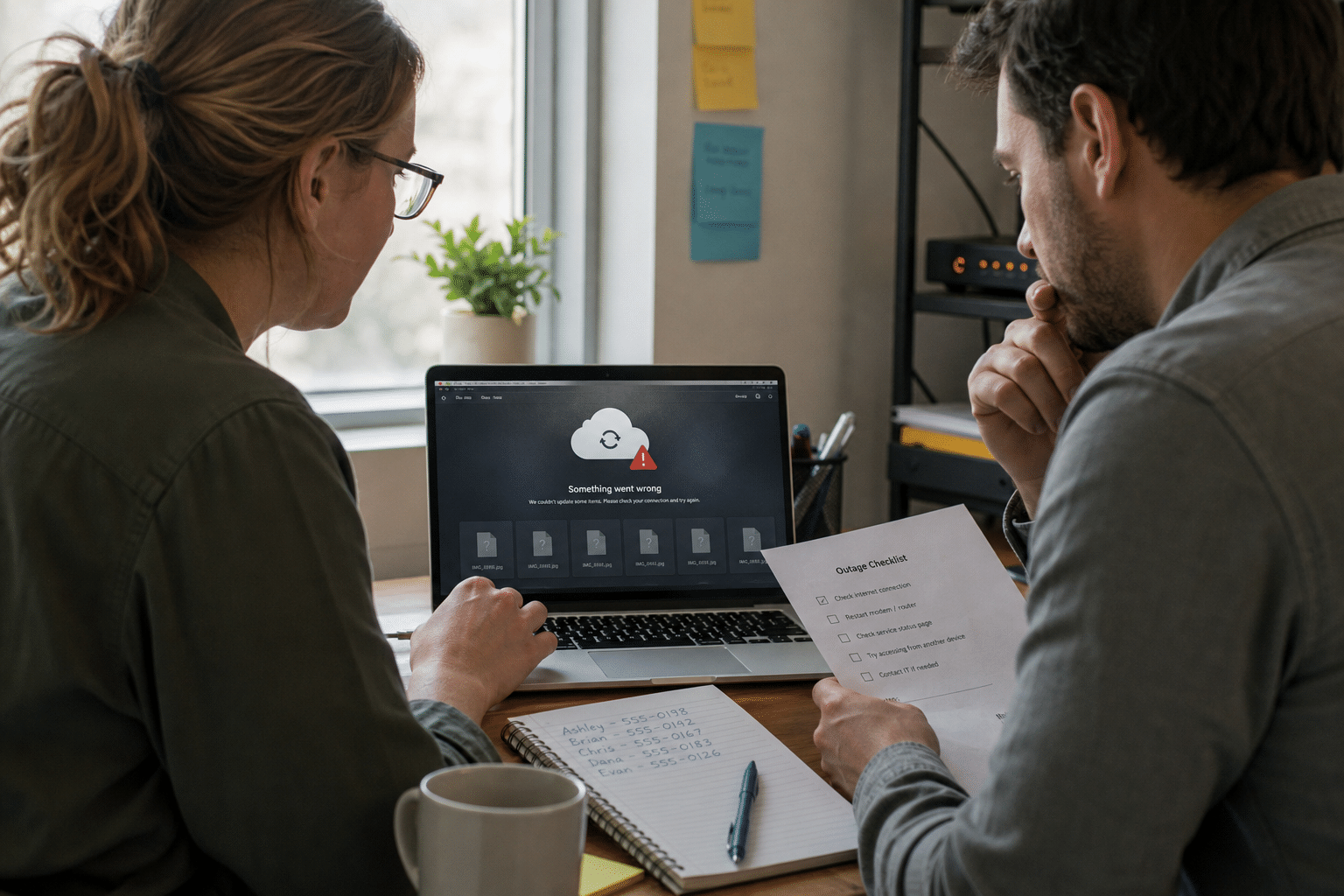
A cloud file outage plan tells your staff what to do when the files they rely on still exist but cannot be opened, which is a different problem from losing data and one that backups do not solve. In October 2026 a large cloud provider confirmed that physical damage to three of its data centers forced it to shut two facilities and partly disable a third, and its users lost access to stored files, according to BleepingComputer. The provider is not one most American businesses use. The failure is one they will meet. Every cloud storage service, including the large ones small businesses run on, has had outages caused by expired certificates, bad configuration pushes, regional power events and network faults. During those hours, staff open a shared folder and see placeholders that will not download. This article covers how our team prepares clients for that moment: deciding which files live on devices, how people work without causing sync conflicts, and who decides when to move to a fallback.
Overview: Five Points Before the Next Outage
Most small businesses discover how dependent they are on cloud files during the first hour of an outage. These five points frame the plan.
- Backups and availability are separate. A backup restores lost data later. It does not help a team that needs a contract open in ten minutes.
- Placeholders are not files. Modern sync clients show files that only download on demand, so a laptop full of icons may hold nothing usable offline.
- Conflicts cause the lasting damage. Staff who save copies everywhere during an outage create a reconciliation mess that outlasts the outage itself.
- Someone must decide when to switch. Without a named decision maker, teams wait for hours hoping the service returns.
- Your contract sets your remedies. Service credits rarely cover real losses, so the plan has to carry the weight the SLA will not.
Why Cloud File Outages Catch Small Businesses Unprepared
Cloud file outages catch small businesses unprepared because the move to cloud storage removed the local file server that used to work when the internet did not.
A decade ago an office file server kept running when the internet failed. Today most of our clients store everything in Microsoft 365, Google Workspace or a similar service, which is the right call for security, remote work and cost. The trade-off is that availability now depends on the provider, the office internet connection and the identity service that signs people in. Any one of the three failing looks the same to an employee.
Is a major provider outage likely enough to plan for?
The large providers publish strong uptime figures, and month to month most businesses never notice a problem. The opposing view is that outages are rare but clustered and long when they happen, often hitting during business hours in one region. We plan for a few hours of lost access a year, not because it is common, but because the preparation costs little and the unprepared version costs a working day.
What fails besides the files
Shared calendars, Teams or Chat attachments, line-of-business apps that store documents in the cloud, and single sign-on to other services can all fail together. When we map a client’s exposure, we list everything that stops working if the storage service or its sign-in goes down, not only the document library.
Why an office internet failure counts too
From an employee’s chair, a dead office connection and a provider outage are identical. Your plan should cover both, which is why a backup internet line and the steps below belong together. Our network outage emergency support team treats them as one scenario.
Files On-Demand Offline Access: Decide What Lives on Devices
Files on-demand offline access settings decide which documents a laptop can open without the cloud, and most businesses have never chosen them deliberately.
OneDrive Files On-Demand and Google Drive for desktop both stream files by default. The folder looks full, but only files recently opened or explicitly marked for offline use are stored locally. During an outage the rest show an error.
Which files should be pinned offline?
Pin the documents a role cannot work without for a day: current client files for account managers, active project folders for project leads, price lists and templates for sales, the payroll calendar for finance. Some IT teams resist pinning because it uses disk space and copies sensitive data to laptops. That concern is legitimate. The answer is full-disk encryption, managed devices, and pinning a short, role-based list rather than everything.
Manage the setting centrally
Both Microsoft and Google allow administrators to push sync settings to managed devices. Use that control so the offline set is consistent and survives a laptop replacement. Pair it with the device protection our cloud security team applies to any laptop holding offline copies.
Test it with the network off
Once a quarter, ask a few staff to switch off WiFi and open the files they would need for a day. It takes ten minutes and reveals immediately whether the offline set matches reality.
Sync Conflict Recovery: How Staff Work While the Service Is Down
Sync conflict recovery is far easier when staff follow one simple rule during an outage: edit offline copies in place and do not save new versions to desktops, email or USB drives.
When the service returns, sync clients upload offline edits. If two people changed the same file, the client keeps both and names the second as a conflicted copy. That is manageable. What is not manageable is fifteen versions scattered across email threads and personal folders.
Should staff email files to each other during an outage?
Emailing an attachment is the instinctive workaround and sometimes the only way to get a document to a client on time. The cost is a copy that lives outside your retention, permissions and audit trail, and that may be forgotten when the original changes. Allow it for urgent external sends, log what was sent, and bring the edits back into the shared library once service returns.
Who reconciles conflicts afterward?
Name the person in each team who reviews conflicted copies after an outage. Most conflicts take minutes to merge when someone owns them and weeks when nobody does.
Keep a simple outage note ready
Prepare a short message staff receive when an outage is declared: which files to use, the rule against scattering copies, where updates will be posted, and who to call. Send it through a channel that does not depend on the failed service, such as SMS or a phone tree.
Cloud Provider SLA Credits and the Decision to Switch
Cloud provider SLA credits compensate a small fraction of your monthly fee, so the real protection is a named person with authority to switch to a fallback.
What does the service agreement actually promise?
Most business cloud agreements promise a monthly uptime percentage and pay a service credit when it is missed. Credits are usually a slice of the monthly subscription and must be claimed. They do not cover lost revenue. Read the terms once, note the claim window, and treat the credit as a refund rather than insurance.
When should the business switch to a fallback?
Set a threshold in advance, for example two hours of lost access during business hours, after which the named decision maker moves teams to the fallback. The fallback might be offline copies, a read-only export held in a separate cloud backup service, or a secondary storage location for critical folders. Waiting longer is reasonable when the provider’s status page gives a credible restoration time. Without a threshold, most teams wait all day.
Watch status pages and region dependency
Subscribe the decision maker to your provider’s service health notifications. Microsoft publishes service health in the admin center and Google publishes a Workspace status dashboard. Check which region holds your data, because a regional event can affect one tenant while others are fine. Our cloud services team monitors these feeds for clients so the alert and the advice arrive together.
Backups Still Matter, Just for a Different Failure
A cloud backup held with a separate provider protects against deletion, ransomware and account loss, and it can double as a read-only fallback during a long outage.
Does a third-party backup help during an outage?
It helps when the backup service can export files independently of the main provider, and when someone knows how to retrieve them. It helps less when the outage is short, because restoring large libraries takes time. We cover the retention gaps in our Microsoft 365 backup guide and the equivalent issues for Google Workspace backups.
Keep sign-in independent where you can
If your identity provider and your file storage are the same service, an outage takes both. Keep break-glass admin accounts and a record of how to reach the backup console without single sign-on. Our explainer on why to move backup and recovery to the cloud covers how to design that separation.
Frequently Asked Questions
What is the difference between a cloud outage and data loss?
During an outage your files still exist but cannot be reached, while data loss means the files are gone or corrupted. Backups fix data loss; offline copies and an outage plan cover availability.
Can employees work offline with OneDrive or Google Drive?
Yes, but only with files stored on the device. Files shown as on-demand placeholders cannot be opened without a connection, so pin the files each role needs.
How long do cloud file outages usually last?
Most outages at major providers last minutes to a few hours, though rare events run longer. Plan for a few hours of lost access during business hours.
Are cloud service credits worth claiming?
Claim them if you qualify, but expect a small portion of the monthly fee. Credits do not compensate for lost productivity or revenue.
Should a small business keep a local file server as backup?
Usually not, because a local server adds cost and security work. Pinned offline files, a separate cloud backup and a clear switch decision cover most needs at lower cost.
Who Is Behind This Guidance
Mindcore Technologies moves small and mid-sized businesses into cloud storage and supports them after the move, including through the outages that every provider eventually has. The outage plan in this article is the one we build with clients alongside their backup and identity setup, and it reflects what we have watched teams do well and badly when sync stops in the middle of a working day. If you are still choosing a platform, our overview of what cloud storage is and how it works is a useful starting point. Matt Rosenthal, CEO of Mindcore, pushes the team to plan for the day a provider fails as carefully as the day it works.
Build a Cloud File Outage Plan This Quarter
A cloud file outage plan fills the gap backups leave: the hours when your files exist but cannot be opened. Decide which files each role keeps offline and manage that setting centrally, test it with the network off, give staff one rule for working during an outage, name who reconciles conflicts afterward, set a threshold for switching to a fallback, and keep sign-in for your backup independent of the service it protects. None of this requires new platforms. It takes an afternoon of decisions and a short note staff can follow under pressure. Our team can map your exposure across storage, identity and connectivity and then hand you a one-page plan your staff will actually use. Book a free strategy call and we will start with the files your business cannot work without.