

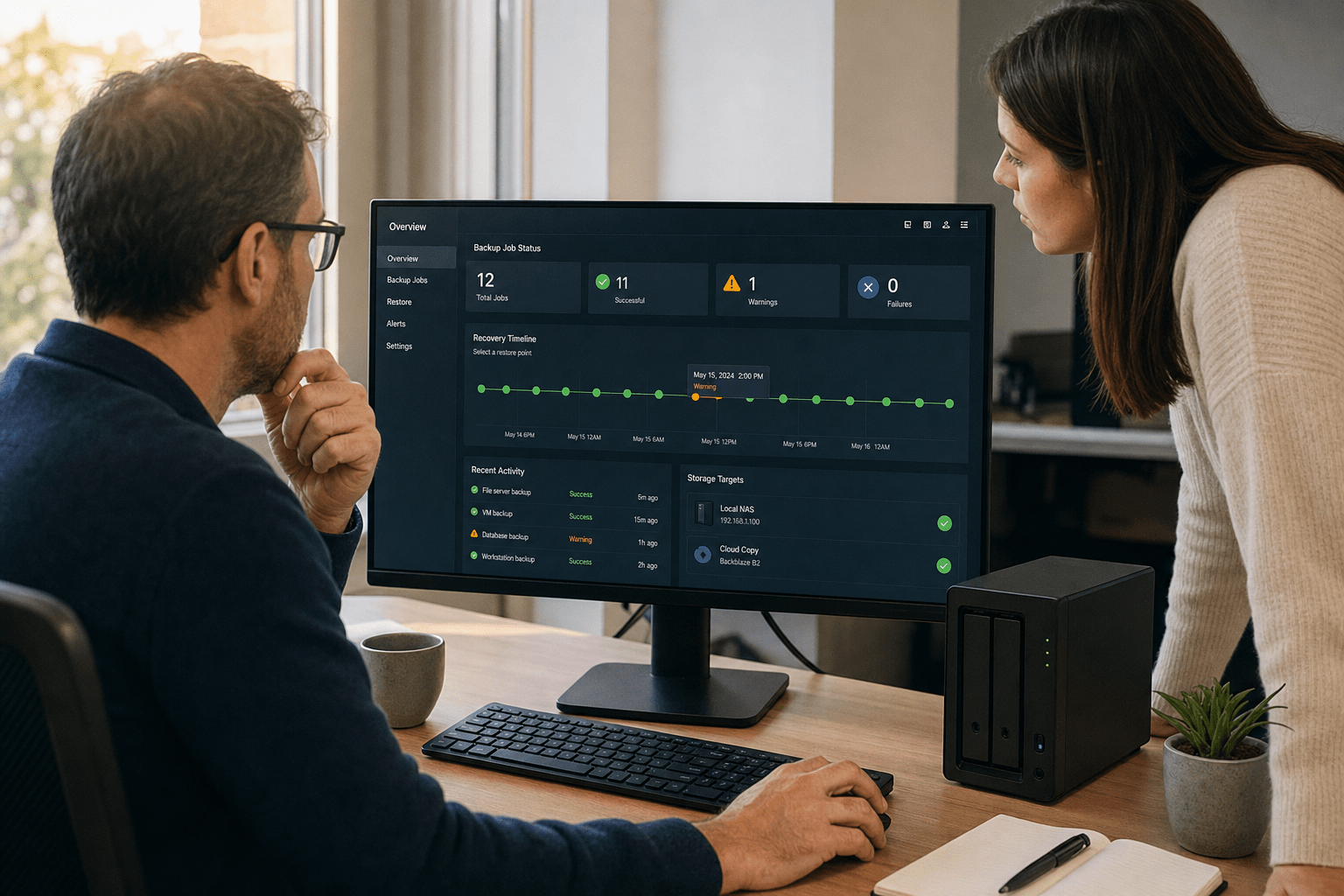
SMBs evaluating cloud backup vs local backup decision, must implement hybrid data protection strategies, ensuring that cloud backup vs local backup practices provide both isolated off-site copies and fast local restores. When considering cloud backup vs local backup, businesses should prioritize isolated storage, as effective cloud backup vs local backup strategies determine recovery success during floods, ransomware, or drive failure, whether that event is a flood, a failed drive, or a ransomware crew that went looking for your backups first.
I have walked too many SMBs through a recovery that should have been routine and turned into a crisis because the only backup sat on a drive connected to the same network the attacker had already compromised. This guide compares cloud and local backup on the dimensions that matter, ransomware resistance, disaster protection, recovery speed, and cost, then shows why the strongest plan borrows from both.
The Five Backup Truths SMBs Should Start With
Before comparing the two approaches, anchor on the principles that decide real-world outcomes. These hold regardless of which vendor or product you choose.
- A backup attached to your network is a target, not a safety net. Modern ransomware hunts for connected backups and encrypts them first.
- Off-site isolation is what survives a disaster. A copy in another location, logically separated, is what you fall back on when the building or the network is gone.
- Recovery speed and recovery certainty are different goals. Local copies restore fast, off-site copies restore reliably, and you usually want both.
- The 3-2-1 rule still works. Three copies, on two media types, with one off-site, remains the simplest design that covers the common failure modes.
- An untested backup is a guess. A restore you have never run is not proof you can recover, it is a hope.
Hold these in mind and the cloud-versus-local comparison stops being a contest and starts being a design exercise, which also helps you sidestep the costly mistakes SMBs make choosing between the two.
How Cloud Backup and Local Backup Differ
Cloud backup and local backup differ mainly in where the data sits, who secures it, and how fast you can get it back. Local backup keeps copies on hardware you own and control, such as an external drive or a network-attached storage device in your office. Cloud backup sends copies to an off-site data center managed by a provider. Each model carries a distinct security profile, and understanding both is what lets you combine them well.
What local backup does well and badly
A key element of cloud backup vs local backup planning is balancing recovery speed and reliability: local copies provide fast restores while cloud backup vs local backup solutions ensure off-site resiliency. Restoring a large volume from a local device can take minutes rather than hours. That speed is real and valuable. The cost is responsibility. With local backup, every safeguard depends on you. Encryption matters only if you actually turned it on. Physical security depends on who can reach the device. Most damaging of all, a backup drive left permanently connected to the main network can be encrypted by the same ransomware that hit your servers, which the CISA StopRansomware guidance flags as a frequent failure.
What cloud backup does well and badly
Cloud backup wins on isolation and resilience because the data lives off-site, protected from local fires, floods, and theft, and managed by a provider whose business is keeping it safe. A reputable service applies strong encryption, enforces multi-factor authentication, and holds recognized certifications. The trade-offs are connectivity and cost. The first full upload can be slow over a typical business connection, restores depend on available bandwidth, and the subscription is a recurring expense that grows with your data. Egress fees, the charges for pulling large volumes back out, surprise teams that did not model them.
Holding both sides honestly
The honest read is that each approach covers the other’s weakness. Local backup is fast but exposed. Cloud backup is isolated but slower to restore in bulk. Some argue cloud is simply safer because it is off-site. Others argue local is safer because you control it. Both are partly right and partly wrong, which is exactly why a single-medium plan leaves a gap that the missing medium would have closed.
Which Backup Survives a Ransomware Attack
The backup that survives a ransomware attack is the one the attacker cannot reach, which usually means an off-site or immutable copy disconnected from the production network. Ransomware crews have learned that the fastest way to force payment is to destroy the victim’s ability to recover, so they search for and encrypt backups before triggering the main attack. A local drive sitting on the network all day is the easiest possible target.
Why immutability and air gaps matter
Immutability means a backup cannot be altered or deleted for a set period, even by an administrator account, which stops ransomware from encrypting it. An air gap means the backup is physically or logically disconnected from the network most of the time. Cloud backup services increasingly offer immutable storage, and a rotated, disconnected local drive creates a manual air gap. Some teams resist immutability because it feels inflexible. The flexibility it removes is exactly the flexibility an attacker needs, so the constraint is the point.
Pairing the two for ransomware resilience
Pairing a fast local copy with an isolated cloud copy gives you both quick everyday restores and a clean copy that survives an attack on your network. If ransomware encrypts the local backup along with the servers, the immutable cloud copy is still there. We align this design to the recovery functions in the NIST Cybersecurity Framework, and our cybersecurity team tests the restore path so the clean copy is proven, not assumed.
How to Build a Hybrid 3-2-1 Backup Plan
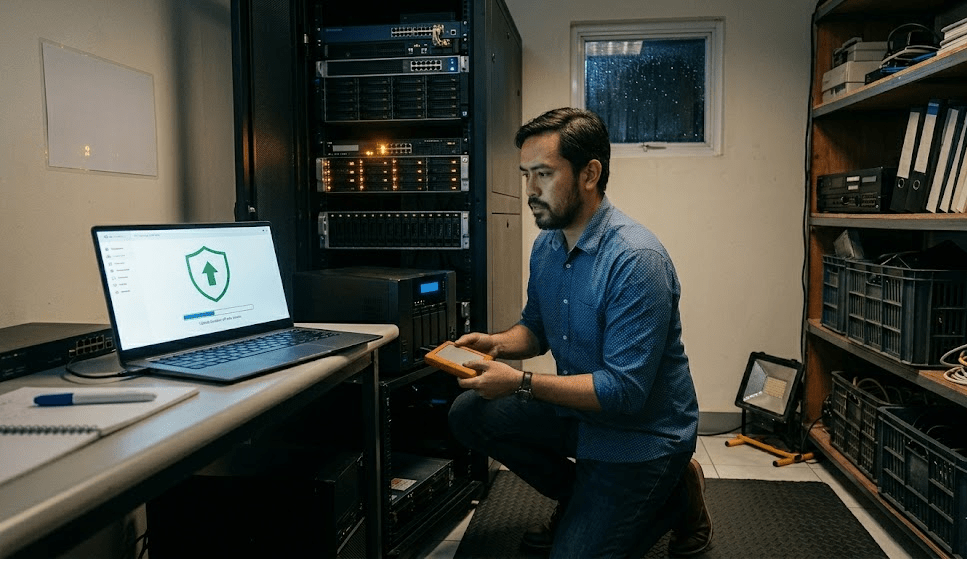
You build a hybrid 3-2-1 backup plan by keeping three copies of your data, on two different media, with one copy stored off-site and isolated. This is the design that resolves the cloud-versus-local debate, because it uses local storage for speed and cloud storage for survival rather than forcing a choice between them.
Mapping 3-2-1 to real SMB systems
In practice, copy one is your live production data. Copy two is a local backup on a network-attached device for fast restores of a deleted file or a failed server. Copy three is a cloud backup, ideally immutable, that sits off-site and survives a site-wide disaster or a network-wide attack. We recommend you confirm the off-site copy is genuinely isolated, not just a second drive in the same closet, because two copies in one building share one fate.
Testing restores on a schedule
Testing restores on a schedule is what turns a backup plan from paperwork into protection. A backup that has never been restored is unproven, and the worst time to discover a corrupt or incomplete backup is during an actual outage. We run scheduled test restores for the SMBs we support so recovery time is a measured number, not a surprise. Our cloud services team builds the schedule around how quickly each system needs to come back.
How to Choose for Your Business
You choose between cloud and local backup by matching each system’s recovery needs to the strengths of each medium, then combining them. Systems that must come back in minutes benefit from a local copy. Data that must survive a disaster or an attack needs an isolated off-site copy. Most SMBs need both, which is why the practical decision is rarely either-or. The budget question matters too, yet the cost of a hybrid plan is almost always smaller than the cost of a recovery that fails because the only copy was reachable.
Frequently Asked Questions
Is cloud backup safer than local backup for businesses?
Cloud backup is generally more resilient against local disasters and ransomware because it stores data off-site and isolated, while local backup is faster to restore but exposed if it stays connected to the network. For most businesses the safest choice is not one or the other but a hybrid that keeps a fast local copy and an isolated cloud copy. That combination covers the failure modes a single medium leaves open.
What is the 3-2-1 backup rule?
The 3-2-1 backup rule means keeping three copies of your data, on two different types of media, with one copy stored off-site. It is the simplest design that protects against the common failure modes, including hardware failure, site disasters, and ransomware. The off-site copy is the part that survives when everything in the building is lost.
Will ransomware encrypt my local backup too?
It can, and it often does, because modern ransomware searches for connected backups and encrypts them first to prevent recovery. A local backup left permanently attached to the network shares the fate of the systems it was meant to protect. An immutable cloud copy or a rotated, disconnected drive avoids this by staying out of the attacker’s reach.
How long does it take to restore from cloud backup?
Restoring from cloud backup depends on the data volume and your internet bandwidth, and a large restore can take hours where a local restore takes minutes. This is exactly why a hybrid plan keeps a local copy for fast everyday recovery and reserves the cloud copy for disasters. Some providers also ship a physical drive for very large restores to avoid the bandwidth bottleneck.
Do small businesses really need both cloud and local backup?
Most do, because the two cover different risks. Local backup gives fast recovery for everyday problems like a deleted file or a failed server, while cloud backup gives survival against fires, floods, theft, and ransomware. Running both is usually cheaper than the downtime from a recovery that fails because the only copy was within reach of the disaster.
Talk to a Team That Will Test Your Recovery
The cloud backup vs local backup question has a quiet answer for most SMBs: use both, and prove the recovery works. Keep a fast local copy for the everyday problems, keep an isolated cloud copy for the disasters and the attacks, and follow the 3-2-1 rule so no single event can take out every copy. Then test the restore on a schedule, because a backup you have not recovered from is only a promise. If you want to know whether your current backup would actually survive a ransomware attack, book a free strategy call and we will pressure-test your recovery plan with you.
Backup Architecture and Ransomware Recovery Expertise from Matt Rosenthal
Matt Rosenthal, CEO of Mindcore Technologies, has over 30 years of experience designing backup and disaster recovery strategies for SMBs that need to survive ransomware, site-level disasters, and infrastructure failures. He has seen firsthand how single-medium backup plans, connected local drives, and untested restores leave organizations with no viable path to recovery when it matters most. Matt leads a team that builds hybrid 3-2-1 backup architectures with immutable offsite copies and scheduled restore validation, so recovery is a confirmed outcome, not an untested assumption.

