

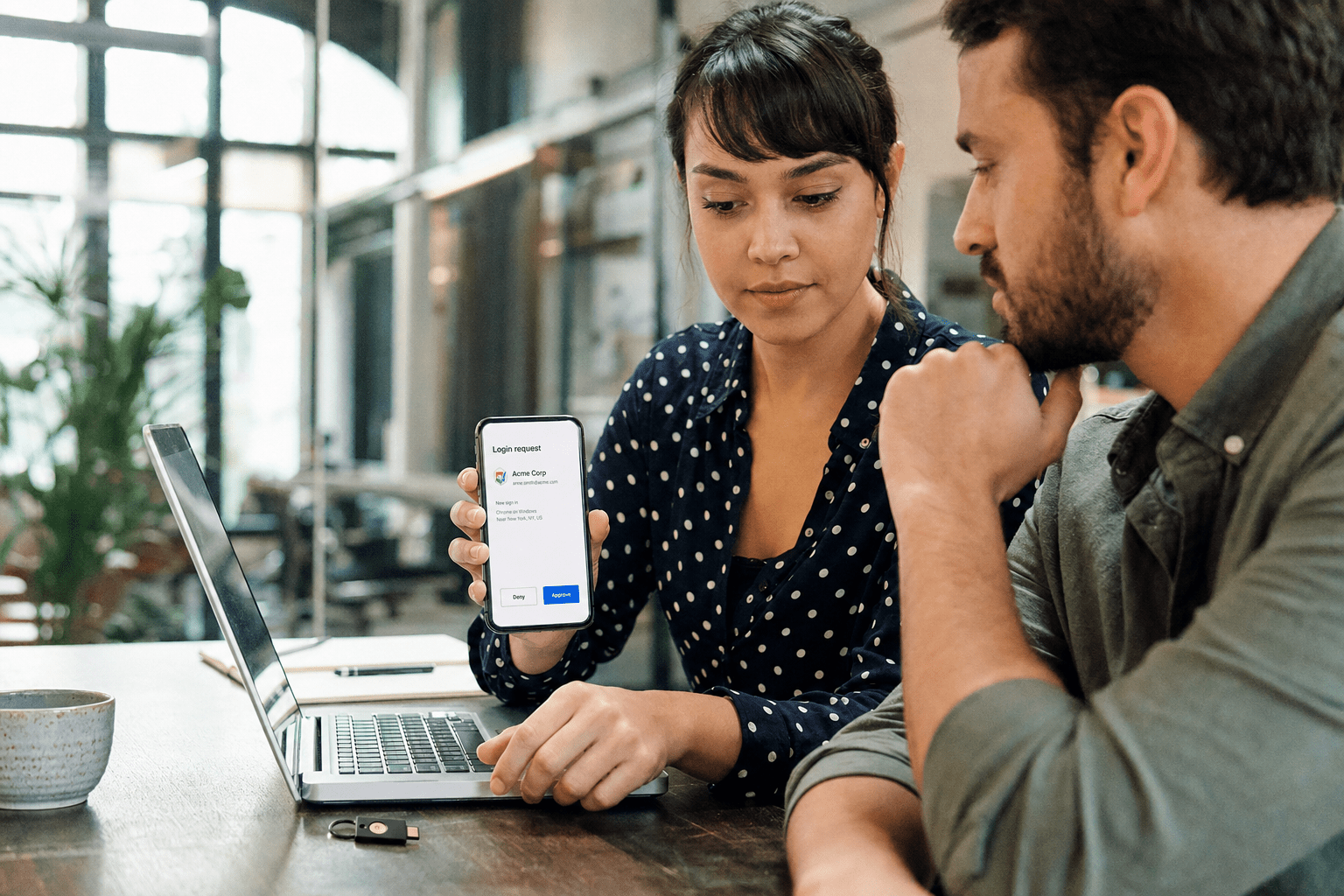
What is Multi Factor Authentication and why it matters? Multi-factor authentication reduces account takeover risk by requiring attackers to overcome a second verification step, ensuring stronger protection beyond a stolen password. The protection is real, but it is not uniform. Understanding what is Multi Factor Authentication helps security leaders select the strongest factors—like FIDO2 passkeys—so attackers are stopped effectively rather than merely delayed. SMS codes and push approvals stop password spraying and reused-credential attacks, yet attackers now route around them with phishing proxies, push fatigue, and SIM swaps. Phishing-resistant factors built on the FIDO2 standard close those gaps because they bind the login to the real site. If you run MFA today and still worry about account takeover, the question is no longer whether you have MFA. It is which kind.
The 5 Things You Need to Know About MFA and Account Takeover
We work with IT managers and CISOs who turned MFA on years ago and assumed account takeover was solved. Then a finance lead approved a push at 2 a.m. and a wire went out the door. Here is the short version of what we tell them.
- MFA works, but the factor matters more than the fact that it exists. A phishing-resistant key and an SMS code are not the same defense, even though both check the “MFA enabled” box.
- Attackers in 2026 target the second factor directly. Prompt bombing, adversary-in-the-middle proxies, and SIM swaps all exist to defeat MFA, not to avoid it.
- SMS and voice are the weakest factors still in wide use. They are better than a password alone, but they are vulnerable to interception and number porting.
- FIDO2 passkeys are the strongest practical option for most teams. They cannot be phished because the credential never leaves the device and is tied to the real domain.
- You can phase the upgrade. You do not have to rip out every factor on day one. Protect the highest-risk accounts first, then expand.
This is written for IT and security leaders at firms in the 50 to 500 employee range who already have MFA and want to know where it actually holds.
Why Account Takeover Still Happens After You Enable MFA
Account takeover still happens after MFA is enabled because attackers shifted from stealing passwords to defeating the second factor itself. The password is now the easy part. Billions of valid credentials sit in breach dumps, and attackers assume they will hit an MFA prompt. So the modern playbook is built around getting past that prompt, not around guessing it. This is the gap most teams miss, because the security review stops at “MFA: yes.”
Account takeover, in plain terms, is when an attacker gains full control of a legitimate user account. Once inside, they read mail, reset other passwords, approve their own future logins, and move laterally. We have responded to incidents where the initial access was a single help-desk login with push-based MFA, and the attacker had domain-wide reach within a day. The MFA was on. It just was not the kind that survives a determined attacker. If you want the baseline case for why any MFA beats none, our breakdown of the security benefits of multi-factor authentication covers it. This article picks up where that one ends.
How attackers bypass push and SMS approvals
Even with MFA enabled, it is crucial to know what is Multi Factor Authentication and how attackers attempt to bypass it using prompt bombing, phishing proxies, and SIM swap attacks, to implement stronger protections. Each one targets a different weakness in the human or the carrier, not the cryptography.
Prompt bombing, also called MFA fatigue, floods a user with repeated push notifications until they tap “approve” out of irritation or confusion. It works because a push prompt asks a tired person a yes-or-no question with no context. The counterargument is fair: number matching, where the user types a code shown on the login screen, blunts this attack, and Microsoft’s number-match guidance made it the default. So push is not worthless. The honest read is that number matching raises the bar without removing the underlying risk, because a convincing pretext call (“IT here, approve the prompt so we can patch your laptop”) can still walk a user through it.
SIM swapping is the other persistent path. An attacker convinces a mobile carrier to move the victim’s number to a new SIM, then receives the SMS codes directly. The NIST 800-63B digital identity guidelines have flagged the SMS channel as restricted for exactly this reason. SMS is not useless, and for a low-value account it may be acceptable. For an admin or finance account, it is a liability you can retire.
What adversary-in-the-middle phishing does to your second factor
Adversary-in-the-middle phishing defeats most MFA by sitting between the user and the real login page, relaying every field including the one-time code and the resulting session cookie in real time. The user thinks they logged into Microsoft 365. They did, through the attacker’s proxy, and the attacker now holds a live session that MFA already approved.
Toolkits like Evilginx made this trivial, and it is the most common MFA bypass we investigate. It works against SMS, push, and time-based codes alike because all three pass a shareable secret through the user. If the user can read or relay it, so can a proxy in the middle. The opposing view is that conditional access policies, device compliance checks, and short session lifetimes reduce the blast radius, and they genuinely do. But those are compensating controls layered on top of a phishable factor. The factor itself is still the weak link, which is why the next section matters.
Which MFA Factors Actually Stop Modern Account Takeover
Organizations should understand what is Multi Factor Authentication to prioritize phishing-resistant factors such as FIDO2 security keys, ensuring high-value accounts are fully secured, because they bind authentication to the legitimate domain at the cryptographic level. Everything else exists on a spectrum from “helpful” to “barely slows them down.” Ranking your factors honestly is the most useful thing you can do for your account takeover posture, and it costs nothing but an afternoon. Our best practices for multi-factor authentication guide expands the rollout mechanics; here we focus on the ranking itself.
FIDO2 passkeys versus SMS and push, ranked by real resistance
Ranked from strongest to weakest, the order is FIDO2 keys and passkeys, then authenticator apps with number matching, then push without number matching, then time-based codes, and finally SMS and voice at the bottom. That order reflects how each factor holds up against phishing and interception, not how convenient it feels.
FIDO2 passkeys sit at the top because of how they work. The credential is a private key that never leaves the user’s device, and it will only sign a challenge from the exact domain it was registered to. A phishing proxy on a look-alike domain gets nothing, because the key refuses to respond. The FIDO Alliance and CISA’s phishing-resistant MFA guidance both name this as the gold standard. The fair counterpoint is cost and friction: keys are hardware you buy and can lose, and passkey recovery flows need planning. We do not pretend that is free. We do say the protection is worth the operational work for any account that can move money or grant access.
At the other end, SMS and voice are last because they ride a channel built for convenience, not security, and they are exposed to both SIM swaps and proxy relay. They are still better than a password alone. The point of ranking is not to shame any one factor. It is to match the strongest factor to the accounts that would hurt most if taken over.
Matching factor strength to account risk
You match factor strength to account risk by reserving the strongest factors for the accounts an attacker wants most: administrators, finance, executives, and anyone with broad data access. Not every account needs a hardware key on day one, and pretending otherwise stalls the rollout. A tiered model gets you most of the protection fast.
The agreeing view says tier everything: phishing-resistant keys for privileged and finance users, authenticator apps with number matching for the general staff, and retire SMS as a primary factor across the board. The opposing, pragmatic view notes that a uniform policy is simpler to administer and audit, and simplicity has its own security value because exceptions are where attacks hide. Both are right in their context. For most SMB environments we land on a tiered model with a hard floor: no SMS as a primary factor anywhere, keys for the crown-jewel accounts, and a documented plan to lift the floor over the following quarters. Our managed multi-factor authentication services build and run exactly that tiering when a team does not have the hours in-house.

How to Phase an MFA Upgrade Without Breaking Your Team
When implementing what is Multi Factor Authentication, a phased approach protects high-risk accounts first, gradually rolling out FIDO2 keys and secure factors across all employees without overwhelming support teams. A big-bang cutover to phishing-resistant MFA across every account in one weekend is how you generate a help-desk flood and a wave of lockouts. Sequencing is what keeps the upgrade from becoming the incident. This is the same principle behind why structured MFA adoption, covered in our piece on why two-factor authentication is becoming the norm for businesses, beats ad-hoc enablement.
Where to start: the highest-value accounts first
You start an MFA upgrade with the highest-value accounts because that is where account takeover does the most damage and where the return on the first week of effort is largest. Global admins, finance approvers, and executive mailboxes are the accounts attackers target by name. Securing those first means the worst-case scenario is covered before you touch the broader population.
The straightforward case for going admin-first is risk concentration: a handful of accounts hold most of your exposure, so a handful of hardware keys removes most of the phishing risk in days. The counterargument is morale and optics, since starting with leadership can read as surveillance or special treatment. We handle that by framing it plainly. The accounts with the most power get the strongest protection because they are the biggest targets, and we say so out loud. In practice leaders appreciate being told they are the target rather than discovering it during an incident.
Building recovery and fallback that attackers cannot exploit
You build MFA recovery that attackers cannot exploit by making the reset path as strong as the login path, because a weak recovery flow becomes the new front door. Many account takeovers we investigate never touch the primary factor at all. The attacker calls the help desk, claims a lost phone, and talks their way into a reset. The strongest passkey in the world does not help if the recovery process trusts a caller’s voice.
The argument for generous, easy recovery is user experience, and it is genuine: people lose devices, and lockouts cost productivity. The opposing argument is that every convenient backdoor is also an attacker’s preferred entrance. The resolution is identity-proofed recovery rather than open recovery. Require a verified manager approval or a second registered factor to reset, log every reset, and train the help desk to treat “I lost my phone” as a verification trigger. Set short session lifetimes and conditional access on sensitive apps so even a successful relay attack expires quickly. Defense works in layers, and recovery is the layer most teams forget.
Frequently Asked Questions
Does multi-factor authentication actually prevent account takeover?
Multi-factor authentication prevents the large majority of account takeover attempts by requiring a second proof of identity beyond a stolen password. The level of protection depends on the factor: phishing-resistant options like FIDO2 keys stop nearly all credential-based and phishing attacks, while SMS and push can be bypassed by determined attackers. MFA is necessary but not automatically sufficient, and the factor you choose is what decides how strong that protection really is.
Can attackers bypass MFA, and how?
Yes, attackers bypass MFA through prompt bombing, adversary-in-the-middle phishing proxies, and SIM swapping. These methods target the second factor directly rather than guessing the password. Prompt bombing wears the user down with repeated approvals, phishing proxies relay one-time codes and session cookies in real time, and SIM swaps redirect SMS codes to an attacker-controlled phone. Phishing-resistant MFA neutralizes the first two because the credential cannot be relayed to a fake site.
Are FIDO2 passkeys better than SMS-based MFA?
FIDO2 passkeys are significantly more secure than SMS-based MFA because they cannot be phished or intercepted. A passkey is a private key that stays on the user’s device and only authenticates to the genuine domain it was registered to, so a fake login page gets nothing. SMS codes travel over a channel exposed to SIM swaps and real-time relay. For any account that can move money or grant access, passkeys are the better choice.
Do I need to replace all my MFA at once?
No, you do not need to replace all your MFA at once, and a phased rollout is usually safer. Start with the highest-risk accounts such as administrators, finance, and executives, move them to phishing-resistant factors first, then expand to the rest of the organization in waves. This keeps help-desk load manageable, reduces lockouts, and still removes most of your account takeover exposure in the first phase.
What is phishing-resistant MFA?
Phishing-resistant MFA is any authentication method that cannot be tricked by a fake login page or relayed by an attacker in the middle. FIDO2 security keys and passkeys are the leading examples because they bind each login to the legitimate website at the cryptographic level. CISA and NIST both recommend phishing-resistant MFA for privileged and high-value accounts, since standard push and SMS factors can be defeated by modern phishing toolkits.
Get Your MFA Posture Reviewed Before an Attacker Does It For You
The takeaway is simple and uncomfortable: having MFA is no longer the finish line, and an attacker will happily prove it. The factors you run, the accounts you protect first, and the recovery path you leave open together decide whether your MFA stops account takeover or just documents it after the fact. We have walked too many teams through the aftermath of a phishable factor and a trusting help desk, and the fix is almost always cheaper than the incident. Rank your factors, move your crown-jewel accounts to phishing-resistant MFA, and harden the reset path. If you want a second set of expert eyes on where your authentication actually holds and where it quietly does not, book a free strategy call with our team at mind-core.com. We will show you the gaps before someone else finds them.
Multi-Factor Authentication Strategy and Account Takeover Prevention Expertise from Matt Rosenthal
Matt Rosenthal, CEO of Mindcore Technologies, has over 30 years of experience helping SMBs move past the “MFA enabled” checkbox and into authentication programs where the factor chosen for each account class actually matches the sophistication of the attacks targeting it. He has seen firsthand how finance and admin accounts protected by push-based MFA get compromised through prompt bombing and adversary-in-the-middle proxies, because the team treated all MFA as equivalent when the attacker’s toolkit was built specifically to defeat the weaker kind. Matt leads a team that tiers MFA deployments by account risk, deploys FIDO2 phishing-resistant factors for the highest-value targets first, hardens recovery flows so the reset path is not the backdoor, and phases the upgrade so the rollout protects the organization rather than overwhelming the help desk.

