

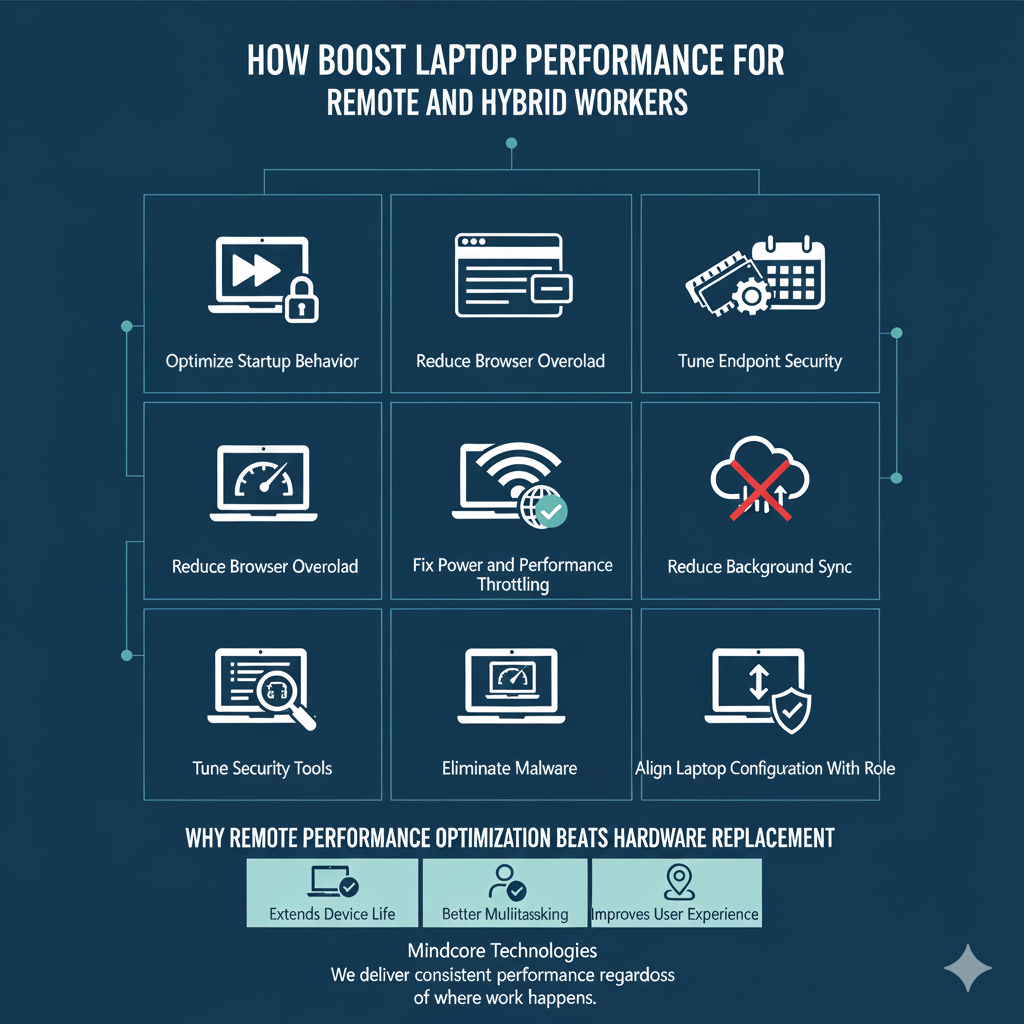
Remote and hybrid work exposes performance problems faster than office-based work ever did. When employees work from home or move between locations, laptops carry the full burden of productivity. Cloud apps, video conferencing, VPNs, endpoint security, and constant multitasking leave no room for inefficiency.
At Mindcore Technologies, we support remote and hybrid teams daily. The pattern is consistent. Laptops are rarely slow because they are underpowered. They are slow because they are misconfigured, overloaded, or operating in unstable environments.
This guide explains how IT professionals boost laptop performance for remote and hybrid workers without sacrificing security or reliability.
Why Remote Work Makes Performance Issues Worse
Remote laptops deal with challenges office systems do not:
- Constant VPN usage
- Variable home and public networks
- Video calls running for hours
- Heavy browser-based workflows
- Endpoint security always active
- Power management inconsistencies
Performance optimization must account for all of these factors together.
1. Optimize Startup Behavior for Faster Logins Anywhere
Slow startup hits remote workers harder. Long login times delay meetings and disrupt schedules.
Common issues:
- Too many startup applications
- VPN clients launching prematurely
- Collaboration tools starting multiple services
What IT does:
- Disable non-essential startup programs
- Delay VPN startup until required
- Keep only security and core business apps at boot
Fast logins improve productivity regardless of location.
2. Reduce Browser Overload Across Distributed Workflows
For remote workers, the browser is the primary workspace.
Performance killers:
- Dozens of open tabs
- Multiple browser profiles
- Poorly written extensions
- Persistent cloud apps
Professional optimization steps:
- Remove unnecessary extensions
- Limit always-on tabs
- Reset unstable browser profiles
- Standardize approved browsers
A healthy browser delivers the biggest performance gains.
3. Tune Endpoint Security for Remote Environments
Security cannot be relaxed for remote users, but it must be tuned.
Problems we see:
- Overlapping security tools
- Aggressive scans during work hours
- Poorly configured VPN and EDR interaction
IT-safe approach:
- Eliminate redundant agents
- Schedule scans outside core hours
- Apply vendor-recommended exclusions
Security should protect productivity, not suppress it.
4. Fix Power and Performance Throttling on Laptops
Remote workers frequently operate on battery power, triggering throttling.
Symptoms:
- Sluggish multitasking
- CPU capped unexpectedly
- Performance drops during video calls
What IT checks:
- Power profiles for plugged-in and battery use
- CPU throttling behavior
- Thermal limits
Balanced performance settings prevent unnecessary slowdowns.
5. Address Network Variability Head-On
A fast laptop feels slow on a poor network.
Remote-specific challenges:
- Home Wi-Fi interference
- Shared bandwidth
- VPN latency
- DNS and routing issues
Professional steps:
- Optimize VPN behavior
- Validate Wi-Fi drivers
- Test wired vs wireless performance
- Improve DNS reliability
Network stability directly affects perceived performance.
6. Reduce Background Sync and Cloud Noise
Remote laptops sync constantly.
Common offenders:
- File sync loops
- Large folder syncs
- Indexing cloud drives
Optimization approach:
- Limit sync scope to active work folders
- Schedule heavy sync after hours
- Reduce indexing overhead
Less background contention improves responsiveness.
7. Keep Systems Fully Patched and Stable
Remote systems often miss updates.
Problems include:
- Partial patching
- Driver conflicts
- Security gaps
IT best practice:
- Enforce update compliance
- Patch OS, drivers, and firmware
- Remove unsupported software
Stability supports long-term performance.
8. Eliminate Malware and Infostealers Targeting Remote Workers
Remote users are prime targets for malware.
Modern threats:
- Avoid obvious alerts
- Run quietly
- Steal credentials
- Consume CPU and network resources
Safe response:
- Use enterprise-grade endpoint detection
- Investigate abnormal resource usage
- Remove malicious persistence mechanisms
Removing malware often restores performance instantly.
9. Align Laptop Configuration With the User’s Role
Remote roles vary widely.
IT optimizes based on:
- Meeting-heavy schedules
- Data-intensive workloads
- Development or design needs
- Security sensitivity
Role-based optimization prevents underperformance and overbuilding.
10. Monitor Performance Proactively, Not Reactively
Remote environments hide problems until productivity collapses.
Professional IT:
- Monitors endpoint performance continuously
- Identifies trends before complaints
- Prevents recurring slowdowns
Proactive monitoring is essential for distributed teams.
Why Remote Performance Optimization Beats Hardware Replacement
Replacing laptops without optimization:
- Preserves bad configurations
- Creates inconsistent environments
- Increases support costs
Optimization extends device life and improves user experience across locations.
How Mindcore Technologies Boosts Performance for Remote Teams
Mindcore supports remote and hybrid workforces through:
- Endpoint performance optimization
- Browser and application tuning
- Security configuration management
- Network and VPN optimization
- Patch and update enforcement
- Malware and infostealer removal
- Proactive monitoring and support
We deliver consistent performance regardless of where work happens.
Final Takeaway
Remote and hybrid work demand laptops that perform consistently under variable conditions. Speed is not about pushing hardware harder. It is about removing inefficiencies, tuning security, stabilizing networks, and aligning systems with real workflows.
When laptops are optimized correctly, remote workers stay productive, connected, and focused, wherever they work.
