

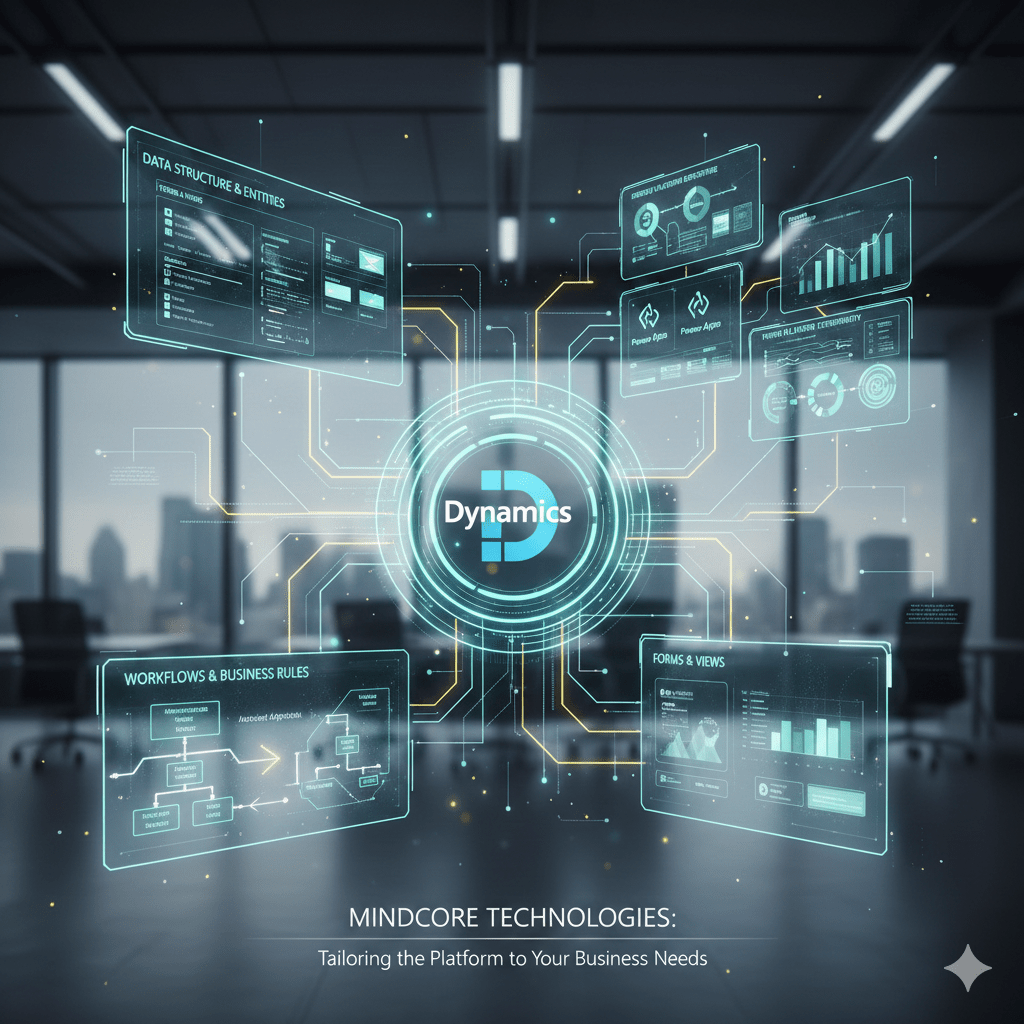
Microsoft Dynamics 365 Customization transforms a general platform into a strategic engine tailored to your business processes and goals. While out-of-the-box features provide utility, Microsoft Dynamics 365 Customization ensures the platform mirrors your workflows, data structures, user roles, and business objectives. Incorrect implementation leads to complexity, but Microsoft Dynamics 365 Customization done correctly enhances efficiency, maintains data quality, and streamlines user workflows.
Below is a practical guide to customizing Dynamics 365 in ways that support your business needs — not just modify screens.
What Customization Actually Means
Microsoft Dynamics 365 Customization can include:
- Configuring entities and fields so the system captures the information your business actually uses
- Building business rules and workflows that automate steps and enforce standards
- Designing custom forms and views tailored to roles and tasks
- Extending logic using Power Platform tools such as Power Automate and Power Apps
- Creating dashboards and reports that deliver relevant insight to each team
The purpose of Microsoft Dynamics 365 Customization is not merely adding features but aligning the platform with your operational needs.
Why Customization Matters
Improve Productivity
Microsoft Dynamics 365 Customization helps teams work faster by aligning screens, forms, and processes with how work actually happens. Redundant steps disappear, and users spend more time delivering outcomes.
Reduce Errors
Custom business rules and mandatory fields ensure data is consistent and reliable, which improves insights and downstream processes.
Automate Processes
Manual, repetitive tasks turn into automated flows. Orders get routed, approvals happen automatically, and exceptions get escalated without human handoffs.
Support Growth
As your organization evolves, custom logic in Dynamics 365 makes new offerings, territories, and processes manageable without adding manual processes.
Key Areas to Customize
Data Structure & Entities
Tailor entities and relationships to reflect your business objects — whether customers, contracts, products, or service cases.
Forms & Views
Design forms so users see the fields they need in context, and build views that highlight records based on business priorities.
Workflows & Business Rules
Microsoft Dynamics 365 Customization can automate approvals, notifications, and validations so workflows consistently enforce the right business processes.
Power Platform Extendibility
Use Power Apps for specialized input forms and Power Automate to integrate with other systems or trigger cross-application workflows.
Dashboards & Reporting
Create dashboards for sales, service, finance, and operations that provide actionable insight rather than raw numbers.
How Customization Should Be Planned
Define Clear Requirements
Gather what each team needs, why they need it, and how it supports operational goals.
Prioritize Impact Over Features
Not every idea belongs in version one of a Microsoft Dynamics 365 Customization project, so prioritize changes that deliver measurable business value.
Build in Stages
Deploy changes iteratively — test with real users, refine, and expand.
Govern Change
Use a change control process so customizations don’t conflict, cause performance issues, or drift from business logic.
How Mindcore Technologies Helps
Mindcore Technologies brings strategy, technical expertise, and disciplined execution to Microsoft Dynamics 365 Customization. Our services include:
- Needs assessment and process mapping to ensure customizations align to business goals
- Configuration and extension design optimized for performance and maintainability
- Integration with external systems using Power Platform and secure APIs
- Dashboard and report design tailored to specific leadership and departmental needs
- Governance and lifecycle support so custom logic evolves with your business
We focus on customization that delivers measurable value, not just added bells and whistles.
Final Thought
Investing in Microsoft Dynamics 365 Customization turns the platform into a strategic asset that drives operational efficiency, actionable insights, and competitive advantage. The right customization improves productivity, enforces consistency, and supports smarter decisions.
With guidance and execution from Mindcore Technologies, you get custom solutions that fit your business now and scale with you into the future — turning Dynamics 365 into a technology foundation that works the way you do.
Frequently Asked Questions
Why is customization important in Microsoft Dynamics 365?
Customization ensures Dynamics 365 reflects workflows, data structures, user roles, and business growth goals. Proper customization improves productivity, reduces errors, automates processes, and supports scalable business operations Microsoft Dynamics 365 Customization.
What areas of Dynamics 365 can be customized?
Areas include entities and relationships, forms and views, workflows and business rules, dashboards and reporting, and Power Platform integrations such as Power Automate and Power Apps Dynamics 365 Power Platform Integration.
How should businesses plan Dynamics 365 customizations?
Businesses should define clear requirements, prioritize high-impact features, deploy changes iteratively, and govern the change process. This prevents technical debt and ensures stable, maintainable systems IT Consulting & Strategy.
How do custom workflows and business rules help operations?
Custom workflows and business rules automate approvals, notifications, validations, and exceptions. This ensures consistent processes, reduces manual work, and improves data accuracy and efficiency Managed IT Services.
How can organizations ensure customizations provide long-term value?
Organizations can align customizations with measurable operational goals, monitor performance, implement governance, and iterate enhancements based on real user feedback. This ensures scalable, high-value customizations that adapt as the business grows Dynamics 365 Long-Term Strategy.
Matt Rosenthal’s Expertise in Dynamics 365 Customization
Matt Rosenthal, CEO of Mindcore Technologies, brings decades of IT, cloud, business systems, and operational leadership experience. He helps organizations tailor entities, workflows, forms, dashboards, and Power Platform integrations to operational needs. Under his leadership, Mindcore implements scalable, maintainable, and high-value customizations that improve productivity, enforce consistency, and support strategic growth Microsoft Dynamics 365 Customization Services.

