

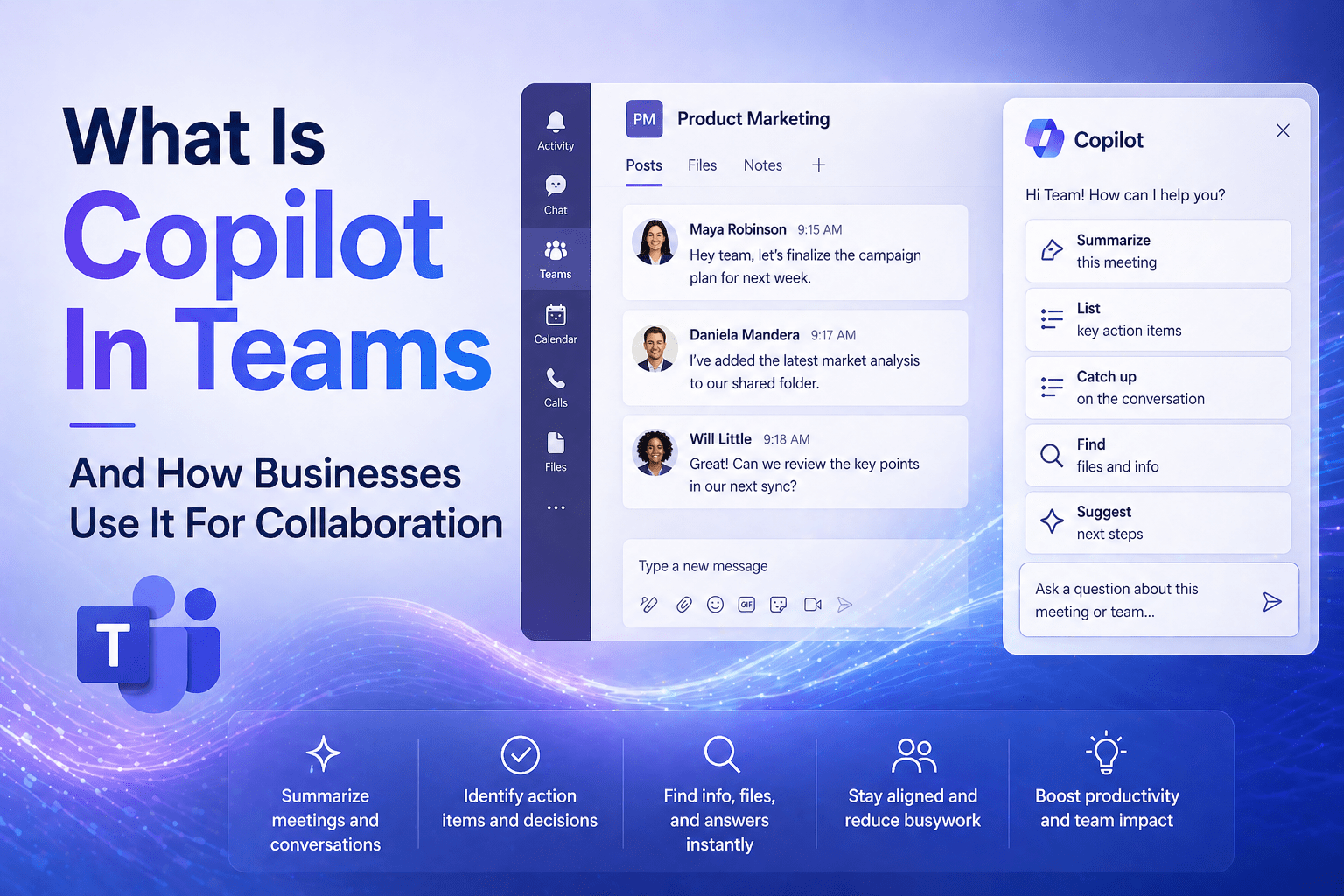
Copilot in Teams is Microsoft’s AI assistant embedded in Microsoft Teams — the collaboration platform where most Microsoft 365 users spend the largest share of their workday. It summarizes meetings after they end, provides real-time AI assistance during live meetings, recaps Teams chat threads for users catching up on conversations, and drafts messages — all within the Teams environment the user is already working in.
For businesses where meetings and asynchronous communication are significant parts of daily work, Copilot in Teams addresses the specific friction points of those workflows: the time spent catching up on meetings you missed, the effort of writing meeting summaries and action item lists, and the challenge of keeping up with active Teams channels when attention is divided.
Overview
Copilot in Teams operates across three contexts: within meetings (during and after), within chat threads, and as a general conversational assistant accessible throughout Teams. Meeting Copilot — the most-used capability — generates meeting summaries and action items from Teams meeting transcripts after the meeting ends. Real-time Copilot provides AI responses during live meetings without interrupting participants. Chat Copilot summarizes long threads, drafts replies, and answers questions about conversation history.
- Meeting Copilot generates summaries, decisions, and action items from Teams meeting transcripts
- Real-time Copilot answers questions about what has been discussed in a live meeting
- Chat Copilot summarizes thread content and drafts replies to help users catch up
- Copilot in Teams requires Microsoft 365 Copilot licensing and meeting recording/transcription to be enabled
- Meeting Copilot requires the meeting to be transcribed — it does not function without transcription
The 5 Why’s
- Why is meeting summarization specifically the highest-value Copilot in Teams capability for most businesses? Meetings are the primary mechanism of business decision-making and knowledge transfer — and generating a usable record of what was decided, who committed to what, and what follow-up is required takes time and attention that most meeting participants do not invest consistently. Copilot generates that record automatically from the meeting transcript, producing notes, decisions, and action items that previously required a designated note-taker or significant post-meeting effort.
- Why does the “I missed the meeting” use case specifically benefit from Copilot in Teams? For employees who could not attend a meeting — due to scheduling conflicts, time zone differences, or competing priorities — the alternative to attending was reviewing a recording (which takes as long as the meeting) or receiving summary notes from an attendee (which varies in quality and completeness). Copilot summarization from the transcript provides a consistent, comprehensive summary in seconds, with the ability to ask follow-up questions about specific discussion points.
- Why does real-time Copilot specifically help in long or complex meetings? In meetings covering multiple topics or lasting more than 30 minutes, it can be difficult to track earlier discussion points without interrupting the flow of conversation. Real-time Copilot allows a participant to ask “what did we decide about the budget for Phase 2?” or “what has been said about the timeline?” and receive a response based on the transcript so far — without interrupting others or scrolling through notes.
- Why does chat thread summarization specifically address a real productivity problem in active Teams channels? Active Teams channels can accumulate hundreds of messages per day. A user returning after a few hours of focus time faces an inbox of notifications that may include important decisions buried among casual conversation. Copilot’s chat thread summarization condenses active threads into key points — enabling the user to quickly identify what matters and what action (if any) they need to take.
- Why does Copilot in Teams require transcription to be enabled — and why do some organizations hesitate to enable it? Copilot’s meeting capabilities are based on transcript analysis — there is no separate recording of the AI’s analysis. Transcription must be enabled for the meeting for Copilot to have content to work from. Some organizations hesitate to enable transcription due to concerns about recording meeting conversations, particularly for sensitive discussions (HR conversations, legal matters, sensitive client discussions). These concerns should be addressed through meeting recording policies rather than disabling transcription entirely — exceptions for sensitive meetings are more appropriate than forgoing the capability for all meetings.
How Businesses Use Copilot in Teams
Post-Meeting Summaries
Use case: after a project team meeting, Copilot generates a summary with key discussion points, decisions made, and action items — with owner attribution based on who committed to what during the meeting.
Business value: meeting notes that previously took 15-30 minutes to write are generated in seconds. Participants receive consistent, comprehensive summaries rather than varying-quality notes.
How to access: after a Teams meeting with transcription enabled, the meeting recap appears in the meeting chat. The Copilot section shows the AI-generated summary and action items.
Missed Meeting Catch-Up
Use case: a team member missed a two-hour planning meeting. Rather than reviewing the recording, they ask Copilot: “What were the main decisions from today’s planning session?” and “What action items were assigned to me?”
Business value: full meeting equity for employees who cannot attend — the record is as useful as being there for extracting key information.
Real-Time Meeting Assistance
Use case: during a long client review meeting, a participant asks Copilot: “What concerns has the client raised so far?” without interrupting the conversation flow.
Business value: real-time context retrieval without breaking the meeting dynamic or asking others to repeat information that was discussed earlier.
Chat Thread Catch-Up
Use case: a manager returning from vacation asks Copilot to summarize the “Project Falcon” channel activity from the past week. Copilot produces a summary of key discussion threads, decisions made, and outstanding questions.
Business value: catch-up that previously required reading through dozens of messages is condensed to a structured summary.
Draft Message from Thread
Use case: after reviewing a thread summary, the user asks Copilot to draft a response: “Draft a message confirming we will deliver the revised proposal by Friday and asking for feedback by end of next week.”
Business value: reduces the time from reading a thread to responding — particularly useful for high-message-volume environments.
Governance Considerations for Copilot in Teams
- Transcription policy: establish clear policies about when meetings should and should not be transcribed — and communicate those policies to all employees
- Sensitive meeting guidance: provide guidance on which meeting types should opt out of transcription (HR discussions, legal matters, confidential negotiations)
- Data retention: Teams meeting transcripts and Copilot summaries are retained subject to Microsoft 365 retention policies — ensure those policies reflect organizational and regulatory requirements
- User training: employees should understand that Copilot generates summaries from transcripts and should verify accuracy before distributing meeting notes officially
Final Takeaway
Copilot in Teams addresses the specific friction points of modern meeting-heavy, communication-intensive work: the effort of writing meeting summaries, the challenge of catching up on missed meetings, and the difficulty of tracking complex threaded conversations. For organizations where those friction points are real productivity costs, Copilot in Teams delivers tangible time savings that are visible to the users experiencing them.
Deploy Copilot in Teams With Mindcore Technologies
Mindcore Technologies helps organizations deploy Microsoft 365 Copilot in Teams — licensing, transcription policy design, user training, and governance setup that produces adoption and value from AI investment in collaboration workflows.
Talk to Mindcore Technologies About Copilot in Teams →
Contact our team to assess your Teams environment and design the Copilot deployment that improves your team’s collaboration efficiency.

