

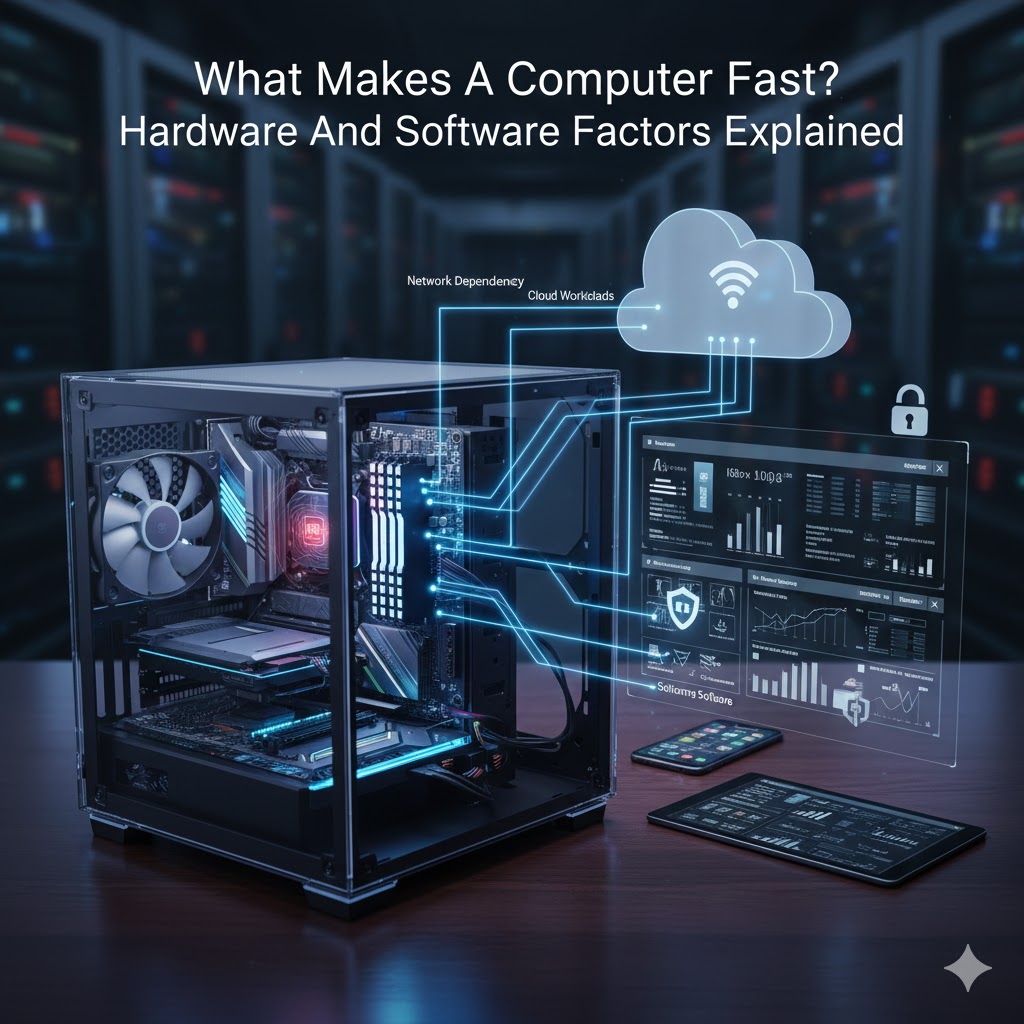
Most people think computer speed is purely a hardware problem. More RAM, a faster processor, or a newer machine should solve everything. In reality, performance is the result of how hardware and software work together. When either side is misaligned, even powerful systems feel slow.
At Mindcore Technologies, we see high-end machines crawl and modest systems perform exceptionally well. The difference is not brand or price. It’s configuration, workload balance, and operational discipline.
This guide explains what actually makes a computer fast, based on how IT professionals evaluate performance in real environments.
Hardware Factors That Directly Impact Speed
Hardware defines the upper limits of performance, but only when it’s used correctly.
1. Processor (CPU): Responsiveness, Not Just Speed
The CPU handles active tasks and multitasking. Clock speed matters, but architecture matters more.
What impacts performance:
- Number of cores and threads
- Modern CPU architecture
- Thermal limits and throttling
- Background process load
Why this matters:
A powerful CPU bogged down by background tasks or power throttling will feel slower than a mid-range CPU running clean.
2. Memory (RAM): The Real Multitasking Bottleneck
RAM determines how many applications and browser tabs you can run smoothly.
Performance issues appear when:
- Systems run with less than 8 GB RAM
- Memory is constantly maxed out
- Applications are forced to swap to disk
IT perspective:
Once a system runs out of RAM, everything slows down dramatically, regardless of CPU power.
3. Storage Type: SSD vs HDD Is Not Optional
Storage speed is one of the most noticeable performance factors.
Differences:
- HDDs cause long boot times and freezes
- SSDs dramatically reduce load times
- NVMe SSDs further improve responsiveness
In real terms:
Upgrading storage has more visible impact than upgrading CPU in most business environments.
4. Disk Health and Free Space
Even fast storage slows down when it’s unhealthy or full.
Performance degrades when:
- Drives exceed 85 percent capacity
- Errors develop
- Large temp and cache files accumulate
Healthy storage is as important as fast storage.
5. Thermal Management
Heat slows computers down quietly.
When systems overheat:
- CPUs throttle performance
- Fans run constantly
- Applications lag unexpectedly
This often happens due to:
- Dust buildup
- Poor airflow
- Aging thermal paste
Thermal issues can make new hardware feel old.
Software Factors That Define Day-To-Day Speed
This is where most performance problems actually originate.
6. Operating System Health
An up-to-date OS runs more efficiently.
Performance suffers when:
- Systems are unpatched
- Drivers are outdated
- Background services accumulate
OS stability directly affects responsiveness.
7. Startup and Background Applications
Too many background processes will cripple any system.
Common offenders:
- Auto-starting apps
- Sync tools running constantly
- Vendor utilities
- Legacy software
IT professionals aggressively control what runs in the background to keep systems fast.
8. Browser Behavior and Extensions
Browsers are the most abused application on modern computers.
Performance killers include:
- Excessive tabs
- Poorly written extensions
- Corrupt browser profiles
- Multiple browser instances
A broken browser can consume more resources than every other app combined.
9. Security Software Configuration
Security tools are essential, but misconfiguration hurts performance.
Issues we see:
- Overlapping security tools
- Aggressive scanning policies
- Unoptimized exclusions
Properly tuned endpoint security protects systems without slowing them down.
10. Malware and Infostealers
Performance degradation is often an early sign of compromise.
Modern threats:
- Use CPU quietly
- Run persistent background tasks
- Steal credentials
- Avoid detection
Removing malware often restores speed immediately.
11. Network Dependency and Cloud Workloads
A fast computer still feels slow on a bad network.
Symptoms:
- Lagging cloud apps
- Delayed file sync
- Frozen video calls
Network issues are frequently mistaken for device issues.
Why Powerful Computers Still Feel Slow
Most slow systems suffer from:
- Too many background tasks
- Poor storage health
- Browser overload
- Security misconfiguration
- Network bottlenecks
- Lack of maintenance
Hardware alone does not guarantee performance.
How IT Professionals Evaluate Computer Speed
IT teams look at:
- CPU and memory utilization patterns
- Disk health and I O performance
- Startup and background load
- Security posture
- Network latency
- Application behavior
Speed is measured, not guessed.
How Mindcore Technologies Keeps Systems Fast
Mindcore helps businesses maintain fast, stable systems through ShieldHQ, our secure workspace and endpoint management platform, including:
- Proactive endpoint monitoring
- Performance and resource optimization
- Patch and update management
- Security tuning and malware detection
- Browser and application standardization
- Network performance optimization
- Hardware lifecycle planning
We focus on sustained performance, not temporary fixes.
Final Takeaway
A fast computer is not defined by a single component. It’s the result of balanced hardware, clean software, proper configuration, and ongoing maintenance.
When systems are built and managed correctly:
- Applications load quickly
- Multitasking remains smooth
- Security does not slow productivity
- Hardware lasts longer
Speed is engineered, not accidental.
