

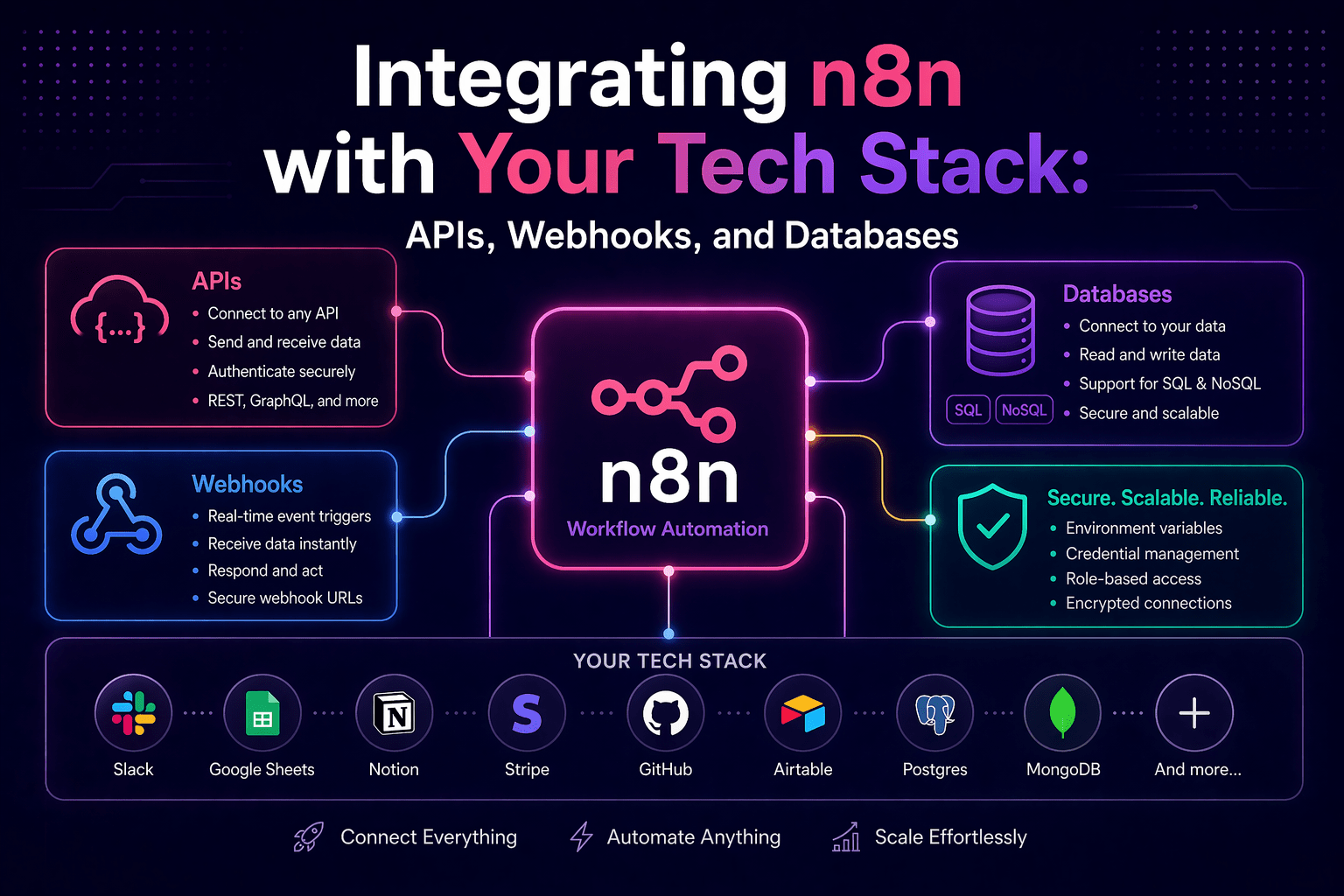
The value n8n delivers is proportional to how deeply it integrates with the systems your business runs on. A standalone n8n instance that connects to two systems produces limited automation value. An n8n instance integrated with your CRM, ERP, communication tools, database, and business-specific applications produces the connective tissue that makes those systems work as a coherent operational whole.
Understanding how to integrate n8n with different types of systems — native integrations, REST APIs, webhooks, and direct database connections — is the technical foundation that makes automation portfolio breadth possible. Each integration method has appropriate use cases and specific implementation requirements.
Overview
n8n integrates with the technology stack through four primary mechanisms: native nodes for systems with pre-built n8n integrations, HTTP request nodes for any system with a REST or GraphQL API, webhook triggers for event-driven integration where external systems push events to n8n, and database nodes for direct SQL database access. Each mechanism covers different integration scenarios and requires different configuration. Understanding which to use when determines both integration feasibility and integration quality.
- Native nodes: fastest integration for supported apps; handles authentication, pagination, and common operations
- HTTP request nodes: connects to any system with an API; requires manual API configuration
- Webhook triggers: receives events from external systems in real-time; requires external system configuration
- Database nodes: direct SQL access to PostgreSQL, MySQL, SQLite, and other databases for complex data operations
This aligns with modern AI automation strategies and enterprise system integration.
The 5 Why’s
Why do native nodes produce better integrations than HTTP request nodes for supported systems?
Native nodes for platforms like Salesforce, HubSpot, Slack, Google Workspace, and others encapsulate the API authentication model, pagination handling, error response parsing, and common operations for those platforms. An HTTP request node connecting to the same system requires the developer to handle all of those elements manually — which takes more time to build, produces less readable workflows, and requires maintenance when the API changes. Native nodes are the correct choice when they exist for a system.
Why is the HTTP request node specifically important for enterprise technology stacks?
Enterprise organizations operate systems that are not in n8n’s native node library: industry-specific applications, internally developed platforms, legacy systems with APIs, and niche tools that serve specific business needs. The HTTP request node connects to any system that exposes a REST, GraphQL, or SOAP API — which covers the vast majority of business software built in the last fifteen years. It is the integration escape hatch that makes n8n’s integration coverage effectively unlimited.
Why do webhooks specifically enable real-time integration patterns that polling-based integrations cannot?
Polling-based integration (n8n checks a system on a schedule for new data) introduces latency proportional to the polling interval. A webhook-triggered integration fires the moment the triggering event occurs in the external system. For latency-sensitive workflows — lead routing that must fire within minutes of lead capture, support escalations that must reach the team immediately — webhook-triggered integration is the correct model.
Why do direct database connections enable automation patterns that API-based integration cannot?
APIs expose the operations that system developers chose to expose. Direct database connections provide access to the full data model, including data that APIs do not surface, historical data at the schema level, and the ability to perform complex queries that combine data across tables in ways that API pagination cannot efficiently serve. For reporting automation, data synchronization, and analytics workflows, direct database access often produces more capable and more efficient workflows than API-based approaches.
Why does integration architecture quality specifically determine automation portfolio scalability?
Individual workflow integrations built without consistent patterns — credential management handled differently per workflow, error handling inconsistent, pagination handled ad hoc — create maintenance debt that compounds as the automation portfolio grows. Integration architecture standards — how credentials are managed, how API errors are handled, how pagination is implemented — applied consistently across all workflows produce a portfolio that is maintainable as it scales.
Integration Methods in Detail
Native Node Integrations
n8n provides native nodes for 400+ applications. When a native node exists for a required integration, use it.
Configuration steps:
- Configure credentials in n8n’s Credentials section (API key, OAuth, service account depending on the app)
- Add the native node to the workflow
- Authenticate the node with the configured credentials
- Select the operation (create, read, update, delete, custom operation)
- Configure operation parameters using static values or expressions referencing previous node data
Key advantage: Native nodes handle authentication token refresh, API rate limiting (in many cases), pagination, and error response parsing automatically.
HTTP Request Node (REST API Integration)
For systems without native nodes, the HTTP request node connects to any REST API.
Configuration steps:
- Configure credentials if the API requires authentication (API key, OAuth2, Basic Auth — all supported)
- Add the HTTP Request node to the workflow
- Set the HTTP method (GET, POST, PUT, DELETE, PATCH)
- Configure the request URL, headers, and body parameters
- Handle pagination manually for list endpoints: use n8n’s loop node to iterate through pages
Common patterns:
- API key authentication: add the key to the Authorization header or as a query parameter per the API’s specification
- OAuth2: configure as a credential type in n8n; the HTTP request node handles token refresh automatically
- Pagination: use the “Split in Batches” node to process paginated results, continuing until the API signals no more pages
Webhook Trigger Integration
Webhooks allow external systems to push events to n8n in real-time.
n8n webhook setup:
- Add a Webhook trigger node to the workflow
- Note the generated webhook URL (test URL for testing, production URL for deployment)
- Configure the external system to send events to the n8n webhook URL
- Define the payload format expected (JSON is standard; n8n parses it automatically)
Security for production webhooks:
- Use webhook secret verification where supported
- Validate webhook signatures before execution
- Restrict webhook access to known IP sources where possible
Database Node Integration
n8n supports direct connections to PostgreSQL, MySQL, SQLite, Microsoft SQL Server, and other databases.
Configuration:
- Configure database credentials in n8n
- Add database node to workflow
- Write SQL queries or use parameterized queries
- Each returned row becomes an item for downstream processing
Best practices:
- Use parameterized queries to prevent SQL injection
- Use least-privilege database users
- Index frequently queried columns for performance
Integration Architecture Standards
- Consistent credential management: use n8n credential store only
- Error handling: every API call includes failure handling
- Logging: critical integrations log inputs/outputs
- Rate limit awareness: workflows designed to respect API limits
Final Takeaway
n8n’s integration capability covers the full range of modern business technology — from native nodes for popular platforms through HTTP request nodes for any API-exposed system, webhooks for event-driven real-time integration, and direct database access for data-intensive automation. Understanding which mechanism to use for each system and applying consistent integration architecture standards produces an automation portfolio that grows with the business rather than accumulating integration debt.
Integrate Your Tech Stack With n8n Through Mindcore Technologies
Mindcore Technologies designs and implements n8n integrations across complex enterprise technology stacks — native node configuration, custom API integration, webhook architecture, database connection design, and integration standards that produce a connected, maintainable automation infrastructure.
Schedule your free strategy call to map your technology stack integration and design the architecture that connects everything.

