

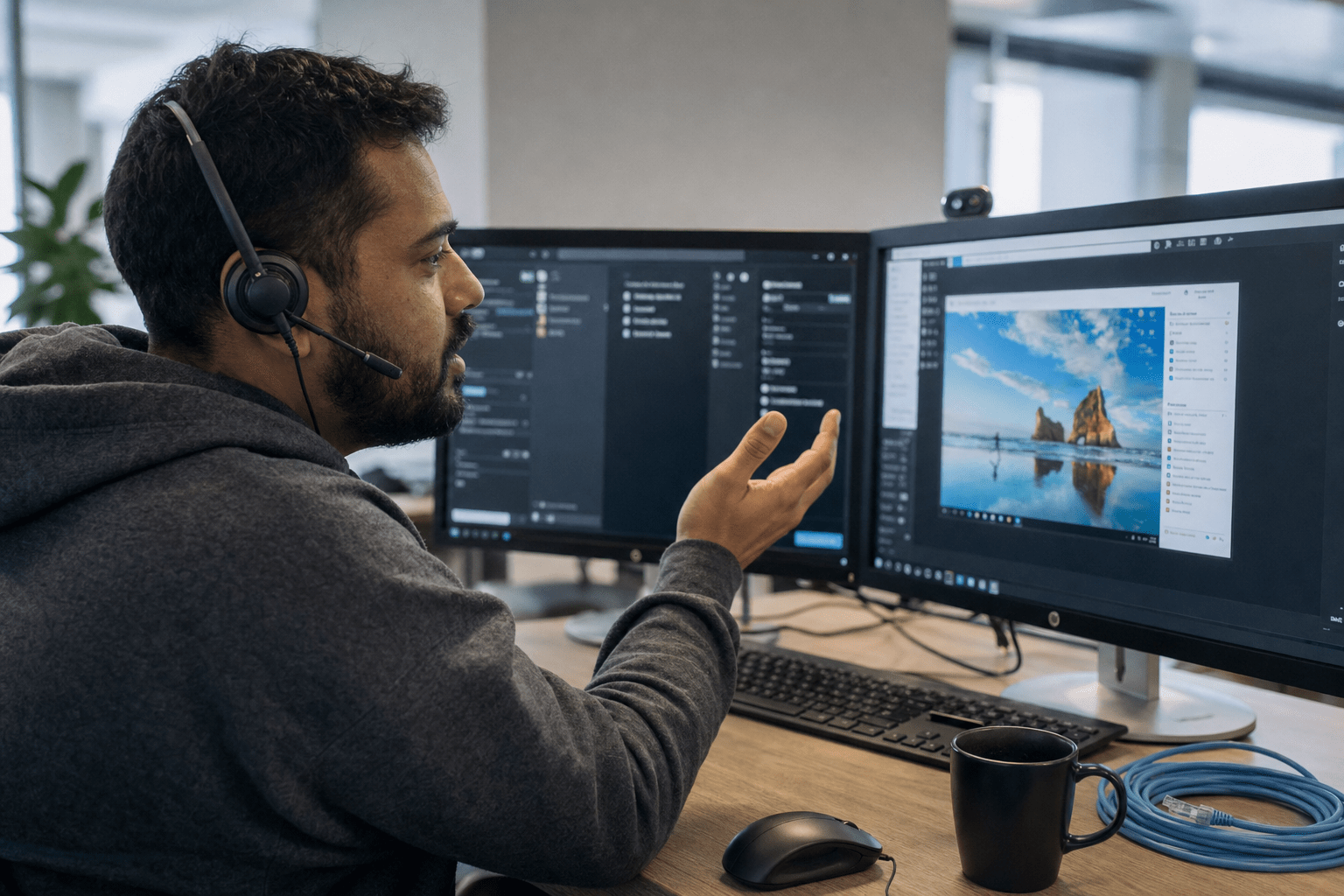
Understanding what is remote IT support helps businesses see how most IT issues can be resolved without anyone driving to the office, since most problems live in software, settings, and accounts. Knowing what is remote IT support clarifies how a technician connects to your machine over an encrypted session and resolves software, settings, and account issues efficiently. The harder question for an operations leader is not whether remote works, but where it stops. Learning what is remote IT support also explains its limitations, such as handling a dead server, a cut network line, or a new office that needs cabling, which still requires on-site attention. This guide explains how remote support actually works and exactly when it is enough.
The 5 Things Every Operations Leader Should Know
Here is what to weigh before you decide whether remote IT support covers your business, drawn from where real tickets land and where they do not.
- Most issues are software, not hardware. The majority of daily tickets are account, application, and configuration problems a remote technician resolves on the first connection.
- Speed is the real advantage. Remote support skips the drive time, so a resolution that took a half-day on-site visit now takes minutes.
- On-site need is narrow but real. Physical hardware failure, hard network drops, and new-location cabling cannot be fixed over a remote session.
- Security is built in, not bolted on. A proper remote session is encrypted, permission-based, and logged, so access is controlled rather than open-ended.
- The right model blends both. A strong managed IT partner runs remote-first and dispatches a person only when the problem genuinely requires it, under one contract.
How Remote IT Support Actually Works
Remote IT support works by letting a technician securely connect to your device or network from another location to diagnose and fix issues in real time. When you open a ticket, the technician launches an encrypted remote session, views your screen with your permission, and takes temporary control to investigate. From there they can reset accounts, repair a misconfigured application, push a software update, clear a stuck print queue, or remove a piece of malware, all while you watch. For a deeper primer on the basics, our breakdown of what remote IT support is covers the core functions in plain terms.
Behind the live session sits a quieter layer that prevents tickets in the first place. Remote monitoring and management agents run on your machines and report on disk health, patch status, and security events, so our team often resolves a problem before you notice it. The NIST small business cybersecurity guidance treats this kind of continuous patching and monitoring as a baseline control, not a luxury. We have closed thousands of tickets this way, and the pattern holds: when the work is software, settings, or an account, remote is faster, cheaper, and just as thorough as a desk visit.
What Issues Can Remote Support Resolve on the First Connection?
Remote support resolves most account, application, and configuration issues on the first connection, which is why it carries the bulk of a typical support load. Password resets, locked accounts, email and VPN setup, slow or crashing applications, failed Windows updates, printer mapping, and malware cleanup all happen inside the session without a site visit.
The opposing view is fair: some people assume a problem they can physically see, a frozen laptop or a dead monitor, must need someone in the room. Often it does not. A frozen machine usually traces back to a software conflict or a runaway update a technician can fix remotely, and Microsoft’s own Windows deployment and servicing guidance is built around managing devices at scale without touching each one. The honest read is that the visible symptom rarely predicts whether the fix is remote or physical. What predicts it is whether the broken part is software, which remote handles, or hardware, which it cannot.
How Secure Is a Remote Support Session?
Understanding what is remote IT support ensures you know that sessions are secure, encrypted, permission-based, time-limited, and logged. You approve the connection, the session runs over an encrypted channel, the technician’s actions are recorded, and access ends when the ticket closes.
The reasonable counterpoint is that any remote access is a doorway, and a doorway can be abused if the provider is careless with credentials or skips multifactor authentication. That risk is real, which is why the control is the point. We enforce multifactor authentication on technician accounts, scope each session to the device that needs work, and keep an audit trail. Neither blind trust nor blanket fear is the right posture. A remote session is as safe as the controls around it, so the question to ask a provider is not whether they offer remote support but how they lock it down.
Does Remote Support Cost Less Than On-Site Visits?
Remote support usually costs less than on-site visits because it removes travel time and lets one technician handle far more tickets in a day. There is no drive, no scheduling a window, and no hourly charge for a person sitting in traffic, so the same issue resolves at a fraction of the labor.
The counterargument holds in specific cases: when a problem genuinely needs hands on hardware, repeated remote attempts that fail first can cost more in lost time than dispatching a person once. That is a real failure mode we watch for. The discipline is knowing which bucket a ticket belongs in before burning an hour on a remote fix that was never going to work. Cost favors remote for the large majority of issues, and favors a prompt on-site dispatch for the narrow set that is physical from the start.

When Remote Support Is Not Enough
Remote support is not enough when the problem is physical, because no encrypted session can swap a failed drive or reseat a cable. Three situations consistently need a person on-site. The first is hardware failure, a dead server, a burned-out power supply, a laptop that will not power on, where the repair is mechanical. The second is a hard network drop, when a switch, router, or internet circuit is down and there is no live connection to remote into in the first place. The third is physical buildout, cabling a new office, racking equipment, or setting up workstations for a new hire who has no machine yet, the same groundwork covered in setting up a help desk for a small business.
This is exactly why the remote-versus-on-site framing misleads operations leaders. The real decision is choosing a partner who runs remote-first and dispatches a technician only for these cases, under one accountable contract, so you are never stuck calling a second vendor mid-incident. Our managed IT support is built that way, and when a circuit or switch goes down, our network outage emergency support puts a person on the problem fast. Deciding when to keep IT in-house versus hand it to a partner is its own question, and our guide on why businesses outsource IT support and when they should not walks through it.
How a Blended Remote-Plus-On-Site Model Works
A blended model runs every ticket through remote support first and escalates to an on-site visit only when the issue is confirmed physical. Most tickets close in the session; the few that cannot trigger a dispatch, with the same provider owning both ends so nothing falls between vendors, which is where the tier 1, 2, and 3 split starts to matter.
The skeptical view is that a remote-first model might leave you waiting when you really need someone there. With a single accountable contract and a defined dispatch window, that gap closes. The model fails only when the provider treats on-site as someone else’s job. Done right, blended support gives you the speed of remote for daily issues and a guaranteed person for the physical ones, without you managing two relationships.
What Response Times Should You Expect On-Site?
On-site response time should be defined in writing, because a vague promise of a visit “soon” is how businesses end up down for a full day. A strong provider commits to a specific dispatch window for physical incidents, separate from the near-instant response on remote tickets.
The fair counterpoint is that geography matters, and a rural site cannot expect the same window as one near a provider’s office. True, which is why the window should be honest rather than aspirational. The failure is an undefined expectation, not a longer one. Ask any provider to put the on-site response window in the agreement, so when a server dies you know exactly when help arrives.
Frequently Asked Questions
How does remote IT support work for a small business?
Remote IT support works by having a technician securely connect to your computer or network over an encrypted session to fix issues in real time. They view your screen with permission, take temporary control, and resolve account, application, or configuration problems on the spot. Background monitoring agents also catch many issues before you report them, which keeps a small team running without an in-house technician.
Is remote IT support enough for my company, or do I need on-site help?
Remote support is enough for the large majority of business IT issues, since most problems are software, settings, or accounts rather than physical hardware. You need on-site help for a narrow set of cases: failed hardware, a network or internet circuit that is down, and physical buildout like cabling a new office. The best setup blends both, so one provider handles remote daily and dispatches a person only when the problem is physical.
What problems can remote IT support not fix?
Remote support cannot fix anything physical, because no session can replace a dead hard drive, reseat a loose cable, or power on a machine that will not boot. It also cannot help when the network itself is down, since there is no connection to remote into. Those situations require a technician on-site, which is why a remote-first provider should still guarantee on-site dispatch.
Is remote IT support secure?
Yes, when access is encrypted, permission-based, time-limited, and logged. You approve each session, the technician’s actions are recorded, and access ends when the ticket closes. The security depends on the provider’s controls, so confirm they enforce multifactor authentication on technician accounts and scope each session to the device that needs work.
Does remote IT support save money compared to on-site?
In most cases yes, because remote support removes travel time and lets one technician resolve far more tickets in a day than driving between sites allows. The exception is a problem that is physical from the start, where repeated failed remote attempts cost more than dispatching a person once. A good provider sorts tickets correctly up front so you get the cheaper path when it actually applies.
Talk to a Managed IT Partner Who Does Both
The remote-versus-on-site debate sends operations leaders down the wrong path, because the answer for nearly every business is both, run in the right order. Remote support carries the daily load of account, application, and configuration issues at a speed an on-site visit cannot match, while a defined set of physical problems still needs a technician in the room. Businesses evaluating what is remote IT support see that the right provider runs remote-first, dispatches a technician for physical issues, and integrates both services under one contract. Use the lines in this guide to judge a provider: ask how they secure remote sessions, where they draw the on-site line, and what response window they commit to in writing. If you want a partner who handles the remote and the on-site without making you manage two relationships, book a free strategy call with Mindcore and we will map your support to how your business actually breaks.
Remote IT Support Strategy and Managed Service Delivery Expertise from Matt Rosenthal
Matt Rosenthal, CEO of Mindcore Technologies, has over 30 years of experience helping businesses build IT support models that run remote-first for the large majority of tickets while dispatching a technician on a defined, committed timeline for the narrow set of physical problems no encrypted session can fix. He has seen firsthand how operations leaders choose between remote and on-site as if they were mutually exclusive options, then end up managing two vendors with a gap between them exactly when a server dies or a network circuit drops and speed matters most. Matt leads a team that runs remote monitoring and management continuously to close tickets before they are reported, handles account, application, and configuration issues in minutes over encrypted sessions, and puts a person on-site under one accountable contract when the problem is confirmed physical so the decision never falls to the client in the middle of an incident.

