

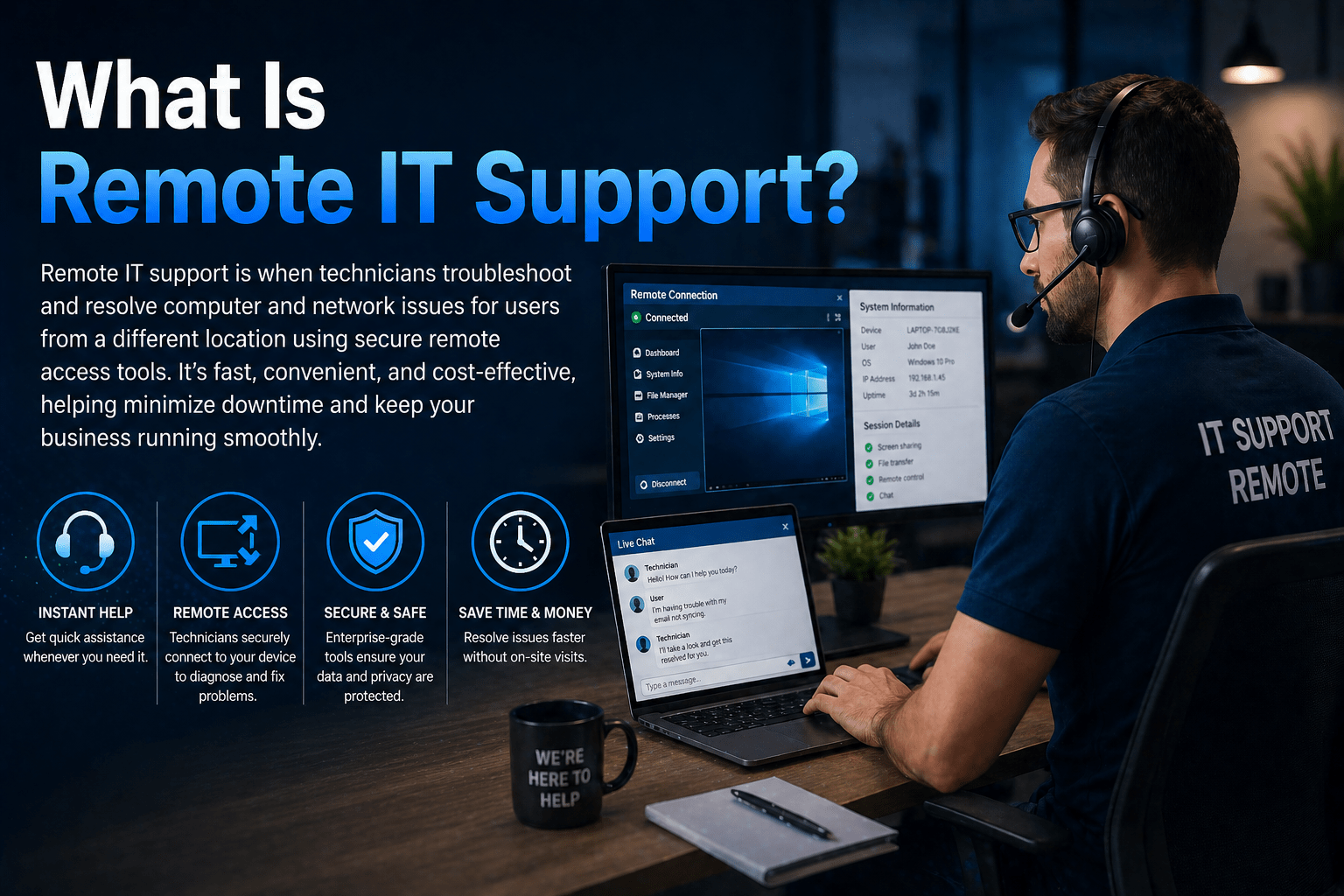
Remote IT support is the delivery of IT assistance to end users and IT infrastructure without a technician being physically present. Using remote access tools, screen sharing software, and cloud management platforms, technicians diagnose and resolve technology problems from anywhere — while the user remains at their desk and the device stays in place.
Remote IT support has become the standard delivery model for the vast majority of IT support interactions. Most software problems, configuration issues, access problems, and routine maintenance tasks can be resolved remotely in less time than it takes a technician to travel to a location. The economics and speed of remote support benefit both the provider and the client.
For businesses using managed IT services, remote support capability is the foundation of proactive management — enabling continuous monitoring, centralized patching, and fast incident response regardless of where users and devices are located.
How Remote IT Support Works
A technician uses remote access software — tools like ConnectWise Control, TeamViewer, or Microsoft Intune — to connect to a user’s device or a server with the user’s permission. The technician can see the screen, control the mouse and keyboard, run diagnostics, install software, apply configurations, and execute fixes — all as if they were sitting at the device.
For infrastructure management, remote monitoring and management (RMM) platforms allow technicians to access servers, network equipment, and device management consoles without connecting to individual user sessions. Patching, configuration changes, performance monitoring, and alert response all happen through these platforms.
What Remote IT Support Covers Well
- Password resets and account access issues
- Software installation, configuration, and troubleshooting
- Email and Microsoft 365 issues
- Remote connectivity and VPN problems
- Operating system troubleshooting and configuration
- Patch deployment and software updates
- Cloud platform management and configuration
- Security tool deployment and management
- Performance monitoring and proactive maintenance
When On-Site Support Is Still Needed
Remote support handles the majority of IT issues. Some situations require physical presence:
- Hardware failures requiring replacement (failed drives, broken components)
- Network equipment installation or replacement
- New device setup when imaging cannot be done remotely
- Physical cable and connectivity issues
- Security incidents requiring physical response
- New office setup or relocation
A quality managed IT provider has local on-site dispatch capability to handle these situations alongside their remote support operations. For businesses in Louisiana, Mindcore’s New Orleans office provides local on-site coverage.
Final Takeaway
Remote IT support delivers faster, more convenient, and more cost-effective IT assistance for the vast majority of issues. On-site support remains necessary for physical hardware and infrastructure situations. A quality managed IT engagement combines both, with remote delivery as the default and on-site dispatch available when needed.
Remote IT Support From Mindcore Technologies
Mindcore delivers IT support remotely for the majority of issues and on-site for the rest — all under a single managed IT services agreement with defined SLA commitments.

