

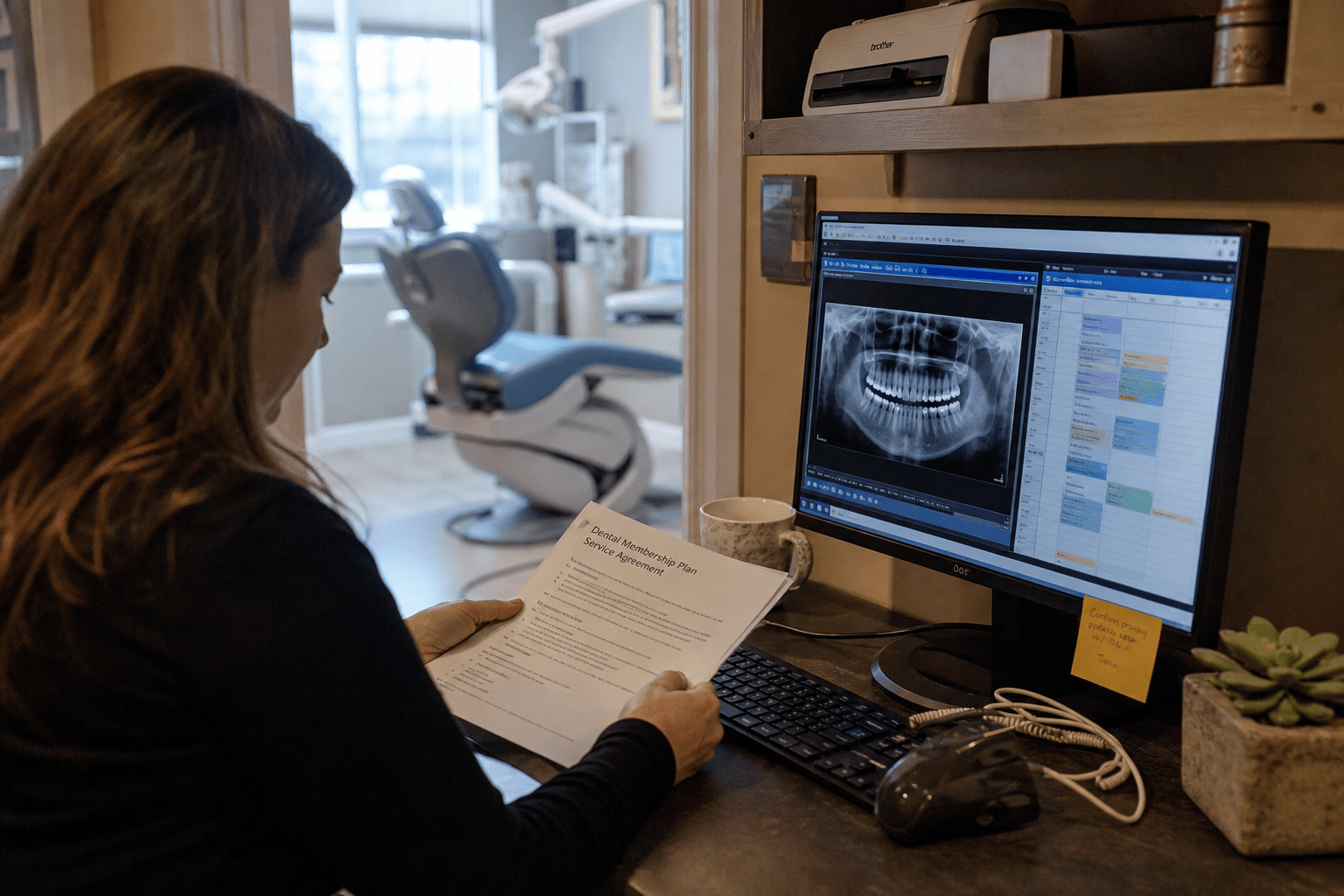
The honest way to compare managed IT services vs break-fix for dental practices is to stop counting dollars and start counting operatory hours. A single chair produces roughly 1,500 to 3,000 dollars in a full day, so a server failure that takes six hours to resolve, which is ordinary for next-business-day support, costs a two-operatory practice somewhere between 3,000 and 9,000 in lost production. The monthly difference between the two support models is smaller than that. We have never seen a practice run this arithmetic and still describe hourly support as the cheaper option, which tells you the comparison is usually made in the wrong unit.
The 5 Points That Decide a Dental Practice’s Support Model
Five points determine which model a practice can actually run on. The rest of this article expands each one.
- Downtime is priced per chair, not per hour. An idle operatory costs more in a morning than the annual difference between the models.
- Dental software has a hard vendor support boundary. Somebody has to own the space between the practice management vendor’s line and your network.
- Imaging is a network problem disguised as a clinical one. Sensors, pan units, and viewing stations fail in ways a generalist technician has not seen.
- HIPAA applies in full to a dental office. Break-fix scopes rarely include audit logging, risk analysis, or a signed business associate agreement.
- The schedule is unforgiving. A booked column cannot absorb a four-hour wait, so response time matters more than hourly rate.
Why Reactive Support Collides With a Booked Schedule
Reactive IT support collides with dental scheduling because a practice runs on a fixed daily grid that cannot be extended. When a workstation freezes at 8 a.m., the 8 a.m. patient does not move to the afternoon, because the afternoon is already full. The appointment either runs on paper or it slips a week, and both outcomes cost more than the repair.
Our team sees the same sequence at practices still buying support by the hour. A check-in workstation begins hanging on login sometime in the autumn. Nobody calls, because a call costs money and rebooting works. In January it stops booting entirely during a heavy hygiene day. The technician arrives the following morning because nothing in the arrangement compels faster. Front desk runs on paper, insurance verification stops, and the practice spends the next three days re-entering encounters. The invoice reads a few hundred dollars, so the owner concludes the model held. The real cost sat in production nobody traced back to it.
The second failure is quieter and more expensive. Under break-fix nobody owns patching, nobody owns the backup verification, and nobody owns the imaging workstation still running an operating system the sensor vendor certified years ago. None of that produces a ticket, so none of it produces a bill, so none of it happens.
The Imaging and Practice Management Boundary
The boundary between your software vendors and your network is where most dental IT failures actually sit, and reactive support has no owner for it. Practice management platforms and imaging systems each carry vendor support that stops at a defined line. Past that line lives the server, the switch, the wireless, the workstation drivers, and the folder permissions that let a sensor write an image where the viewer expects to find it.
When a pan unit will not save to the server, the imaging vendor checks its own application, finds it healthy, and points at the network. The hourly technician checks the network, finds it up, and points back. The practice waits inside that standoff, sometimes for days. A managed agreement is worth having largely because somebody has contractually accepted that middle ground.
There is a reasonable counterview. Some practices deliberately keep the imaging vendor’s own support contract and buy only general IT elsewhere, arguing that specialized modality knowledge beats a generalist. That is often true, and we would not talk a practice out of it. The failure is not choosing one arrangement over the other, it is leaving the boundary undefined so neither party owns it. Our fuller breakdown of what to require from a dental provider is in our guide on managed IT services for dental practices.
Where Break-Fix Is Still Reasonable
Break-fix remains reasonable for a single-provider practice running cloud-hosted practice management, with no on-site server, digital imaging that writes directly to the cloud platform, and a handful of workstations. Most of what a managed agreement covers has already moved to the software vendors, and the remaining surface is a router and some laptops.
We say that directly because the opposite claim, that every practice at every size needs a full agreement, is a sales position rather than a technical one. The test worth running is whether the failure of any single component would stop chair production for more than an hour, and whether the practice can produce compliance evidence without help.
The trap is that practices almost never revisit the answer. The arrangement chosen with one operatory and a server in the closet is still in place at four operatories with an intraoral scanner, a pan unit, a VoIP system, and a second location, and nobody re-ran the test. That inertia, rather than the model itself, causes most of what we get called in to repair. The general version of this decision, outside dentistry, is covered in break-fix vs managed IT: which model is right for you.
The Five Cost Traps Hourly Dental IT Hides
Hourly support hides five costs that never reach the IT line of a practice budget, which is exactly why the comparison looks closer than it is.
Lost production during the wait. The largest number by a wide margin, and the one recorded as a soft day rather than an IT cost.
Emergency and after-hours premiums. Nights and weekends commonly bill at one and a half to two times standard, and failures do not schedule themselves considerately.
Rediscovery time on every visit. A technician with no standing knowledge of your environment relearns it on the clock, every single time.
Deferred maintenance compounding. A skipped patch cycle or an aging server does not stay neutral. It converts into a larger failure later, billed at the emergency rate.
Compliance and insurance exposure. Carriers now ask for control attestations at renewal, and a practice that cannot attest accurately risks its premium or, worse, a claim.
What the Numbers Look Like Side by Side
Side by side, managed IT for a dental practice runs roughly 115 to 180 dollars per user per month, with a realistic all-in per-location budget of 1,000 to 2,500 monthly once managed services, security tooling, licensing, and a hardware reserve are counted. Industry guidance generally puts total technology spend between 3 and 7 percent of gross revenue for a well-equipped practice.
Against a single month, hourly support wins on paper almost every time. The comparison inverts once you include the events that did not happen. Published estimates put dental system downtime at roughly 560 to 1,900 dollars per hour in lost revenue, and a ransomware recovery at a multi-operatory practice reaches six figures once incident response, forensics, patient notification, and weeks of reduced throughput are counted. The reactive model does not lower the probability or the severity of either.
The counterweight is genuine. A managed agreement priced without reference to what a practice runs is money spent on capability nobody uses, and we have reviewed proposals selling enterprise security stacks to two-chair offices with a cloud platform and no server. The model was right and the scope was wrong. Ask a prospective provider to map every line of the agreement to something that exists in your operatories, and strike whatever does not map. Our position on managed security services for practices this size starts from the same place.
What a Dental-Scoped Agreement Should Actually Contain
A dental-scoped agreement differs from a generic small business contract in four places, and a provider who cannot name them has not worked in operatories.
The first is response commitment tied to chair production. A next-business-day standard is unworkable when a booked column is waiting, so the agreement should carry a one-hour response floor for anything that stops production, in writing rather than by verbal assurance.
The second is imaging and modality coverage, including which sensors, scanners, and viewing stations the provider supports in production today and what happens when a vendor points at the network.
The third is backup with verified restores. A backup job reporting success is not proof, and a practice that has never watched a test restore complete does not know whether it has backups or merely has backup software.
The fourth is HIPAA scope: a signed business associate agreement executed before any work touches patient data, audit log retention, an annual risk analysis, and access review when staff depart. Dental offices are covered entities in full, a point our piece on why healthcare practices need managed IT services works through in more detail.
Practices with a capable in-house technologist can also run a hybrid, keeping internal ownership of clinical applications while buying co-managed IT services for monitoring and after-hours depth. For growing group practices, that is frequently the better structure.
What the First 60 Days Actually Look Like
A practice moving off hourly support should expect the first two months to feel like an inspection rather than a service upgrade, because that is what they are. The provider inventories every workstation, every account, every switch and access point, and every system that touches patient data or images. What surfaces is rarely comfortable: front-desk logins shared across three staff, an account still active for a hygienist who left two years ago, a nightly backup that has been failing quietly since a software update in the spring, an imaging workstation held on an unsupported operating system because the sensor vendor certified it there and nobody wanted to touch it.
That inventory produces a remediation list, and the remediation list produces a one-time cost that sits outside the monthly fee. This is where transitions stall. An owner who approved a per-user rate now receives a separate proposal to replace three workstations and rebuild the server, and it reads as a bait and switch. It is not, but the sequencing invites that reading, so ask for the assessment first and let the remediation number be part of the original decision rather than a surprise in month two.
There is a fair objection. Some owners take the assessment findings straight to their existing hourly provider and have them fixed at a lower rate, which is why a number of providers now charge for the assessment and credit it against the first invoice. Either arrangement is defensible. What is not defensible is a provider quoting a monthly rate having never looked at the practice, because that number is a guess, and the gap between the guess and the operatory reality arrives later as change orders.
Frequently Asked Questions
How much does managed IT cost for a dental practice?
Managed IT for a dental practice typically runs 115 to 180 dollars per user per month, with an all-in per-location budget of roughly 1,000 to 2,500 monthly once licensing, security tooling, and a hardware reserve are included. Multi-location groups usually negotiate down on a per-site basis.
Is break-fix support cheaper for a small dental office?
Break-fix is genuinely cheaper for a single-provider office running cloud-hosted practice management with no server and no networked imaging. Once a practice adds a server, an intraoral scanner, or a second operatory, the lost-production math turns against it quickly.
Does a dental practice need a business associate agreement with its IT vendor?
Yes. Any vendor that creates, receives, maintains, or transmits protected health information on the practice’s behalf is a business associate, and that includes a technician remoting into a workstation showing a chart. The practice carries the exposure for a missing agreement, not the technician.
What response time should a dental practice require?
For anything that stops chair production, a one-hour response commitment written into the agreement is a reasonable floor. Break-fix arrangements usually carry no commitment at all, which is why next-business-day service is common and why it costs so much in practice.
How long does switching from break-fix to managed IT take?
Most transitions run 30 to 60 days: an assessment of what exists, documentation, remediation of anything urgent, then onboarding into monitoring and patching. Practices with long-deferred maintenance should expect a one-time remediation cost alongside the monthly fee.
Who Is Behind This Advice
Mindcore has moved dental practices through this transition repeatedly, usually arriving after a second bad outage rather than before the first. That vantage point shaped how we scope these engagements: verified restores and the imaging boundary come first, because those are the two places a practice cannot recover retroactively once a failure has already happened.
Matt Rosenthal, Mindcore’s CEO, keeps the practice focused on matching the support model to what a business genuinely operates rather than selling the largest agreement a client will sign. For a dental office that means reading the operatory count and the imaging footprint honestly, including the cases where a small cloud-native practice is already covered well enough.
Talk Through Your Practice’s Support Model
Comparing managed IT services vs break-fix for dental practices is easier once the unit changes. Stop asking which invoice is smaller and start asking how many operatory-hours each model puts at risk in a year, because that number dwarfs the difference in fees for any practice with a chair depending on a network.
Run this before your next renewal. List every system that would stop production if it failed tomorrow morning: server, imaging, practice management, phones, front-desk workstations. For each, name who is watching it right now, when it was last patched, when its backup was last restored successfully, and whether the vendor touching it has signed a business associate agreement. Most practices cannot fill in that table, and the blanks are the real comparison.
If the exercise leaves you uncertain, our team will walk your practice and say plainly which model fits, including whether what you have already works. Book a free strategy call, or read our approach to managed IT services and the general case for moving off break-fix support first.

