

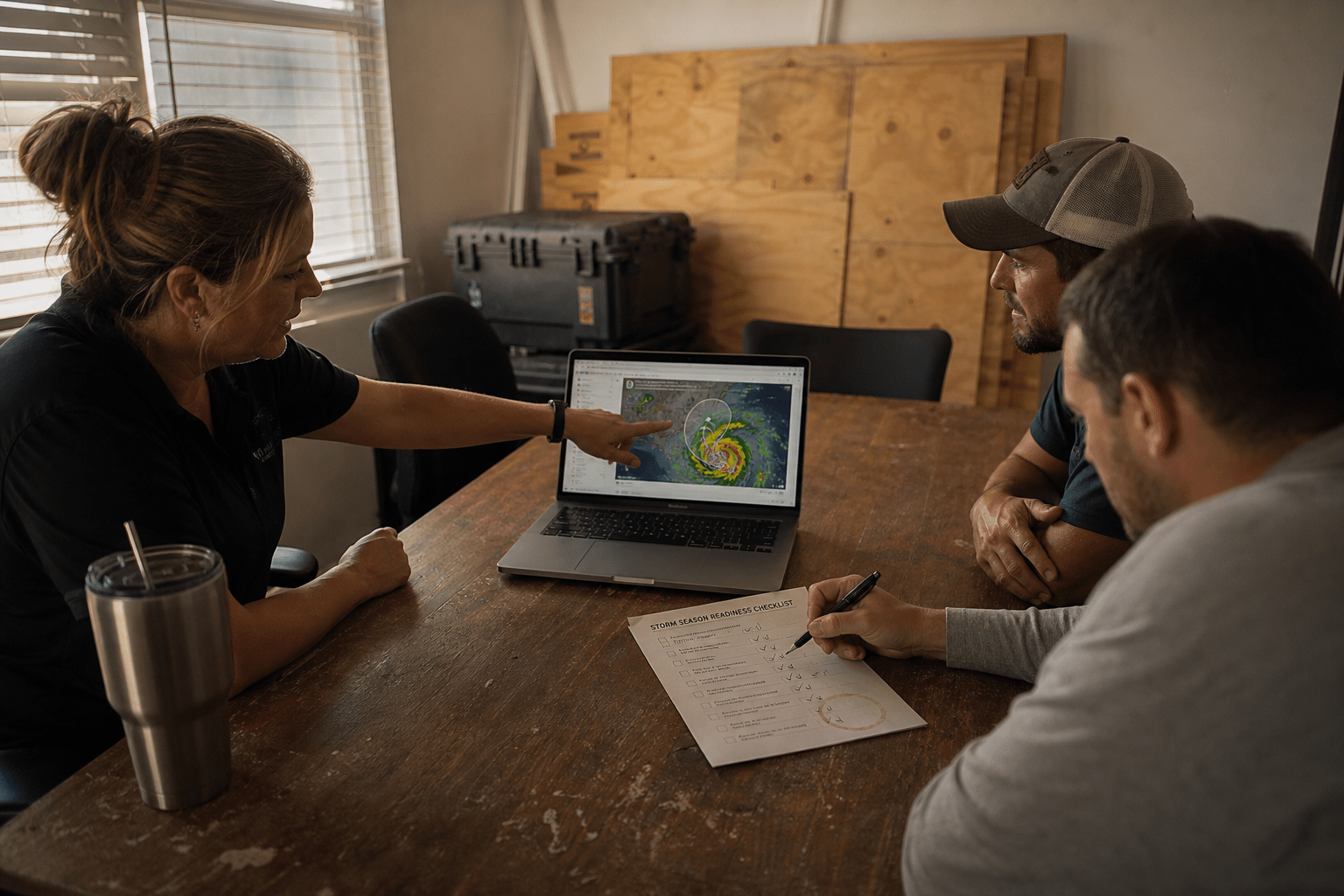
Most Florida business owners do not need to be told that hurricanes are a risk. They have lived through the closures, the boarded windows, and the week of catching up afterward. Awareness is not the gap.
The gap is timing. Almost every expensive hurricane outcome we see at Florida small and mid-sized businesses traces back to a correct action taken at the wrong point in the season. The backup that was configured but never test-restored. The remote-work plan that existed on paper and was first attempted the morning the office closed. The server that came back online before anyone confirmed the building was dry.
Hurricane season runs June 1 through November 30. That is six months of known exposure, and it gives you a calendar to work against rather than an emergency to react to. This guide walks the six timing traps that cost Florida businesses the most recovery time, and it follows the real decision sequence: what has to be finished before the season opens, what changes when a named storm enters the forecast cone, what you commit to at 72 and 24 hours, and the order things come back on afterward.
We are writing this as an operations guide, not a product explainer. If you want the underlying mechanics of protecting and restoring data, our backup and disaster recovery buyer’s guide for Florida covers that ground. What follows assumes you have something in place and asks a harder question: will it work on the day, and will you use it at the right moment?
Hurricane season is a timing problem, not an equipment problem
The pattern is consistent. When a Florida business has a bad hurricane recovery, the cause is rarely that they owned nothing. It is that the thing they owned had never been exercised, or the decision to use it came too late to matter.
Consider what the clock actually does to your options. Six weeks out from the season, you can change vendors, move a backup target out of the state, order a second internet circuit, and train staff on remote access. Seventy-two hours out from a landfall, every one of those doors is closed. You are down to the choices that need no lead time: shut down cleanly, get people home safely, and confirm your offsite copy is current.
That asymmetry is the whole point. Preparedness spending buys you nothing if it lands after the window in which it could have helped. The traps below are ordered the way the season presents them.
Trap 1: Treating June 1 as the day the work starts
June 1 is the day your exposure begins. It is not a project start date. Anything with a lead time has to close before it.
Practically, that means the readiness work belongs in April and May. Vendor contracts, insurance review, hardware replacement for anything already marginal, a documented recovery objective for each system that matters, and a real test of the recovery path. A backup vendor onboarding takes weeks. A second internet circuit can take longer than that to provision. If you begin in June, your first genuinely protected month is August, and August is not a quiet month in Florida.
The fix is a dated pre-season close-out rather than an open checklist. Pick a date in mid-May, list the items that must be verified complete by then, and assign each one a name. An undated list is the reason this work slides year after year, because nothing on it is ever technically late.
Trap 2: Waiting for the cone before you find out whether recovery works
A backup you have never restored from is an assumption. This is the single most common finding when we review a Florida SMB’s readiness, and it is almost always a surprise to the owner, because the backup dashboard has been green for years.
Green means the job ran. It does not mean the data is complete, the restore path is documented, the credentials to perform the restore are available to someone who is not on vacation, or that the restore finishes inside the time your business can actually absorb. Those are separate facts and each one needs to be established by doing it.
Two things are worth separating here. Your recovery time objective is how long you can be down before the damage compounds. Your recovery point objective is how much recent work you can afford to lose. Most owners have an instinct for both and have never written them down per system, which means nobody has ever checked whether the current setup meets them. Payroll, the line-of-business application, email, and the file server usually have very different answers.
Run a restore test in the pre-season window, with the person who would actually run it during an event, and time it. Do it again in September, because configurations drift and a system added in July is rarely added to the recovery plan on the same day. A test that only ever runs once establishes that the setup worked in May, which is not the claim you need.
If the test shows the recovery path does not meet the objective, that is useful information in April and expensive information in October, because the remedy involves changing how disaster recovery is configured and sometimes what it runs on. Our walkthrough of the key elements of a business disaster recovery plan is a reasonable structure to test against.
There is a second reason the timing matters. A local backup appliance in your Boca Raton office shares every risk your office has. Same flood zone, same wind field, same power grid. If your only current copy lives in the building, the storm that creates the need also removes the remedy. At least one current copy has to sit outside the storm’s reach, and confirming that is a pre-season job, not a 72-hour job.
Trap 3: Assuming power and connectivity fail together
They often do, but planning as though they are one failure hides the cases that hurt most.
Power comes back to a commercial block on the utility’s schedule, which is driven by the number of customers restored per crew hour, not by your revenue. Internet service comes back on your provider’s schedule, which depends on their equipment surviving and on their technicians being able to reach it. Cellular capacity may be present and congested to the point of being unusable for anything but text. These are four different clocks and they rarely align.
What that means in practice is worth being concrete about. A generator that keeps your server room cool and powered is useful and does nothing for you if the fiber is cut. Cloud-hosted systems stay reachable during a local power loss, which is a real advantage, but only for staff who have power and connectivity wherever they are sheltering. A phone system that only answers in the building makes you unreachable to customers at exactly the moment they are trying to find out whether you are open.
Decide before the season which of your systems must be reachable from anywhere and move those off dependence on the office. Hosted platforms are the practical route, and cloud-based recovery keeps operations running when a single physical site becomes unreachable. Then confirm the human side: do staff know the alternate way in, have they used it, and does it work from a home network rather than only from the office wifi. Moving voice and core applications to hosted platforms is the usual answer, and the reason is availability rather than modernization. This is the same reasoning behind using managed IT services to strengthen continuity and recovery.
Trap 4: Nobody owns the decision to close
This is the trap that has nothing to do with technology and costs the most hours.
When a storm enters the cone, a series of judgment calls has to be made on a schedule. When do we tell customers. When do we stop taking orders that we cannot fulfill. When do we send staff home so they can prepare their own households. When do we power systems down cleanly rather than letting the utility do it for us. Who decides all of that, and who decides if that person is unreachable.
Without a named owner and a written trigger, these decisions get made late and by default. Staff stay until someone tells them to leave. Servers stay up until the power drops, which is how you get corrupted databases and hardware that does not come back. Customers find out you are closed by calling and getting no answer.
Write it down before the season as a short sequence tied to thresholds rather than to someone’s judgment on the day. A watch means you confirm your offsite copy and brief the team. Seventy-two hours means customer notification and a decision about the physical site. Twenty-four hours means clean shutdown and everyone home. Name a primary decision maker and a backup. Put the phone numbers somewhere that does not require the network to read, because a contact list stored only on the file server is not available during the event it exists for.
Trap 5: Planning for the storm and not for the week after
The storm is a day. The disruption is one to three weeks, and most of the cost sits in that longer tail.
Staff will have their own damage, their own power outages, and their own childcare gaps because schools close longer than businesses do. Your suppliers are in the same weather. Payment processing, shipping, and inspections all queue up. Insurance carriers are handling a surge of claims and the ones documented properly move first.
Two items are worth preparing in advance because they are nearly impossible to assemble afterward. The first is a current equipment inventory with serial numbers, purchase dates, and photographs, stored offsite. This is what turns an equipment claim from a negotiation into a submission. The second is a written pattern for reduced operations: which functions run first when you have half your staff and partial connectivity, and which ones wait. Deciding that under pressure produces a different and worse answer than deciding it in May.
There is a communication dimension to the tail as well. Customers are patient with a business that tells them what is happening and impatient with silence, and the difference is usually just a prepared message and a channel that does not depend on your office. Decide in advance who posts updates, where they go, and how often, even if the update is only that you are still assessing. The same applies internally: staff who cannot reach anyone assume the worst about their own jobs, and a single scheduled check-in each morning removes most of that. Neither of these costs anything to arrange in May and both are difficult to organize from a parking lot with congested cellular service.
Trap 6: Bringing systems back in the wrong order
Re-entry has a correct sequence and getting it wrong can turn a recoverable situation into a permanent loss.
Before anyone enters, the building has to be cleared. Structural damage, downed lines on the property, and gas are utility and fire department questions, not judgment calls for a business owner standing in a parking lot.
Then, before any power is applied, document. Photograph and video everything from multiple angles before debris is moved. Once the cleanup starts, the evidence your claim depends on is gone. Open the claim, get a claim number and the adjuster’s name, and record both somewhere the whole team can reach.
Only then does equipment come back, and the order is connectivity first, then servers, then workstations. Powering workstations into a network with no working authentication produces a queue of confusing failures that look like damage and are not.
The rule that saves the most data is the one owners most often break out of urgency: do not energize anything that has been exposed to water or significant moisture. Water damage is frequently invisible from the outside, and applying power to a wet board can destroy media that a recovery lab could otherwise have read. Set it aside, label it, photograph it, and let someone inspect it. A day of patience here regularly saves data that no backup happened to cover.
Where a Florida IT partner fits, and where it does not
None of this requires an outside provider. It requires that someone own it and that the work happen on a calendar. The reason many Florida businesses hand this to a partner is that pre-season readiness competes with revenue work every single year, and revenue work wins. A two-person internal IT team in May is fully occupied, and the readiness items are the ones with no complaining customer attached, so they move to June and then to whenever. Handing the calendar to someone outside the day-to-day is mostly a way of making sure the dates hold. It is also why business continuity and recovery planning tends to work better as a standing engagement than as an annual scramble.
Mindcore has offices in Boca Raton and Orlando, which means our team plans around the same season our clients do, from the same forecast cone. That shapes how we schedule this work. Readiness verification is booked in April and May rather than promised for the summer.
Mindcore CEO Matt Rosenthal has built the company’s approach around a straightforward idea: businesses do not need more technology, they need technology that behaves predictably when conditions are bad. Hurricane season is the clearest test of that in Florida, because the failure conditions are known in advance and the calendar is published. There is no excuse for being surprised by a June 1 that arrives every year.
If you want a second set of eyes on where your readiness stands before the next peak, book a free strategy call and we will walk your current recovery path with you. You can also see how we support businesses across Florida, or read our guidance on the signs that your current Florida IT support is not holding up.
Frequently Asked Questions
When should a Florida business finish its hurricane preparation?
Before June 1, with the work happening in April and May. Anything with a lead time, such as a new backup target, a second internet circuit, replacement hardware, or vendor onboarding, cannot be arranged once a storm is already forming. Set a dated close-out in mid-May and assign an owner to each item rather than keeping an open checklist.
Is a local backup appliance enough for a Florida business?
No, not on its own. A backup stored in your office is exposed to the same flooding, wind, and power loss as the systems it protects, so the event that creates the need can also remove the remedy. Keep at least one current copy outside the storm’s reach and verify it by performing an actual restore, not by checking that the job reported success.
What is the first thing to do after a hurricane passes?
Wait for the building to be cleared for structural damage, downed power lines, and gas before anyone enters. Then photograph and video all damage before moving debris, because that documentation is what your insurance claim rests on. Bring systems back in order after that: connectivity, then servers, then workstations.
Should we power equipment back on ourselves?
Only equipment that stayed dry. Never energize anything exposed to water or heavy moisture, since water damage is often invisible and applying power can destroy data that a recovery specialist could otherwise retrieve. Label and photograph anything questionable and have it inspected first.
How long should we plan to operate at reduced capacity?
Plan for one to three weeks rather than a few days. Staff face their own damage and outages, schools close longer than businesses, and suppliers, shipping, and payment processing all back up. Decide in advance which functions run first with partial staff and partial connectivity.

