

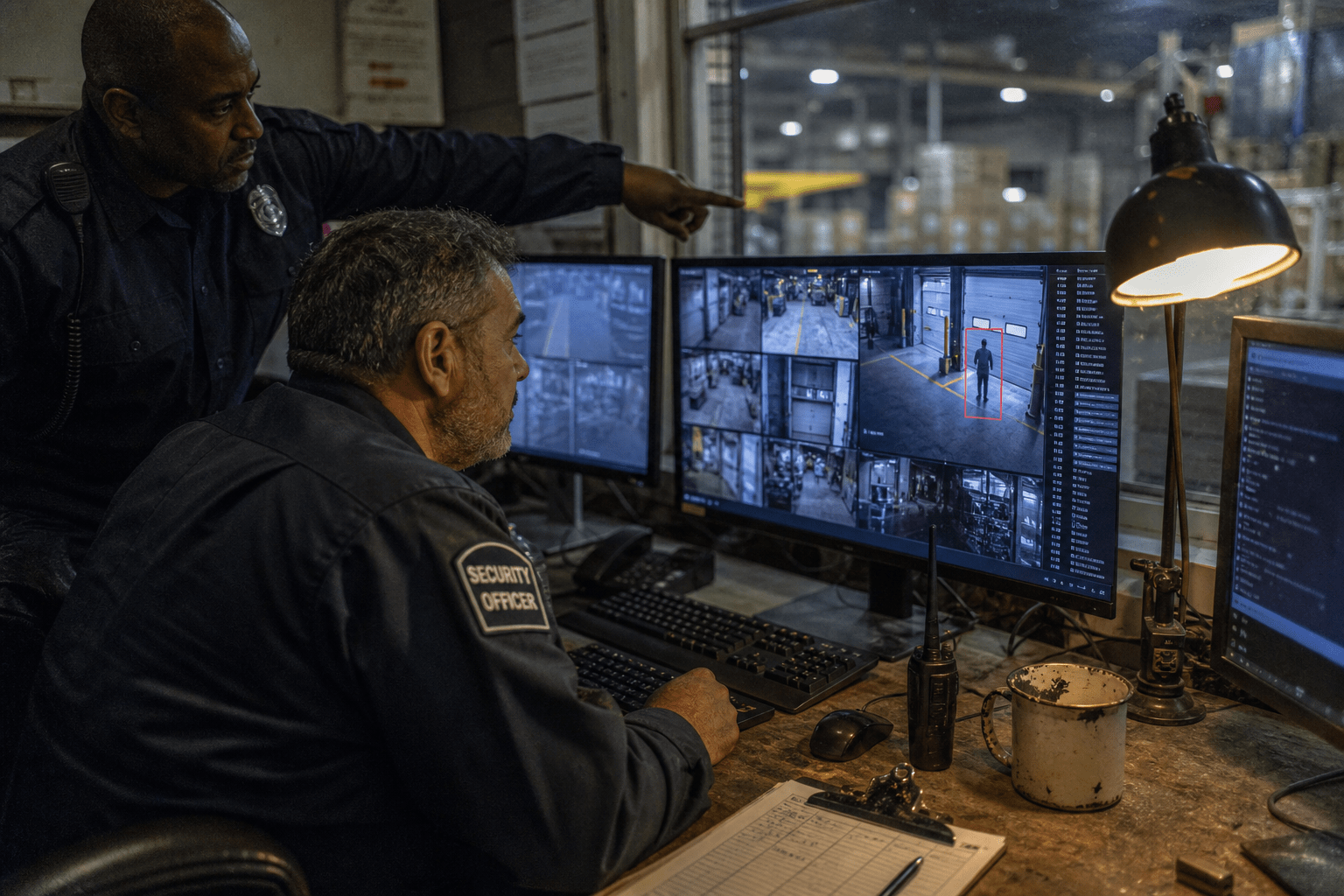
The best AI vision tools for physical security monitoring in 2026 are the ones that produce an alert volume a real person will still be reading in week six. Every vendor in this market quotes detection accuracy, and detection accuracy is measured per frame or per event under conditions the vendor chose. What you experience is a phone buzzing at 3am.
The arithmetic is unforgiving. A camera overlooking a car park with trees behind it can generate several thousand motion events on a windy night. A model that classifies correctly 99 percent of the time still produces dozens of alerts nobody needed, and the predictable outcome is that alerting gets muted within a month. Alerts per camera per night is the number to ask for, and almost nobody publishes it.
Overview: five things that decide whether AI video actually helps
- Alert volume, not accuracy, determines whether the system stays on. Ask for alerts per camera per night in a comparable environment.
- Camera placement and lighting cap what any model can do. A badly angled camera cannot be fixed in software.
- Retention and biometric law vary by state and are strict in several. Face recognition in particular carries specific consent duties in some jurisdictions.
- Integration with access control is where the real value sits. A door event paired with video is evidence; either alone is a question.
- Bandwidth and processing location drive the running cost. Cloud analytics on continuous streams is expensive in a way the licence price hides.
Written for operations managers, facilities leads and IT staff at manufacturers, clinics, warehouses and multi-site retailers deciding whether to add analytics to existing cameras or replace the system.
Alert fatigue is the failure mode to design against
Alert fatigue is what kills these deployments, and it is entirely predictable at purchase time. The system is installed, alerting is enthusiastic, the notifications are ignored within weeks, and the organisation is paying for a system whose alerts nobody reads. The cameras still record, so the loss is the entire premium paid for the intelligence layer.
The prevention is to ask a different question during evaluation. Not what the detection accuracy is, but how many alerts a comparable site generates per camera per night, and what proportion of those a human judged actionable.
Insist on a pilot at your own site
Any serious vendor will run a pilot on a handful of your existing cameras. Two weeks tells you what your environment produces, which is the only figure that matters, because your tree line, your delivery schedule and your car park lighting are not in anyone’s benchmark.
Count alerts and, more importantly, review them. Ask the person who would actually be on call whether they would still be reading these in a month. That answer is more predictive than any specification sheet.
Classification rules should be scoped tightly at first
Most platforms let you define what warrants an alert by zone, by object class, and by time window. Start narrow. A person in the loading bay between 10pm and 5am is a useful alert. Any motion anywhere is not.
Widen only where the review shows you missed something real. Teams that start wide and try to tune downward tend to abandon the exercise, because by then everyone has stopped trusting the notifications and the tuning feels like rescuing something already broken.
Placement and lighting set the ceiling
No model recovers information a camera never captured. A camera mounted too high sees the tops of heads, one pointed at a bright doorway silhouettes everyone walking through it, and one with a wide view of a whole yard resolves nobody in particular.
Analytics vendors are generally honest about this and it still gets skipped, because a placement survey is unglamorous work and the software is the exciting purchase. The result is a well-reviewed platform producing poor results on a specific camera, and a long argument about whose fault that is.
Do the survey before the purchase
Walk the site with the intended use case in mind. For each camera ask what it needs to distinguish, whether it can physically see that at the required detail, and what the scene looks like at night and in low winter sun.
Expect to move or add cameras. That is a real cost and it belongs in the business case rather than arriving as a surprise afterwards. Infrared and low-light performance deserve specific attention, because the hours you most want coverage are the hours the imagery is worst.
The legal position is not uniform
Video monitoring of a workplace carries obligations that differ by state and by what the system does. General surveillance of common areas is broadly permitted with notice. Recording audio is regulated separately and more strictly. Face recognition and other biometric identification carry specific consent and retention duties in several states, with meaningful penalties attached.
Establish which category your intended use falls into before you buy, because a platform bought for general monitoring and later switched to face matching has changed legal category without anyone filing a decision.
Retention is a policy you should set deliberately
Storage is cheap enough that the default is often to keep everything for as long as the disks allow. That is a poor default. Retained footage is discoverable, it is a target, and in some jurisdictions holding biometric data beyond a defined period is itself the violation.
Set a retention period that matches your actual investigative need, usually measured in weeks rather than months, and apply exceptions deliberately for incidents under review. Where footage is stored in a hosted platform, the same access and encryption questions apply as to any other system, which is the ground covered by cloud security.
Tell people what is in place
Notice is a legal requirement in most contexts and it is also the thing that keeps this from damaging trust. Staff generally accept security cameras in a warehouse. What they object to is discovering that a system has been quietly identifying individuals and tracking movement patterns.
Write it down, say what is collected, where it goes and how long it is kept. That same transparency principle runs through how we approach security awareness training: controls that people understand are the ones that survive contact with daily work.
Where the genuine value is: correlation with access control
The strongest use case is not video alone. It is video correlated with the access control system. A badge read at a door with no matching person on camera is a cloned or shared credential. A door held open for ninety seconds with three people passing through on one badge is tailgating, and it is invisible to either system on its own.
This is the capability worth paying for, and it is also the one that requires both systems to be integrated rather than merely installed. Our work on identity-driven access control covers the credential side of the same problem.
Contractors and visitors are the common gap
Most organisations manage employee access reasonably and handle contractors informally. A maintenance contractor with a badge issued two years ago for a one-week job is the physical equivalent of an orphaned service account.
Video correlation surfaces this quickly, because the badge activity no longer matches any plausible schedule. In manufacturing this overlaps directly with the exposures we describe in our piece on third-party vendor access risks in manufacturing plants.
Regulated sites have specific expectations
Healthcare, defence and other regulated environments carry defined physical access requirements, and video is one of the evidence sources an auditor will ask about. The requirement is usually not the camera itself but the demonstrable link between access records, monitoring and review.
That evidentiary framing is what our guidance on healthcare IT access security and on CMMC access control enforcement is built around, and it applies to the physical layer as much as the logical one. Clinical settings add another dimension covered in identity-driven access control in healthcare IT.
Running cost is mostly bandwidth and processing location
Where the analysis happens drives the bill. On-camera processing costs more per device and almost nothing to run. Cloud analysis on continuous streams is cheaper to start and carries an ongoing bandwidth and compute cost that scales with camera count and resolution.
For a multi-site operation on business broadband, uploading continuous high-resolution video from twenty cameras is frequently the constraint that decides the architecture, and it rarely appears in the initial quote. Ask what upstream bandwidth the proposed configuration consumes and compare it against what each site actually has.
The hybrid position is usually right
The arrangement that works for most mid-sized sites is analysis at the edge with only events and short clips sent upstream. Bandwidth stays modest, the system keeps working when the connection drops, and central review still has what it needs.
That resilience matters more than it sounds. A cloud-dependent system loses its intelligence exactly when a site loses connectivity, which is a scenario worth planning for rather than discovering. Designing that split sensibly is part of how we scope AI-enhanced security for clients.
A practical evaluation sequence
Survey placement and lighting against the specific things you need to distinguish. Establish the legal category of your intended use and your retention position. Pilot on your own cameras for two weeks and measure alerts per camera per night with a human reviewing them. Confirm the access control integration works with the system you actually have. Then compare bandwidth and running cost across architectures.
Skipping the pilot is the most common and most expensive error, because alert volume is the variable that decides whether anyone is still using the system in six months, and it is the one variable no specification sheet can tell you.
Frequently Asked Questions
Can we add AI analytics to our existing cameras?
Often yes, if resolution, frame rate and placement are adequate, and a server or appliance can process the streams. The realistic assessment usually finds that some cameras work fine and a handful need repositioning or replacing. That mixed answer is normal and it is cheaper than replacing the whole system.
How many false alarms should we expect?
Ask each vendor for alerts per camera per night at a comparable site and treat a refusal as informative. Environment drives this more than the model does: a car park with trees behind it produces a very different figure from an indoor corridor, which is why a pilot on your own cameras is the only reliable measure.
Is face recognition legal for a workplace?
It depends on your state, and several have specific biometric consent and retention requirements with real penalties. General monitoring and biometric identification are different legal categories, so get advice on your jurisdiction before enabling face matching, and do not treat it as a settings change.
How long should we keep video?
Long enough for your actual investigative need, which for most organisations is weeks rather than months, with deliberate exceptions for incidents under review. Retained footage is discoverable and is itself a target, so an indefinite retention default creates exposure rather than safety.
What is the single highest-value use case?
Correlating door access events with video. A badge read with nobody on camera, or one badge admitting three people, is a finding neither system produces alone. It also tends to surface stale contractor credentials, which is a problem most sites have and few have looked for.
Who is behind this guidance
Our team works across the access control, network and monitoring layers at manufacturing, clinical and multi-site commercial environments, which is where the difference between a camera system and a security capability becomes obvious. We have run the two-week pilot that produced four hundred overnight alerts from one badly angled camera, and we have also seen a badge and video correlation surface a contractor credential still active eighteen months after the work finished. Both shaped the order of the evaluation above.
Matt Rosenthal, our CEO, applies the same test here as to any monitoring investment: if the alerts stop being read, the system has stopped working, whatever the dashboard says. That is why this article puts alert volume ahead of detection accuracy, and it shapes how we scope physical monitoring alongside the logical controls.
Pilot on your own cameras before you compare products
The sites getting value from AI video in 2026 did the survey first, established what they were legally allowed to do, and ran a short pilot on their own cameras with a real person reading the alerts. They tuned the rules narrow, integrated with the door system, and only then talked about which platform to standardise on. The product choice was straightforward by that point.
If you are evaluating now, the question that separates the shortlist is not which model detects better. It is which vendor will let you measure the overnight alert volume at your own site before you sign.
Book a free strategy call and we will review your camera coverage and access control integration with you.

