

Every business has the same category of work: tasks that are important because they keep operations running, but that do not require the judgment, creativity, or expertise of the staff performing them. Copying data from one system to another. Sending a notification when a defined condition is met. Routing a record to the correct queue based on a field value. Generating a report from data that already exists in the system.
These tasks are not valuable because humans do them — they are necessary because humans have been the only available executor. n8n changes that. When those tasks run automatically, the staff previously doing them redirects to the work that actually requires them.
This is a practical account of how businesses specifically use n8n to eliminate those workflows — organized by the patterns that appear most frequently across industries and team types.
Overview
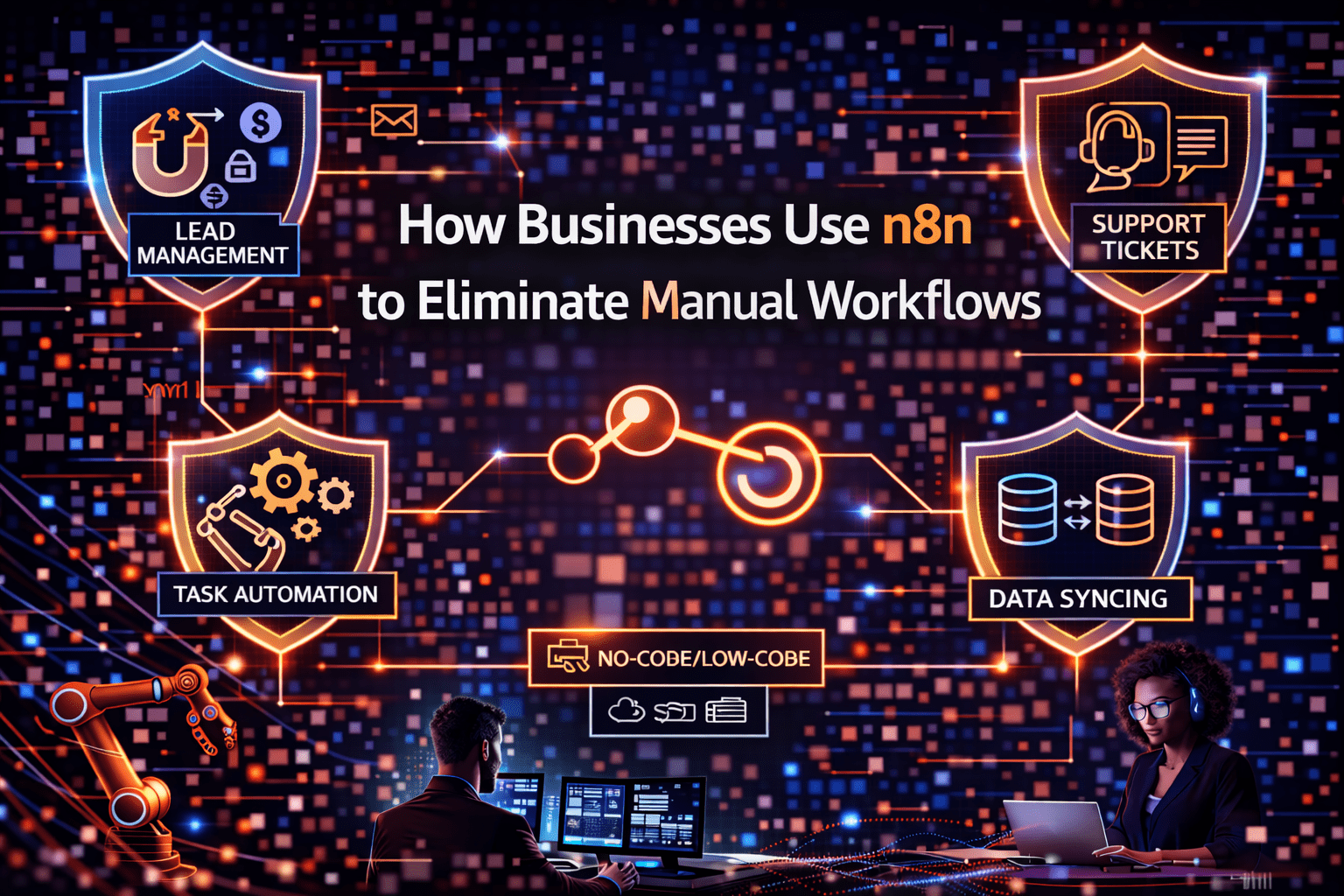
Businesses use n8n to eliminate manual workflows by identifying the tasks that require execution but not judgment, defining the logic that determines how those tasks should execute, and building n8n workflows that run that logic automatically when trigger conditions are met. The patterns that appear most frequently are data synchronization between systems, notification and routing automation, document and record generation, and approval process automation. Each pattern removes a category of manual work that scales poorly with business volume.
- Data synchronization: records that need to exist in multiple systems are created or updated automatically when the source record changes
- Notification automation: alerts, updates, and status communications trigger automatically when defined conditions are met
- Routing automation: records, tasks, and requests route to the correct queue or person based on defined logic
- Document generation: reports, invoices, and structured documents generate automatically from data that already exists
- Approval automation: approval requests route to the correct approver and track status without manual coordination
This aligns with modern AI automation strategies and enterprise workflow optimization.
The 5 Why’s
Why is data synchronization between systems the highest-frequency manual workflow in most businesses?
Modern businesses run on multiple specialized systems — CRM, ERP, support platform, marketing automation, accounting software. Each system stores a subset of the business’s data. Keeping those systems current requires moving data between them regularly — a task that is entirely defined by logic (when a record changes here, update it there) but that most systems do not handle natively without a dedicated integration layer. n8n is that integration layer.
Why do notification workflows consume disproportionate staff time despite being low-value individually?
Individual notification steps — sending a Slack message when a ticket is created, emailing a manager when an approval is needed, alerting a team when a metric crosses a threshold — take minutes each. Across a day, those minutes add up significantly for staff who are regularly triggering those notifications. More importantly, delayed notifications (because the staff member was busy or forgot) create downstream delays that have consequences beyond the notification step itself. n8n fires notifications instantly when trigger conditions are met.
Why does routing automation specifically reduce the error rate in operational workflows?
Manual routing decisions — “this ticket goes to the enterprise team, that one goes to SMB support” — require the person routing to read the record, apply the routing logic, and execute the correct routing action. At volume, that process produces routing errors: records going to the wrong queue, escalations that should have happened immediately that were delayed, approvals that went to the wrong person. n8n applies routing logic consistently, at speed, without the attention lapses that manual routing produces under volume.
Why does document generation automation produce faster and more consistent outputs than manual document creation?
Manually generated reports, invoices, and structured documents require the creator to query source systems, assemble data, apply formatting, and produce the final document. Each of those steps introduces the potential for errors, and each requires the creator’s time and attention. n8n document generation workflows query source systems directly, apply consistent formatting logic, and produce outputs automatically — on schedule or on demand, at any volume, without consuming staff time.
Why does approval process automation specifically improve business velocity beyond the time saving?
Manual approval processes have two costs: the time to route and track approvals, and the delay while approvals sit in an inbox waiting for attention. n8n approval automation addresses both: routing is instantaneous and reminders are automatic. The business moves faster not just because staff saves routing time but because approval decisions happen faster when requests arrive immediately and are tracked automatically.
Manual Workflow Elimination Patterns
Pattern 1: System-to-System Data Sync
Manual version: staff member exports records from System A, formats them, imports into System B, checks for errors.
n8n automation: trigger fires when a record is created or updated in System A; n8n queries the record data, checks whether a corresponding record exists in System B, creates or updates accordingly.
Where it appears: new CRM contacts synced to email marketing platform; closed deals synced to accounting system; support ticket data synced to product feedback tool.
Pattern 2: Event-Triggered Notification
Manual version: staff member monitors a system, sees an event, sends a notification to the relevant person or team.
n8n automation: trigger fires on the event; n8n formats a notification with context from the triggering record; notification sends immediately to the defined destination.
Where it appears: new high-value lead notifications to sales team; payment failure notifications to finance; critical support ticket escalations to management; system alert routing to on-call engineers.
Pattern 3: Conditional Record Routing
Manual version: staff member reviews incoming records, applies routing criteria, moves records to the appropriate queue or assigns to the correct person.
n8n automation: trigger fires on record creation; n8n evaluates routing criteria (deal value, territory, issue type, priority); record is assigned or moved to the correct destination automatically.
Where it appears: lead routing by territory or deal size; support ticket routing by product line or severity; expense approval routing by amount threshold; invoice routing by vendor category.
Pattern 4: Scheduled Report Generation
Manual version: staff member queries multiple systems, assembles data in a spreadsheet or reporting tool, formats the report, distributes it.
n8n automation: scheduled trigger fires at defined intervals; n8n queries each source system, assembles and formats data, generates the report, distributes to defined recipients.
Where it appears: weekly sales pipeline reports; daily operations summaries; monthly financial close checklists; real-time dashboard data refresh.
Pattern 5: Multi-Step Onboarding Sequences
Manual version: staff member executes each onboarding step in sequence as time allows — creating accounts, sending emails, assigning tasks.
n8n automation: trigger fires on new customer or employee record; n8n executes the full onboarding sequence — provisioning, notifications, task creation, communications — automatically.
Where it appears: customer onboarding after contract signature; employee onboarding after HR system entry; vendor onboarding after contract execution.
Final Takeaway
Businesses use n8n to eliminate manual workflows by identifying the tasks that are defined by logic rather than by judgment — and then replacing human execution of that logic with n8n automation that executes it consistently, at speed, at any volume. The resulting operational change is not marginal: it fundamentally reallocates staff time from execution to decision-making and from coordination to outcome-focused work.
Eliminate Manual Workflows in Your Business With Mindcore Technologies
Mindcore Technologies works with businesses to identify and eliminate manual workflows using n8n — workflow mapping, automation design, build, and deployment that converts the manual execution work your team does daily into automated processes that run without their attention.
Schedule your free strategy call to map your workflows and eliminate inefficiencies.

