

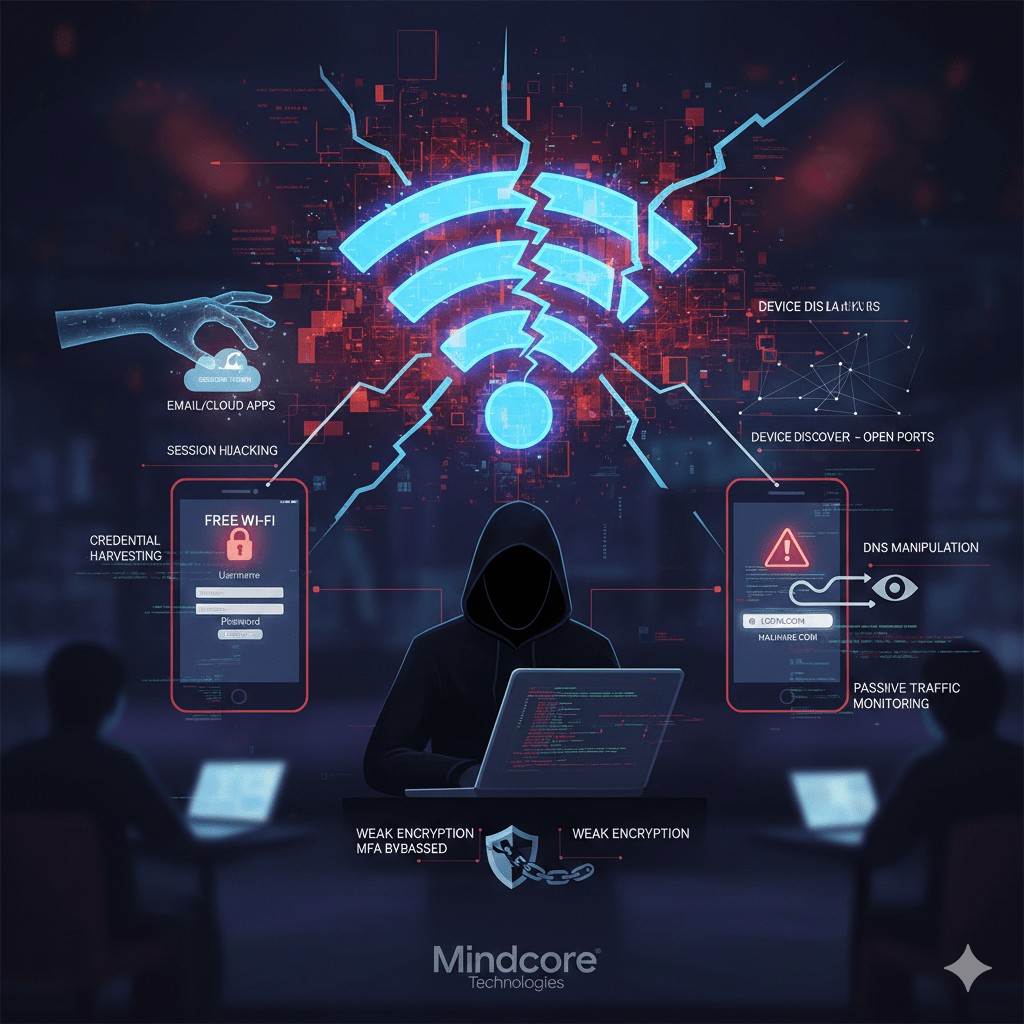
Public and unsecured Wi-Fi networks are not “unsafe by default.” They are uncontrolled by design. That distinction matters, because it’s what attackers exploit. When the network owner cannot be trusted, everything on the network becomes suspect.
At Mindcore Technologies, incident response routinely traces account takeovers and data exposure back to public Wi-Fi use. Not because users downloaded malware, but because attackers abused visibility and trust gaps inherent to these networks.
The Core Problem With Public Wi-Fi
Public Wi-Fi removes two critical safeguards:
- You do not control the network infrastructure
- You cannot verify who else is connected
That makes the network an observation point for attackers.
Risk #1: Session Hijacking (The Most Common Failure)
What happens:
Attackers capture active session tokens instead of passwords.
Why it works:
- Many apps keep users logged in
- Sessions persist for days or weeks
- MFA is bypassed once the session exists
Impact:
- Email, cloud apps, and portals accessed without reauthentication
- No password alerts
- No obvious signs of compromise
Session theft is quiet and devastating.
Risk #2: Man-in-the-Middle (MitM) Attacks
What happens:
An attacker positions themselves between your device and the internet.
How it’s done:
- Rogue access points (“Free Wi-Fi”)
- ARP spoofing on open networks
- Weak or misconfigured encryption
Impact:
- Traffic interception
- Credential capture
- Content manipulation
Even HTTPS does not protect all traffic or metadata.
Risk #3: Credential Harvesting via Fake Portals
What happens:
Users are redirected to fake login or captive portal pages.
Why it works:
- Public Wi-Fi commonly uses real captive portals
- Fake pages look identical
- Users expect to “log in” to get access
Impact:
- Stolen email, VPN, or cloud credentials
- Immediate account takeover
This is phishing without email.
Risk #4: Device Discovery and Lateral Attacks
What happens:
Other users on the same network can see your device.
Attackers can:
- Scan for open ports
- Target weak services
- Exploit unpatched vulnerabilities
Impact:
- Malware delivery
- Remote access
- Credential dumping
Flat, open networks amplify risk.
Risk #5: DNS Manipulation
What happens:
Attackers alter DNS responses on the network.
Why it matters:
- You are silently redirected to malicious sites
- Login pages look legitimate
- URLs appear correct
Impact:
- Credential theft
- Malware delivery
- Long-term compromise
DNS attacks are hard to detect in real time.
Risk #6: Passive Traffic Monitoring
What happens:
Attackers listen instead of interacting.
They collect:
- Visited domains
- App usage patterns
- Metadata about sessions and services
Impact:
- Targeted follow-up attacks
- Social engineering accuracy increases
- Business intelligence leakage
Even encrypted traffic leaks valuable context.
Risk #7: Weak or No Network Encryption
Unsecured Wi-Fi often means:
- No encryption at all
- Shared passwords reused widely
- Outdated protocols
Impact:
- Data interception
- Device fingerprinting
- Increased exploit success
Encryption protects traffic. Public networks often lack it.
Why MFA Alone Does Not Save You on Public Wi-Fi
MFA protects logins.
It does not protect:
- Active sessions
- Token theft
- Cookie reuse
If MFA is only checked at login, attackers simply bypass it by stealing sessions.
Why Businesses Are Especially at Risk
Public Wi-Fi exposes:
- Corporate email access
- Cloud platforms
- Internal portals
- VPN credentials
One compromised session can lead to:
- Business email compromise
- Cloud data exposure
- Ransomware staging
Remote and hybrid work magnifies this risk.
What Actually Reduces Public Wi-Fi Risk
Risk reduction requires layered controls, not avoidance alone.
Effective protections include:
- Enforcing VPN or secure workspace access
- Short-lived sessions with revalidation
- Phishing-resistant MFA
- Endpoint hardening and patching
- Blocking access to sensitive systems from unmanaged networks
- Monitoring for abnormal session behavior
Avoidance helps. Architecture protects.
When Public Wi-Fi Is Especially Dangerous
Avoid sensitive access when:
- Using open or unnamed networks
- Captive portals appear unexpectedly
- Security warnings appear
- Devices are unmanaged or outdated
If you wouldn’t trust the network with a company server, don’t trust it with a company identity.
How Mindcore Technologies Reduces Public Wi-Fi Exposure
Mindcore helps organizations secure remote and mobile access by implementing:
- Identity-aware access controls
- Secure, isolated workspaces
- Conditional access based on network trust
- Session monitoring and containment
- Endpoint posture enforcement
We design access so the network no longer has to be trusted.
A Simple Reality Check
Your risk is high if:
- Public Wi-Fi is used without secure tunnels
- Sessions persist indefinitely
- Devices are unmanaged
- MFA is optional or push-based only
- Network trust is assumed
These conditions are common—and exploitable.
Final Takeaway
The risk of public or unsecured Wi-Fi is not theoretical. It is structural. These networks remove visibility, control, and trust, giving attackers an ideal vantage point. The most damaging attacks do not involve malware or alerts. They involve stolen sessions and legitimate access.
Organizations and individuals that design security assuming hostile networks dramatically reduce exposure. Those that rely on passwords and hope continue to absorb avoidable risk.
