

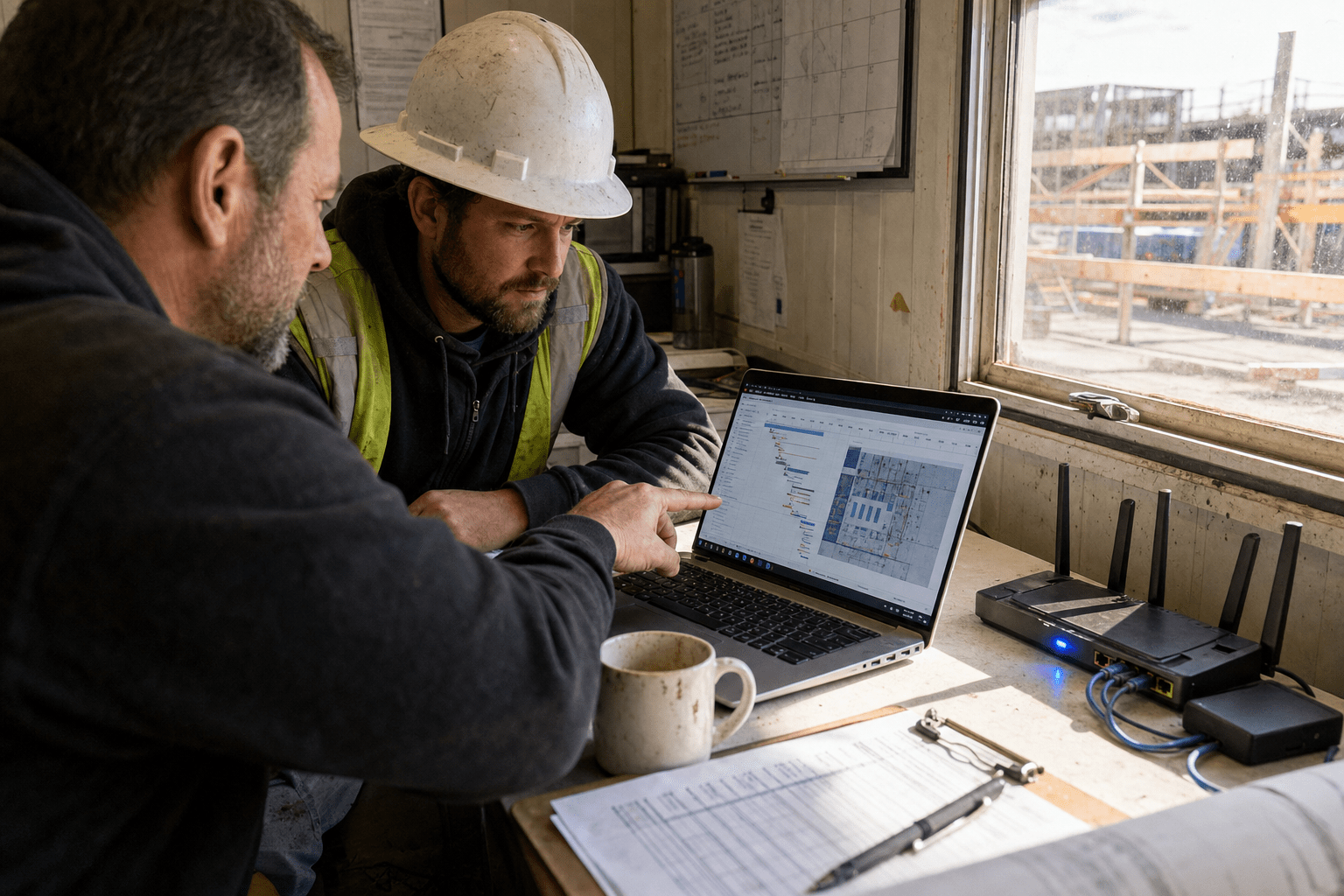
Managed IT Services for Construction Companies are the outsourced support model that keeps your office network, your job-site connectivity, and your project software running as one system instead of three disconnected ones. For construction firms, the value of Managed IT Services for Construction Companies is not generic help-desk coverage. It is the ability to move design files, submittals, and financials between a trailer on a muddy site and a back office 40 miles away without downtime, data loss, or a breach. In 2026, with more of the schedule living inside Procore, Autodesk, and Bluebeam, that connection is the business. When it drops, crews wait, and waiting crews cost real money every hour.
The 5 Things Every Construction Leader Should Take From This
We work with operations directors and CIOs at construction firms every week, and the same five truths come up on almost every call. Read these first, then dig into the sections that matter most to you.
- The gap that breaks construction IT is the job site, not the office. Most managed IT problems we inherit trace back to an MSP that quoted office support and never mapped the connectivity between the trailer and headquarters.
- Your project software is now your operational core. Procore, Autodesk Construction Cloud, and Bluebeam Revu hold your money and your schedule. If they slow down, your margin slows with them.
- Construction is a ransomware target, not a bystander. Attackers know contractors carry tight deadlines and thin IT staff, which makes you more likely to pay. That combination sits right in their sweet spot.
- Co-managed beats rip-and-replace for most firms. If you already have one internal IT person, the right model extends them, it does not fire them.
- Predictable cost is a competitive advantage. Flat monthly IT spend lets you bid tighter and protect the margin you win.
How Job-Site Connectivity Decides Whether Your IT Works
Job-site connectivity is the single factor that separates managed IT services for construction companies from ordinary business IT support. A law firm has one office and one network. You have a headquarters, a fabrication shop, and six active sites, each one a temporary network stood up in a trailer over a cellular or satellite link. I have walked onto sites where the project manager could not open a 400 MB model because nobody sized the connection for the way the crew actually works. That is not a software problem. That is a design problem the provider should have caught before quoting.
The fix starts with mapping. Before we price anything, our team documents every place your data lives and every path it travels, from the site router to the cloud to the back office. We size bandwidth to the real files your teams move, not a generic per-seat number. We build failover so a dropped cellular link rolls to a backup path instead of stopping the day. When you evaluate any provider, ask them to walk your sites first. If they quote before they have seen a trailer, they are selling office IT with a construction label. Our Managed IT Services for Construction Companies begin with that site walk because everything else depends on it.
Why Generic MSPs Underquote Construction Firms
Generic MSPs underquote construction firms because they price the office and forget the field, and the honest counterpoint is that some firms genuinely only need office coverage. A single-location remodeler with no active field networks may be served fine by a standard per-seat plan. But most growing contractors are not that firm. They run distributed sites, and the field is where the revenue happens.
The trap is a low headline number. An MSP counts your 30 office seats, quotes a tidy monthly figure, and stays silent on the eight job-site networks that need routers, cellular failover, and remote monitoring. Three months in, every site issue becomes an out-of-scope charge, and the tidy number balloons. Hold both realities at once: a low quote is not automatically wrong, but a low quote that never mentions your sites is a warning. Push for a scope that names the field explicitly.
How to Keep Trailers and Headquarters on One Secure Network
You keep trailers and headquarters on one secure network by treating each site as a managed extension of the corporate network, not a standalone island. The argument for isolation is real: a compromised site should not reach headquarters. The argument for unification is equally real: crews need the same files, the same logins, and the same speed everywhere.
The resolution is segmentation with central control. We deploy site routers that tunnel back to a central hub over an encrypted connection, then segment each site into its own zone. A breach on one site stays contained, yet every authorized user sees one consistent environment. Single sign-on means a foreman uses the same credentials in the trailer as at the desk. This is where a mature provider earns its fee, and it is a core piece of what strong construction IT support delivers.
Why Construction Project Software Is Now Your Operational Core
Construction project software is now your operational core because your schedule, your submittals, and your billing all live inside it, so its performance is your operating performance. Platforms like Procore, Autodesk Construction Cloud, and Bluebeam Revu moved from nice-to-have to the place where the job actually gets run. When those tools lag, the delay is not an inconvenience. It is a crew standing idle while a model syncs.
Managed IT Services for Construction Companies for these platforms means more than installing them. It means sizing your connectivity for how large files behave, managing user licenses so nobody loses access mid-project, and integrating the platform with your file storage and email. It also means having someone who can talk to the vendor when a sync fails at the worst moment. Our team monitors these applications the way we monitor the network itself, so we see a slowdown before your project manager files a ticket. The benefits of Managed IT Services for Construction Companies show up fastest here, because this is where your day is won or lost.
How Managed IT Keeps Procore and Autodesk Running Fast
Managed IT keeps Procore and Autodesk running fast by tuning the pipe and the endpoints those platforms depend on, though it is fair to note the vendor’s own cloud can still have a bad day. When Autodesk has a regional outage, no MSP can fix that, and any provider who claims otherwise is overselling. What we own is everything on your side of that connection.
On your side, speed comes from right-sized bandwidth, local caching where it helps, and workstations built for the model files your teams open. We standardize the hardware so a field laptop opens the same file at the same speed as an office machine. We keep the software patched so a stale client is not the thing dragging your sync. Microsoft’s own guidance on optimizing cloud application performance lines up with this approach, and you can review the current Microsoft 365 documentation for the collaboration side of that stack.
Why Data Loss on a Construction Project Costs More Than You Think
Data loss on a construction project costs more than you think because a lost model or a corrupted submittal log can stall a schedule that carries daily liquidated damages. The optimistic view says cloud platforms already back everything up, so why worry. The realistic view says cloud sync is not a backup, and a bad overwrite or a ransomware event can propagate straight into your synced storage.
Both sides hold truth. Cloud platforms do protect against hardware failure, and that matters. But they do not protect against a user deleting the wrong folder or an attacker encrypting your files, because those changes sync too. That is why we run independent, versioned backups that sit outside the sync path, tested on a schedule so we know they restore. When a general contractor loses a week of markups, the cost is not the file. It is the delay penalty and the trust with the owner.
Why Construction Firms Are a Rising Cybersecurity Target
Construction firms are a rising cybersecurity target because attackers know contractors run tight deadlines, hold large payments, and often carry thin internal IT, which raises the odds of a fast ransom payment. The federal Cybersecurity and Infrastructure Security Agency tracks ransomware as a persistent threat to exactly this kind of operation, where a stopped project pressures leadership to pay quickly.
The threats we see hitting construction are specific. Business email compromise targets your accounts payable team with a fake change-of-bank-details request tied to a real subcontractor. Ransomware lands through an unpatched site laptop and spreads to synced project files. Wire fraud rides on top of both. Defending against these is why our managed security services pair with the IT layer, because a network you cannot see is a network you cannot protect. The National Institute of Standards and Technology’s Cybersecurity Framework gives a practical structure for the controls that actually reduce this risk.
How Contractors Stop Business Email Compromise and Wire Fraud
Contractors stop business email compromise and wire fraud by enforcing multifactor authentication, verifying payment changes out of band, and training the finance team on the exact scam they will face. Some leaders argue this is finance’s job, not IT’s, and there is a grain of truth there. Payment verification is a process control.
But the process only works when the technical controls back it. We enforce multifactor authentication, which is a second proof of identity beyond a password, on every email account so a stolen password alone cannot send fraudulent instructions. We flag external emails so a spoofed subcontractor address stands out. We set the rule that any bank-detail change gets confirmed by a phone call to a known number, never a number in the email. The technology and the process only stop fraud together, which is why an IT provider who ignores your AP workflow is missing half the risk.
How to Choose the Right Managed IT Model for Your Firm
You choose the right managed IT model for your firm by matching the provider to your internal capacity, which for most growing contractors points to a co-managed arrangement rather than a full handoff. If you already employ one capable IT person, replacing them wholesale is usually the wrong move. If you have nobody, a fully managed model gives you a whole team for less than one senior salary.
The middle path fits most of the firms we onboard. Under a co-managed IT services model, your internal person keeps the relationships and the daily judgment calls while our team supplies the after-hours coverage, the security tooling, and the deep bench they cannot be alone. The decision is not about capability, it is about fit. Ask any provider to describe how they would work alongside your existing staff. If the only answer is to take everything over, keep looking.
Frequently Asked Questions
What do managed IT services for construction companies actually include?
Managed IT services for construction companies typically include network management across the office and every job site, support for project platforms like Procore and Autodesk, cybersecurity, data backup, and a help desk your crews can reach. The construction-specific part is the job-site connectivity and the software integration, which generic plans often leave out. A strong provider maps your sites before quoting so nothing critical falls outside the scope.
How much do managed IT services cost for a construction firm?
Cost depends on your number of users, the count of active job sites, and the project software you run, so a firm with eight field networks pays more than a single-office contractor. Most managed IT is priced as a predictable monthly fee, which helps you bid projects with a known IT number. Be cautious of any quote that looks low and never mentions your job sites, because field support usually returns later as out-of-scope charges.
Can managed IT support connect job-site trailers to the main office?
Yes, connecting job-site trailers to the main office is one of the core reasons construction firms hire managed IT support. Providers deploy site routers that tunnel securely back to your central network, size the connection for your file sizes, and build failover so a dropped cellular link does not stop work. Each site is segmented for security while your teams still see one consistent environment.
Do construction companies really face cybersecurity threats?
Construction companies face real and rising cybersecurity threats, especially ransomware and business email compromise aimed at accounts payable. Attackers target contractors because tight deadlines and large payments raise the chance of a fast ransom, and thin internal IT can leave gaps. Multifactor authentication, out-of-band payment verification, and monitored backups are the controls that reduce this risk most.
Should we replace our internal IT person to hire a managed provider?
Usually no, most growing firms are better served by a co-managed model that extends an existing internal IT person rather than replacing them. Your internal staff keeps the daily relationships and judgment while the provider adds security tooling, after-hours coverage, and specialist depth. A full handoff makes sense mainly when you have no internal IT capacity at all.
Ready to Close the Gap Between Your Sites and Your Office
The firms that win in 2026 treat IT as project infrastructure, not an afterthought bolted on after the trailer is already live. The connection between your job sites and your office is where the schedule is kept or lost, where your project software earns its cost, and where attackers look first. Generic office IT support was never built for that reality, and a quote that ignores your field is a quote that will grow later. What construction firms need is a partner who walks the site, maps the data path, sizes the connection to the way crews actually work, and secures the whole thing as one system. That is the model that keeps crews building instead of waiting. If you want a clear picture of where your current setup is exposed and what it would take to run your office and sites as one secure network, book a free strategy call with our team and we will start with your sites, not a seat count.

