

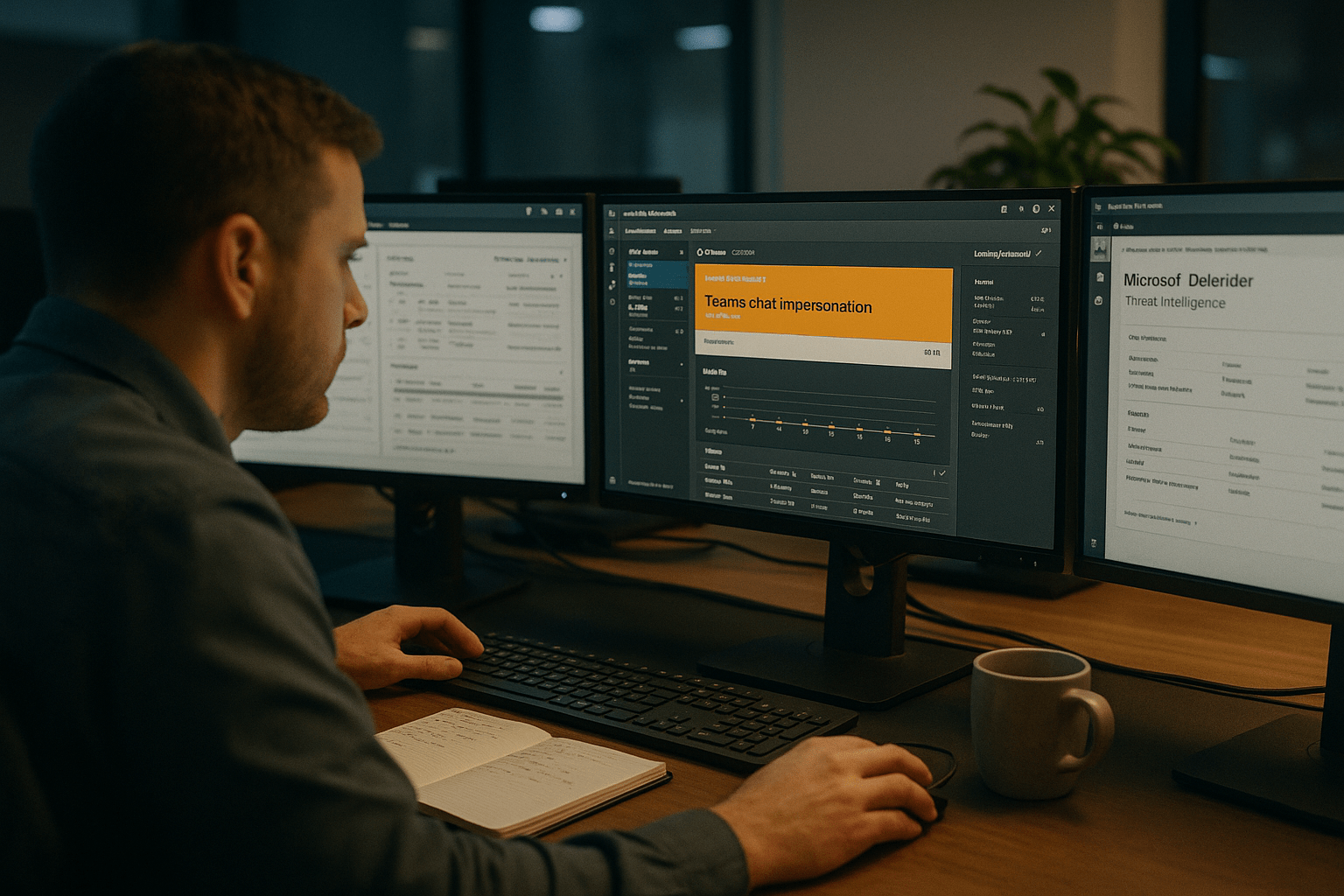
SMBs must understand Microsoft phishing risks as Microsoft Phishing attacks increasingly target Microsoft Teams and cloud users. The tactic works because email-based phishing defenses do not extend into Teams chat, and employees treat a Teams message the way they used to treat a coworker walking up to their desk. Closing that gap takes a specific set of identity, configuration, and training controls. The good news is the control set is short and most of it is already inside the Microsoft 365 licenses your business is paying for.
What Is Driving the Surge in Teams Phishing
The surge in Teams phishing is driven by three factors converging at once: native external collaboration in Teams is on by default in many tenants, employees apply a higher-than-warranted trust posture to anything that arrives in Teams, and attackers have published reliable playbooks that go from initial chat to remote code execution in under fifteen minutes. The numbers reported by Microsoft Threat Intelligence in early 2026 are not abstract; they map directly to the SMB tickets we are seeing inbound this quarter.
The Five Things SMBs Need to Know About Teams Phishing in 2026
Before getting into controls, anchor on these five points. They frame why this attack class is different from email phishing and why the same defenses do not transfer, building on the seven Teams phishing attacks hitting SMBs.
- Trust posture matters more than the threat vector. Teams messages bypass the skepticism users apply to email because the platform itself feels internal.
- External tenants are the entry point. Recognizing Microsoft Phishing tactics is essential, as attacks often originate from external tenants in Teams, bypassing traditional email protections.
- Helpdesk impersonation is the primary playbook. Microsoft Phishing attacks commonly involve helpdesk impersonation, tricking users into granting unauthorized remote access to systems.
- Executives are the priority target in 2026. Microsoft Phishing campaigns disproportionately target executives, highlighting the need for dedicated security awareness and controls against Microsoft Phishing threats.
- Defenses are configuration, not new products. Most of what closes this gap is already inside your Microsoft 365 license; the lift is operational, not procurement.
How Teams Phishing Bypasses Email Defenses
Teams phishing bypasses email defenses by sitting outside the surface those defenses inspect. Your email gateway, your DMARC posture, your secure email gateway sandbox, and your URL detonation all run on traffic that arrives via SMTP. A Teams message arriving over the Microsoft Graph backbone never touches any of that.
The Channel Is Trusted, Not the Sender
The platform was designed for internal collaboration, then extended to external partners as a feature. The user interface signals are subtle: the small “External” tag next to a sender name is the only visible cue, and it is easy to miss when the rest of the chat thread looks identical to an internal one. We have walked dozens of users through screen recordings of real phishing attempts and the tag is almost never noticed during the first read.
The counter argument says training fixes this. Training helps at the margin, and we still recommend it, but training alone leaves the trust posture intact. The reliable fix is to make external chat harder to receive in the first place, so the trust posture is irrelevant.
The Speed of the Playbook
Recent Microsoft Threat Intelligence reporting documents campaigns that go from initial chat contact to executing malicious scripts via Quick Assist in as little as twelve minutes. That window is shorter than the average SMB SOC response time to a Sev 2 alert. The defense cannot rely on detection-and-respond; it has to rely on prevention.
Why MFA Alone Will Not Save You
Even with MFA enabled, Microsoft Phishing attacks can succeed if users are tricked into granting access, demonstrating that Microsoft Phishing requires user vigilance beyond standard authentication. The attack does not need credentials; it needs the user to click “Allow” on a Quick Assist prompt. MFA is necessary and insufficient.

The Six Controls That Actually Stop Teams Phishing
Six controls close most of the Teams phishing attack surface for an SMB. They are ordered by impact for every Microsoft 365 tenant we have hardened in the past quarter.
Restrict External Tenant Communication
In the Teams admin center, change External Access from the default “Allow all external domains” to either “Block all” or “Allow only specific domains” with a published partner list. This single change eliminates the entry point for the helpdesk-impersonation playbook in a single click.
The objection is that “we collaborate with vendors and clients outside the tenant.” That is fair, and it is exactly why the policy should be allowlist, not blocklist. The vendors and clients you actually work with belong on an explicit list. Everyone else gets blocked.
Disable or Restrict Quick Assist
Quick Assist is the remote-control tool the attacker uses to take over the endpoint. For SMBs without a clear support workflow that requires Quick Assist, the cleaner answer is to remove the application from end-user machines through Intune. For SMBs that do need it for legitimate support, restrict its use through Conditional Access and require it to be initiated by IT, not by the end user.
Tighten Conditional Access for Teams Sessions
Apply a Conditional Access policy that blocks Teams sign-ins from unmanaged devices, restricts session length, and requires phishing-resistant MFA (FIDO2 keys or Microsoft Authenticator with number matching) for users in finance, IT, and executive groups. The policy work is one afternoon for a competent identity engineer.
Turn On Anti-Phishing in Defender for Office 365
The Defender for Office 365 anti-phishing policy applies to Teams chat in addition to email when configured correctly. Mailbox intelligence, impersonation protection for VIP users, and the safe links inspection layer all need to be enabled and scoped to include Teams. Most SMB tenants we audit have these enabled for email but scoped only to email, leaving Teams uncovered.
Roll Out a Verified IT-Initiated Support Channel
The reason helpdesk impersonation works is that employees have no reliable way to verify the helpdesk is actually the helpdesk. Solve that by publishing a single internal channel (a dedicated Teams channel, an internal phone extension, a verified ticketing portal) where all IT support requests originate. Tell employees clearly: if it did not come through that channel, it is not IT.
Train on the Real Playbook
Generic phishing training does not move the needle on Teams phishing. Run a focused training session that walks through the actual playbook with screen recordings of real attacks. Five minutes of “this is what a Quick Assist prompt looks like and why you should never approve one unless you initiated the support request” beats an hour of generic content. Repeat quarterly.
What to Do in the First 24 Hours After a Suspected Teams Phishing Attempt
Treat a suspected Teams phishing attempt as a credential and endpoint incident, not a chat hygiene issue. The user does not need to know whether they were compromised; the response team needs to assume they were.
- Hour 1. Force a sign-out on the affected user across all sessions. Revoke active refresh tokens. Disable any Quick Assist or AnyDesk session the user accepted.
- Hours 2 to 6. Isolate the endpoint via Defender for Endpoint, run a full scan, and review the sign-in log for the user across the past 48 hours for anomalous IPs.
- Hours 6 to 12. Reset the user’s password and re-enroll their MFA. Audit any application consent grants the user has authorized in the past 30 days.
- Hours 12 to 24. Review the External Access policy in Teams admin center to confirm the attacker tenant is added to a deny list. Notify Microsoft Threat Intelligence with the source tenant ID if the attack originated from a federated domain.
How an MSP Partner Changes the Math
An MSP partner with hands-on Microsoft 365 hardening experience changes the math because the controls above are operational, not procurement. Each one is technically straightforward and politically friction-heavy: someone has to own the change, communicate it to users, handle the helpdesk inbound, and tune the policy as exceptions surface. That is not work an internal IT generalist can fit into a busy week.
We do this work routinely for SMBs in the 25 to 250 employee range and the engagement structure is consistent: a two-week hardening sprint to ship the six controls, a 30-day tuning window to handle exceptions, and quarterly reviews to keep the policies aligned with how the business actually works. The cost is meaningful but small compared to a single successful executive-targeted ransomware incident.
Frequently Asked Questions
Can attackers bypass MFA in a Teams phishing attack?
Attackers do not need to bypass MFA in the helpdesk-impersonation playbook because the attack does not steal credentials. It tricks the user into granting remote-control access via Quick Assist or a similar tool. MFA is necessary for other attack classes but insufficient for this one.
Does Microsoft Defender for Office 365 cover Teams chat?
Defender for Office 365 covers Teams chat when the anti-phishing and safe links policies are explicitly scoped to include Teams. Most SMB tenants we audit have the policies enabled for email only. The fix is a configuration change, not a license upgrade.
Should we block all external Teams chat?
Blocking all external Teams chat is the most effective single control for SMBs that do not have an active business reason to receive chat from outside tenants. For SMBs that do have legitimate external chat needs, an allowlist of specific partner domains gives you the collaboration benefit without the open inbox.
How fast do these attacks move once they start?
Microsoft Threat Intelligence has documented campaigns that go from initial chat to executing malicious scripts in as little as twelve minutes. The window is shorter than typical SMB incident response, which is why the defense relies on prevention rather than detection.
Who is the most common target?
In Microsoft’s March 2026 reporting, 77 percent of Teams phishing attacks targeted executives, managers, and directors, up from 59 percent in January and February. Finance teams remain a top secondary target.
Talk to a Strategist Before the Next Tenant Audit
Microsoft Teams phishing is solvable with the configuration controls already inside your Microsoft 365 license, and the cost of leaving it unsolved is paid one incident at a time. The right next step is a focused tenant hardening sprint with someone who has done this work at SMB scale and can ship the six controls in two weeks without breaking your collaboration workflows. Our team runs structured Microsoft 365 security assessments designed around the actual attack playbook we are seeing right now, not generic checklists. A free strategy call is the fastest way to find out which of the six controls your tenant is currently missing.
Microsoft 365 Security and Identity Governance Expertise from Matt Rosenthal
Matt Rosenthal, CEO of Mindcore Technologies, has extensive experience helping organizations strengthen Microsoft 365 security, identity governance, and cybersecurity resilience across modern business environments. His expertise in zero-trust architecture, secure workspace design, threat monitoring, access management, Microsoft cloud security, and operational risk management helps businesses reduce attack surface while improving visibility and control across collaboration platforms. Matt’s leadership focuses on building proactive security frameworks that strengthen operational resilience, reduce enterprise risk, improve identity protection, and support long-term cybersecurity maturity.

