

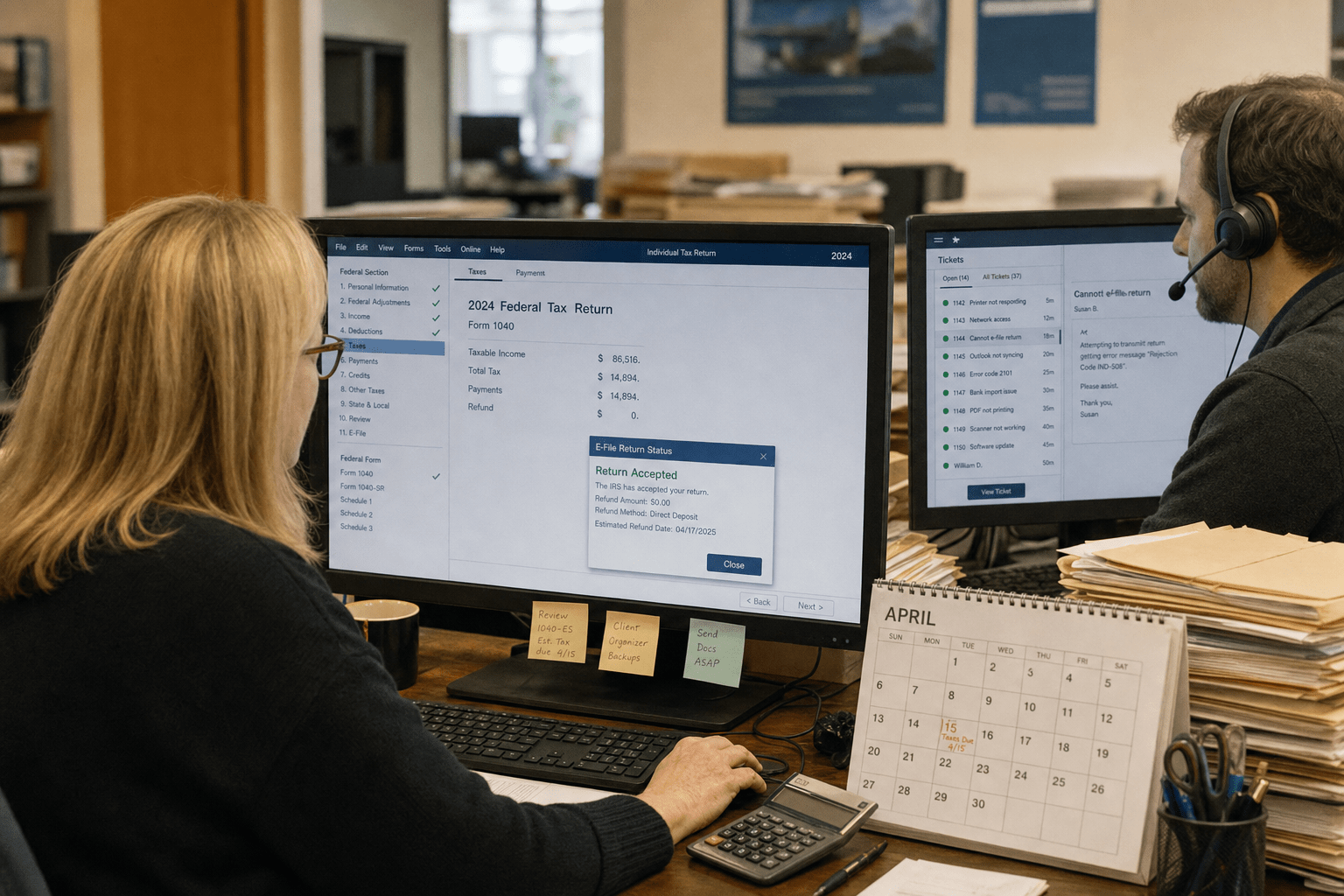
Help desk support for accounting firms has to clear a bar most industries never see: it must absorb a four-month surge, know the tax software your team lives in, and protect federally regulated client data every day. A generic desk that handles a marketing agency fine will buckle in March, when a stuck return and a filing deadline turn a small glitch into a real emergency. We have supported accounting practices through many tax seasons, and the firms that pick the right desk share one habit. They buy for their busiest week, not their quietest one, and they test whether the desk actually knows Lacerte from UltraTax before signing.
The 5 Things Accounting Firms Should Demand
Help desk support for accounting firms works when it is built for the way a firm actually runs, with a hard peak and regulated data. These five points are what we walk every firm through before they sign.
- Tax-season surge capacity. January through April runs at double load. A desk with no plan for the peak leaves you stranded during filing weeks.
- Tax-software fluency. Your desk should know Drake, Lacerte, UltraTax, CCH Axcess, and QuickBooks, not learn them on your dime mid-season.
- Priority response at deadlines. A stuck e-file the night before a deadline is not a routine ticket. Response times should tighten when the stakes rise.
- Regulated-data handling. Client returns hold Social Security numbers and financial records under federal rules. The desk must handle that data correctly.
- Seasonal-staff onboarding. Firms add temporary preparers for the season. The desk should stand them up fast without a contract renegotiation.
Why Help Desk Support for Accounting Firms Must Plan for the Surge
Help desk support for accounting firms must plan for the tax-season surge, because from January through April a firm runs at roughly double its normal intensity and the cost of downtime spikes with it. A minor issue that would wait a day in July becomes an emergency in March, when a preparer cannot open a return and a client’s deadline is hours away. The federal NIST guidance on IT service management frames measurable, scaled service levels as the core of reliable support, and for accounting that scaling is seasonal rather than steady.
There is a reasonable counterpoint. Paying year-round for peak capacity you only use four months a year can look wasteful, and a very small practice with light seasonal load may not need it. The balanced answer is a desk that flexes: standard service most of the year and a defined surge plan with faster response and extra capacity during filing season. Our managed help desk is designed to expand for the season rather than treat March like an ordinary month.
How Tax-Season Response Times Should Tighten
Tax-season response times should tighten during filing weeks, because a stuck return at a deadline is a different emergency than a password reset in the off-season. A desk that applies one flat service level all year treats a critical March outage the same as a routine July request, and that mismatch costs firms real money and client trust. The right agreement defines faster response targets for the January-to-April window, separate from the standard year-round terms.
The opposing view is that promising tighter deadline-week response can strain a provider and lead to corner-cutting. That risk is real if the desk has not actually staffed for the surge, which is exactly why you should ask how they add capacity rather than take the promise on faith. A serious provider explains the surge plan in specifics. Our IT support commitments spell out the seasonal response tiers so the desk is held to them when it matters most.
How Tax-Software Fluency Saves Filing Time
Tax-software fluency saves filing time because a desk that already knows Drake, Lacerte, UltraTax, CCH Axcess, and QuickBooks fixes application problems fast instead of learning your stack mid-crisis. Tax software has its own update cycles, e-file quirks, and multi-user gotchas, and a technician meeting these tools for the first time during filing week burns your hours climbing the learning curve. Familiarity turns a multi-hour outage into a quick resolution.
The counterargument is that a strong general technician can troubleshoot most software with enough time, and that is true in a slow month. In filing season, time is the one thing a firm does not have. A desk with hands-on accounting-software experience, the kind we build across our accounting industry clients, removes the learning curve at the exact moment it would hurt most.
The Compliance Factors a Generic Desk Ignores
The compliance factor in help desk support for accounting firms is that the desk touches federally regulated client data every time it opens a ticket. Accounting firms hold Social Security numbers, business returns, bank records, and payroll data, and that information falls under specific federal rules. The FTC Safeguards Rule requires firms that handle customer financial information to maintain a written security program, and a help desk with access to that data is part of the surface that rule covers.
A generic desk rarely accounts for this. The IRS also publishes Publication 4557, which lays out safeguards tax professionals are expected to follow to protect taxpayer data. A support provider that cannot speak to these obligations is a provider that may create exposure rather than reduce it. The point is not that every ticket is a compliance event, but that the desk handling your client data should understand the rules that data lives under.
How Regulated Data Should Be Handled at the Desk
Regulated client data should be handled at the help desk with least-privilege access and clear logging, because a technician who can see everything is a larger risk than one who can see only what a ticket requires. When a desk documents who accessed what and limits access to the task at hand, it both reduces the chance of misuse and creates the evidence a Safeguards Rule program expects. That discipline protects the firm and the clients at once.
The other side is that tight access controls can slow a technician who has to request elevated permissions to solve a problem. For a firm holding sensitive financial records, that small friction is usually worth the reduction in risk. A desk that treats access casually may resolve tickets a shade faster while quietly widening the firm’s exposure, and for an accounting practice that trade rarely pays off.
How Seasonal Staff Onboarding Should Work
Seasonal staff onboarding should be fast and controlled, because accounting firms add temporary preparers for filing season and each one needs accounts, access, and support from day one. A desk that can stand up new users quickly, with the right permissions and the right software, keeps the firm productive during its busiest stretch. A desk that treats every new hire as a slow, manual project drags on the season.
The counterpoint is that fast onboarding must not become sloppy onboarding, since a temporary preparer given too much access is a data risk that walks out the door in May. The balance is a repeatable process that is both quick and scoped: standard role templates, least-privilege access, and clean deprovisioning when the season ends. We tie this into the same tax-season support planning that governs the surge, so onboarding and offboarding are handled rather than improvised.
How to Choose a Help Desk Partner for Your Accounting Firm
Choosing a help desk partner for your accounting firm means testing surge capacity, software fluency, and data handling before you sign, not during filing week. Ask exactly how the desk scales for January through April, ask which tax applications their technicians have real experience with, and ask how they handle and log access to regulated client data. A confident provider answers each with specifics; a weak one offers a general reassurance and hopes you do not push.
Then check the deadline plan. A stuck e-file the night before a deadline is the moment that defines the relationship, and the right partner has a clear answer for it. If you want a straight read on whether your current support could survive your next tax season, our team offers a free strategy call to walk through it, with no obligation to buy. Our 24/7 emergency IT help desk exists precisely for the deadline-night emergencies a firm cannot afford to lose.
Frequently Asked Questions
How much does help desk support cost for an accounting firm?
Help desk support for an accounting firm is usually priced per user per month, and firms often land in a mid-range tier because of the compliance and tax-software demands. A twenty-person firm commonly pays a monthly fee covering unlimited help desk, endpoint protection, backups, and compliance documentation. The right price reflects your surge needs and data obligations, not just seat count.
Why does an accounting firm need specialized IT help desk support?
An accounting firm needs specialized help desk support because it runs a hard seasonal peak and holds federally regulated client data, two demands a generic desk is not built for. A desk fluent in tax software and compliance rules resolves filing-season issues quickly and handles sensitive data correctly. A general desk often learns both on your time, which is expensive in March.
What tax software should a help desk know for accounting firms?
A help desk for accounting firms should have hands-on experience with the tools your firm actually runs, commonly Drake, Lacerte, UltraTax, CCH Axcess, ProSeries, and QuickBooks. Familiarity with your specific stack turns application outages into fast fixes. Ask a provider which applications their technicians have direct experience with before you sign.
How does a help desk handle tax-season surges?
A help desk handles tax-season surges with a defined plan: faster response targets for filing weeks, extra capacity during the peak, and quick onboarding for seasonal staff. A desk with no surge plan treats March like any other month, which is where firms get stranded. Ask exactly how a provider scales for January through April.
Does help desk support affect FTC Safeguards Rule compliance?
Yes, help desk support affects FTC Safeguards Rule compliance because the desk accesses regulated client financial data when it works your tickets. A desk with least-privilege access and clear logging supports your written security program, while a careless one widens your exposure. Choose a provider that can speak to the Safeguards Rule and IRS Publication 4557.
Talk to a Help Desk Team That Knows Accounting
Help desk support for accounting firms is not a commodity you pick by seat price, it is a service you match to a seasonal peak and a regulated data environment. The firms that get this right buy for their busiest week, insist on tax-software fluency, and hold the desk to data-handling standards that match federal rules. The ones that struggle sign a generic plan and discover the gaps at the worst possible time, during filing season. If you want a clear read on whether your support could survive your next tax season, our team offers a free strategy call to map it out. You leave knowing your gaps and your options, whether or not you ever work with us.

