

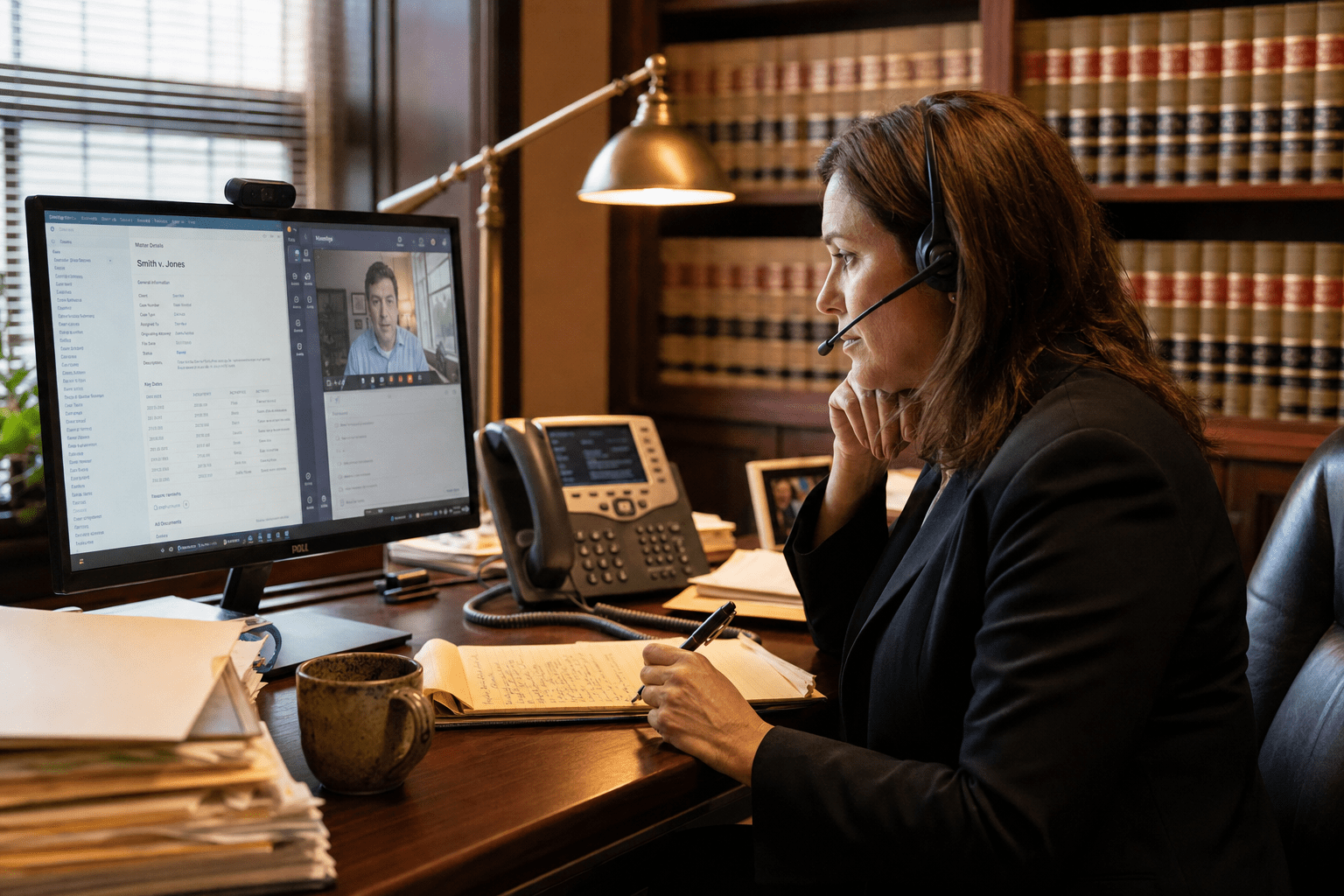
VoIP and unified communications for law firms is a confidentiality and recordkeeping decision far more than a phone-feature or price decision. The moment a firm moves calls, messages, and meetings onto one platform, it takes on questions a generic business never faces: is a recorded call still protected by privilege, how long must that recording be kept, who can access it, and can a remote attorney reach 911 correctly. We have deployed unified communications for law firms for years, and the firms that do it well treat the phone system as part of their confidentiality and compliance posture, not as a commodity utility bought on monthly cost.
The 5 Factors That Decide a Law Firm UC System
VoIP and unified communications for law firms works when the system is built around confidentiality and recordkeeping, not around a feature sheet. These five factors carry the most weight.
- Encryption and access control. Legal calls carry privileged content. Encryption and role-based access decide who can hear and see what.
- Call recording and retention. Recorded calls become records. How they are stored, retained, and produced matters legally.
- Privilege protection. A recorded conversation must stay within the bounds of attorney-client privilege, which configuration can protect or undermine.
- E911 for remote attorneys. A lawyer working from home must reach emergency services with the right location. This is a legal and safety requirement.
- Practice-tool integration. Connecting the phone system to case management keeps communication tied to the right matter.
Why VoIP for Law Firms Turns on Confidentiality
VoIP for law firms turns on confidentiality, because the same call that improves efficiency can expose privileged client communication if the system is configured poorly. Moving to VoIP does not automatically protect attorney-client conversations. Protection depends on encryption in transit, controlled access to recordings, and a network built to carry sensitive traffic securely. The federal CISA advisories repeatedly flag communication platforms as attacker targets, and a law firm’s calls are a high-value one.
There is a reasonable counterpoint. A small firm handling routine matters might view heavy encryption and access controls as more than it needs, and for the least sensitive work that view has some merit. But privilege is not something a firm can selectively drop, and a single exposed recording can damage a client relationship and a matter at once. The safer posture is to treat every legal call as confidential by default, which is why we build law firm communications on encrypted transport and strict access from the start.
How Encryption and Access Control Protect Privilege
Encryption and access control protect attorney-client privilege by ensuring only authorized people can hear or retrieve a conversation. Encryption in transit, using protocols like TLS and SRTP, keeps calls from being intercepted, while role-based access control decides which staff can reach recordings, voicemails, and call logs. A partner, an associate, and support staff should not all have the same access to every recorded matter.
The opposing view is that tight controls add friction, and an associate who cannot quickly pull a recording may lose time chasing permissions. That friction is real but usually worth it, because the alternative is a firm where anyone can access any client’s privileged calls. The balance is access scoped to responsibility rather than either extreme. Microsoft’s Teams Phone platform supports this kind of role-based structure, and we configure it so privilege is protected without stalling the people who need legitimate access.
How Call Recording and Retention Should Be Handled
Call recording and retention should be handled as a records question, because a recorded legal call is not a casual artifact, it may be evidence, a client record, or discoverable in litigation. A firm has to decide what gets recorded, with what consent, how long recordings are retained, and how they are produced if requested. Recording everything indefinitely creates a discovery liability, while recording nothing loses a useful record, so the policy has to be deliberate.
The counterargument is that recording adds legal exposure a firm might prefer to avoid entirely, and some practices choose not to record client calls at all. That is a legitimate posture for certain practice areas. For firms that do record, the system must store recordings securely, apply a defined retention schedule, and control access. We help firms set recording and retention policies into the Microsoft Teams environment so the technology enforces the firm’s legal decisions rather than leaving them to chance.
The Legal Factors a Generic Phone Sale Ignores
The legal factor in unified communications is that a law firm carries obligations a standard business phone sale never addresses, starting with emergency calling and matter-based recordkeeping. When attorneys work remotely, which is now normal, the phone system must route their 911 calls with an accurate location. The federal FCC E911 rules require that emergency calls carry correct location information, and a VoIP system that reports the firm’s main office when an attorney is calling from home is a real safety and compliance gap.
Recordkeeping is the other overlooked factor. Legal communication is tied to specific matters, and a phone system disconnected from case management leaves calls, voicemails, and messages floating outside the client file. Integration with practice platforms keeps communication attached to the right matter, which supports both service and the firm’s recordkeeping duties. A generic phone vendor selling on price and features rarely raises either issue, which leaves the firm to discover the gaps later.
How E911 Should Work for Remote Attorneys
E911 should work for remote attorneys by dynamically reporting each caller’s actual location, because a lawyer calling 911 from a home office needs responders sent to that home, not the firm’s headquarters. Modern VoIP platforms support dynamic emergency location, but it has to be configured, and a rushed deployment often leaves everyone mapped to the main office address. That misconfiguration is invisible until the emergency happens.
The opposing consideration is that maintaining accurate locations for a distributed workforce takes ongoing effort, and a firm with stable, in-office staff faces less exposure. That is fair for a fully on-site practice. For any firm with remote or hybrid attorneys, though, dynamic E911 is not optional, it is a safety obligation. We treat emergency-calling configuration as a required step in a law firm deployment, verified against how the firm actually works, not assumed.
How Practice-Tool Integration Keeps Records Straight
Practice-tool integration keeps a law firm’s records straight by tying calls, messages, and voicemails to the matter they belong to, rather than leaving them scattered across a separate phone system. When the communication platform connects to case management, an attorney sees the full history of client contact in one place, and the firm’s records stay complete. This matters for service quality and for the firm’s duty to maintain accurate client records.
The counterview is that integration adds setup complexity and creates a dependency between two systems that must stay in sync. That is a genuine consideration, and a poorly maintained integration can cause its own problems. But the alternative, communication history living outside the client file, is worse for a firm that must account for its client contact. The right VoIP setup starts with a network that can carry voice reliably, which is why we pair communications work with the network management that keeps call quality and integrations stable.
How to Choose a UC Partner for Your Law Firm
Choosing a unified communications partner for a law firm means testing whether they understand privilege, recording law, and emergency calling, not just phone features. A strong partner asks how your firm handles confidential calls, what your recording and retention obligations are, and how your remote attorneys work, then builds the system around those answers. A weak one quotes a package and treats your firm like any other office.
Ask a prospective provider how they encrypt calls and control access to recordings, how they configure retention, and how they handle E911 for remote staff. Ask whether they integrate with the practice tools your firm already uses. If you want a straight read on whether your current phone system protects privilege and meets your obligations, we offer a free strategy call to walk through it with no obligation to buy. Firms often pair this with our broader managed IT for law firms, and we can deploy on the Microsoft Teams Phone system many firms already own through Microsoft 365.
Frequently Asked Questions
Is VoIP secure enough for attorney-client privilege?
VoIP can be secure enough for attorney-client privilege, but only when it is configured for it, with encryption in transit and controlled access to recordings. Moving to VoIP does not automatically protect privileged calls. The security depends on encryption protocols, access controls, and a network built to carry confidential traffic.
How long should a law firm keep call recordings?
A law firm should keep call recordings according to a defined retention schedule that reflects its practice areas and legal obligations, rather than recording everything indefinitely or nothing at all. Indefinite retention creates discovery liability, while no policy loses useful records. The right schedule is a deliberate legal decision the system should enforce.
Does VoIP handle 911 correctly for remote attorneys?
VoIP handles 911 correctly for remote attorneys only when dynamic emergency location is configured, so a 911 call from a home office sends responders to that home, not the firm’s headquarters. Many rushed deployments map everyone to the main office. Verifying E911 for how your attorneys actually work is a required deployment step.
Can a law firm phone system connect to case management software?
Yes, a law firm phone system can connect to case management software, tying calls, voicemails, and messages to the correct matter. This keeps communication history in the client file and supports the firm’s recordkeeping duties. Integration adds setup complexity but is usually worth it for firms that must account for client contact.
What is unified communications for a law firm?
Unified communications for a law firm brings calls, messaging, video meetings, and voicemail onto one integrated platform, replacing separate phone and messaging systems. For a firm, the value is not just convenience but confidentiality, recordkeeping, and integration with legal tools. A well-configured platform protects privilege while streamlining how attorneys communicate.
Talk to a UC Team That Understands Law Firms
VoIP and unified communications for law firms is not a commodity phone purchase, it is a decision about confidentiality, recordkeeping, and compliance. The firms that get this right build the system around privilege protection, deliberate recording and retention, accurate emergency calling, and integration with their practice tools. The ones that struggle buy on price and features, then discover a privilege gap or an E911 misconfiguration at the worst possible moment. If you want a clear read on whether your communications protect your clients and meet your obligations, our team offers a free strategy call to map it out. You leave knowing your options, whether or not you ever work with us.

