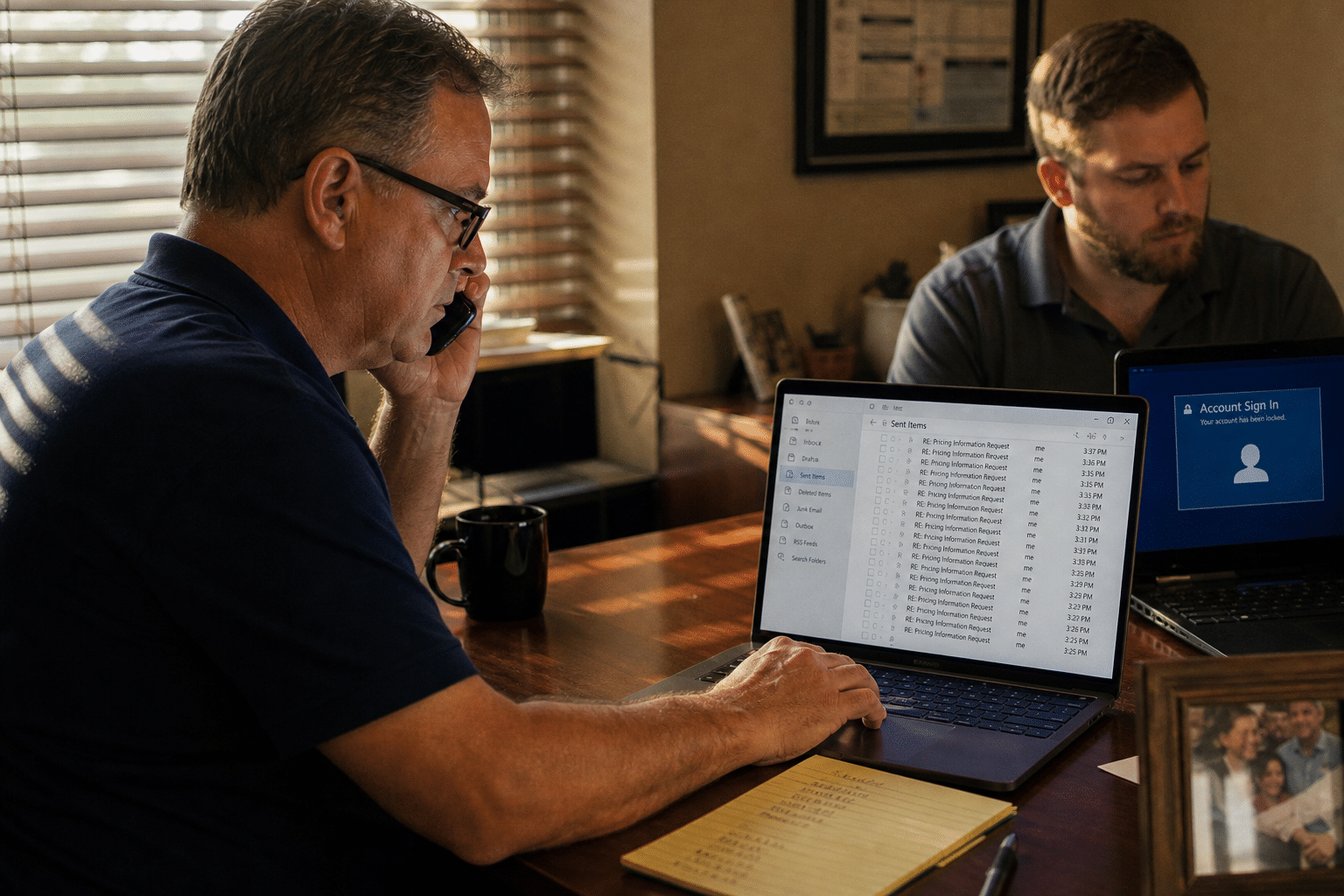
A compromised email account is a business mailbox an attacker has taken over, and the fastest damage it causes is usually outbound: messages sent from a trusted address to everyone that person has ever corresponded with. Japanese media group Nikkei disclosed in October 2026 that an attacker took over an employee’s Microsoft 365 account and used it on September 30 to send about 9,000 phishing emails to people inside and outside the company, including people who had previously written to its staff. The company also found a separate Google Workspace account that had been accessed from late July, exposing data on 1,646 people, and learned about it from a Google alert. For a small or midsize business, the outbound version is the one that damages relationships, because clients and suppliers trust messages from your domain. The good news is that limiting, detecting and answering an outbound spray takes a few settings and a short plan you can prepare this week.
Overview: Five Things to Set Up Before It Happens
Our security team handles mailbox compromises for clients regularly, and the ones that end well share five preparations.
- Outbound sending limits. A cap on recipients per hour stops a hijacked mailbox from reaching thousands of contacts.
- An outbound volume alert. Someone should be paged when a normal user suddenly sends hundreds of messages.
- Phishing-resistant sign-in. Passkeys or security keys block most account takeovers before they start.
- A tested lockout routine. Revoking sessions, resetting credentials and removing rules should take minutes, not hours.
- A pre-written contact notice. A short, factual message to affected contacts protects trust while the investigation continues.
Why a Compromised Email Account Hurts Contacts First
A compromised email account hurts your contacts first because the attacker’s most valuable asset is your reputation: messages from a real address, in existing conversation threads, get opened and clicked. The data in the mailbox matters, but the outbound reach is what turns one breach into many.
Trusted Threads Get Clicked
Attackers often reply inside existing threads, so the message arrives with real history underneath it. A client who has exchanged invoices with your accountant for years is unlikely to question one more link.
One view holds that recipients should verify every link. That is good advice and rarely followed under time pressure. The other view is that the sender is better placed to stop the message at the source, and we agree: your controls protect your contacts more reliably than their vigilance.
Contacts Become the Next Victims
Recipients who click often lose their own credentials, and their mailboxes then send the next wave. In the Nikkei case, the attacker targeted people who had corresponded with staff, which is exactly how these chains spread.
Detection Often Comes From Outside
Many businesses learn about the compromise when a client calls to ask about a strange message, or, as Nikkei did with its Google account, from a provider alert. Our account of how we stopped an email account compromise in minutes shows how much faster internal alerts make the response.
How to Limit the Blast Radius in Advance
Limiting outbound reach is the most underused control against a compromised email account, because it caps the damage even when the takeover succeeds. Both Microsoft 365 and Google Workspace support it.
Outbound Sending Limits
In Microsoft 365, outbound spam policies let administrators set recipient limits per hour and per day, and choose whether a user who exceeds them is blocked from sending. Google Workspace applies sending limits and lets administrators add compliance rules for unusual volume.
Some teams worry that limits will block legitimate bulk mail. The answer is to send newsletters and campaigns through a dedicated marketing platform and keep personal mailboxes on conservative limits that match how people actually write.
External Recipient Rules
Consider requiring approval, or adding a delay, when a mailbox suddenly sends to hundreds of external recipients it has never contacted before. That rule catches sprays that stay under the hourly cap.
Restricting Forwarding and Rules
Block automatic forwarding to external domains and alert on new inbox rules that move, delete or forward mail. Our guide to hidden persistence traps in business email compromise covers the rules attackers use to stay hidden.
How to Detect a Takeover Quickly
Detecting a takeover quickly depends on alerts for unusual sign-ins and unusual sending, reviewed by someone who can act within minutes. The difference between ten minutes and ten hours is often thousands of messages.
Sign-In Signals
Alert on sign-ins from unfamiliar countries, impossible travel, new devices and legacy protocols. Conditional access can block many of these outright.
Sending Signals
Alert when a mailbox exceeds its normal daily volume by a wide margin, or when Microsoft 365 restricts a user for suspected spam. Treat a restricted-sender notice as a likely compromise rather than a nuisance.
Who Watches the Alerts
Alerts only help if someone sees them at night and on weekends, which is when many sprays happen. Managed security services provide that coverage for firms without their own security staff.
What to Do in the First Hour
The first hour after spotting a compromised email account should follow a written sequence, so nobody has to improvise while messages are still going out. Speed matters more than completeness at this stage.
Lock the Account
Block sign-in, revoke all active sessions and refresh tokens, reset the password and re-register MFA from a trusted device. Revoking sessions matters because a password change alone does not end an attacker’s existing session.
Stop and Recall What You Can
Remove malicious inbox rules and forwarding, check for newly registered apps with mailbox access, and use message trace to list every recipient of the malicious messages. In Microsoft 365, administrators can search and purge the messages from internal mailboxes.
Notify Contacts
Send a short notice to external recipients: a message from this address was not sent by us, do not click its links, and contact us by phone if you entered any details. Have the template drafted in advance and approved by leadership, so it goes out within the hour.
Some leaders hesitate to admit a compromise to clients. In our experience, clients respond far better to a prompt, plain warning than to discovering the problem themselves.
Assess Data Exposure
Once the spray is contained, review what the attacker could read. If the mailbox held personal or regulated data, involve your data breach incident response partner to determine notification duties.
How to Prevent the Takeover in the First Place
Preventing the takeover is the cheapest outcome, and phishing-resistant sign-in does most of the work. Our article on multi-factor authentication best practices explains why passkeys and security keys resist the relay phishing that defeats codes.
Pair that with short Microsoft 365 training on reporting suspicious messages, and with the basics covered in our phishing attacks resource and our explainer on preventing business email compromise.
Frequently Asked Questions
How do I know if my email account is compromised?
Common signs include sent messages you did not write, new inbox rules, bounce-backs from unknown recipients, sign-in alerts from unfamiliar places and a notice that your account was restricted from sending. Any one of these deserves an immediate check.
Does changing the password stop the attacker?
Not on its own. Revoke active sessions and tokens, re-register MFA from a trusted device and remove any rules or connected apps the attacker added.
Should we tell clients their contact sent them phishing?
Yes. A short, factual notice warning them not to click links and asking them to call if they entered details protects them and preserves trust.
What outbound limits make sense for staff mailboxes?
Limits matching normal use, often a few hundred external recipients per day for most staff, with bulk communication moved to a dedicated platform. Adjust for roles that genuinely send more.
Can this happen with Google Workspace as well as Microsoft 365?
Yes. Both platforms are targeted, and both offer sign-in alerts, sending limits and session revocation. The same preparation applies.
Who Is Behind This Guidance
Mindcore Technologies secures Microsoft 365 and Google Workspace for small and midsize businesses and responds to mailbox compromises for clients around the clock. This guidance comes from the incidents our team contains and the settings we put in place afterward so they do not recur. You decide how your business communicates with clients; our role is to make sure a single stolen login cannot speak for you to all of them. Mindcore is led by CEO Matt Rosenthal, who focuses on helping growing firms protect the trust their clients place in every message they send.
Protect Your Contacts With a Free Strategy Call
A compromised email account can phish your clients, suppliers and partners in the time it takes to notice, so prepare before it happens. Set outbound sending limits, alert on unusual volume and sign-ins, block external forwarding, move key accounts to passkeys, and write the lockout steps and contact notice now. If you want help configuring these controls in Microsoft 365 or Google Workspace, or reviewing how quickly you could respond today, book a free strategy call with our security team. We will check your current settings and give you a short plan to close the gaps.