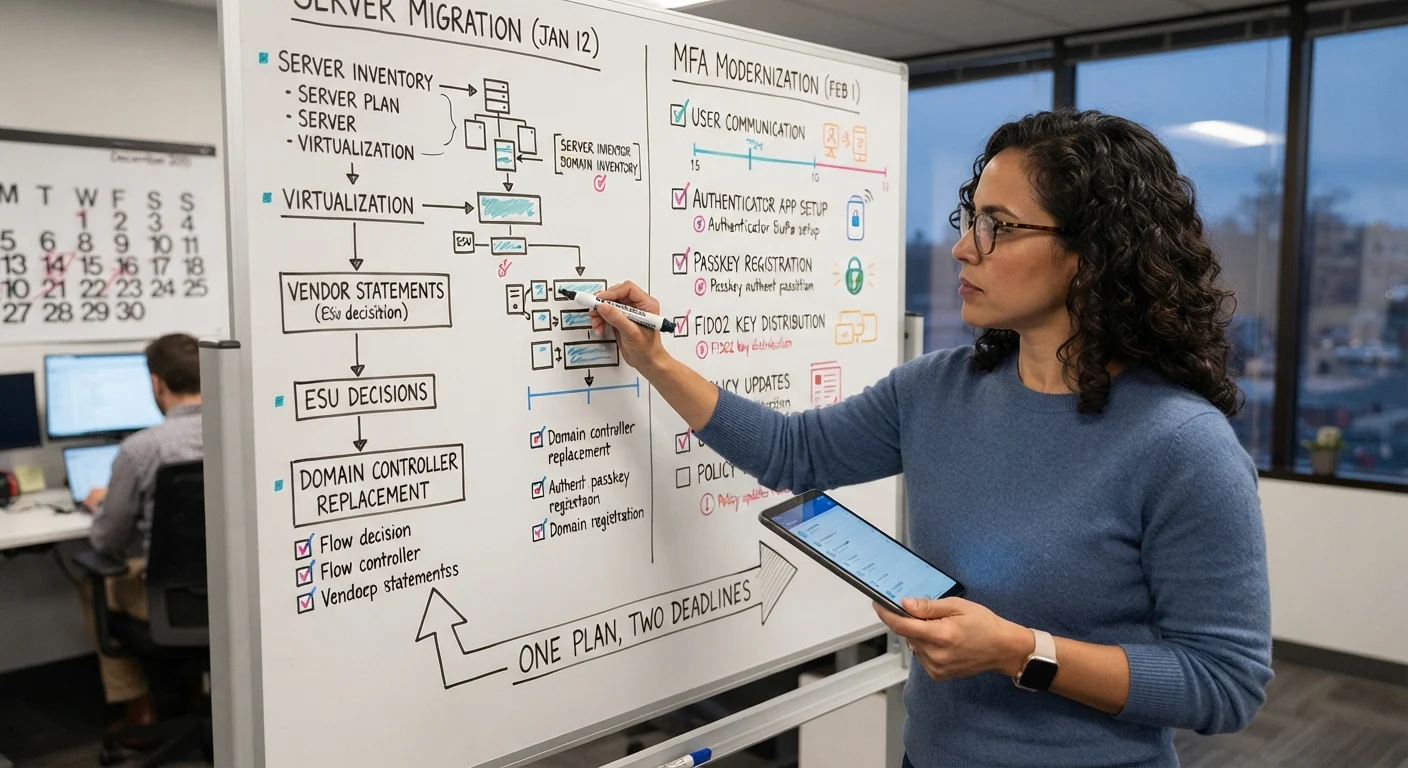
Two Microsoft deadlines land 20 days apart, and most IT teams are only tracking one of them. Windows Server 2016 gets its final security update on January 12, 2027. On February 1, 2027, Microsoft stops delivering SMS and voice codes for sign-in in Entra ID. A domain controller left on 2016 and a workforce still signing in by text message are two separate problems that hit in the same month, and both are fixed with planning, not budget.
The window for an orderly move is measured in weeks now. Teams that start in December migrate on their own schedule. Teams that start in February migrate during an outage or a help desk flood.
Five Answers Before You Read Further
- Windows Server 2016 extended support ends January 12, 2027. That is the last Patch Tuesday for the operating system, and servers keep running afterward with no security fixes unless they are enrolled in paid Extended Security Updates.
- ESU is a bridge, not a plan. It covers critical and important security patches only, for up to three years, and late enrollment means paying for the years you skipped.
- Microsoft-provided SMS and voice MFA retires February 1, 2027. Global Administrators and external users get until July 1, 2027, while internal guest accounts follow the February date.
- Users whose only MFA method is SMS or voice get a blocking passkey prompt. Microsoft states there is no opt-out from that enforcement, so those users cannot sign in until they register a passkey.
- Authenticator push and TOTP codes keep working. Users who already use an authenticator app avoid the blocking prompt, which makes them the fastest group to clear before the deadline.
What Changes on January 12 and February 1, 2027
Windows Server 2016 end of support and the SMS MFA retirement fall on different layers of your environment, but they share a root cause: infrastructure that was set up years ago and never revisited. Here are the dates that matter:
| Date | What happens | Who it affects |
|---|---|---|
| January 12, 2027 | Final security update for Windows Server 2016 | Every 2016 server not enrolled in ESU |
| February 1, 2027 | Microsoft-provided SMS and voice MFA and self-service password reset retire | All Entra ID users except Global Administrators and external users |
| July 1, 2027 | Same retirement applies | Global Administrators and external users |
| January 8, 2030 | Final possible ESU coverage for Server 2016 | Servers enrolled for all three ESU years |
On the server side, the systems still on 2016 tend to be the ones nobody wants to touch: domain controllers, file servers, SQL Server hosts, Remote Desktop Services farms, and Hyper-V hosts running line-of-business apps. An unpatched domain controller is the most dangerous of these, because attackers who reach it control every account in the domain.
On the identity side, the risk is lockouts rather than breaches. A user whose only registered method is a text message will hit a sign-in screen on February 1 that they cannot get past without registering a passkey. If that happens to a few hundred people on the same morning, your help desk becomes the outage. Our managed IT services in New Jersey team plans both cutovers together for this reason.
Should You Buy Extended Security Updates or Migrate Off Server 2016 Now?
For most servers, migrate now and buy ESU only for the systems that cannot move before January 12. ESU keeps critical and important security patches flowing for up to three years, but it delivers no bug fixes, no new features, and no technical support beyond those patches. Each year costs more to carry, and the end date does not move.
There is a fair case for ESU on a larger share of servers. Some line-of-business applications are certified only on 2016, and a vendor may need months to validate a newer version. A rushed migration of a production SQL Server or an ERP back end over the holidays can cause more downtime than a year of paid patching. For a small number of these systems, ESU is the responsible call.
Our recommendation: treat ESU as a list of named exceptions with exit dates, and move everything else.
- Inventory every 2016 instance, including virtual machines and appliances. Servers hidden inside vendor appliances and old Hyper-V hosts are the ones that get missed.
- Replace domain controllers rather than upgrading them in place. Stand up new domain controllers on a current version, transfer the FSMO roles, then demote the 2016 servers, which is cleaner and easier to roll back.
- Move file and print workloads first. They have the fewest dependencies, so they clear the list quickly and free up time for the harder applications.
- Ask every software vendor for a support statement on Windows Server 2025. Their answer decides whether a server migrates now or goes on the ESU exception list.
- Enroll ESU servers before January 12. Enrolling late does not save money, because you pay for the years you skipped.
- Set an exit date for every ESU server. Without a date, a one-year bridge turns into a three-year one.
If you need help sorting which servers move and which stay, our IT support services team can run the inventory with you before the holidays.
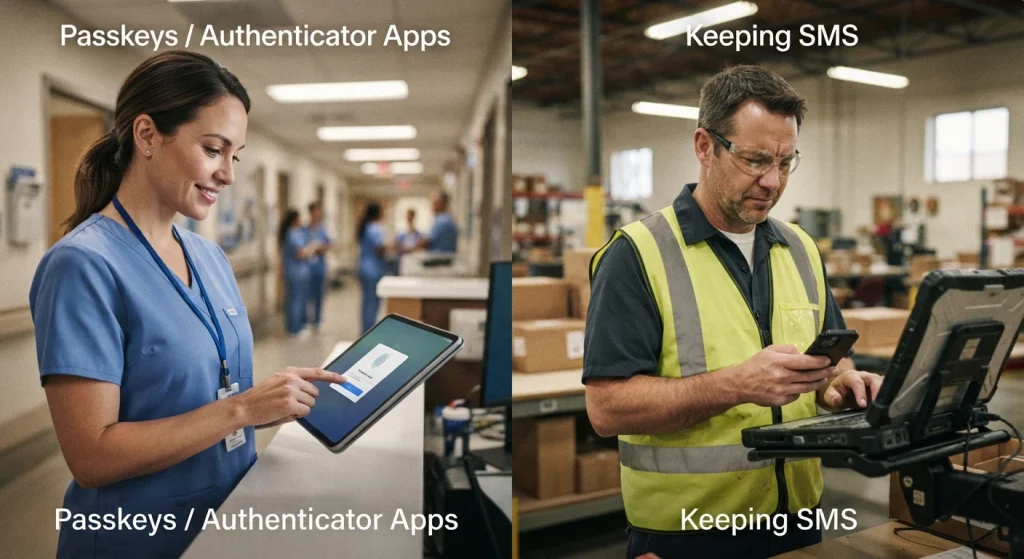
Is Moving Every User to Passkeys Worth It, or Should You Keep SMS?
Moving users to passkeys or an authenticator app is the better path for nearly every organization, because it removes the lockout risk and closes a phishing gap at the same time. SMS codes can be intercepted through SIM swapping and relayed in real time by adversary-in-the-middle phishing kits. Passkeys and FIDO2 security keys are bound to the real sign-in site, so a fake login page cannot capture them.
Keeping SMS has a real argument behind it. Microsoft allows organizations to keep SMS and voice working after February 1 by setting up their own telephony provider. Some workforces include frontline staff without company smartphones, shared workstations, or people who will not install apps on personal phones. For those groups, keeping text codes feels like the least disruptive choice.
Our recommendation: move everyone you can to phishing-resistant methods, and give users without smartphones FIDO2 security keys instead of keeping SMS alive.
- Run an authentication methods report in Entra ID this week. It shows exactly which users have SMS or voice as their only method, and those users are your lockout list.
- Clear the easy group first. Users who already have Microsoft Authenticator registered are not blocked, so confirm their app works and move on.
- Issue FIDO2 security keys to users without smartphones. A hardware key works on shared PCs and needs no personal phone.
- Require phishing-resistant MFA for administrators now. Global Administrators have until July 1, 2027, but they are the accounts attackers want most, so they should not wait.
- Set up Temporary Access Pass for recovery. When a user loses a key or phone, the help desk can issue a one-time pass instead of falling back to SMS.
- Update self-service password reset methods. The retirement covers SSPR as well, so users who reset passwords by text will lose that path too.
If your organization handles defense contracts, phishing-resistant MFA also supports your CMMC compliance posture, which makes this change worth more than meeting the deadline.
Can IT Run Both Projects at Once Without Breaking Things?
Yes, as long as the two projects are sequenced so that they never touch the same users on the same day. Server migration work happens mostly after hours and out of users’ sight, while the MFA change lands on every person who signs in. The teams, tools, and change windows barely overlap.
The opposing view comes from experience. Two deadlines in the same month, during the holiday season, with year-end close in finance and reduced staffing, is a real recipe for change fatigue. Some IT managers would rather move the servers now, buy ESU for anything left over, and push the MFA work into January as one focused campaign.
Our recommendation: start the MFA communications now, because user behavior takes the longest to change, and run server cutovers in parallel during maintenance windows.
- Send the first user notice before mid-December. Tell people what will change on February 1 and what to install, so registrations build gradually instead of all at once.
- Schedule server cutovers in maintenance windows only. Keep migrations off the days you push MFA registration drives, so a sign-in issue never gets confused with a server issue.
- Staff the help desk for the last week of January. Registration requests peak just before enforcement, whatever the communications say.
- Track one shared readiness dashboard. Two numbers belong on it: servers still on 2016, and users with SMS as their only method.
The 2027 Deadline Checklist
Use this list to track both projects from now until July 1, 2027.
Windows Server 2016 end of support
- ☐ Inventory every Windows Server 2016 instance. Include physical servers, virtual machines, cloud instances, and appliances that run 2016 under the hood.
- ☐ Map each server to its owner and its applications. A server nobody owns is the one that misses the deadline.
- ☐ Get a vendor support statement for each line-of-business application. This decides whether the server migrates or goes on the ESU list.
- ☐ Replace 2016 domain controllers. Build new domain controllers, transfer the roles, and demote the old ones before January 12.
- ☐ Migrate file, print, and utility servers. These carry the least risk and clear the list fastest.
- ☐ Enroll remaining servers in ESU before January 12, 2027. Record a named exit date for each one.
- ☐ Verify backups of every server before and after cutover. A tested restore is the rollback plan.
SMS and voice MFA retirement
- ☐ Run the Entra ID authentication methods report. Identify every user whose only method is SMS or voice.
- ☐ Notify users before mid-December. Explain the February 1 change and the methods they should register.
- ☐ Move users to Microsoft Authenticator or passkeys. Start with departments that sign in most often.
- ☐ Issue FIDO2 security keys to users without smartphones. This covers frontline and shared-workstation staff.
- ☐ Remove SMS from self-service password reset. Replace it with authenticator or other supported methods.
- ☐ Configure Temporary Access Pass for lost-device recovery. The help desk gets a fallback that is not SMS.
- ☐ Move Global Administrators to phishing-resistant MFA now. Do not wait for their July 1, 2027 date.
- ☐ Review external user and guest access. Internal guests follow February 1, external users follow July 1, and both need a plan.
Two Deadlines, One Plan, Started This Month
Windows Server 2016 end of support on January 12 and the SMS MFA retirement on February 1 are best handled as one project with two tracks. Servers move on their own track during maintenance windows, with ESU reserved for a short list of named exceptions. Users move to authenticator apps, passkeys, or FIDO2 keys on the other track, starting with communications this month so registrations arrive steadily instead of all at once. Organizations that follow that order meet both dates with patched servers, phishing-resistant sign-ins, and a help desk that stays quiet in February.
If you still have 2016 servers or SMS-only users, book a 2027 readiness review with our team and get a dated plan for both tracks before the holidays.