

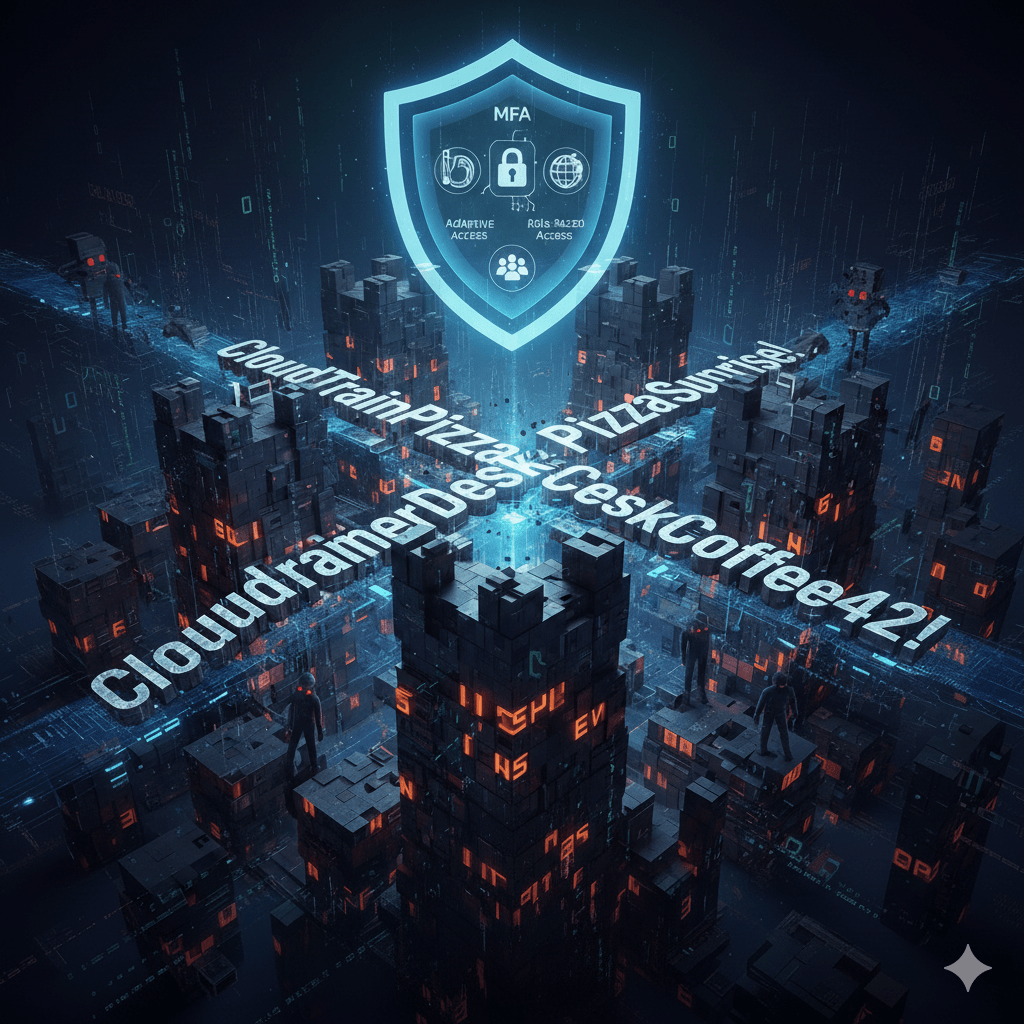
Passwords are still the first line of defense for your systems and data — but weak or reused passwords are a top cause of breaches. Attackers automate credential-replay attacks, phishing, and brute force attempts every day. If your team uses simple or repeated passwords, attackers will exploit them. Good password practices don’t need to be hard or distracting; they need to be effective and memorable.
Below is a practical guide to creating strong passwords your team can follow — plus how to integrate better identity controls into your security stack.
Why Strong Passwords Matter
Prevent Credential Theft
Weak passwords are easily guessed or cracked. Reused passwords from breach dumps are exploited within minutes.
Stop Lateral Movement
Attackers who compromise one account often reuse credentials to access other systems if passwords are shared across platforms.
Reduce Support Costs
Frequent resets and breached accounts drain helpdesk time. Better passwords reduce tickets and interruptions.
Support Zero-Trust Security
Strong passwords form the foundation of identity controls like multi-factor authentication and adaptive access policies.
Simple Rules for Strong Passwords
1. Use Length Over Complexity
Longer passwords are inherently stronger than short “complex” ones.
Example: SummerDeskCoffee42! vs Tr0ub4dor&3
The longer passphrase is easier to remember and harder to crack.
2. Favor Passphrases
Combine unrelated words that form a phrase.
Example: CloudTrainPizzaSunrise!
These are easy to recall but difficult for attackers to guess.
3. Avoid Predictable Substitutions
Replacing “a” with “@” or “o” with “0” is too common. Modern cracking tools try these patterns first.
4. Never Reuse Passwords
Each account must have a unique password. If one breach exposes credentials, reused passwords allow attackers into multiple systems.
5. Use a Password Manager
Password managers generate and store long, unique passwords so users don’t have to memorize them.
Beyond Passwords: Stronger Identity Practices
Strong passwords help, but modern threats require stronger identity controls:
Multi-Factor Authentication (MFA)
MFA adds another verification step — such as a push notification or biometric — making stolen passwords alone insufficient.
Adaptive Access Policies
These evaluate risk signals like location, device, and session context before granting access.
Automated Rotation and Expiration
Passwords and secrets should rotate periodically, especially for service accounts or privileged users.
Role-Based Access
Users only get the access needed for their job — not more — reducing credential exposure.
How Mindcore Technologies Helps
Mindcore Technologies helps organizations implement identity and access strategies that go beyond passwords:
- Deploy enterprise password policies that enforce length, uniqueness, and storage standards
- Integrate password managers and secrets vaults for secure storage
- Implement multi-factor authentication (MFA) across systems — not just on email
- Configure adaptive access policies based on risk and context
- Educate users with real examples and secure habit training
- Monitor credential usage and detect risky patterns before they become incidents
Instead of relying on weak credentials and guesswork, Mindcore helps teams build measurable, governable identity protection that limits exposure and protects access.
What Your Team Should Do Now
- Enable multi-factor authentication everywhere possible.
- Implement a password manager for all users.
- Encourage passphrases with length and uniqueness.
- Review accounts for reused credentials.
- Enforce short rotation windows for critical or privileged accounts.
Putting these steps into practice reduces credential compromise risk and strengthens your identity perimeter.
Final Thought
Passwords alone won’t stop every attack — but weak or reused passwords invite attackers in. Strong, memorable passwords combined with modern identity controls create a foundation that makes breaches harder and less profitable for attackers. With services from Mindcore Technologies, you can enforce better password habits, implement stronger access controls, and protect your systems without interrupting productivity.
