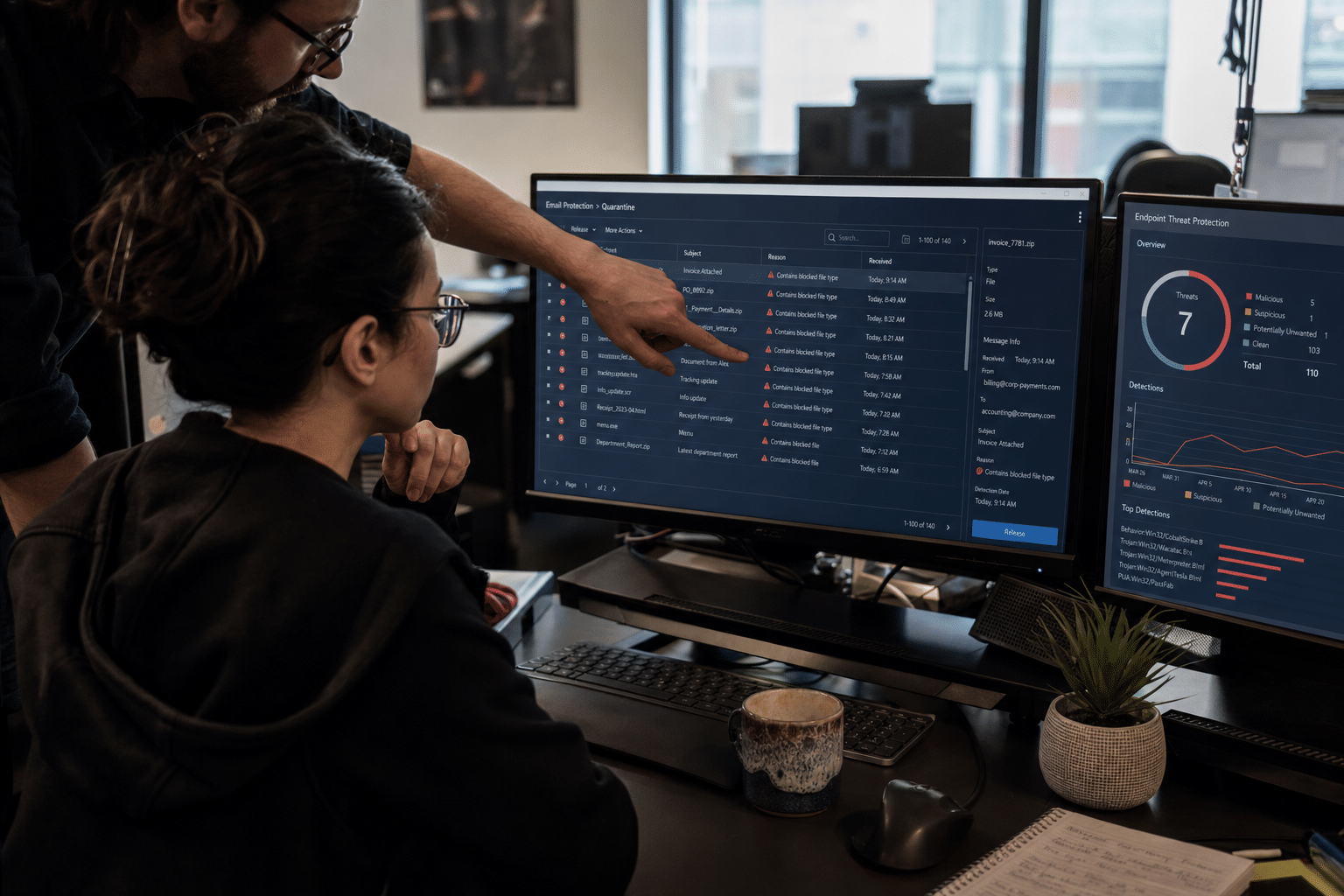
The reliable way to block malicious email attachments is to stop deciding file by file whether something looks bad, and start deciding in advance which file types your business is allowed to receive and run at all. Filter attachments by their true content type at the mail gateway, refuse archives you cannot open, prevent shortcut, HTA and script files from executing on laptops, and detonate anything left over in a sandbox before a person ever clicks it. In early October 2026, Dark Reading reported that the espionage group tracked as UAC-0099 had quietly reworked its MatchBoil dropper again for campaigns against Ukrainian organizations. The lesson for a 50 person firm in New Jersey or Florida is not about Ukraine. It is that the dropper changes and the delivery path does not.
Overview: Five Reasons This Approach Works
- Droppers change faster than signatures. A group that refines its loader every few weeks will beat any control that relies on recognizing yesterday’s sample.
- The delivery path barely moves. Most attachment-borne malware still arrives as an archive, a shortcut file, an HTML application or a script dressed up as an invoice or a court notice.
- File type is a business decision, not a security guess. Your accounting team needs PDFs and spreadsheets. Nobody in your office needs to receive a .hta file from a stranger.
- Layers catch what a single filter misses. Gateway filtering, endpoint execution rules and sandboxing each fail in different ways, so together they close the gaps.
- People remain the final control, not the first. Training matters, yet we design so a single click on a Friday afternoon does not become a breach.
This guide is written for owners, operations leads and IT managers at firms with 10 to 500 employees running Microsoft 365 or Google Workspace, who already have spam filtering and want to know why attachments still get through.
Why Malicious Email Attachments Still Beat Standard Filters
Malicious email attachments keep reaching inboxes because most default filters ask whether a file matches something already known to be bad, and a freshly reworked dropper matches nothing. That is the gap groups like UAC-0099 exploit on purpose.
Why do extension-based blocks miss so much?
Extension blocking fails because an extension is a label the sender controls, and renaming payload.hta to payload.pdf costs an attacker nothing. Gateways that inspect only the filename let that file through on the first pass. On the other side, extension rules are not useless: they stop lazy commodity campaigns cheaply and they give you a policy baseline everyone can read. The honest position is that extension rules are a floor. We keep them, and we never treat them as the decision that matters. National guidance from Australia’s Cyber Security Centre and New Zealand’s NCSC makes the same point plainly: inspect the content to determine the real type, and treat a mismatch between the claimed and the actual type as suspicious on its own.
Why do attackers favor archives and shortcut files?
Attackers favor ZIP, RAR and 7z archives because many filters cannot see inside a password-protected archive, and the password sits right there in the email body for the victim to type. Inside the archive they place a Windows shortcut (.lnk) or an HTML application (.hta) that launches PowerShell or mshta.exe, both of which are signed Microsoft tools. Some defenders argue archives are too common in business to block. That is true for some firms: architects and engineering shops exchange large archives constantly. For most offices we support, though, encrypted archives from outside senders are rare enough that quarantining them by default costs a few release requests a month.
What does a reworked dropper like MatchBoil change for defenders?
A reworked dropper changes the file hash, the obfuscation and sometimes the network behavior, which resets hash-based detection to zero for every target. It does not change the fact that a shortcut or script file still has to execute on the endpoint. That is why we anchor on execution control.
Fix 1 and Fix 2: Block Malicious Email Attachments at the Gateway
The first two fixes block malicious email attachments before delivery by allowing only the file types your business uses and by refusing anything the gateway cannot inspect. In Microsoft 365 this lives in the anti-malware policy’s common attachments filter, plus Safe Attachments if you hold Defender for Office 365 Plan 1 or higher. Google Workspace offers equivalent attachment compliance rules and security sandbox settings.
How do you build an attachment allow list for an SMB?
Start by pulling ninety days of message trace data and counting which attachment types actually arrive from outside senders. In most firms we review, PDF, DOCX, XLSX, images, CSV and calendar invites cover nearly all legitimate traffic. Block the executable and script families outright: .exe, .scr, .pif, .cpl, .js, .jse, .vbs, .vbe, .wsf, .hta, .lnk, .iso, .img, .vhd and .one when nobody uses OneNote attachments. The counterargument is that an allow list breaks something on day one. It sometimes does, so we run the policy in a report mode for two weeks first, review what it would have caught, and adjust before enforcing.
Should you quarantine or reject blocked attachments?
Quarantine is the better default for most small firms, because a legitimate file caught by a new rule can be released in minutes instead of asking a client to resend. Rejection is cleaner for clearly hostile types like .hta and .lnk, where there is no plausible business case and no reason to keep the message at all. We usually split the difference: hard reject for script and shortcut types, quarantine with admin release for encrypted archives and macro-enabled Office files. Pair this with DNS filtering that blocks malicious domains, so a link that sneaks past the attachment rule still cannot reach its download server.
How should you handle encrypted and password-protected archives?
Treat any archive the gateway cannot open as unscanned, and an unscanned file should never reach a mailbox with a green checkmark. Microsoft 365 can flag encrypted archives through mail flow rules, and most third-party gateways offer a single checkbox for it.
Fix 3 and Fix 4: Stop Shortcut, HTA and Script Droppers on Endpoints
The next two fixes assume something will slip past the gateway and make sure the dropper cannot run once it lands on a laptop. This is the layer that directly answers the MatchBoil lesson, because it ignores what the file is called and controls what Windows is allowed to execute.
Which attack surface reduction rules matter most?
Microsoft Defender for Endpoint includes attack surface reduction (ASR) rules, which are policy switches that block common malware behaviors regardless of the file’s signature. The rules we enable first on every tenant are: block executable content from email client and webmail, block JavaScript or VBScript from launching downloaded executable content, block execution of potentially obfuscated scripts, block Office applications from creating child processes, and block executable files from running unless they meet a prevalence, age or trusted list criterion. Each rule has an audit mode. Run audit for a week, review the events in the Defender portal, then switch to block.
How do you neutralize HTA and shortcut files permanently?
Change the default handler for .hta, .js, .jse, .vbs, .vbe and .wsf files to Notepad through Group Policy or Intune, so a double click opens the file as text instead of running it. Then use Windows Defender Application Control or AppLocker to block mshta.exe and wscript.exe for standard users who have no reason to run them. The objection is legacy software that still depends on these tools. That happens in older line-of-business apps, and the fix is an exception scoped to the one machine or service account that needs it, documented and reviewed quarterly.
What role does endpoint detection play once a dropper runs?
Endpoint detection and response watches behavior after execution, so if a shortcut file does launch PowerShell and reach out to an unfamiliar server, the agent can isolate the device within seconds. It is the safety net under the first three fixes, not a substitute for them. Some firms buy an EDR license and consider the attachment problem solved. In our experience the alert still needs a person watching the console at 2 a.m., which is why we pair EDR with managed security services that keep a team on the alert queue around the clock.
Fix 5 and Fix 6: Sandbox the Rest and Rehearse the Response
The final two fixes detonate whatever passes your type rules in an isolated sandbox and prepare your people for the message that gets through anyway. Allowed file types such as PDF and Office documents still carry risk, so they deserve a second look before delivery.
Is attachment sandboxing worth the delivery delay?
Sandboxing opens each allowed attachment in a disposable virtual machine and watches what it does before the message reaches the user, which catches weaponized documents that look clean to a static scan. The cost is delay, usually a minute or two, and Microsoft’s Dynamic Delivery option softens that by sending the message body immediately and attaching the file once it clears.
How do you convert risky Office files into safe formats?
Content disarm and reconstruction strips macros, embedded objects and active scripts from documents and rebuilds a clean copy, often a PDF, for delivery. It works well for inbound resumes, invoices and vendor forms where the recipient only needs to read the file. The downside is that a converted spreadsheet loses its formulas, which frustrates finance staff who receive working models from partners. For those few senders, we prefer an approved sender list combined with sandboxing over turning conversion off for everyone.
What should staff do when a suspicious attachment gets through?
Staff should report it with one click and leave it closed, then let IT pull every copy from every mailbox. Teach people how to detect a phishing email by its context: an unexpected archive, a password in the body, a court notice or invoice from someone they have never dealt with. Pair the training with steps to secure your email account, since an attachment that steals session tokens turns into account takeover within hours. If an account does get hijacked, attackers often pivot into business email compromise, sending payment requests from a mailbox your clients already trust. Some security trainers argue phishing simulations erode trust. We find short, frequent drills with no public shaming build the reporting habit faster than annual slide decks.
How to Block Malicious Email Attachments Without Breaking Workflows
You can block malicious email attachments without disrupting the business by rolling the six fixes out in stages, measuring each one in audit mode, and writing down every exception with an owner and a review date. The firms that struggle are the ones that flip every control to block on a Monday morning.
What does a sensible 30 day rollout look like?
Week one: export message trace data, list the attachment types in real use, and turn on Safe Attachments with dynamic delivery. Week two: enable the common attachments filter and encrypted archive quarantine in report mode, and switch ASR rules to audit. Week three: review the audit data with department heads, grant narrow exceptions, and move script and shortcut blocking to enforce. Week four: enforce the remaining ASR rules, change the default file handlers, and run a short reporting drill.
How do you measure whether the controls are working?
Track three numbers monthly: attachments quarantined or rejected by type, ASR block events by rule, and the time from a user report to mailbox-wide removal. Rising quarantine counts mean the filter is catching traffic, not that attacks are increasing. A falling report-to-removal time means your response is maturing.
Where do perimeter controls fit alongside email filtering?
Perimeter controls catch the second stage: once a dropper runs, it has to call home to fetch its real payload. Outbound filtering on a managed firewall and DNS filtering block that callback, which turns a successful click into a contained event. Some argue email is the only front that matters, and there is a reason email is still the number one cybersecurity threat. Yet layered egress control is what limits the damage when the first five fixes are not enough on a given day.
Frequently Asked Questions
What is the fastest way to block malicious email attachments in Microsoft 365?
The fastest change is enabling the common attachments filter in your anti-malware policy and adding .hta, .lnk, .iso, .img and script extensions to the block list. It takes minutes in the Defender portal. Follow it with Safe Attachments and attack surface reduction rules for real coverage.
Do I need to block ZIP files entirely?
No, most businesses only need to quarantine encrypted or password-protected archives, because those are the ones a gateway cannot scan. Ordinary ZIP files can be opened and inspected like any other attachment. Firms that rarely exchange archives may choose stricter rules.
Will antivirus alone stop a new dropper like MatchBoil?
Not reliably, because a reworked dropper has a new signature that antivirus has not seen yet. Behavior-based controls, execution rules and sandboxing close that gap. Antivirus remains useful as one layer among several.
How long does it take to roll these controls out?
A typical 10 to 500 employee firm can deploy all six fixes in about thirty days using audit modes first. The timeline depends mostly on how many legacy applications need exceptions.
Do Google Workspace users have the same options?
Yes, Google Workspace offers attachment compliance rules, a security sandbox and protections against encrypted attachments and scripts. Endpoint controls such as ASR rules or application control still apply on the Windows devices those users work from. The principle of deciding file types in advance is identical.
Who Is Behind This Advice
Our team at Mindcore Technologies has spent years tuning email and endpoint defenses for small and midsize firms across New Jersey, Florida and beyond, from law practices and medical groups to manufacturers and financial advisors. The six fixes above come from that work: the attachment policies we deploy, the audit data we review with clients, and the incidents we have helped contain when a lure got through. You do the work of running your business; our role is to point out where the gaps are and help close them before they cost you. Mindcore is led by CEO Matt Rosenthal, who focuses on building zero-trust security programs that small businesses can actually operate, and who has long argued that controlling what can run beats chasing every new piece of malware.
Start Blocking Malicious Email Attachments This Month
The durable answer to how to block malicious email attachments is to stop betting on recognizing each new dropper and start deciding which file types your business accepts and which programs are allowed to execute. Filter by true file type at the gateway, quarantine archives you cannot scan, shut down shortcut, HTA and script execution on endpoints, sandbox the documents you do allow, train staff to report rather than open, and block the callback at the perimeter. Groups like UAC-0099 will keep reworking their tools, and that is fine, because none of these controls depended on knowing what the next version looks like. If you want a second set of eyes on your current Microsoft 365 or Google Workspace attachment policy and your endpoint rules, book a free strategy call with our team and we will walk through what is getting through today and what to change first.