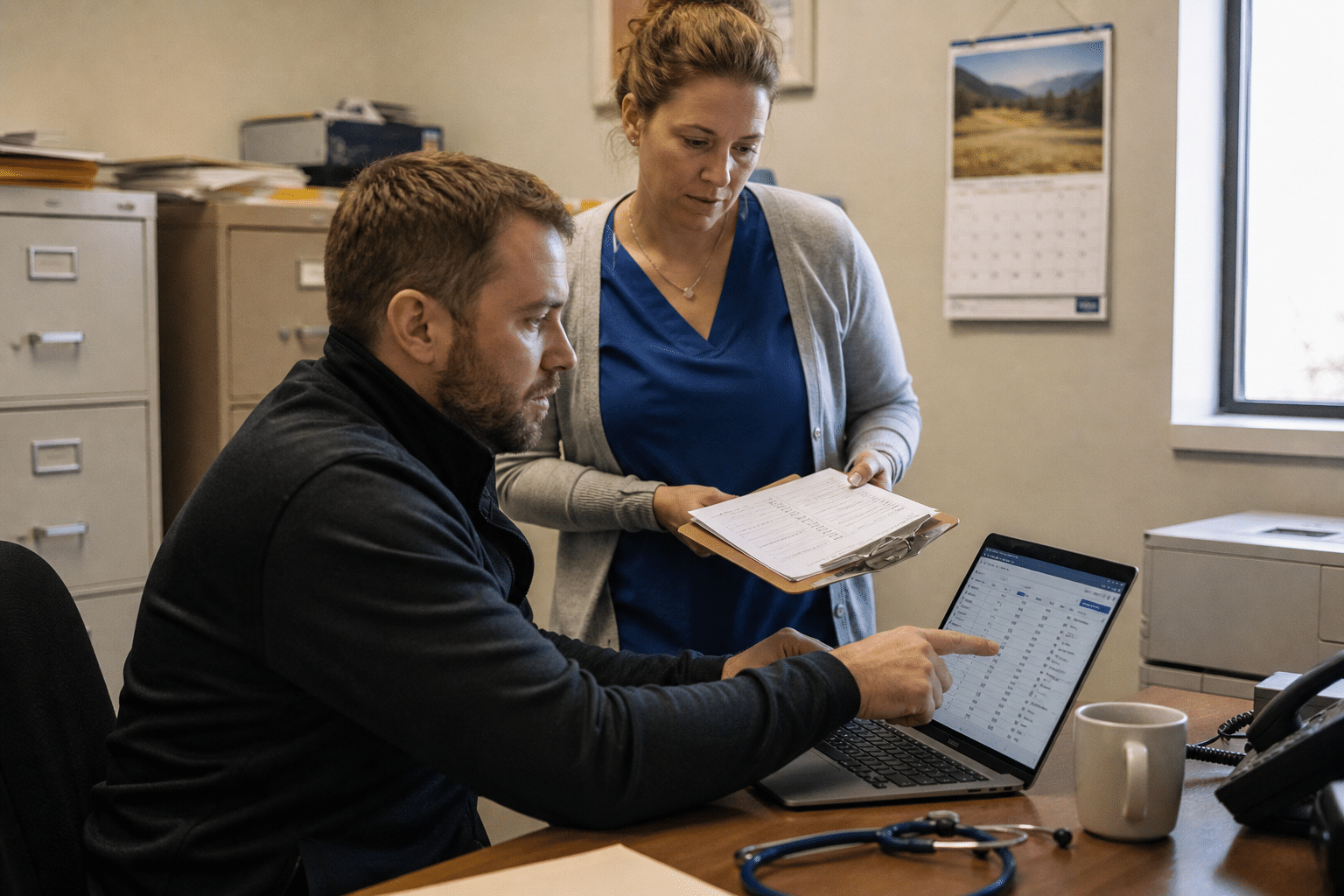
Remote management tool security matters because the software IT teams use to reach every server and workstation remotely is also one of the shortest paths an attacker can take into a healthcare network. WindRose Health Network, a community health provider, disclosed that an unauthorized party used a vulnerability in a remote-management tool to get into one of its servers on August 3 and 4, 2026, and that affected files held patient names, patient ID numbers, health insurance details, dates of service and provider names. The Storm ransomware group listed WindRose on its leak site on August 18. For any clinic, practice or community provider, the durable lesson is to treat remote management software as critical infrastructure: know every tool installed, patch it fast, put strong sign-in in front of it, and watch who uses it.
Why Remote Management Tools Are Such a Valuable Target
Remote management tools are a valuable target because they are built to do exactly what an attacker wants: reach many machines at once, run commands with high privileges and move files, all through a channel that security tools are told to trust. Compromising one console can hand over an entire network.
Our team finds the same situation in many healthcare environments we review. A clinic has its current IT provider’s remote management agent, a remote support tool a previous provider installed years ago, a vendor’s remote access software for the imaging system, and a free remote desktop app a staff member added to work from home. Each one is a door, and often nobody has a list of them, a pattern we also cover in cybersecurity threats in healthcare for 2026.
Here are the five principles behind the steps in this article:
- Inventory every remote tool. You cannot secure software you do not know is installed.
- One tool, one owner. Each remote access product needs a named owner responsible for patching and access, as part of your managed security services.
- Patch the tool first. Remote management software gets the fastest patch window in the environment.
- Strong sign-in is mandatory. Every console needs phishing-resistant multi-factor sign-in.
- Watch the watchers. Log and review remote sessions, especially outside business hours.
This guide is written for practice managers, compliance officers and IT leads at clinics, behavioral health providers, dental and specialty practices and community health networks with 20 to 500 staff.
What the WindRose Disclosure Tells Us
The WindRose notice describes a two-day window of access through a remote-management tool flaw and data that included identifiers and insurance details. It does not name the tool, and that matters less than the pattern: an internet-reachable management product with a known flaw, reached before it was fixed.
A fair counterpoint is that every breach has its own details and drawing broad lessons from a short notice is risky. That is true for root causes. But remote management software has been the entry point in enough healthcare incidents over recent years that the pattern is worth acting on regardless of this case’s details.
What Is at Stake Under HIPAA
Patient names, ID numbers, insurance information and dates of service are protected health information under HIPAA. A breach affecting 500 or more people requires notice to affected individuals, to the Department of Health and Human Services and, in many cases, to the media, within 60 days of finding the breach.
Some smaller practices assume the rules weigh less on them. The notification duties are the same, and the HHS breach portal is public. The reputational cost of appearing there often outweighs the technical cost of the fix. We cover the most common gaps in 6 HIPAA Security Rule compliance mistakes that cost SMBs.
Building an Inventory of Remote Access Software
Building an inventory of remote access software means finding every product that lets someone outside the building control or reach a computer in your environment, including tools left behind by former providers and vendors. Most organizations find more than they expected.
Where to Look
Your endpoint management or antivirus console can usually list installed software across machines. Search for remote management and monitoring agents, remote support tools, remote desktop products and vendor access software. Check firewall rules for inbound ports that point at internal machines, and review which outside companies have accounts that connect in.
The objection that your IT provider already knows this is common. Providers know their own tools well; they often do not know what a previous provider or a medical device vendor installed. Ask for the full list, not just their own. A cyber security audit produces it in days.
Removing What Nobody Needs
Uninstall any remote tool that has no current owner or purpose. Every unused tool is a door nobody watches. For tools a vendor needs occasionally, such as imaging or lab systems, arrange access that is turned on for a session and turned off afterward.
Securing the Tools You Keep
Securing the remote tools you keep means patching them quickly, protecting their consoles with strong sign-in, restricting who can use them and logging every session. These steps apply whether the tool is run by your staff or by an outside provider.
Fast Patching for Management Software
Remote management products should be patched within days of a security release, faster than ordinary software, because a flaw in them affects every machine they manage. Ask your provider how quickly they apply vendor fixes to their own platform and to agents in your environment.
Some providers argue that updating agents across many clients takes time. That is understandable, and it is also why the contract should state a response time for critical fixes to their own tooling.
Strong Sign-In and Access Restrictions
Every remote management console should require phishing-resistant multi-factor sign-in, a core control in zero trust security for a small business, such as security tokens or app approvals with number matching. Restrict console access to named technicians, remove accounts promptly when people leave, and restrict where consoles can be reached from where the product allows it.
Logging and Review
Turn on session logging and keep the logs somewhere the tool cannot erase. Review sessions that happen overnight or on weekends, sessions to servers holding patient data, and file transfers. Unexpected activity on a quiet Sunday is often the first sign of trouble, which is what network security monitoring is built to flag.
Preparing for the Day Something Gets Through
Preparing for the day something gets through means having backups attackers cannot reach, a tested plan for running the practice without systems, and a clear process for HIPAA breach assessment and notification. Prevention reduces the odds; preparation reduces the damage.
Backups Attackers Cannot Touch
Ransomware groups target backups first. Keep at least one copy offline or immutable, test restores of the electronic health record and practice management systems, and make sure the remote management tool itself cannot delete backup copies. Our cloud backup vs local backup guide explains how to combine the two.
Running the Practice on Paper
Decide in advance how the front desk checks in patients, how clinicians document care and how prescriptions are handled if systems are down for days. A one-page downtime procedure, rehearsed once a year, turns chaos into a manageable inconvenience, and it belongs in your business disaster recovery plan.
Assessing and Reporting a Breach
Know who decides whether an incident is a reportable breach, who contacts legal counsel and cyber insurance, and who drafts the notice. The 60-day clock starts when the breach is found, and investigations often take most of that time.
Making Remote Access Part of the Compliance Program
Making remote access part of the compliance program means your HIPAA risk analysis names each remote tool, the risks it carries and the controls in place, and your business associate agreements cover the providers and vendors who use them. Remote access is where security and compliance meet most directly.
Questions to Ask Your IT Provider
- Which remote access and management tools are installed across our machines?
- Who owns each one, and how quickly are they patched?
- Do all consoles require phishing-resistant multi-factor sign-in?
- Are remote sessions logged and reviewed?
- Can the management tool reach or delete our backups?
Keeping It Current
Fold the list into your annual HIPAA security risk assessment and review it at least twice a year and whenever you change IT providers or add a medical system with vendor support. Changes in provider are the moment old tools are most often left behind.
Frequently Asked Questions
How did attackers get into WindRose Health Network?
WindRose said an unauthorized party used a vulnerability in a remote-management tool to access one of its servers on August 3 and 4, 2026. The notice did not name the tool.
What patient information was involved in the WindRose breach?
Affected files included patient names, patient ID numbers, health insurance information, dates of service and provider names, according to the organization’s notice.
Are remote management tools a HIPAA risk?
Yes, they provide privileged access to systems holding protected health information. They belong in your HIPAA risk analysis with documented controls.
How fast should remote management software be patched?
Within days of a security release, faster than most software, because one flaw exposes every machine the tool manages. Put that expectation in your IT provider agreement.
What should a small practice do first?
Get a list of every remote access tool installed, remove the ones nobody needs, and confirm the rest require strong multi-factor sign-in. Those three steps close most of the exposure.
Who Stands Behind This Guidance
Mindcore Technologies provides IT and security services to healthcare organizations, including clinics, specialty practices and behavioral health providers that must protect patient data while keeping care running. Our team tracks breach disclosures and exploited vulnerabilities daily and turns them into concrete checks for the tools our clients rely on, remote management software included. That focus comes from Matt Rosenthal, Mindcore’s CEO, who has built the company around protecting the systems patients and providers depend on and giving leaders clear answers about their risk.
Close the Remote Access Gap in Your Practice
The WindRose Health Network breach began with a flaw in a remote-management tool and ended with patient identifiers and insurance details in an attacker’s hands. Inventory every remote access tool, remove what nobody needs, patch the rest quickly, put strong sign-in and logging in front of each console, and keep backups the tools cannot reach. Then write remote access into your HIPAA risk analysis so it stays visible. If you want help reviewing the remote tools in your environment or your provider’s controls, book a free strategy call and we will walk through it with you.