

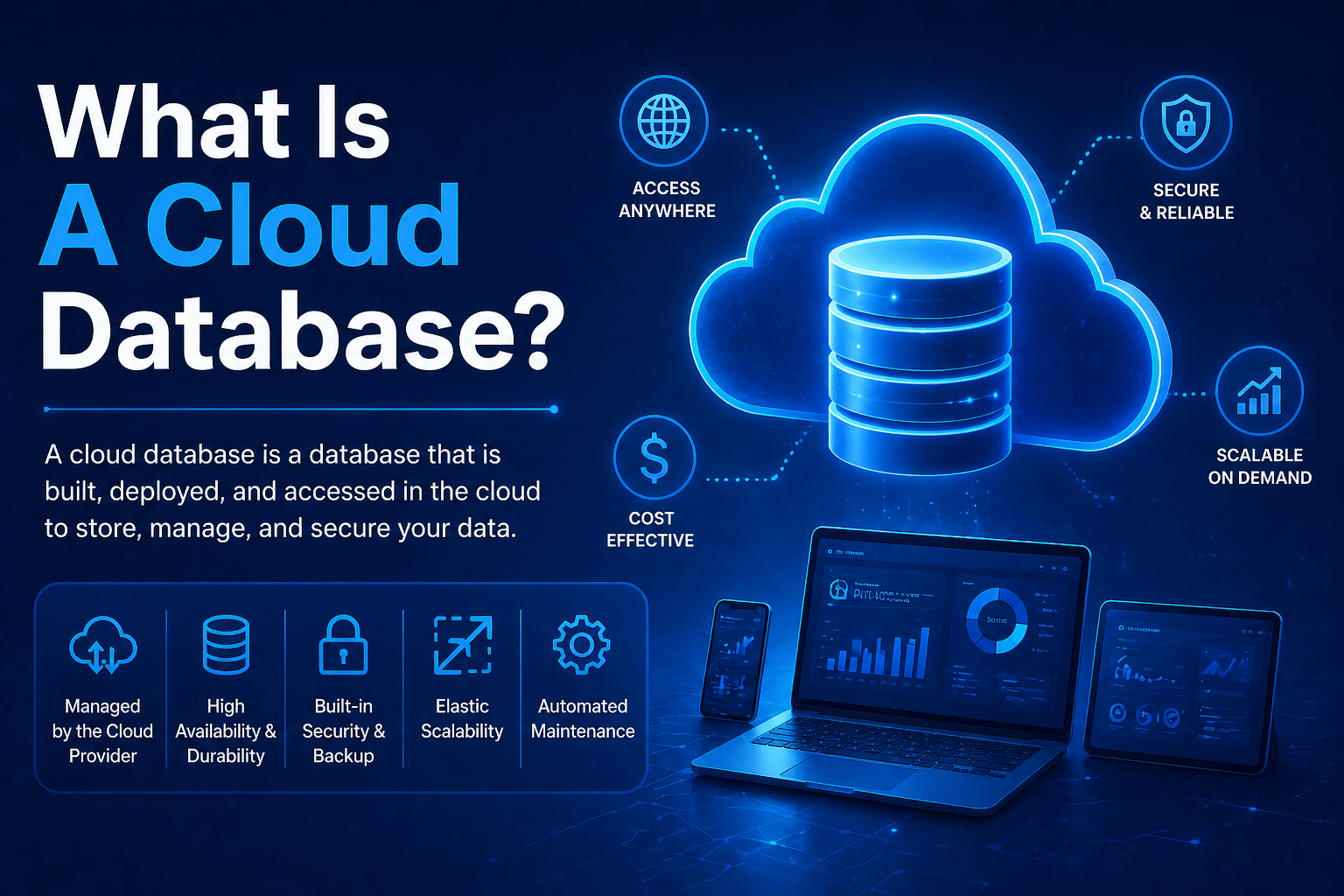
A cloud database is a database service that runs on cloud infrastructure rather than on physical servers your organization owns and manages. The database engine — the software that stores, organizes, and retrieves your data — runs in a cloud provider’s data center, and you interact with it through a network connection the same way you would access an on-premises database.
The meaningful difference is what you do not have to manage: physical hardware, operating system patching, database engine updates, backup infrastructure, and high-availability configuration. Cloud database services handle those operational concerns, leaving your team responsible for the data and the applications that use it.
Overview
Cloud databases come in two primary forms: managed cloud databases, where the cloud provider manages the database engine on dedicated virtual infrastructure, and database-as-a-service, where the provider fully abstracts the underlying infrastructure and offers the database as a consumption-priced service. Understanding the difference between cloud computing and cloud services helps clarify where the infrastructure layer ends and the managed service layer begins. Both approaches eliminate the hardware management layer. They differ in how much administrative control the customer retains over the database engine itself.
- Managed cloud databases run familiar database engines (SQL Server, PostgreSQL, MySQL) on cloud infrastructure the provider manages
- Database-as-a-service (DBaaS) offerings abstract the engine further, with the provider managing scaling, availability, and performance automatically
- Cloud databases are available in relational and non-relational (NoSQL) varieties for different data models
- Automated backup, patching, and high availability are standard features of most cloud database services
- Cloud databases integrate natively with cloud applications and services on the same platform
The 5 Why’s
- Why do cloud databases reduce IT operational burden compared to on-premises databases? On-premises database management requires hardware procurement, OS maintenance, database engine installation and patching, backup infrastructure, and high-availability configuration — all of which require skilled database administration. Cloud databases shift most of that operational work to the provider. Database administrators focus on query performance, schema design, and data governance rather than infrastructure maintenance.
- Why is scalability specifically better in cloud databases than on-premises? Scaling an on-premises database server requires procuring additional hardware — a process measured in days or weeks. Cloud databases scale compute and storage independently in minutes, and many cloud database services offer elastic scaling that adjusts resources automatically based on workload. Applications with variable data access patterns — e-commerce, seasonal business applications, analytics workloads — benefit significantly from that elasticity.
- Why does automated backup in cloud databases reduce recovery risk compared to manual backup processes? Manual backup processes require discipline to execute on schedule, test regularly, and store in locations that survive the failure scenarios they are designed for. Cloud database automated backups execute reliably on configured schedules, store backup data in geographically redundant locations, and support point-in-time recovery to any moment within the retention period. The reliability of that backup process directly determines recovery capability when it matters.
- Why is high availability easier to achieve with cloud databases than with on-premises infrastructure? On-premises database high availability requires redundant hardware, failover configuration, and typically a secondary site. That investment is expensive and complex to maintain. Cloud database services offer built-in high availability through automatic replica management, health monitoring, and failover that operates without manual intervention. Organizations that could not afford enterprise-grade database high availability on-premises can access it as a standard feature of cloud database services.
- Why do cloud databases integrate better with cloud applications than on-premises databases do? Applications running on cloud infrastructure benefit from low-latency, high-bandwidth connectivity to cloud databases on the same platform. Authentication, access control, monitoring, and logging all integrate through the cloud provider’s standard identity and management tools. Applications that are built and deployed on Azure naturally connect to Azure SQL Database more efficiently than to an on-premises SQL Server accessible over a VPN.
Types of Cloud Databases
Relational Cloud Databases (SQL)
Relational databases organize data into tables with defined schemas and support SQL queries. Cloud relational databases include:
- Azure SQL Database: Microsoft’s managed SQL Server service on Azure. Fully managed with automatic patching, backup, and scaling. Multiple service tiers from serverless to large dedicated instances.
- Amazon RDS: managed relational database supporting multiple engines (MySQL, PostgreSQL, SQL Server, Oracle, MariaDB).
- Google Cloud SQL: managed MySQL and PostgreSQL on Google Cloud.
Best suited for: applications with structured data, transactional workloads, reporting and analytics, and applications that require SQL compatibility with existing on-premises databases.
Non-Relational Cloud Databases (NoSQL)
Non-relational databases support flexible data models — documents, key-value pairs, wide columns, or graphs — that do not require predefined schemas. Cloud NoSQL databases include:
- Azure Cosmos DB: globally distributed, multi-model database supporting document, key-value, graph, and column-family data.
- MongoDB Atlas: fully managed MongoDB service available across cloud providers.
- Amazon DynamoDB: fully managed key-value and document database with single-digit millisecond performance.
Best suited for: applications with variable or unpredictable data structures, high-velocity data ingestion, globally distributed data, and applications requiring low-latency data access at massive scale.
Cloud Database vs On-Premises Database
| Dimension | On-Premises Database | Cloud Database |
|---|---|---|
| Hardware management | Customer responsibility | Provider responsibility |
| Patching and updates | Customer responsibility | Provider managed |
| Backup | Customer configured and tested | Automated with point-in-time recovery |
| High availability | Customer-built (expensive) | Built-in standard feature |
| Scaling | Hardware procurement required | Minutes to scale |
| Cost model | Capital expenditure | Operational, consumption-based |
Final Takeaway
Cloud databases eliminate the infrastructure management burden of on-premises database hosting while providing scalability, availability, and automated operational capabilities that on-premises deployments require significant investment to replicate. For most business applications — both new development and migrated from on-premises — cloud databases are the correct infrastructure choice.
Implement Cloud Databases With Mindcore Technologies
Mindcore Technologies helps organizations migrate on-premises databases to Azure cloud database services and architect new cloud-native data stores for modern applications.
Talk to Mindcore Technologies About Cloud Database Migration →
Contact our team to assess your current database infrastructure and design the cloud database deployment that fits your workloads.

