

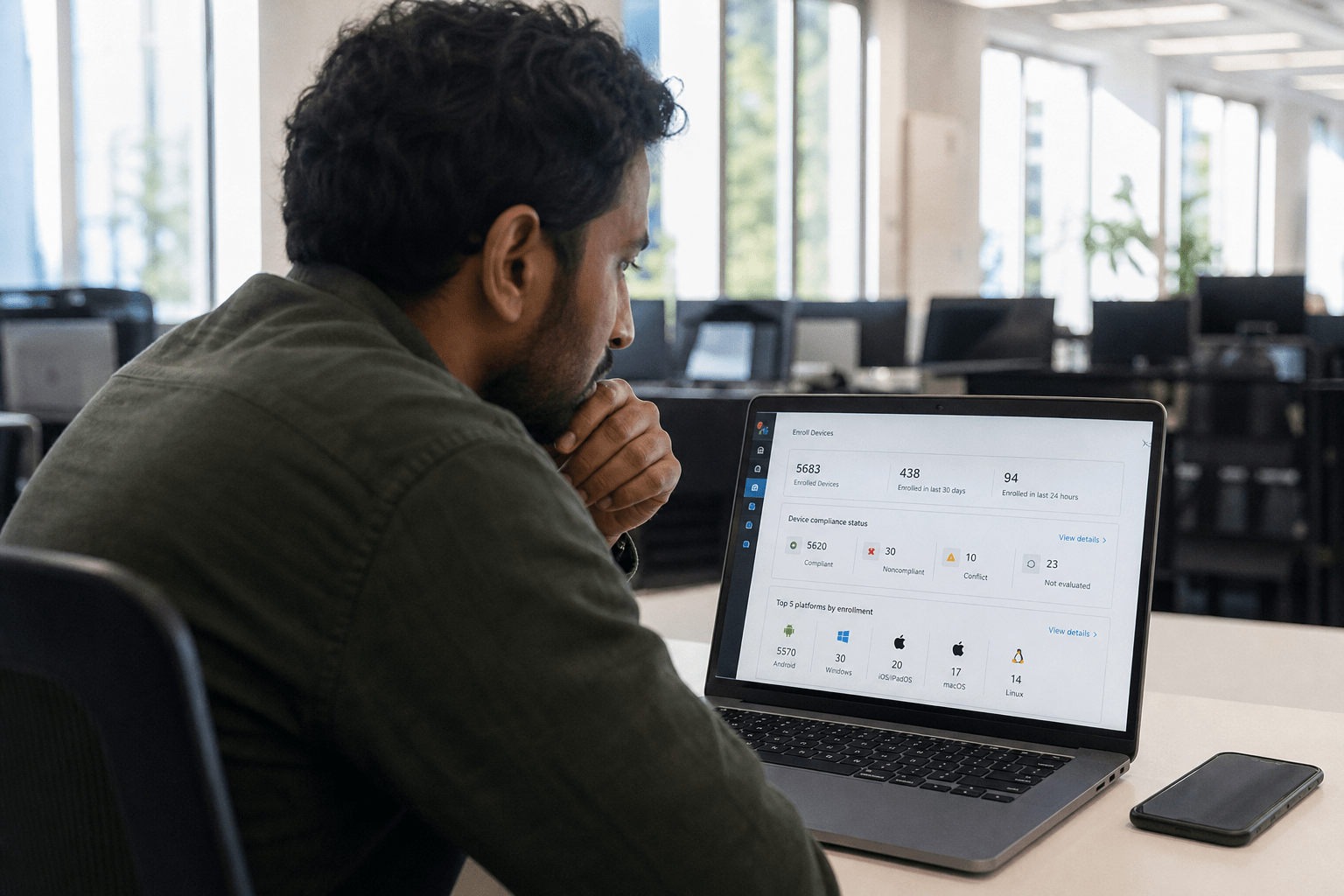
What Is Mobile Device Management? Mobile device management for SMBs is a comprehensive set of policies, software, and enforcement tools that allows IT teams to control how company data behaves on any endpoint, whether company-issued or personally owned. At a 10- to 200-person firm, where most of your employees use personal phones to check email, approve invoices, and access cloud apps, MDM is the line between a contained incident and a data breach that costs you weeks and your clients’ trust.
Why the BYOD Reality Changes the MDM Conversation for SMBs
Understanding What Is Mobile Device Management is especially critical for BYOD environments, where full device enrollment can create friction if employees feel their personal data is being monitored
Our team has seen this play out dozens of times. An IT lead deploys a full-device management profile, employees realize the company can see their personal photos, and within two weeks half the workforce has either opted out or submitted a complaint to HR. The policy exists on paper. Nobody follows it.
That friction is not a cultural problem. It is a design problem. And it is the core reason why mobile device management for SMBs requires a different framing than the vendor comparison guides dominating search results.
NIST SP 800-124 Rev. 2, the federal baseline for mobile device security, explicitly distinguishes between fully managed devices and personally owned devices with managed work profiles. The same distinction matters at your scale, perhaps more than at an enterprise, because you do not have the HR headcount to chase compliance manually.
The decision you actually face is not “which MDM vendor do we pick.” It is “do we manage the device, or do we manage only the container the company data lives in?” That question determines whether your employees comply.
Full Device Management: What It Controls and Where It Breaks Down
A clear grasp of What Is Mobile Device Management helps IT teams decide between full device management, which controls the entire endpoint, and containerization, which isolates work data without touching personal apps. Your IT team can enforce screen lock timers, disable the camera, push app blocklists, remote-wipe the whole device, and inspect installed applications.
The upside is total visibility. The downside is that your employees feel surveilled on their personal property, and in most US states the employer has no legal right to wipe personal data without consent, even via MDM.
For company-issued devices, full management is the right call. Our team recommends it without reservation for corporate laptops, company phones, and tablets assigned to a single employee. The moment a personally owned device enters the picture, the legal and social calculus shifts.
Containerization: Separating Work Data Without Touching Personal Data
Containerization, sometimes called “work profile” enrollment or MAM (Mobile Application Management), puts a cryptographic wall around your company apps and data without touching the rest of the device. The MDM agent manages what lives inside the container. Personal photos, personal email, and personal apps are invisible to your IT team.
From a compliance standpoint, this approach satisfies most SMB requirements for email security, app-level data loss prevention, and remote selective wipe. CISA’s mobile device security guidance specifically cites containerization as an acceptable control for organizations unable to require company-issued hardware.
From an adoption standpoint, employees accept it. We have not seen a single containerization rollout rejected at the workforce level when the privacy boundary is explained clearly upfront.
The Tradeoff: Coverage Versus Compliance
The honest tension is this: full management gives you more controls, but if your workforce resists enrollment, you have zero coverage on the devices that matter most. Containerization gives you fewer controls, but near-complete enrollment.
For most 10- to 200-person firms, near-complete containerization beats partial full management by a wide margin. A device that never gets enrolled is your biggest risk, not the absence of a camera restriction policy.
We recommend that SMBs tier their approach: full management for company-issued hardware, containerization for personally owned devices, and a clear written policy that explains both to staff before enrollment begins.
How Mobile Device Management Protects SMB Networks and Client Data
Knowing What Is Mobile Device Management ensures SMBs can protect their networks by enforcing authentication, encrypting data, and monitoring endpoints from a central console, preventing compromised devices from becoming security risks
The risk profile of an unmanaged mobile fleet at a small business is not hypothetical. According to Verizon’s Data Breach Investigations Report, mobile endpoints are increasingly used in credential-harvesting campaigns. A personal phone with your Microsoft 365 credentials, no MFA enforcement, and no device-level encryption is an open door to your entire Microsoft tenant.
Enforcing MFA and Conditional Access at the Device Level
MDM platforms integrate with identity providers, Microsoft Entra ID (formerly Azure AD), Google Workspace, Okta, to enforce conditional access policies at the device level. That means a phone that is not enrolled, not encrypted, or running an outdated OS gets blocked from accessing company resources, not just flagged.
Microsoft Intune, one of the most widely deployed MDM platforms for SMBs on Microsoft 365, lets you define compliance policies that gate access. A device that fails compliance, missing a PIN, jailbroken, OS more than two versions behind, loses access to Exchange email and SharePoint until it meets the standard.
Our team treats device-level conditional access as the minimum viable MDM deployment for any SMB handling client data. The vendor choice matters less than getting this layer in place.
Remote Wipe, Selective Wipe, and Why the Distinction Matters
Remote wipe is one of the features MDM vendors lead with in marketing materials. The ability to brick a lost device sounds appealing until an employee’s phone with two years of personal photos gets wiped because they left it in a cab.
Selective wipe, wiping only the managed work container, is the version you actually want for personally owned devices. It removes corporate email, app data, and credentials without touching anything personal. This is legally defensible, avoids HR incidents, and still achieves the security objective: the data is gone.
Full remote wipe remains appropriate for company-issued devices. Your policy documentation should specify which wipe type applies to which device class before the first enrollment happens.
Patch Enforcement and OS Version Control
One of the most underrated MDM functions for SMBs is OS version enforcement. A phone running iOS 15 or Android 11 on your corporate network carries unpatched CVEs that were closed in subsequent releases. Without MDM, you have no visibility into what versions your employees are running.
With MDM, you can set a compliance rule: devices below a minimum OS version get blocked from corporate resources and pushed a notification to update. Your network management posture is only as strong as the weakest endpoint connected to it, and outdated mobile OS versions are a consistent weak point our team catches during assessments.

Building an MDM Policy SMBs Will Actually Follow
The technical deployment of an MDM platform is straightforward. The part that most SMBs get wrong is the written policy that defines the rules, the enrollment process, and what happens when an employee leaves.
Writing a BYOD Policy Before You Deploy
A BYOD policy is not a legal formality. It is the document that answers the question your employees will ask before they hand over device control: “What can you see, and what can you do?”
Your BYOD policy should state explicitly whether you are using full management or containerization, what data the MDM agent can and cannot access, under what circumstances a remote wipe will be performed, whether enrollment is optional or required for corporate resource access, and what happens to personal devices when employment ends.
Without this document, enrollment will stall. With it, adoption rates in our deployments have consistently run above 85% within the first two weeks.
We recommend reviewing your vulnerability management process alongside your MDM policy, since mobile devices represent a growing share of the exploitable attack surface that process is designed to track.
Enrollment Experience: The Moment That Determines Adoption
The enrollment experience is where MDM deployments succeed or fail at the human level. If the process takes more than ten minutes, requires employees to call a helpdesk, or produces a confusing series of permission prompts with no context, adoption drops.
Our team builds a two-page enrollment guide for every MDM rollout we manage. It walks employees through the exact screens they will see, explains what each permission does in plain language, and tells them what to do if something goes wrong. That guide ships before the enrollment window opens, not after.
The ten minutes you invest in a clear enrollment guide saves you weeks of chasing non-enrolled devices and answering HR escalations.
Offboarding: The Step Most SMBs Skip
Understanding What Is Mobile Device Management also emphasizes proper offboarding and selective wipe policies, ensuring corporate data is removed from devices while personal content remains untouched, maintaining compliance and security.
Your MDM console should be on the offboarding checklist alongside email deactivation and access revocation. Selective wipe the work container, unenroll the device, and revoke the associated certificates in your identity provider, all three, in the same offboarding session.
If you are choosing between co-managed IT providers to handle this operationally, ask specifically how they handle device offboarding and whether it is integrated with their HR system triggers.
Frequently Asked Questions
Does mobile device management for SMBs require company-issued phones?
MDM does not require company-issued phones. Most platforms support personally owned devices through containerization, which manages only the work data and apps without touching personal content. Many SMBs run successful MDM programs where the majority of enrolled devices are personally owned.
How is MDM different from an antivirus app on a phone?
Antivirus apps scan for malware on a single device. MDM manages the entire fleet from a central console, enforcing policies, blocking non-compliant devices from company resources, and enabling remote wipe across every enrolled endpoint. They address different problems and are not substitutes for each other.
Can employees opt out of MDM enrollment?
Whether enrollment is mandatory is a policy decision, not a technical one. Many SMBs make enrollment a condition of accessing corporate email and cloud apps, with a clear opt-out path that simply means the employee uses a separate device for company access. The key is stating this in the BYOD policy before deployment begins.
What happens to personal data if a device is wiped through MDM?
With selective wipe, only the managed work container is removed. Personal photos, messages, and apps are untouched. Full remote wipe deletes everything on the device. Your MDM policy should specify which method applies to personally owned devices, selective wipe is the appropriate choice in nearly every BYOD scenario.
Is MDM enough on its own for endpoint security?
MDM is one layer, not a complete endpoint security stack. It enforces device compliance, manages app data, and enables remote response. It works alongside conditional access policies, MFA, endpoint detection and response (EDR) tools, and network segmentation. Our team treats MDM as a foundational control that makes the other layers enforceable. See our MDM service page for how we layer these controls for SMB clients.
Ready to Secure Every Device Your Team Uses?
Mobile device management for SMBs is not an enterprise luxury or a vendor selection exercise. It is a decision about whether the phones your employees use every day are inside or outside your security perimeter.
The firms that get this right understand the BYOD reality before they deploy a platform. They choose containerization for personally owned devices, full management for company-issued hardware, and they write a plain-language policy that earns employee buy-in before the first enrollment prompt appears. The result is near-complete coverage instead of a partially enrolled fleet with visible gaps.
If your team is accessing company email, files, or cloud apps on mobile devices without a formal MDM program, you have an open exposure on your network right now. Our team works with SMBs across professional services, healthcare, and finance to design and deploy MDM programs that employees actually follow, not just on paper, but in practice.
Book a free strategy call and we will assess your current mobile exposure, walk you through the containerization-versus-full-management decision for your specific workforce, and outline what a compliant rollout looks like for your firm.
Mobile Device Management and Endpoint Security Expertise from Matt Rosenthal
Matt Rosenthal, CEO of Mindcore Technologies, has over 30 years of experience helping SMBs design and deploy mobile device management programs that achieve near-complete workforce enrollment by choosing the right management model for each device type rather than pushing full management profiles onto personally owned phones and watching adoption collapse. He has seen firsthand how well-intentioned MDM rollouts fail within weeks when employees realize the policy they were never shown gives IT visibility into personal photos, leaving the organization with zero coverage on the devices that matter most. Matt leads a team that tiers every MDM deployment, full management for company-issued hardware and containerization for personally owned devices, paired with a plain-language policy and a clear enrollment guide that consistently produces adoption rates above 85 percent in the first two weeks.

