

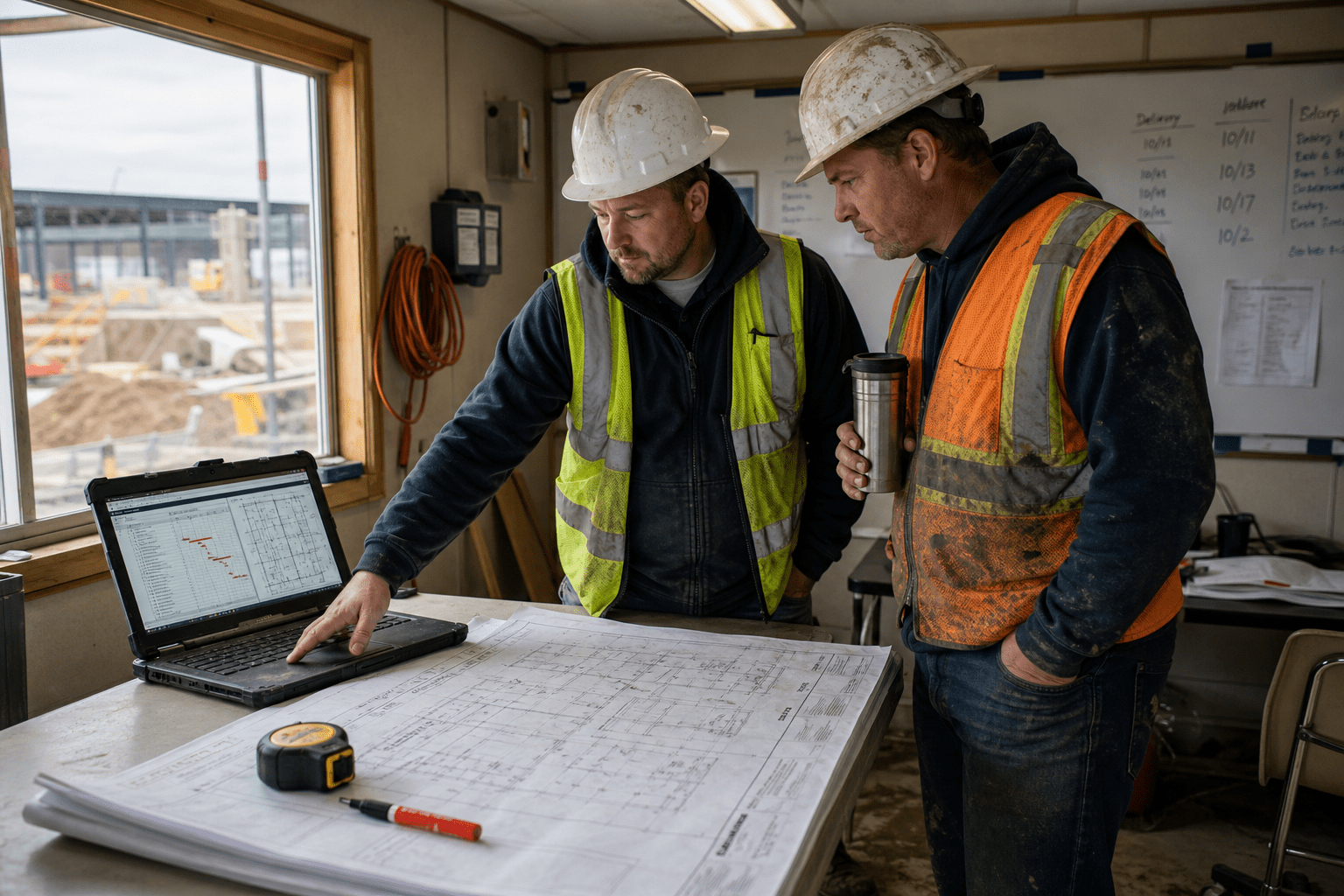
The best AI tools for construction companies in 2026 are the ones that work with the drawing set and the field connectivity a contractor actually has. Quantity takeoff, schedule simulation, progress tracking, and document risk review all have working products, and the takeoff tools in particular have moved well past demonstration quality. What decides whether a purchase survives past one project is whether the drawings are clean enough for a model to read and whether the field can feed it data without someone driving files back to the office. We rank by field data readiness before feature breadth, because a scheduling engine fed by a superintendent’s memory produces plans nobody follows.
Why the Best AI Tools for Construction Companies Die After One Project
Most abandoned construction technology purchases we have seen were adopted at the office and never reached the field. Preconstruction runs a takeoff tool on a bid, it works, and then the project team is asked to maintain a data flow that requires connectivity the trailer does not have and daily entry nobody has time for. The tool then lives in preconstruction while the operational case for it quietly expires.
Settle these five before signing:
- Check the drawings before you buy the takeoff. Computer vision on architectural plans reads a clean, consistently layered set well and a marked-up scan badly. Test on your own worst recent bid set, not the vendor’s sample.
- Confirm field connectivity honestly. Progress tracking and daily logs assume the jobsite can move data. If a site has no reliable connection, buy the connectivity first or buy a tool that works offline.
- Give the output an owner in operations. A project manager or superintendent who changes a look-ahead because the model flagged something, not a technology lead in the office.
- Separate preconstruction from field operations in the decision. They have different data, different users, and different failure modes. Bundling them hides which half is actually working.
- Measure against a number already on the project report. Bid turnaround, schedule variance, rework hours, or RFI cycle time. If none moves, it is overhead.
Contractors who settle those first buy narrowly and get through a full project cycle. Those who settle them afterward end up with a preconstruction subscription and nothing in the field.
How to Rank the Best AI Tools for Construction Companies by Where the Work Sits
Ranking construction AI by phase beats ranking by vendor, because preconstruction, scheduling, and field operations differ completely in what data they need and who has to feed it. Start where the drawings already give a model something to read.
Quantity takeoff and preconstruction estimating
Takeoff is the clearest early win because the input already exists. Computer vision reads architectural plans to detect, measure, and label spaces and assemblies, turning days of manual measurement into a reviewable first pass. Togal.AI and Beam AI lead this category, and Autodesk Construction Cloud brings takeoff into the same environment as design and model data, pulling quantities from both sheets and three-dimensional models. ContraVault and similar tools cover bid document review alongside it.
The counter-argument is important. Takeoff accuracy depends on drawing quality, and much of what a subcontractor bids from is a scanned, marked-up, inconsistently layered set. On those, the model produces a starting point an estimator must check line by line, which is still useful but a long way from the time savings advertised. Estimators who treat output as a verified quantity rather than a first pass eventually price a job wrong, and that lesson is expensive. Run the tool against your worst recent drawing set during evaluation, not the cleanest.
Schedule simulation and forecasting
Scheduling is where the modeling is most interesting and the adoption hardest. ALICE Technologies simulates large numbers of sequencing scenarios to find shorter or cheaper paths, nPlan forecasts from historical project data, and Buildots links schedule to observed progress. Reported gains in duration and labor cost are meaningful where the schedule is genuinely resource-loaded.
The opposing view carries real weight. These engines optimize against the schedule you give them, and a large share of construction schedules are neither resource-loaded nor accurate at the activity level. Optimizing an inaccurate schedule produces a confident, unbuildable plan, and field teams stop trusting it after the first look-ahead that ignores a crew constraint. Contractors who benefit here already run disciplined scheduling. Contractors who hope the tool will impose that discipline are buying in the wrong order.
Field progress, safety, and document risk
Field tools close the loop. Buildots uses hardhat-mounted cameras and computer vision to track installed work automatically, Trunk Tools connects field and office through logs and checks, and Procore surfaces risk in contract documents and flags budget drift from within the platform many contractors already run.
The case against automated progress capture is that it changes what the field is asked to do, and crews reasonably resent instrumentation that feels like surveillance rather than support. Deployments that succeed are framed around removing the daily report burden rather than monitoring productivity, and the framing is not cosmetic. Our overview of AI agents in construction project management covers where that boundary usually sits.
Where Jobsite Reality Limits What Contractors Can Deploy
Field conditions constrain construction AI more than budget does. Jobsites are temporary, connectivity is improvised, devices take physical abuse, and the workforce changes between phases. Every one of those facts shortens the list of workable products.
Connectivity and device reality on a live site
Progress tracking, daily logs, and model-linked field access all assume data can move. A site with a single overloaded connection in the trailer will not support them, and no vendor feature list mentions this. The workable pattern is establishing site connectivity as its own line item, then choosing tools that degrade gracefully when it drops rather than blocking the crew.
The other side is worth stating: some contractors overinvest here, building site networks heavier than the project needs, when a well-chosen offline-capable tool and a nightly sync would have served. The question worth asking is what the tool does when the connection fails, and the answer separates products built for construction from products adapted to it.
Why project data spread across systems blocks adoption
Where drawings, submittals, and daily reports already live decides whether this is a purchase or a project. A contractor running a single project platform in a governed cloud tenant integrates quickly. One with drawings on a shared drive, submittals in email, and daily reports in a spreadsheet has consolidation work ahead, and our guide to cloud migration for construction companies and our notes on managing Microsoft 365 across a distributed construction workforce both address that groundwork.
Against that, consolidation has independent value regardless of any AI purchase, so the work is not wasted if the tool decision slips. The recurring compliance gaps we see at contractors usually trace back to the same scattered-records problem.
How workforce turnover shapes the security picture
Construction runs on a workforce that changes between phases, with subcontractors, temporary staff, and personal devices throughout. That makes account offboarding the control that matters most and the one most often skipped, and adding platforms that hold drawings, financials, and owner correspondence raises what a stale account reaches. Our practical security guide for construction companies covers this ground, and cloud security underpins whatever platform holds project records.
The balanced reading is that no contractor needs an elaborate program to adopt these tools responsibly. Access review at each phase change, authentication enforced across subcontractor accounts, and a clear owner for offboarding cover most realistic exposure. The gap is rarely sophistication and almost always ownership.
How Contractors Prove an AI Tool Paid for Itself
A construction AI purchase justifies itself when a number already on the project report moves. Choosing the measure afterward guarantees a flattering one.
The measures a project team already trusts
Bid turnaround time, estimate accuracy against final cost, schedule variance, rework hours, and RFI cycle time all work, because each is tracked and reviewed regardless of any technology project. Baseline one across comparable jobs before adopting, then compare similar work afterward.
The fair objection is that no two projects are alike, so a clean comparison rarely exists. The workable answer is comparing at the activity or bid level rather than the project level, where the population is larger and more consistent. Contractors who set that comparison up in advance avoid a debate they cannot otherwise win.
Where the recurring cost accumulates
Licensing is visible and frequently the smaller half. Drawing standardization, template configuration, field device provisioning, site connectivity, and the estimator or project engineer time spent verifying output all consume budget that business cases tend to omit. Contractors funding only the license report disappointment, and the software is usually not the reason.
Set against that, drawing standards and consolidated project records are durable improvements that outlast any vendor relationship. Judging on first-year cost alone steers contractors toward the lightest deployment, which is often the one the field never adopts.
Who should run the evaluation
Evaluation belongs to preconstruction or operations depending on the phase in question, with someone qualified reviewing vendor data handling and someone from the field testing whether the workflow survives a real day. A contractor without that internal capacity should bring it in rather than rely on a vendor demonstration. Our project management practice and process automation work begin at that assessment. What does not work is an office-only evaluation, which is how tools get bought that the field will not use.
Frequently Asked Questions
What are the best AI tools for construction companies in 2026?
The best AI tools for construction companies in 2026 sort into three phases: quantity takeoff and estimating with Togal.AI, Beam AI, and Autodesk Construction Cloud; schedule simulation and forecasting with ALICE Technologies, nPlan, and Buildots; and field operations with Buildots, Trunk Tools, and Procore. Start with takeoff, because the drawings are input the contractor already has.
Does AI takeoff work on marked-up or scanned drawings?
Less well than on clean, consistently layered sets. Computer vision reads a well-produced drawing set accurately and struggles with scans, heavy markup, and inconsistent layering. Test any takeoff tool against your worst recent bid set during evaluation, since that is the realistic input, and treat output as a first pass an estimator verifies rather than a final quantity.
Do we need jobsite connectivity before adopting field AI tools?
For progress tracking and daily logs, generally yes. Those tools assume data can move off the site regularly. The practical approach is treating site connectivity as its own budget line, then selecting tools that degrade gracefully when the connection drops rather than blocking the crew from working.
Can AI scheduling tools fix a schedule that is not resource-loaded?
No. These engines optimize the schedule they are given, so an inaccurate or unloaded schedule produces a confident but unbuildable plan. Contractors who benefit already practice disciplined scheduling. If the schedule is the weak point, fixing the scheduling process comes before buying an optimizer.
Is this affordable for a mid-size contractor?
Yes, if scoped to one phase. Takeoff tools are the most accessible entry point because they attach to work already being done in preconstruction and do not require field behavior change. Full platform adoption across estimating, scheduling, and field operations is a larger commitment that only makes sense at consistent project volume.
Who Is Behind This Guidance
Our team has worked with contractors on the technology groundwork that determines whether new tools are usable on a live job: jobsite connectivity, consolidating drawings and project records out of shared drives, managing accounts across a workforce that turns over between phases, and recovery after account compromise involving owner correspondence and payment instructions. That work produced the ranking approach used here. We have watched capable platforms stall at contractors whose drawing sets no model could read, and simple takeoff deployments deliver real hours at contractors who standardized first.
Matt Rosenthal, our CEO, has built Mindcore around the operational groundwork that lets project-driven businesses adopt new technology without widening their exposure. The principle guiding how our team runs these engagements is that a tool the field will not use is not a technology decision that has been made, only one that has been paid for.
Your Next Step Toward Construction Technology the Field Will Use
Choosing among the best AI tools for construction companies is the easier half of the work. Contractors who test takeoff against their own worst drawings, confirm what the field can actually support, name an owner in operations, separate preconstruction from field decisions, and pick a project measure before buying get through a full project cycle and renew. Contractors who begin with office demonstrations end up with a preconstruction subscription and a field that never adopted anything.
The sequence that works is practical. Pull your last three bid sets and look honestly at what a model would be reading, because that answers the takeoff question faster than any demonstration. Check what connectivity each active site really has and treat that as its own line item rather than an assumption. Review who still holds accounts to your project systems, particularly subcontractors and staff from completed phases, since drawings, budgets, and payment correspondence all sit behind those logins. Then adopt one tool in one phase, measure the number your project team already reviews, and widen only after a full job cycle.
None of that requires an enormous budget. It does require someone who can judge what a jobsite will support and read a vendor’s data handling terms with appropriate skepticism. That is what our team brings to contractors working through this decision, whether we run the whole technology function or work alongside an internal operations lead.
If your company is weighing AI tooling this year and wants the groundwork assessed before contracts are signed, book a free strategy call with our team. We will review your current project records, site connectivity, and account setup, flag what needs attention first, and give you a straight answer about which phase is worth starting in.

