

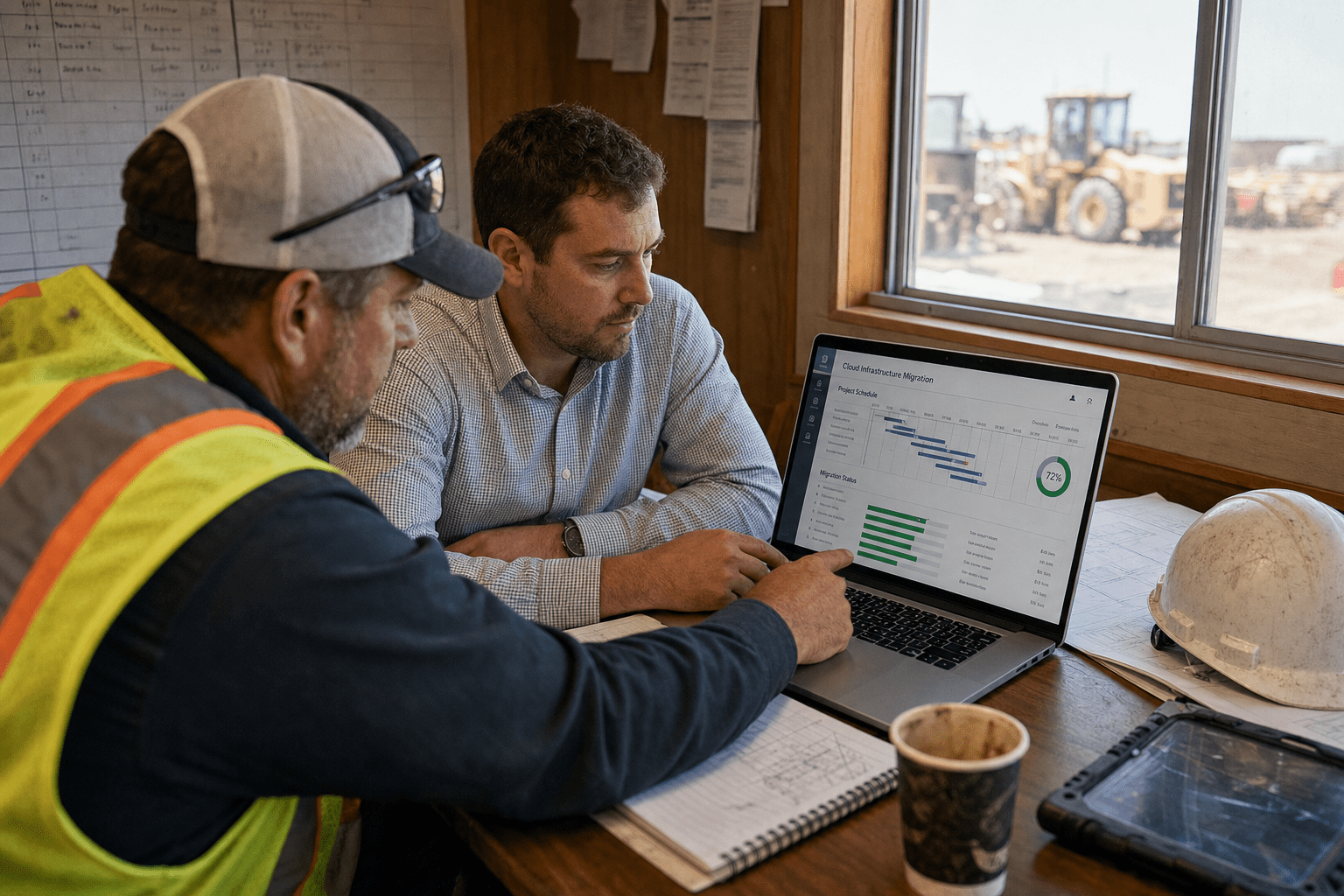
Cloud Migration for Construction succeeds when the provider first maps system dependencies across estimating, scheduling, project management, and ERP workflows before moving a single workload. The real work sits underneath that: the jobsite file shares, the estimating spreadsheets, the scheduling tool, and the accounting export that all quietly reach into the same database. Failing to account for linked systems during Cloud Migration for Construction can result in a technically complete deployment that disrupts payroll and field operations immediately. So the first thing to look for in a provider is not their cloud certifications. It is whether they insist on mapping that coupling first.
The 5 Things That Decide a Construction Cloud Migration
Before you shortlist a provider, hold these five principles against every proposal you read. They separate a smooth cutover from a stalled one.
- Coupling comes first. A construction firm’s estimating, scheduling, project management, and ERP systems share data in ways nobody documented. That map has to exist before anything moves.
- Field access is the real test. Crews on a site with weak signal still need plans, RFIs, and daily logs. If the design assumes office-grade bandwidth, it fails where the work happens.
- A phased cutover beats a big-bang one. During Cloud Migration for Construction, work must proceed in phased waves aligned to project milestones, since jobsite operations cannot halt for a single cutover weekend.
- Security and backup are part of the plan, not a follow-up. In Cloud Migration for Construction, security and backup are integrated from day one, ensuring bid data, contracts, and lien records are protected rather than added as an afterthought.
- The provider owns the outcome, not just the ticket. Look for a team that stays through the first close, the first payroll, and the first month-end, not one that hands you keys and leaves.
Read those as a checklist. If a provider’s plan is silent on any one of them, that is your gap.
Why Construction Cloud Migrations Stall
Construction cloud migrations stall most often because hidden system dependencies surface only after the cutover, when a report stops running or a field crew loses access to drawings. In my years working on migrations, the failures rarely trace back to the cloud platform. They trace back to a custom integration nobody flagged, a shared network drive three departments quietly relied on, or an estimating file that fed the ERP through a scheduled job running on a machine under someone’s desk.
The pattern shows up across the industry right now. A firm decides to modernize, picks a strong platform, and moves the obvious workloads. Then month-end arrives and the WIP report throws errors because the data source moved but the connection string did not. That is why a serious cloud migration starts with discovery, not deployment.
The hidden coupling problem
The single biggest risk in a construction migration is coupling that no diagram shows. On paper, estimating, project management, and accounting look like separate tools. In practice they pass data through file drops, ODBC connections, and overnight batch jobs that grew over a decade. A provider who moves the ERP without tracing those links can hand you a technically successful migration that still loses operational continuity.
There is a fair counterargument: some firms run clean, well-documented environments where the systems really are loosely joined. For those, aggressive coupling analysis can feel like over-engineering. The honest answer is that you cannot know which camp you are in until someone runs discovery. We treat the mapping step as cheap insurance. A week of dependency analysis costs far less than a botched month-end close and the trust it burns with your project managers.
Legacy applications that resist the move
Legacy construction software often blocks a clean migration because it was never built to run outside a local network. Older estimating engines, plotter drivers, and industry point tools sometimes assume a Windows share or a specific IP. Rehosting them as-is on cloud virtual machines is possible, and for some tools it is the pragmatic call.
The opposite view holds too. Lifting old software into the cloud unchanged can carry forward the same fragility and cost you were trying to leave. Neither extreme is automatically right. A capable provider evaluates each application on its own terms, rehosting what must stay, replacing what has a modern equivalent, and retiring what nobody actually uses. Microsoft’s Cloud Adoption Framework calls this the assess-and-rationalize step, and skipping it is where budgets slip.
Timing against active projects
Construction firms cannot freeze operations for a migration, so timing has to bend around live jobs. The work moves in phases aligned to project calendars, closing out low-risk workloads first and saving the ERP and financial systems for a slow window between major milestones.
Some leaders push for a single fast cutover to avoid running two environments in parallel. It is a reasonable instinct, since parallel running has real cost and complexity. But on active projects the risk of a big-bang failure usually outweighs the savings. Our team plans migrations as a sequence with defined rollback points, so if a phase misbehaves you fall back to a known-good state without halting the jobsite.
What to Look For in a Construction Cloud Provider
The right cloud migration provider for a construction company proves they understand jobsite reality, not just data-center reality. Certifications on Microsoft Azure cloud services matter, but they are table stakes. The differentiator is whether the provider has moved a firm like yours and can speak to the specific failure modes of construction workflows.
When evaluating a provider for Cloud Migration for Construction, ask how they manage field access in low-connectivity areas, enforce rollback plans for phased failures, and protect sensitive bid and contract data throughout the migration. A provider who answers in generic cloud terms has not done this work in your industry.
Field connectivity and jobsite access
A construction cloud design succeeds only if it holds up on a site with one bar of signal. Crews need plans, submittals, and daily reports whether they are in a trailer with fiber or a field with cellular. The design has to account for offline access, local caching, and sync that recovers gracefully when the connection drops.
There is a counterpoint worth naming. Not every role is remote, and back-office staff enjoy stable bandwidth, so some argue the field case is overweighted. Yet the field is where the money is made and where a bad design does the most damage. We build for the worst connectivity your crews actually face, then let the office benefit from the headroom.
Security built into the migration
Security has to be part of the migration design because construction data is a live target. Bid amounts, subcontractor agreements, and lien waivers all carry value to an attacker, and a migration window is exactly when configurations are in flux and mistakes slip through. Strong cloud security means identity controls, encryption in transit and at rest, and least-privilege access designed in from the first phase.
Some teams prefer to migrate first and harden later, reasoning that a moving target is hard to secure well. The problem is that a temporary open configuration has a way of becoming permanent. The CISA Cloud Security Technical Reference Architecture treats security as a property of the design, not a phase after it, and that is the standard we hold every migration to.
Backup, recovery, and continuity
A construction migration is not done until backup and recovery are proven, not just configured. Financial records, project documents, and compliance files need defined recovery points and recovery times that match how the business actually runs. A reliable cloud backup design tests restores, it does not assume them.
The nuance is that backup can be over-provisioned. Not every scratch file needs hourly snapshots, and treating all data as equally critical wastes money. The right approach tiers the data by value and recovery need, then protects each tier to match. That balance is part of what a mature provider brings to the table, and it is worth confirming they think in tiers rather than one blanket policy.
Building the Migration Plan Around Your Systems
A construction cloud migration plan should read like a project schedule, with dependencies, phases, and milestones you recognize. The discovery findings drive it: which workloads move first, which stay temporarily connected through governed integration, and which get replaced. This is where a coupling map earns its cost, because it tells you the safe order to move things.
Email and collaboration often move early because the path is well understood, and an Office 365 migration gives crews and office staff a consistent place to work from day one. The ERP and financial systems usually move last, after the surrounding dependencies are proven in the cloud. Sequencing this way keeps the highest-risk cutover for the moment you have the most confidence. If you want a partner who plans around your jobs rather than a generic template, our cloud services team starts every construction engagement with that dependency map.
Frequently Asked Questions
How long does cloud migration for a construction company take?
A phased construction cloud migration typically runs several months, not weeks, because the work is timed around active projects. The exact length depends on how many systems you run, how tightly they couple, and how much legacy software needs rehosting versus replacing. A discovery phase up front gives you a realistic schedule instead of an optimistic guess.
Will our field crews lose access to plans during the migration?
They should not, if the migration is phased correctly. A sound plan keeps existing access live until the replacement is proven, then cuts over with rollback ready. Losing field access is a sign the provider skipped the connectivity design, which is exactly what to screen for before you sign.
Do we have to move everything at once?
No, and you should not. Active construction jobs make a single big-bang cutover risky. Moving in waves tied to project milestones lets you validate each phase and fall back if something breaks, without freezing operations across the company.
What happens to our old construction software that only runs locally?
Legacy tools get assessed one by one. Some rehost onto cloud virtual machines as-is, some get replaced by a modern equivalent, and some get retired once you confirm nobody depends on them. The right call varies per application, which is why a blanket lift-and-shift often disappoints.
How do we protect bid and financial data during the move?
Security gets designed into the migration from the first phase, not added afterward. That means identity controls, encryption, and least-privilege access applied as workloads move, plus tested backups so a mistake during cutover is recoverable rather than permanent.
Talk Through Your Migration With a Strategist
Cloud migration for construction companies is won or lost in the discovery work, long before anything reaches the cloud. The firms that come through it cleanly are the ones whose provider mapped the hidden coupling between estimating, scheduling, project management, and ERP first, then built a phased plan that respected active jobsites and treated security and backup as part of the design. The firms that struggle are the ones who moved the obvious workloads and discovered the dependencies the hard way, at month-end. When you evaluate providers, hold their plan against the five principles at the top of this article and press on the ones they leave vague. That pressure tells you more than any certification list. If you want a team that starts with your systems and plans the migration around the way your business actually runs, book a free strategy call with Mindcore and we will walk your environment before we recommend a single move.

