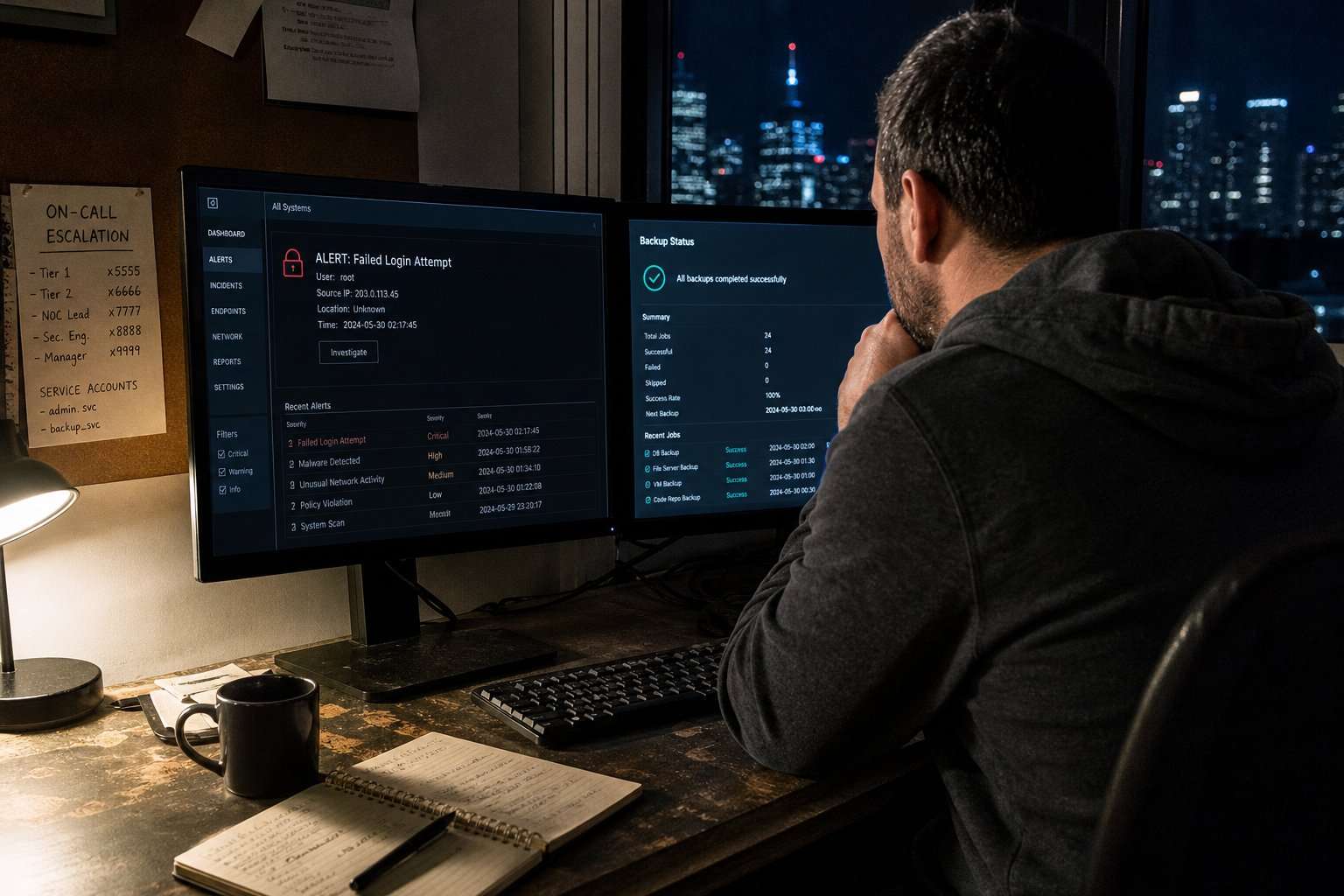
Ransomware attacks increase behind AI because automation lets criminal groups run more intrusions with fewer people, and a falling share of victims paying means each group needs more attempts to earn the same income. The practical effect for a 10 to 200 person business is that the dangerous hours are the ones when nobody is looking: evenings, weekends, holidays and storm days. An attack that starts quietly on Friday evening can be finished before your first employee logs in on Monday. This guide names five coverage gaps in those hours, shows how each one plays out, and lists what to ask your IT provider so that someone is awake, authorized and able to act.
Overview: Five Gaps Between Closing Time and Monday Morning
- Alerts go to an inbox, not a person. A warning that arrives at 11 PM and is read at 8 AM has already lost.
- Administrator and backup consoles are unwatched overnight. These are the first things an intruder uses and the last things most firms review.
- Holiday, long-weekend and storm schedules thin the team. In South Florida, a hurricane warning sends staff home and leaves servers running alone.
- Nobody holds the authority to act at 2 AM. Cutting off a server is a business decision, and a technician who must wait for permission is slow.
- The recovery plan assumes office hours. Vendor support lines, insurer hotlines and restore steps all run differently at night.
This article is written for owners and operations leaders who run a company of about 10 to 200 people, with a small internal IT team or an outsourced provider, and no security staff on shift after 6 PM.
When Ransomware Attacks Increase Behind AI, Closing Time Becomes the Risk
Ransomware attacks increase behind AI mainly because the work around the attack got cheaper, and cheaper work shifts attention to the hours that defenders cover worst. Reporting on Halcyon data in Dark Reading put claimed breaches by ransomware groups at 2,766 in the third quarter of 2026, close to 40 percent more than the quarter before, and pointed to AI adoption by threat groups as a likely driver. Chainalysis reported a similar pattern for 2025, with attacks up about 50 percent while total payments fell 8 percent to roughly $820 million. More attempts, smaller returns per attempt.
Automation shortens the quiet part of an attack
AI tools now draft believable phishing messages, sort stolen files by value and write the small scripts that move an intruder from one machine to the next. Each of those tasks used to cost an attacker hours of manual effort, and the hours were a form of delay that gave defenders time to notice. We covered the mechanics in our piece on AI-powered ransomware and next generation attacks. The relevant point here is timing. When the slow stages shrink, the gap between a foothold and encrypted files can fit inside one night.
A fair counterargument is that AI has not changed what attackers need. They still depend on a stolen password, an unpatched server or a staff member who clicks, and a business that fixes those is safer whatever tools the attacker uses. That is true, and it is why prevention stays first. It does not remove the need for someone to be watching, because no preventive control stops every attempt, and the attempts are rising.
Lower payment rates reward speed and surprise
When fewer victims pay, the groups that keep earning are the ones that hit many targets quickly and pick the moment of least resistance. A company that restores from copies without paying makes the attacker’s work a loss, so attackers try to remove the copies first, and they like to do it when no one is around to stop them.
Falling payment figures look like good news, a sign the business model is weakening. Partly they are. Our view is that a weaker model produces a busier attacker, not a gentler one, and a busy attacker works through the night.
Gap 1: Alerts That Wait in an Inbox Until Morning
An alert that no person reads within minutes is a record of an attack, not a defense against one. Most small business environments already generate warnings. Endpoint tools flag unusual behavior, the firewall logs a strange login, the backup job reports a failure. The warnings go to a shared mailbox or a ticket queue, and the queue is worked during business hours.
Walk through what that means on a Friday evening. An intruder signs in with a stolen password at 7 PM, the tool raises a medium-priority alert at 7:04 PM, and the alert is opened Monday at 8:15 AM. In between, the intruder has had a full weekend of unobserved access. Nothing failed technically. The tool did exactly what it was built to do, and the process around it assumed a person at a desk.
The fix is a monitored path with a named human at the end of it. That is the difference between a tool and a service, and it is the core of managed detection and response: analysts who triage the alert, decide whether it is real and act on it, around the clock. Ask any provider how many minutes pass between a high-priority alert and a human reading it at 2 AM on a Sunday, and ask for the answer in writing.
An alternative many owners consider is routing alerts to a phone. It can work for one or two critical signals. The weakness is volume: without filtering, the phone buzzes dozens of times a night, the on-call person silences it by week two, and the real alert goes unseen.
Gap 2: Administrator and Backup Consoles Nobody Reviews Overnight
The two accounts an intruder wants most are a domain administrator and whoever controls the backup system, and both are rarely reviewed outside office hours. Domain administrator rights let an attacker push software to every machine at once. Backup console access lets an attacker delete or encrypt the copies that make recovery possible. Removing recovery is how a group turns a restorable incident into a ransom demand, and it is why backup systems are now attacked early.
In the environments we assess, the pattern is consistent. Backup consoles often share a password with another system, run on a server joined to the main network, and have no alert when a retention setting changes or a restore point is deleted. An intruder can shorten retention from 30 days to one, wait a day and let the copies expire without touching a single file.
Three inexpensive habits close this gap:
- Alert on backup configuration changes, not only on failed jobs. A changed retention period at 3 AM should wake someone.
- Keep one copy that cannot be changed from the network, whether immutable storage or a copy held by a separate party, so deletion rights stop at a boundary.
- Require a second approval for new administrator accounts, so a quietly created account does not sit unnoticed for a weekend.
Our business continuity and disaster recovery work starts with these checks, because a backup an intruder can reach is not one you can count on.
Gap 3: Holiday Weekends and Storm Season Thin the Team
Attackers read calendars, and a holiday weekend or a hurricane watch lowers the odds that anyone responds quickly. A long weekend gives three to four days of reduced attention, several staff are traveling, and the one person who knows the system is often on vacation with a phone that is off.
South Florida adds a pattern of its own. When a storm threatens, offices close early, laptops go home and servers are left running on backup power or shut down on a schedule. Staff connect remotely from unfamiliar networks, remote access gets opened or loosened in a hurry, and IT is busy with storm preparation rather than security. If your business is in Boca Raton or anywhere on the Florida coast, write the storm-season schedule into your security plan the same way you write the evacuation plan. Our guide to choosing managed IT services in Florida covers what a provider here should have ready before the season begins.
Skeptics note that most intrusions are opportunistic. That is fair for the first stage, where a stolen password is used whenever it is found. The second stage, when the intruder decides to encrypt, is a choice, and the choice favors the quiet.
Gap 4: Nobody Holds the Authority to Act at 2 AM
A technician who sees an attack at 2 AM and cannot disconnect a server without an owner’s approval is a delay built into the process. Containment, meaning cutting a machine or a network segment off from the rest, is the single most effective early action. It also interrupts the business, so many IT staff and outside providers hesitate until someone with authority says yes. At 2 AM that someone is asleep.
Settle this before it matters. Write down which actions the on-call technician may take without calling anyone, such as isolating a laptop, disabling a user account or blocking a connection. Write down which actions need the owner, such as shutting down the main file server. For the second group, name two people with a phone number and a rule that a missed call means the technician proceeds. A few hours of downtime from a precautionary isolation usually costs less than a spread infection.
Cyber insurance adds a second layer of authority. Policies increasingly carry conditions about when and how you notify the insurer, which response firms are approved and whether you may engage anyone before they consent. Breaking one can reduce or void cover. We set out the common traps in 5 cyber insurance requirements owners miss before renewal. Put the insurer’s claim line and your policy number in the same sheet as your on-call contacts, so the person awake at 2 AM does not need to find the policy.
An honest objection is that giving a provider authority to isolate systems risks needless outages. Occasionally it does, and a written playbook with defined triggers keeps that rare.
Gap 5: A Recovery Plan That Assumes Office Hours
A recovery plan written for nine to five fails at 11 PM because the vendors, the insurer and your own staff run on different clocks after hours. Check each dependency.
- Software and cloud vendors: does your accounting package, line-of-business application or phone system vendor have an after-hours support line, and has anyone tested it?
- Backup restores: how long does a restore of your most important system take, measured start to finish, and has a person other than the usual administrator performed one?
- Your own people: who tells staff not to log in on Monday if systems are compromised, and by what channel, given that email may be the thing that is down?
The last item catches most firms. If the company email is encrypted or untrusted, the plan for contacting staff has to live elsewhere, such as a text group or a phone tree printed on a card. Our ransomware response service treats the contact plan as part of the response, because the first hours are usually lost to confusion about who is doing what.
What a Night-Ready Setup Looks Like and What to Ask a Provider
A night-ready setup has four parts: eyes, hands, authority and a tested plan. Eyes are monitoring that covers every hour. Hands are people who can act on what they see. Authority is a written list of what they may do. The tested plan is a rehearsal that proves the first three work together.
When you evaluate a provider, ask these questions and expect direct answers:
- Who reads a high-priority alert at 2 AM on a holiday, and what is the target response time in minutes? A named team and a number are good signs. “Our system monitors continuously” is not an answer.
- What can that person do without calling me? If the answer is “nothing”, the monitoring is a notification service.
- How do you protect backup and administrator accounts from being changed quietly?
- When did you last rehearse a night-time incident with a client? A provider that has not rehearsed one is guessing.
- How do you handle my insurer’s conditions? They should know how to read the policy and keep the evidence insurers ask for.
Mindcore’s managed security services and network security monitoring are built around this structure, and our managed IT services bring the monitoring together with the help desk so one team knows your environment. You stay in charge of the decisions. We keep watch and act within the limits you set.
Frequently Asked Questions
Do ransomware attacks really happen more often at night and on weekends?
Many serious ransomware incidents move from quiet access to visible damage outside business hours, because attackers prefer moments when response is slowest. Early stages, such as a stolen login being used, can happen at any time. The encryption or deletion step is a deliberate choice, and attackers often time it for evenings, weekends and holidays. Plan as if the worst moment will be a Friday night.
Why are ransomware attacks increasing if fewer victims pay?
Attacks increase because AI and ready-made tools cut the cost of running them, so attackers can afford more attempts at a lower payment rate. Reporting on Halcyon data put third quarter 2026 claimed breaches at 2,766, close to 40 percent above the previous quarter, while Chainalysis found 2025 payments down 8 percent against a roughly 50 percent rise in attacks. Cheaper attacks stay profitable even when fewer people pay.
Is a monitoring tool enough, or do I need people watching it?
A tool without a person acting on its alerts only records what happened. Tools detect and rank events, and a human decides whether an alert is real and takes the first containment step. For a small business, that usually means a managed detection and response service or a managed security provider with an overnight team, since staffing a night shift internally rarely makes financial sense.
What should I do first if I find signs of an attack outside business hours?
Isolate the affected devices from the network and call your on-call contact, then your insurer’s claim line, in that order. Do not shut machines down if you can avoid it, since the memory of a running machine can help investigators. Do not reply to the attacker. Write down what you saw and when, because insurers and counsel will ask.
How can a small business afford round-the-clock coverage?
Most small businesses buy it as a service shared across many clients rather than hiring staff. The cost is usually a monthly per-user or per-device fee, and it is often lower than one serious incident’s downtime. Ask your provider what is included, what response times are written into the contract and whether incident work carries extra charges.
Who Is Behind This Guidance
Mindcore Technologies is a managed IT and cybersecurity firm with offices in Fairfield, New Jersey and Boca Raton, Florida, serving companies with 10 to 500 employees. Our CEO, Matt Rosenthal, built the company on the idea that technology should be plain for the people who run the business, and that an owner should always know what is being done on their behalf. The advice here comes from monitoring client networks, writing escalation rules and rehearsing incident calls. You make the decisions, and we act as the guide who has been through a night like this before.
Check Your Own After-Hours Coverage With a Free Strategy Call
This week, answer one question on paper: if an alert fired at 2 AM on a Sunday, who would read it, what could they do and who would they call? If any part of the answer is “I am not sure”, that is your first gap. Our team will walk through the five gaps in this article against your actual setup and tell you plainly where the hours are uncovered. Book a free strategy call and bring your current on-call list and insurance policy number.