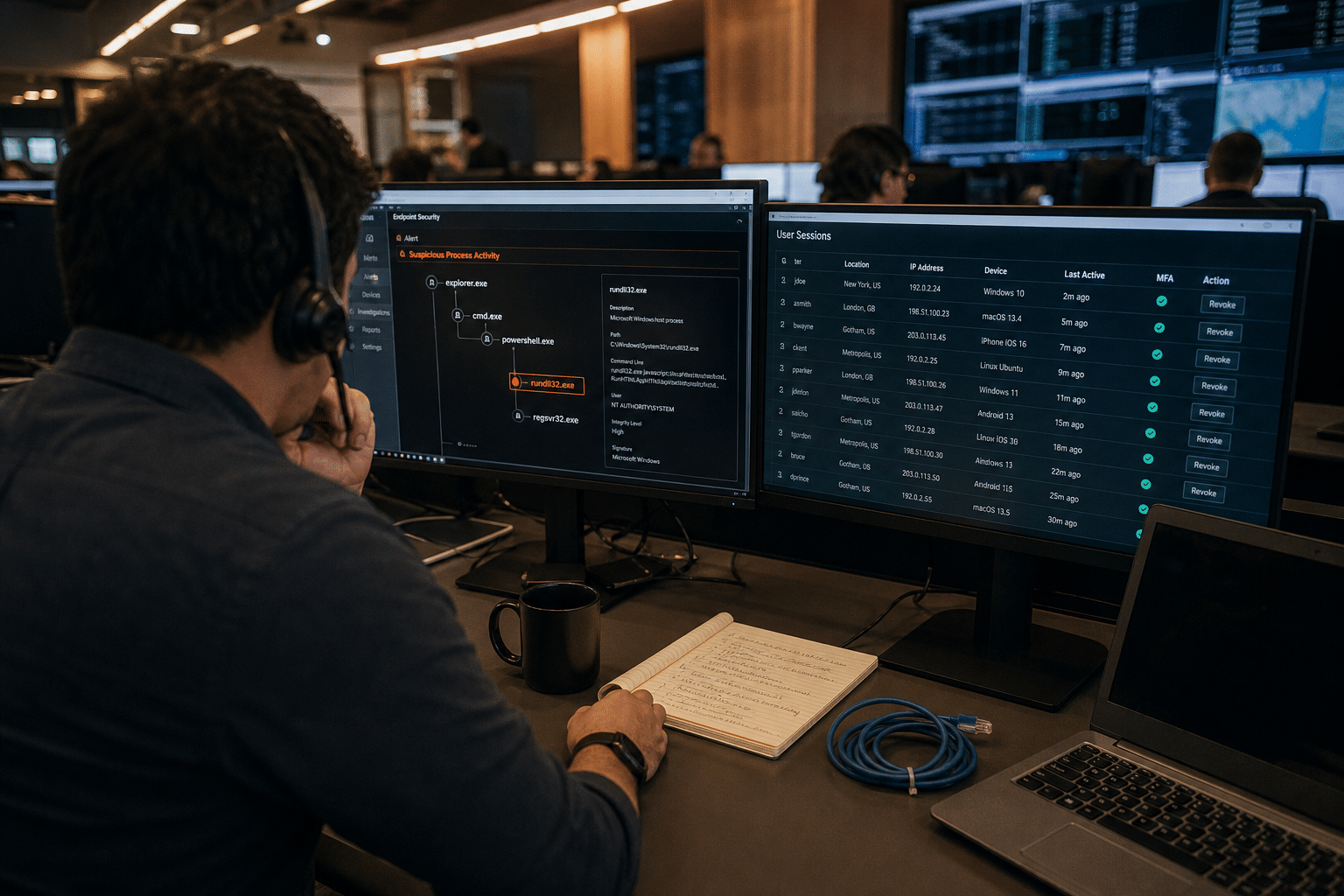
XWorm RAT evolves into surveillance platform, and its newest features show why multi-factor authentication alone no longer protects a business account once a computer is infected. XWorm is a Windows remote access trojan, first seen in 2022, that already offered keylogging, screenshots, webcam access and the ability to run other malware over an encrypted control channel. Research by Netskope, reported by SecurityWeek in October 2026, found its plugin count has grown from 35 in July 2025 to 46. New plugins report a victim’s location without a prompt, stream live audio from the microphone, and, most important for businesses, hijack browser sessions that are already signed in. That last plugin gives the operator a live view of the browser and lets them type and click inside every authenticated tab, without stealing a password. Netskope observed more than 1,200 incidents across 100 organizations in a single quarter. When malware can drive a browser that has already passed the login, the defenses have to move to the device and the session itself.
The Six Points to Take Away
- XWorm is widely available. A cracked builder was released publicly in mid-2025, and source code for version 6.4 leaked that August.
- Session hijacking sidesteps MFA. The attacker uses a session that already passed multi-factor checks, so no prompt appears.
- Surveillance runs silently. The location and microphone plugins work without extra privileges and without warning the user.
- Every open tab is exposed. Email, banking, cloud storage and admin consoles signed in on the infected machine are all reachable.
- The infection is the real failure. Once the trojan runs, most account protections are already behind the attacker.
- Session lifetime matters. The longer a session stays trusted, the longer a hijacker can use it.
The six defenses below focus on stopping the infection, spotting it fast and limiting what a hijacked session can do.
Why XWorm’s Browser Hijacking Changes Account Security
XWorm’s browser hijacking changes account security because it attacks the moment after authentication rather than the login itself. Businesses have spent years rolling out multi-factor authentication, and it still stops most password attacks. A trojan that controls a signed-in browser never needs the password or the code. It simply uses the session the employee already opened, from the employee’s own computer, which looks normal to most cloud security checks.
Our team sees the same pattern behind many identity-based attacks: the account controls worked, but the device they trusted was compromised. With cracked builders and leaked source code circulating, tools like XWorm are no longer limited to skilled operators, and low-level criminals can rent or reuse them.
A fair counterpoint is that XWorm is not new, and endpoint security products already detect many versions. That is true for known samples. Leaked source code allows endless variants, and a business without behavior-based detection may never see the infection until money or data moves.
What the HBrowser plugin does
The HBrowser plugin gives the operator a real-time view of the victim’s browser, relays the operator’s keyboard and mouse input to it, and streams screenshots continuously. Every tab where the user is signed in becomes usable by the attacker.
Why location and audio matter to a business
Silent location tracking and live microphone streaming turn an infected laptop into a listening device in meetings, client calls and executive offices. That raises legal, privacy and confidentiality risks well beyond the accounts on the machine.
How XWorm typically arrives
The research summary did not detail delivery methods for this wave. Remote access trojans like XWorm most often arrive through phishing attachments, fake software downloads and malicious links, including malware disguised as AI tools.
6 Defenses Against Session Hijacking Malware
The six defenses below move protection to where this attack happens: the device and the session.
Defense 1: Run behavior-based endpoint detection everywhere
Behavior-based detection is the first defense because it watches what programs do, not just what they are called. Endpoint detection and response (EDR) can flag a process that injects into a browser, records audio or opens an encrypted connection to an unknown server.
Defense 2: Pair EDR with 24/7 monitoring
Round-the-clock monitoring is the second defense because a hijacked session can do its damage in minutes. Managed detection and response services act on alerts at night and on weekends, when small teams are offline.
Defense 3: Shorten session lifetimes for sensitive apps
Shortening sessions is the third defense because it limits how long a hijacked session stays useful. Require reauthentication more often for finance, admin and email consoles, and sign users out after periods of inactivity.
Defense 4: Require step-up checks for high-risk actions
Step-up checks are the fourth defense. Ask for a fresh multi-factor confirmation, ideally on a separate device, before payments, bank detail changes, new admin grants or bulk downloads. A session hijacker on one laptop cannot easily approve a prompt on a separate phone or security key.
Defense 5: Remove local admin rights and block unapproved software
Removing admin rights is the fifth defense because many trojans need them to persist or spread. Pair a least privilege model with application control so unapproved programs cannot run at all.
Defense 6: Train staff on the delivery routes
Training is the sixth defense because the infection usually starts with a click. Security awareness training that covers fake downloads, unexpected attachments and how one phishing click causes a breach cuts the most common entry points.
Which Accounts Matter Most on an Infected Laptop
The accounts that matter most on an infected laptop are the ones a hijacker can turn into money, access or leverage within a single session. Ranking them ahead of time tells you where to apply the shortest sessions and the strictest step-up checks.
Finance and banking portals
Banking portals, payroll platforms and accounts payable tools are the first target, because a hijacked session can add a payee, change bank details or approve a payment before anyone notices. Require a confirmation on a separate device for every payment change, and ask your bank about callback verification for new payees.
Email and collaboration accounts
Email is the second target, because an attacker inside a mailbox can read invoices, create forwarding rules and send convincing requests to customers and vendors from a real address. Alert on new mailbox rules and on sign-ins that create them, and review forwarding settings regularly.
Admin consoles and cloud storage
Admin consoles for Microsoft 365, Google Workspace, firewalls and backup systems are the third target, because one session there can create new accounts, disable protections or delete backups. Keep admin work on a separate account, used only when needed, so a daily browsing session never holds those rights.
What to Do If You Suspect a Hijacked Session
Responding to a suspected hijacked session is about speed and isolation.
Isolate the device first
Disconnect the suspect computer from the network before anything else, so the operator loses control and the trojan cannot spread.
Revoke sessions from a clean device
From a different, trusted device, sign the user out of all sessions in Microsoft 365, Google Workspace and other key apps, then reset passwords and review recent activity.
Check for follow-on actions
Look for new mail forwarding rules, changed bank details, new app consents and large downloads made during the infection window, and follow your incident response plan.
Frequently Asked Questions
What is XWorm?
XWorm is a Windows remote access trojan first seen in 2022 that gives attackers keylogging, screenshots, webcam access and the ability to run other malware. Its plugin count grew to 46 by October 2026.
How does XWorm bypass multi-factor authentication?
XWorm’s HBrowser plugin takes over browser sessions that are already signed in, so the attacker never needs to pass a login or MFA prompt.
Can antivirus stop XWorm?
Traditional antivirus may catch known samples, but leaked source code allows new variants. Behavior-based endpoint detection is far more reliable.
What should we do if a computer is infected?
Isolate the computer, revoke all sessions from a clean device, reset passwords and check for mail rules, payment changes and data downloads made during the infection.
Does MFA still matter if malware can bypass it?
Yes. MFA still stops most password attacks. Session hijacking is a reason to add device protection and shorter sessions, not to drop MFA.
Who Is Behind This Advice
This guidance comes from the security team at Mindcore Technologies, who provide endpoint protection, monitoring and incident response for small and midsize businesses across healthcare, legal, finance and professional services. The six defenses above reflect how we protect client accounts against malware that operates inside signed-in sessions. Our role is to give your team practical controls and fast support, so decisions about your systems stay with you. Mindcore is led by CEO Matt Rosenthal, who focuses on helping growing businesses keep their accounts safe even when a device is not.
Protect the Session, Not Just the Login
XWorm’s evolution shows that once a computer is infected, the login is no longer the line that matters. Run behavior-based endpoint detection with round-the-clock monitoring, shorten session lifetimes for sensitive apps and require step-up checks for high-risk actions. Remove local admin rights, block unapproved software and train staff on the downloads and attachments that deliver trojans. Know how to isolate a device and revoke sessions quickly. If you want help strengthening endpoint protection or session controls, book a free strategy call and our team will walk through it with you.