

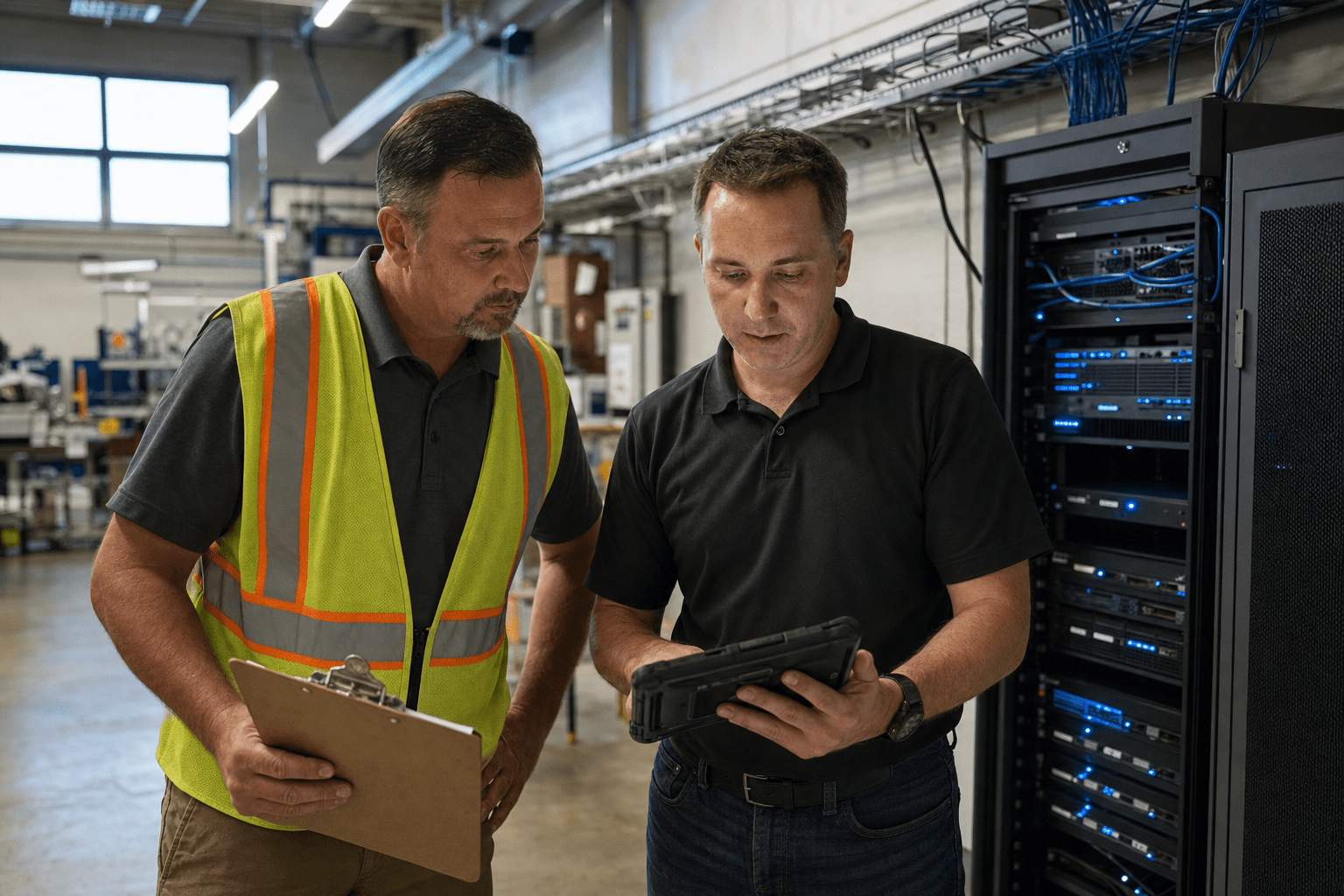
Backup and disaster recovery in Greenville SC is judged by how fast a business gets back to work, and in the Upstate that usually means a production line or an operations floor, not just a file server. Backup and Disaster Recovery Greenville SC helps manufacturers, distributors, and supporting businesses restore critical systems before downtime stops output. Greenville also faces a different disaster mix than the coast: severe thunderstorms, tornadoes, and winter ice storms that knock out power for days, plus ransomware that does not care about the weather. A plan that only handles one of these is a plan with a blind spot, and the right design assumes several very different failures can happen in the same year.
Five Points That Decide Your Upstate Recovery Plan
Before comparing Backup and Disaster Recovery Greenville SC providers, evaluate recovery order, backup location, immutability, restore testing, and defined recovery targets. They summarize this guide.
- Operations-first recovery. The plan restores the systems that keep production and shipping moving, in a set order.
- Out-of-region copies. Backups leave the Upstate, so a regional storm cannot take your primary and your copy together.
- Immutable backups. At least one copy cannot be altered or deleted, so ransomware cannot destroy your safety net.
- Tested restores. Recovery is proven on a schedule, because an untested backup is only a hope.
- Clear RTO and RPO. You know, in numbers, how fast you recover and how much data you can lose before an incident.
Greenville businesses often plan for the storm they can see coming and skip the attack they cannot. Weighing both together is what separates a real buyer’s decision from a checkbox purchase.
Why Single-Threat Planning Fails Upstate Businesses
Single-threat planning fails Upstate businesses because it prepares for one kind of bad day and ignores the rest. A firm that plans only for power loss buys a generator and feels covered, right up until an ice storm keeps crews off the roads for three days or an attacker encrypts the servers overnight. The CISA StopRansomware guidance is direct about the second threat: attackers now go after backups first, so a copy an intruder can reach is not a copy you can rely on. Weather resilience and cyber resilience are the same conversation once you accept that downtime is downtime, whatever caused it.
There is a reasonable counterpoint. A small Greenville office with modest systems may find that a simple offsite backup covers its most likely loss, and building heavy resilience early can be premature. The trade-off appears as the business grows into systems that customers and production depend on. Once a stalled line or a missed shipment costs real money, a one-threat plan becomes a liability. The balanced approach is to match the plan to today’s exposure while designing it to extend, so a growing operation is not rebuilding recovery from zero after its first serious event. That mindset is the core of proper business continuity and disaster recovery.
How Upstate Weather Shapes a Recovery Design
Backup and Disaster Recovery Greenville SC must account for regional power outages, severe storms, tornadoes, and winter ice events. Tornadoes and severe storms can damage a single site, and ice storms can cut power across a wide area for days, so a backup in the same building or even the same county may go down with the primary. The Ready.gov business guidance recommends geographic separation for this reason. Our team keeps at least one copy well outside the Upstate, so a regional event cannot take both your live systems and your recovery copy. The opposing view is that distant storage adds latency and cost. The practical answer is a tiered design, fast local restore for routine failures and out-of-region copies for the wide-area disaster.
Why Ransomware Rewrites the Backup Rules
Ransomware rewrites the backup rules because it hunts the recovery plan itself. Modern attacks look for backup servers and cloud credentials, then encrypt or delete those copies before locking production. Immutability answers this. An immutable backup cannot be changed or removed during its retention window, even by an administrator login, so an attacker who controls the network still cannot destroy your last clean copy. The fair rebuttal is that immutability adds cost and some rigidity. Set against a ransom payment or a shuttered business, most Upstate firms find that trade easy to accept. Building immutability into cloud backup is one of the strongest moves a business can make this year.
What Recovery Order Means on a Production Floor
A Backup and Disaster Recovery Greenville SC plan should define which production, shipping, and operational systems must be restored first. If a shop floor cannot run without a specific control system, that system leads the restore, ahead of email or general file shares. A plan that restores alphabetically or by convenience wastes the most valuable early minutes. The counterview is that predicting the exact order is hard when failures differ. That is true, which is why the order should be set with operations leadership in advance and reviewed as the business changes, so the recovery reflects what actually keeps the doors open.
What to Look For in a Greenville Backup and Disaster Recovery Partner
The best Backup and Disaster Recovery Greenville SC partner documents recovery procedures, conducts scheduled restore tests, and proves that recovery targets can be met. Ask to see a sample restore report, a written runbook, and defined recovery targets from an anonymized Upstate client. A partner who does this work can show it, and one who only sells storage cannot.
Look for Tested Restores, Not Status Dashboards
Tested restores separate real recovery from a comforting green light. A backup dashboard confirms data was copied, not that it will come back intact. Our team runs scheduled test restores and reports the outcome, because discovering a corrupt backup during an actual outage is the worst possible timing. The counterpoint is that constant full-restore testing consumes time. A sensible rotation, sampling restores often and running a full drill on a set cadence, keeps confidence high without exhausting the team.
Look for Local Hands With Distant Data
Local hands with distant data give Upstate firms both speed and safety. You want technicians who can reach a site when hardware fails, paired with backups stored far enough away to survive a regional storm or outage. A purely remote provider can be slow when a server needs physical attention, and a purely local one may keep your only copy inside the same weather system. Blending both is the point of a sound disaster recovery design. The honest tension is cost, since two capabilities cost more than one, but reduced downtime usually repays it on the first real event.
Look for a Runbook the Whole Team Can Use
A runbook the whole team can use means recovery does not hinge on one person. It should name what gets restored first, who handles each step, and how the business keeps operating while systems return. If recovery lives only in one engineer’s head, that person is a single point of failure. The rebuttal is that runbooks drift as systems change, which is real. The answer is to treat the runbook as a living document, reviewed and updated on a schedule rather than filed away and forgotten.
Frequently Asked Questions
What is the difference between backup and disaster recovery?
Backup is a copy of your data, while disaster recovery is the full plan to resume operations after an incident. Backup confirms the data still exists, and disaster recovery determines how fast people and production get moving again. A complete plan for Greenville SC needs both, because a copy you cannot restore quickly does not keep the business running.
How often should a Greenville business back up its data?
Most Greenville businesses should back up multiple times a day, with frequency set by how much recent work they can afford to lose. An operation generating records and transactions all day needs near-continuous protection, while a lighter workload may use hourly or a few daily backups. Base the schedule on your recovery point objective, not a vendor default.
Does cloud backup protect against ransomware in South Carolina?
Cloud backup protects against ransomware only when at least one copy is immutable and kept separate from production credentials. Ordinary cloud storage that a stolen admin login can reach may still be encrypted or deleted. Immutable, credential-separated copies keep a clean restore point beyond an attacker’s reach.
How fast can an Upstate business recover after a storm or attack?
Recovery speed depends on your recovery time objective and whether restores have been tested. An Upstate firm with tested restores and out-of-region copies can often be operational in hours, while one relying on an untested local backup may take days or fail. Set the target before the disaster, not during it.
Is disaster recovery affordable for a small Greenville business?
Disaster recovery is affordable when the plan is right-sized to a business’s real exposure and budget. Tiered designs let a firm pay for fast local recovery on everyday failures and reserve heavier resilience for the wide-area disaster. The cost of a scaled plan is almost always smaller than the cost of extended downtime or a ransom.
Talk to a Mindcore Strategist About Upstate Recovery
Greenville businesses keep the Upstate running, and every hour a line or an operation is down is output you do not get back. A plan built for the region assumes storms, ice, and ransomware can each strike, keeps a clean copy out of reach and out of region, and proves recovery with tested restores in a set order. Our team builds and runs that kind of plan for Upstate operations. If you want to know whether your current backup would actually bring your business back, book a free strategy call and we will pressure-test it with you.

