

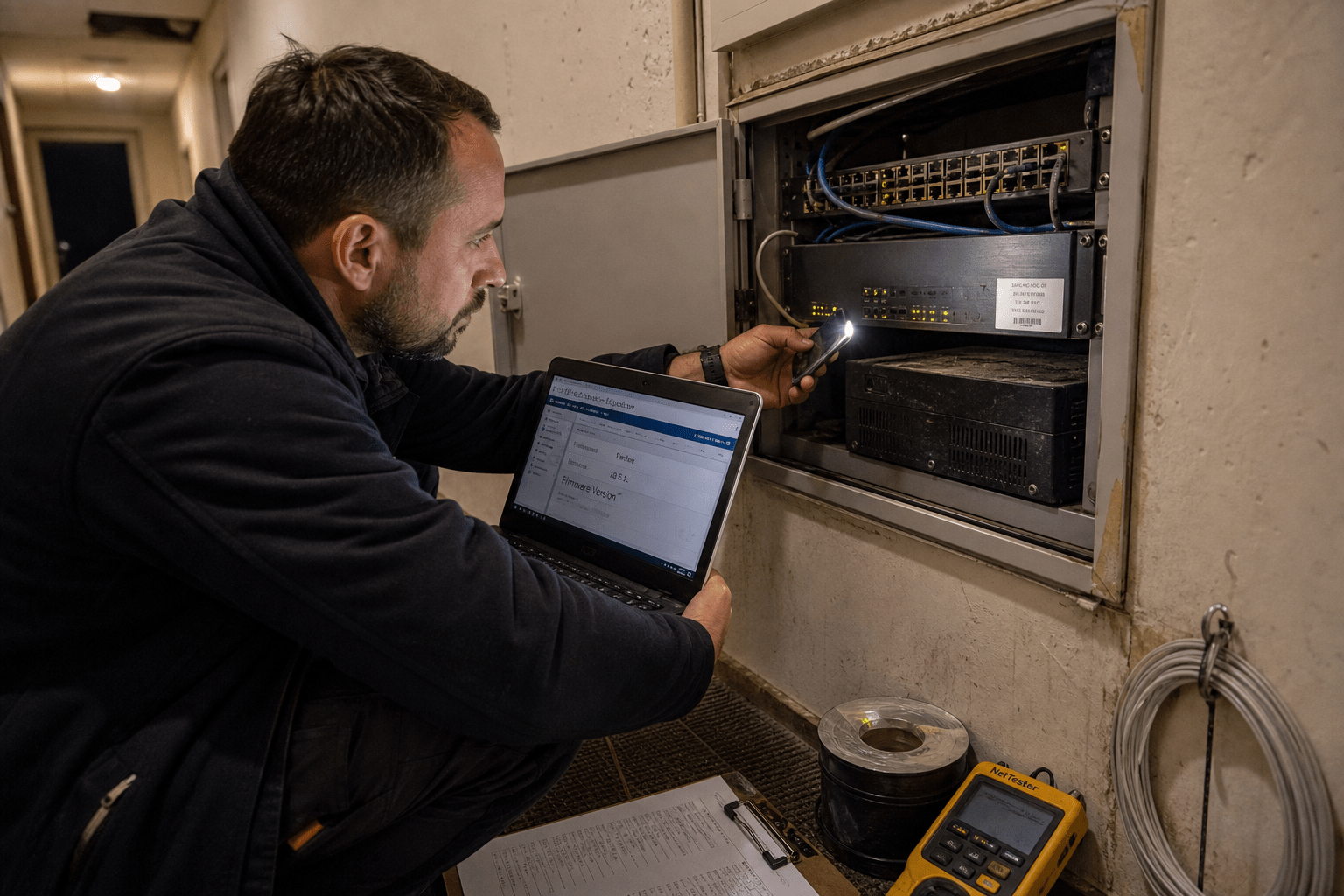
Edge router security fails in a particular way: not because somebody chose a weak configuration, but because nobody was assigned the device at all. In early September 2026 an attack chain against a widely deployed router platform went into active exploitation, letting an unauthenticated attacker take full administrative control of any unit with its remote management reachable from the internet. A scan that week counted more than 122,500 such devices exposed. These are not exotic pieces of infrastructure. They are the small boxes sitting between a business and its internet connection, frequently installed by a contractor years ago and untouched since. We audit these regularly, and the recurring finding is not a misconfiguration, it is an absence of ownership.
The Five Questions Nobody Has Asked About Your Router
Work through these for the device between your office and the internet. The answers usually take longer to find than they should, and that delay is itself the finding.
- Who owns it? Name a person, not a company. If the answer is the contractor who installed it in 2021, you have no owner.
- Is its management interface reachable from the internet? This is the single condition that converts most router flaws from theoretical to immediate.
- What firmware version is it running? If nobody can answer within five minutes, nothing has been patching it.
- When did it last get updated? Network hardware is routinely excluded from patching processes built around servers and laptops.
- Would you know if it changed? Configuration changes on perimeter devices are among the least monitored events in most networks.
Our primer on what a firewall actually does for a business network is worth reading alongside this if the people answering are not the ones who built the network.
Why Edge Router Security Is an Ownership Problem First
The technical vulnerability is rarely what makes an edge device dangerous, because the same flaw is harmless on a device that is patched, and no flaw is needed at all on a device whose management sits open with a weak password. What makes these devices dangerous is that they fall into a gap between roles. The IT team manages servers and endpoints. The internet provider manages the circuit. The device joining the two was often supplied by whoever installed the line, configured once, and never entered into an asset register. That is why the count of exposed units stays in the hundreds of thousands year after year while each individual business is confident somebody is looking after theirs. Our network security overview covers where these devices sit in the wider picture.
The Position Is What Makes It Valuable
A compromised router is worth more to an attacker than a compromised laptop, because it sits at the point where all traffic passes and it is trusted by everything behind it. From that position an attacker can redirect traffic, read anything not independently encrypted, add a permanent route back in, and watch the environment without touching a single machine that runs endpoint protection. It is also the least likely device to be rebuilt during an incident response, so access obtained there tends to survive the cleanup. There is a fair counterpoint that modern encrypted traffic limits what can be read passively, which is true, and it does not address the rest. Persistence, redirection, and a vantage point that no endpoint tool watches remain valuable regardless of what is readable in transit.
Exposure Is the Condition Worth Fixing First
Removing internet exposure of the management interface defeats most of these attack chains without patching anything, and it is usually a configuration change rather than a purchase. The exploitation that began in September required the device’s remote administration to be reachable from the internet. For the overwhelming majority of small business deployments, there is no reason it should be. Administration can be restricted to the internal network, or to a virtual private network connection, or to a small list of known addresses. The objection is real for firms whose provider or contractor administers the device remotely, and who will lose that support path by closing it. That is a genuine trade, and the answer is to give that provider a virtual private network account rather than leaving a management interface open to everyone on the internet in order to be reachable by one company.
What a Patch Cycle for Network Hardware Looks Like
Most patching processes were built for servers and workstations, so network hardware falls outside them by construction rather than by decision. Ask where your router firmware appears in your patch reporting and the answer is usually nowhere, because the tooling that reports patch compliance manages operating systems. This is not an oversight anyone made deliberately, which is why it persists. Fixing it needs a separate, deliberately low-tech process: a list of devices, a place to check for firmware releases, and a recurring calendar entry. Our managed firewall service exists largely because this particular process is the one small teams cannot sustain alongside everything else.
Keep a One-Page Device List and Keep It Current
A single page naming every device at your perimeter, with model, firmware version, management address, and owner, is the artifact that makes everything downstream possible. Without it, every advisory turns into an archaeology exercise and most of them get skipped. With it, checking whether you are affected takes two minutes. Include the devices people forget: the secondary internet connection at the back of the building, the router at the small branch office, the unit still powered on in a closet after a circuit was decommissioned. That last category is where we find the worst exposures, because a device nobody uses is a device nobody patches and often one nobody remembers is still connected. The reasonable objection is that a hand-maintained list decays, and it does. It decays far more slowly than the alternative, and a list that is six months stale still answers an advisory better than no list at all.
Subscribe Somebody to the Vendor’s Advisories
A named person receiving your network vendor’s security notices is the difference between patching in days and finding out from an incident. This sounds trivial and it is one of the most common gaps we find. The notices exist, they are free, and typically nobody at the business receives them because the person who installed the equipment received them at their own company. Put a shared mailbox on the list rather than an individual, so the subscription survives somebody leaving. Then decide in advance what triggers action outside your normal cycle: confirmed exploitation, or anything affecting a device with an internet-facing interface. The counterargument is that advisory volume is high and most notices will not apply, which is true, and is why the trigger rule matters more than the subscription. Reading everything is not the goal; catching the two per year that matter is.
The Small Sites Nobody Audits
Branch offices, remote sites, and temporary installations carry the same equipment with none of the attention, and they connect to the same network. A business that has carefully hardened its head office perimeter will frequently have a second site running an unpatched device configured by whoever was on site that day. The attacker does not care which door they use, and the network behind both is usually flat enough that one is as good as the other. Our buyer’s guide to network security for growing businesses covers the procurement side, and our security audit practice usually finds the forgotten site rather than the monitored one.
Treat Temporary Installations as Permanent
Anything installed for a short-term need will still be running in three years, so configure it as though it will be and put it on the list on day one. The construction site connection, the pop-up location, the temporary circuit during an office move: each gets installed quickly by somebody focused on making it work rather than on hardening it, and each becomes permanent through inattention rather than decision. The cost of doing it properly at installation is fifteen minutes. The cost of finding it two years later during an incident is considerably higher, and it is usually found by somebody outside the business. The objection that temporary really does mean temporary sometimes holds, and the test is simple: if it were genuinely temporary, somebody would already have a date for removing it. Ask for the date. The absence of an answer is the answer.
Segment So One Door Does Not Open the Building
Network segmentation limits what a compromised edge device reaches, which is the control that still helps on the day patching and exposure management both failed. If every site connects into one flat network, an attacker at the weakest perimeter reaches everything. If sites and functions are separated, they reach a subset, and the difference between those two outcomes is usually the difference between an incident and a crisis. Segmentation has a deserved reputation for being expensive and disruptive, and a full redesign often is. Partial segmentation is not. Separating guest access, putting building systems and cameras on their own segment, and isolating branch sites from the core are each independently achievable and each removes a meaningful share of the blast radius. Our managed security services team does these incrementally for exactly that reason, and our explainer on what a firewall is and how it protects a network covers the enforcement point that makes segmentation real rather than notional.
Know What You Would Do in the First Hour
Assume a perimeter device is compromised and walk the response now, because the decisions are harder to make well while the network is being used against you. Three questions decide the shape of it. Can you reach the device to examine it if its management path is the thing that was abused, and what is your alternative access, whether that is a console cable on site or a separate out-of-band connection. Can you restore a known-good configuration, which requires that somebody has exported one recently and stored it somewhere that is not behind the device in question. And can you operate the business while the device is down, which for a single-site firm with one circuit is usually the honest answer of no.
That last answer is the one worth acting on before anything else. A business that cannot take its perimeter device offline for two hours will not take it offline when it should, and that hesitation is how a compromise extends from a bad afternoon into a bad fortnight. The fix is not necessarily a redundant circuit, which is real money for a small firm. Often it is knowing that a temporary connection can be stood up in an hour, or simply having accepted in advance that a half day of disruption is the price of a clean rebuild. The counterargument is that planning for compromise of a device that has never failed is effort spent on an unlikely scenario, and for many firms it genuinely is. The thirty minutes this takes is the cheapest half of the insurance, and the expensive half is the part you will never buy.
Frequently Asked Questions
How do we know if our router management is exposed?
Check from outside your network rather than from inside it, since an internal test will succeed either way. Your provider or an IT partner can confirm in minutes, and a security audit will cover it as standard.
Our internet provider supplied the router. Is it their responsibility?
Usually not for security patching, and the contract rarely says what people assume. Read it, and if nobody is named, treat the device as yours and put it on your list.
Is it enough to change the administrator password?
No. A strong password helps against guessing, and the flaws exploited in September bypassed authentication entirely. Removing internet exposure of the management interface is the stronger control.
How often should network firmware be updated?
On a scheduled cycle, plus immediately for anything confirmed as exploited on a device whose interface is reachable externally. The scheduled cycle matters less than having a trigger rule for the urgent cases.
What about the router at our small branch site?
That is usually the one at risk. Branch and temporary installations carry the same equipment with less oversight, and they connect to the same network as everything else.
Who You Are Taking This Advice From
Mindcore audits perimeters for businesses whose network grew site by site rather than by design, which means we spend most of our time finding equipment nobody remembered rather than diagnosing clever attacks. We build the device list, close the exposed interfaces, put a shared mailbox on the vendor advisories, and segment in pieces a business can actually absorb, and the guidance above comes from audits we have run rather than from an advisory summary. Matt Rosenthal, who leads Mindcore, keeps the firm focused on the unglamorous controls that hold for years without attention, which at the perimeter means ownership and inventory rather than another appliance. You know your sites. Our job is to make sure every door has somebody’s name on it.
Your Next Move on Your Perimeter
Start by naming the owner of every device between your business and the internet, at every site, including the ones you think are decommissioned. That exercise alone tends to surface one or two units nobody could account for, which is the real finding and it arrives before any technical work. Then check from outside whether any management interface answers, and close the ones that do, giving your provider a virtual private network route instead if they need access. Record firmware versions on the same page while you are already looking, and put a shared mailbox on your vendor’s advisory list so the next notice reaches somebody who still works there. None of this needs new equipment and none of it needs a project. The businesses that got caught in September were not running unusual infrastructure or making unusual mistakes. They were running perfectly ordinary devices that had quietly become nobody’s job. If you want a second pair of eyes on what is actually exposed at your perimeter, book a free strategy call and we will start with your site list.

